AI Storyboard generator
Upload a script, sketch or reference and get shot-by-shot storyboard frames. Keep characters consistent, then turn keyframes into animatics.
No credit card required1000 free credits
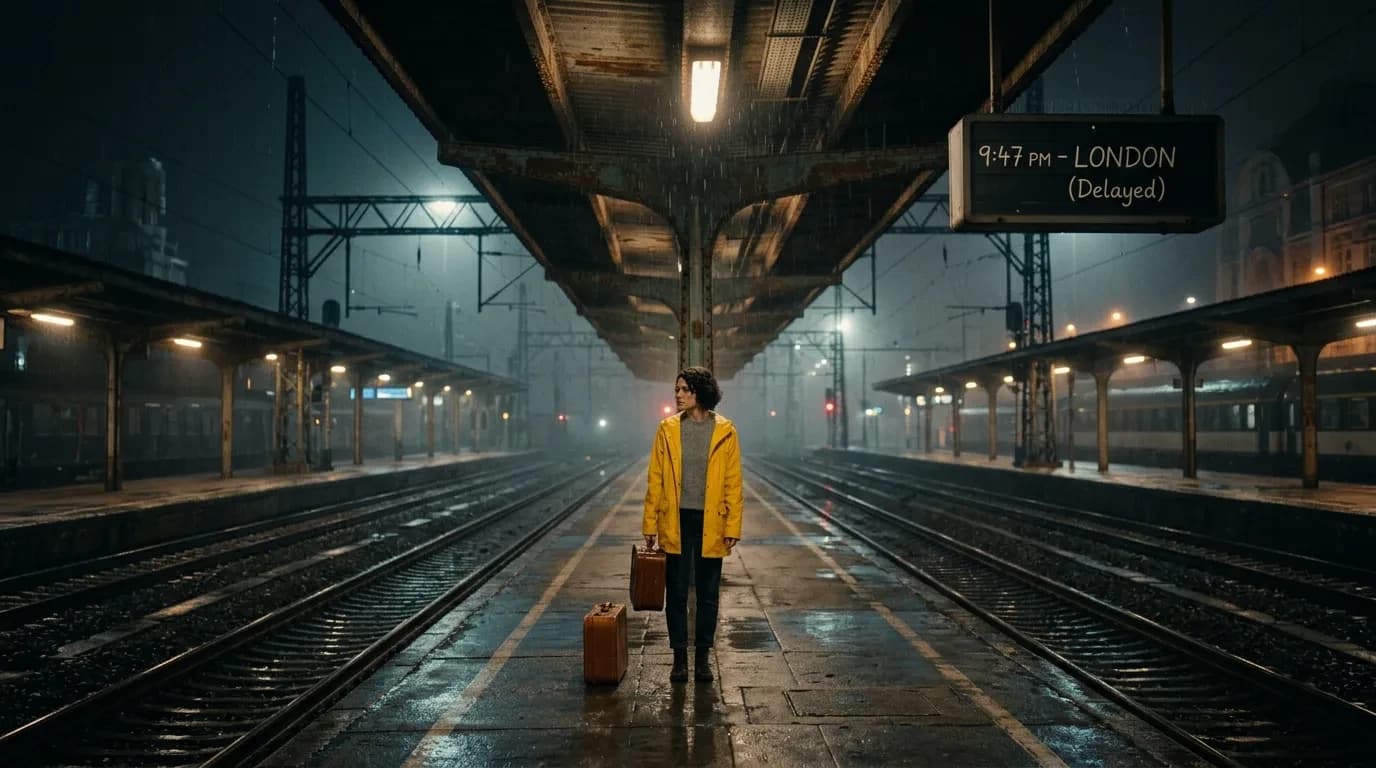
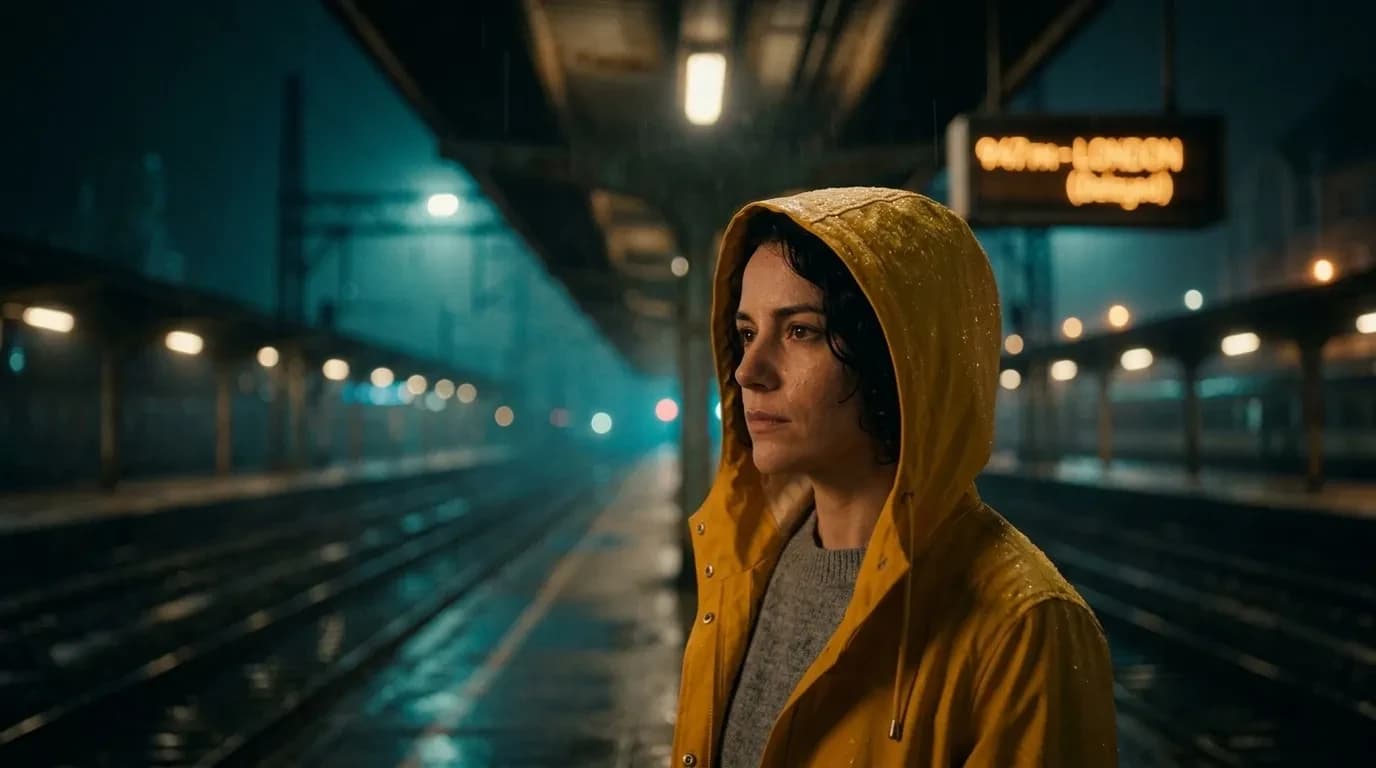
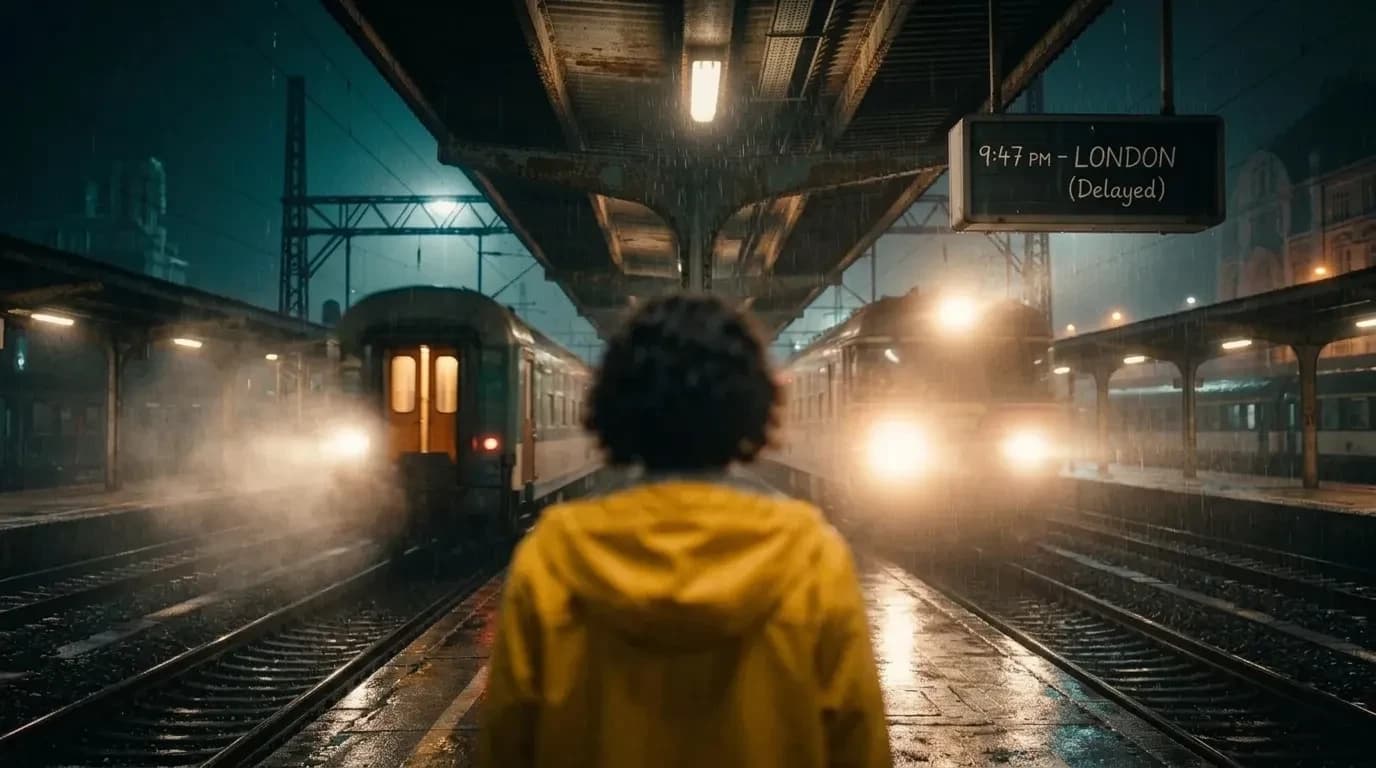
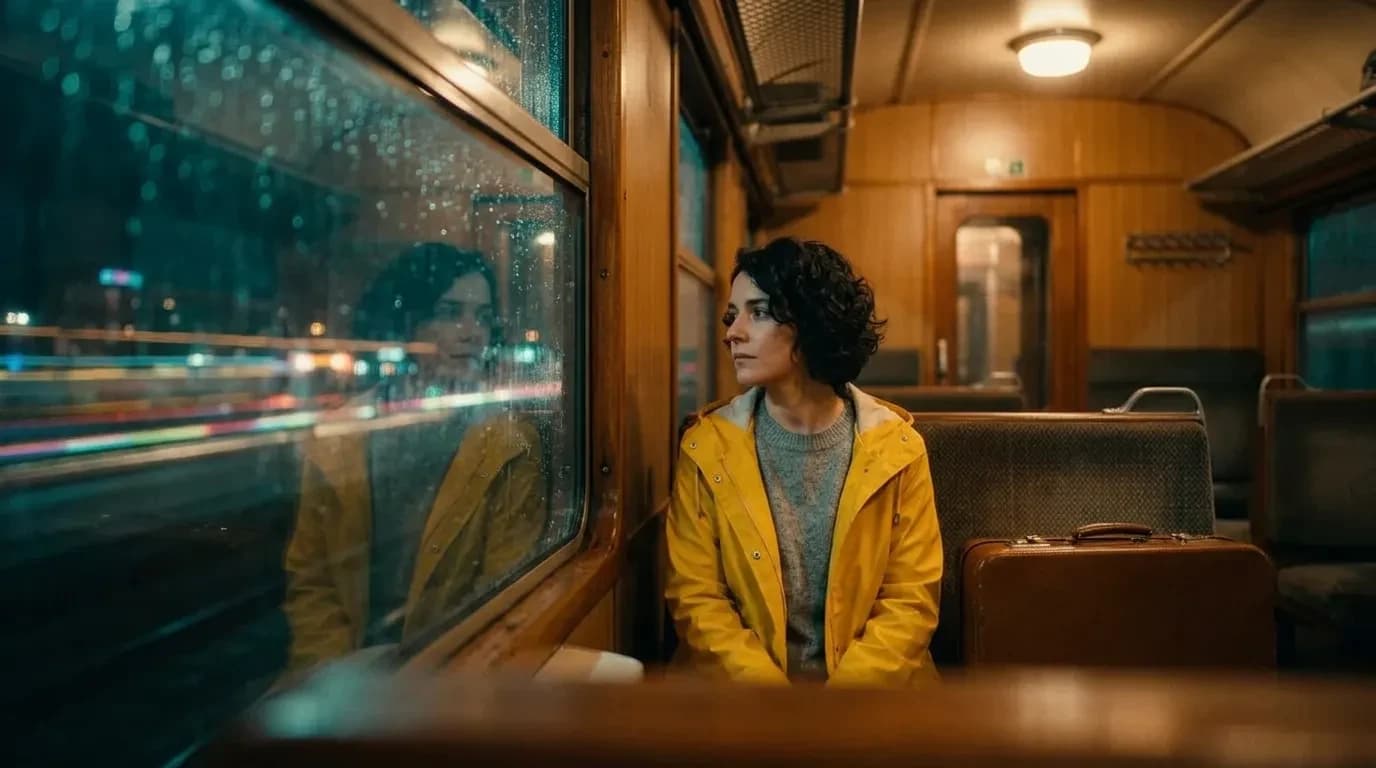
trusted by 25000+ creators



One canvas, every shot
Generate an AI storyboard, then look-develop and animate. Every panel stays editable, every character stays the same.
What filmmakers say
Directors, studios and agencies already storyboarding with Armox.
How the AI storyboard works
From script or sketch to storyboard frames to moving shots — without leaving the canvas.
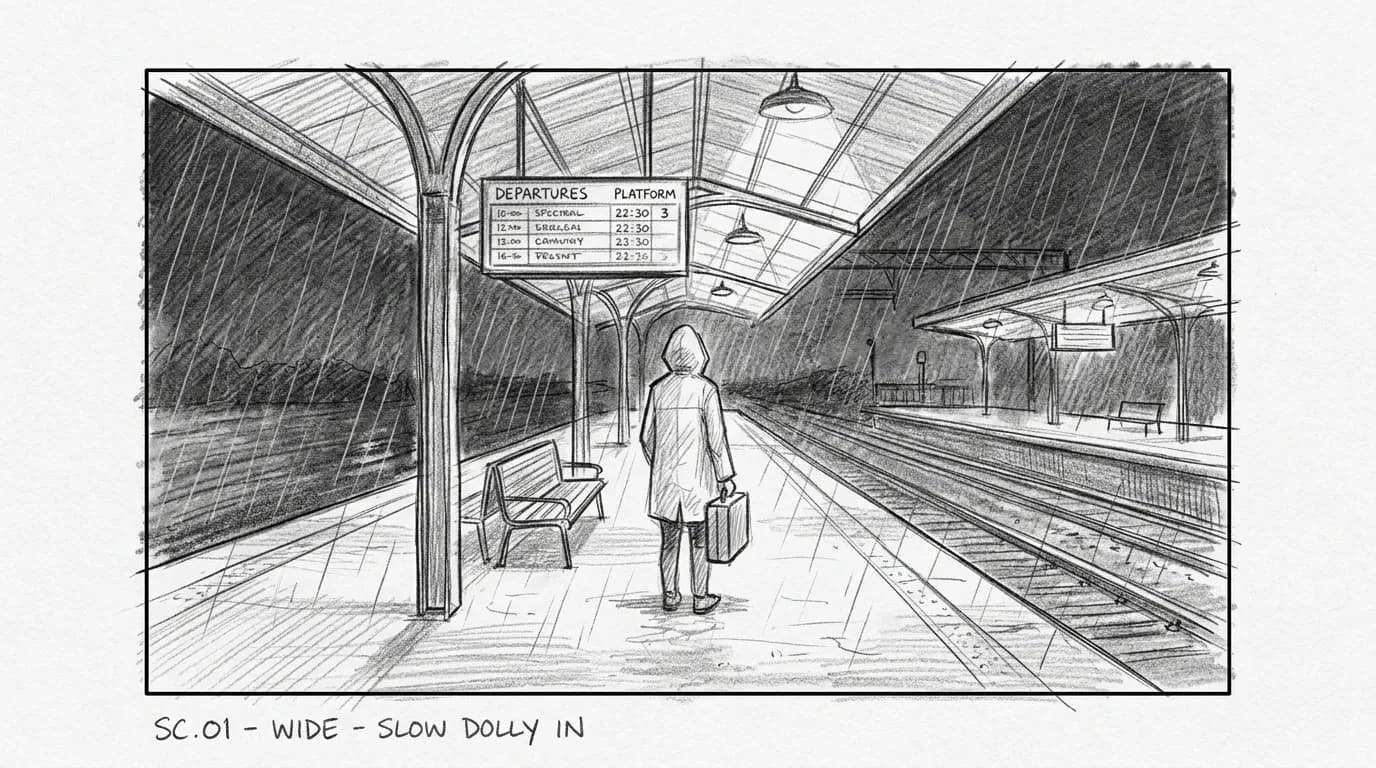 01
01Add References
Upload location photos, character references, sketches or a mood board. Describe the scene and the look you want.
- 02
Generate Keyframes
Create consistent frames for every shot with control over lens, lighting, time of day and style.
- 03
Animate Shots
Turn keyframes into cinematic clips with camera moves and natural motion using the best video models.
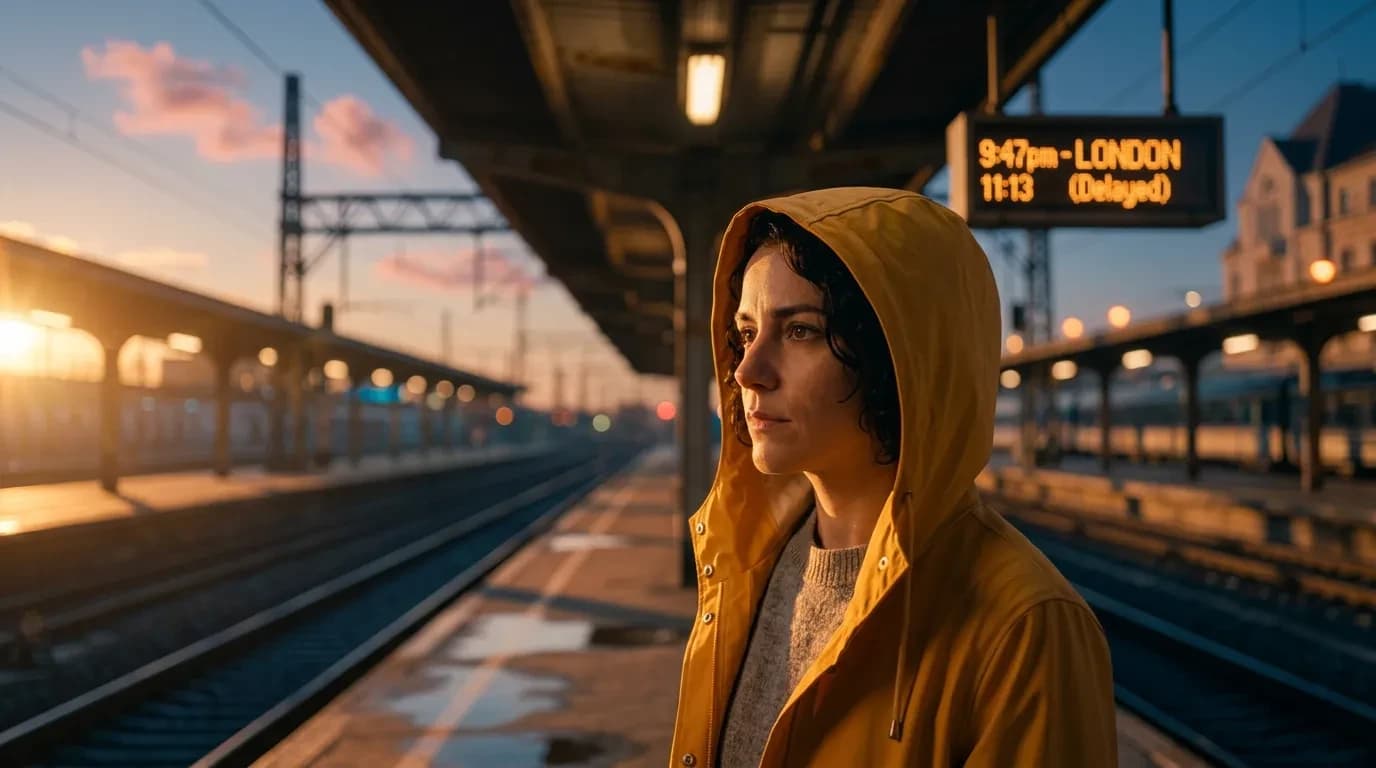 04
04Refine & Deliver
Upscale to 4K, extend shots, fix details and export frames or clips for your edit or pitch deck.
The best film models, one canvas
Pick the right model for each shot instead of switching apps. Frames, clips, motion control and edits, side by side.
- Kling 3.0 – Image to video
- Kling 2.6 Pro – Motion control
- Nano Banana 2 – Keyframes
- Veo 3.1 – Text to video
- Seedance 2.5 – Reference to video
- GPT Image 2.5 – Concept frames
- Sora 2 – Text to video
- Wan 2.6 – Image to video
- Grok Imagine – Video edit
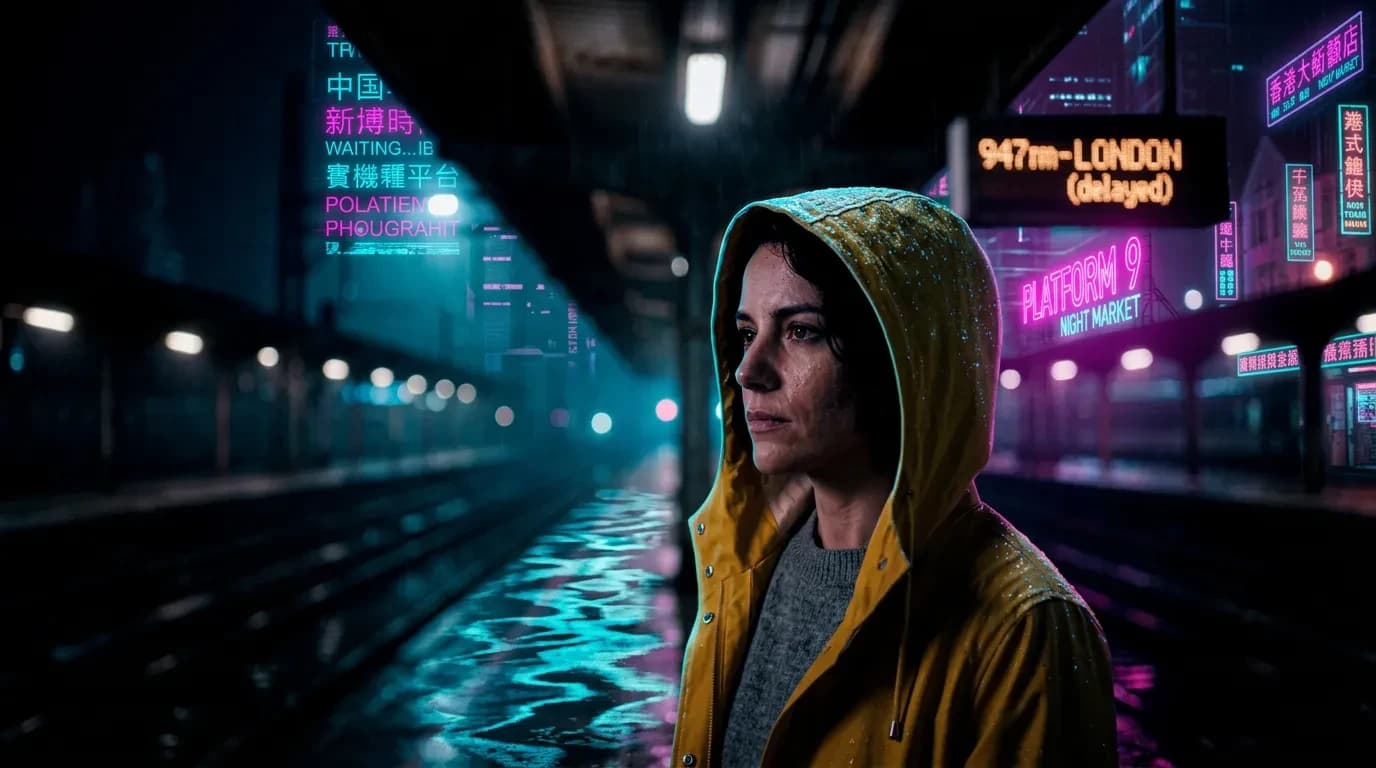
Filmmaking apps
Ready-to-use workflows for frames, clips and finishing.
AI Storyboard
Script or sketch to shot-by-shot frames

Image to Video
Animate lookbook stills into clips

Text to Image
Prompt a campaign still in seconds

AI Photo Editor
Retouch fashion and beauty photos

Camera Angle
Relight the same model from a new view

Photo Relight
Change studio light on a campaign still

Realtime Editor
Paint live edits on fashion photos

3D Scenes
Build spatial sets around a product

Image Extender
Outpaint crops into full lookbook frames

Image Upscaler
Sharpen beauty and product detail to 4K
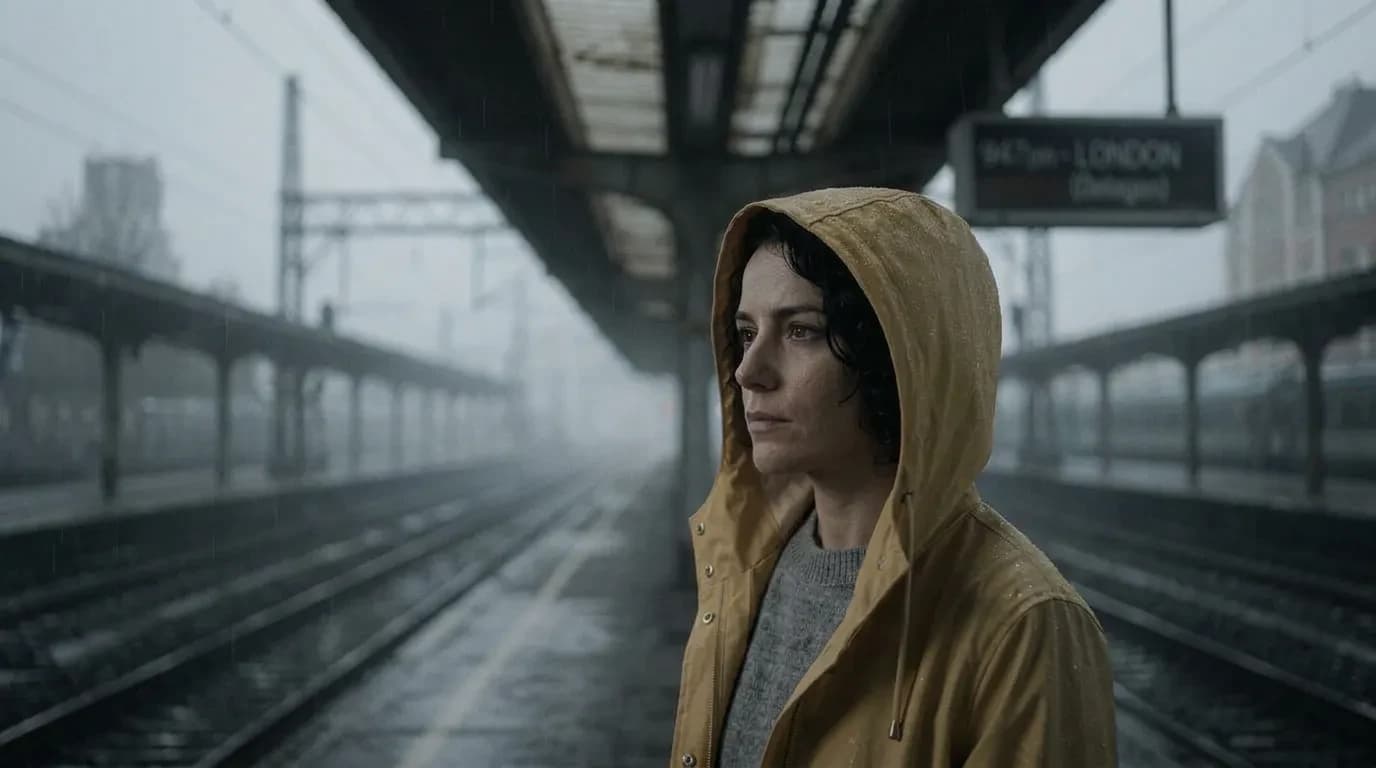
Built for film crews
From indie directors to VFX studios, Armox helps you visualize before you shoot and deliver more in post.
Directors & DPs
Explore framing, lens choices and lighting setups before the shoot day. Lock the look with your team and clients.
Storyboard & Previs Artists
Produce consistent storyboards and animated previs from scripts and references in hours instead of weeks.
Browse filmmaking appsVFX & Post Teams
Generate concept frames, matte references, plate extensions and upscaled footage to speed up post-production.
Open image to videoProducers & Agencies
Pitch with mood reels and key art that look like the finished film, and get greenlit faster.
AI storyboard questions
Script-to-storyboard, consistent characters, camera angles and animatics.
AI Storyboard Explained
An AI storyboard generator turns a script, sketch or location still into shot-by-shot frames before you spend a shoot day. Add character and set references, specify lens and lighting, then keep faces and locations consistent across the board the way a previs consult would.
This search is for AI storyboard tools: script to storyboard, shot lists, character consistency, camera angles and animatics. Armox covers those jobs — keyframes with camera language, look-development frames, pitch art, then image-to-video clips from the same panels.
After you approve a frame, animate it into a 5–10 second clip and upscale stills toward 4K. Storyboard artists use it for boards; directors use it to lock coverage; producers use it for pitch decks. For the full production pipeline, see AI filmmaking on Armox.