AI for Marketingvisuals to video
Make campaign stills, social creatives and video ads from a product photo. Keep the product and talent consistent, then animate the winners — production software, not a marketing course.
No credit card required1000 free credits
trusted by 25000+ creators




One canvas, the whole campaign
Stills, placements and video ads in one place. Every frame stays editable, every product stays the same.
What marketers say
Teams and agencies already making campaign visuals with Armox.
How AI marketing works
From a product still to campaign frames to video ads — the same pipeline as a creative studio, on one canvas.
 01
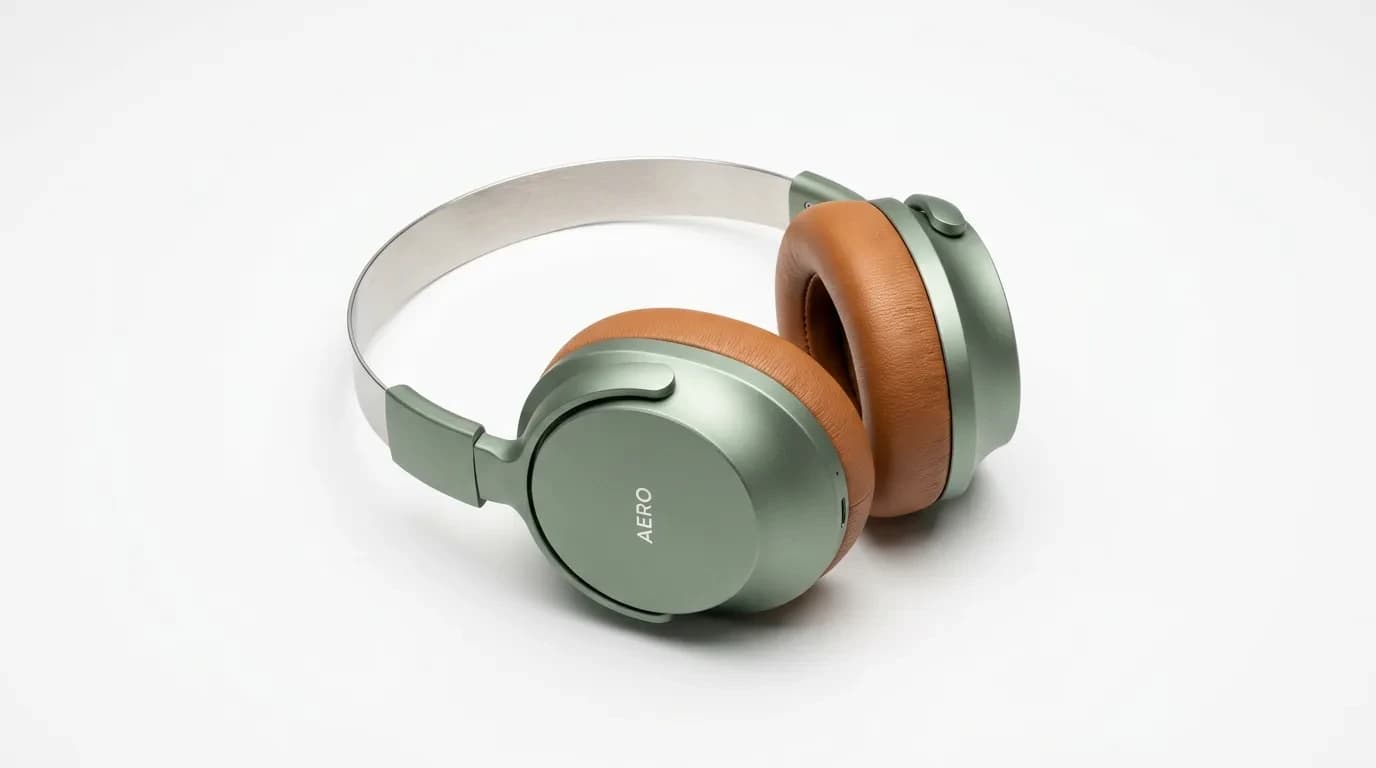
01Add Brand & Product
Upload logos, product photos and past campaigns so every output stays on brand.
- 02
Generate Campaign Stills
Create lifestyle, studio and social frames with the same product and talent across the set.
- 03
Adapt Every Placement
Reframe the hero for feed, stories, YouTube and LinkedIn without rebuilding the brief.
- 04
Animate the Winners
Turn approved stills into 5–10 second video ads, upscale and export ready to publish.
The best ad models, one canvas
Pick the right model for stills, motion and edits instead of switching apps.
- GPT Image 2.5 – Ad stills
- Nano Banana 2 – Campaign frames
- Kling 3.0 – Video ads
- Kling 2.6 Pro – Motion control
- Veo 3.1 – Text to video
- Seedance 2.5 – Product video
- Sora 2 – Text to video
- Wan 2.6 – Image to video
- Grok Imagine – Video edit

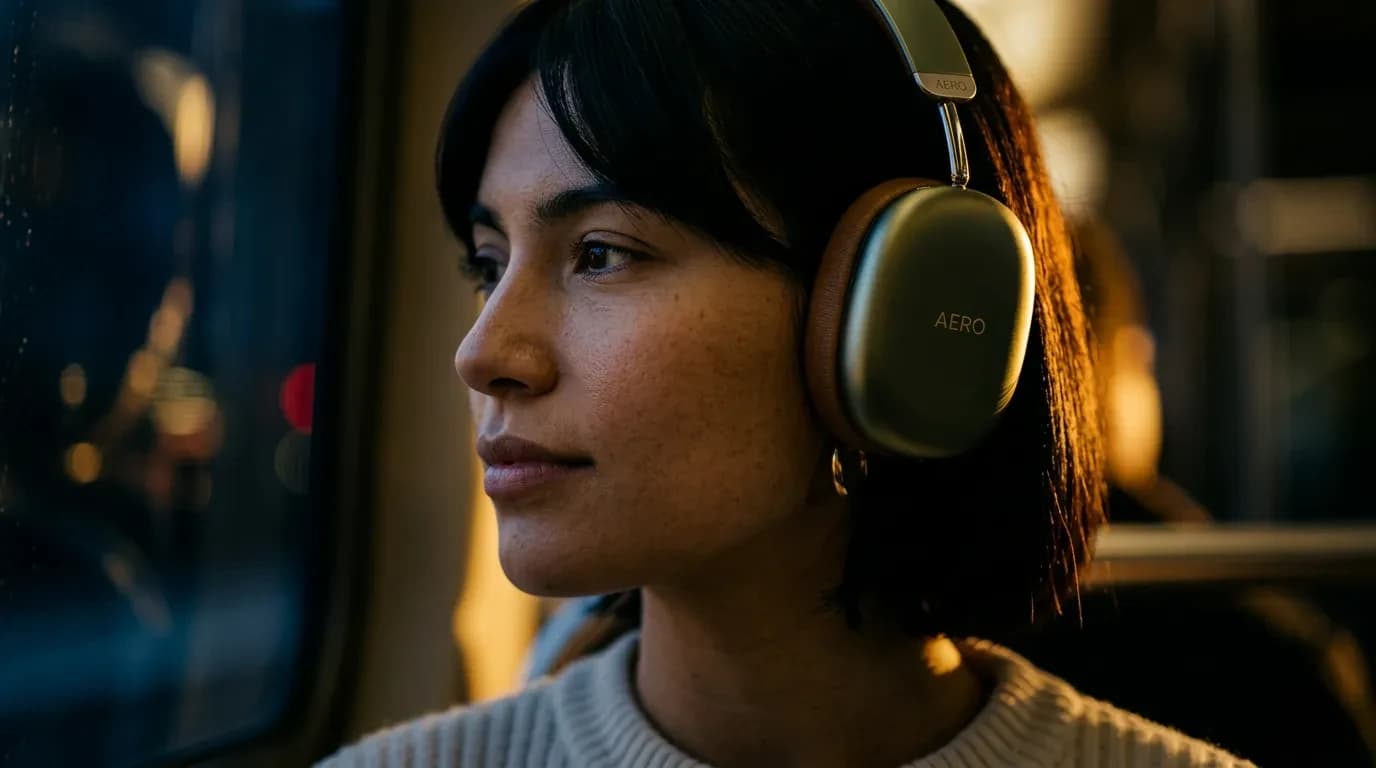
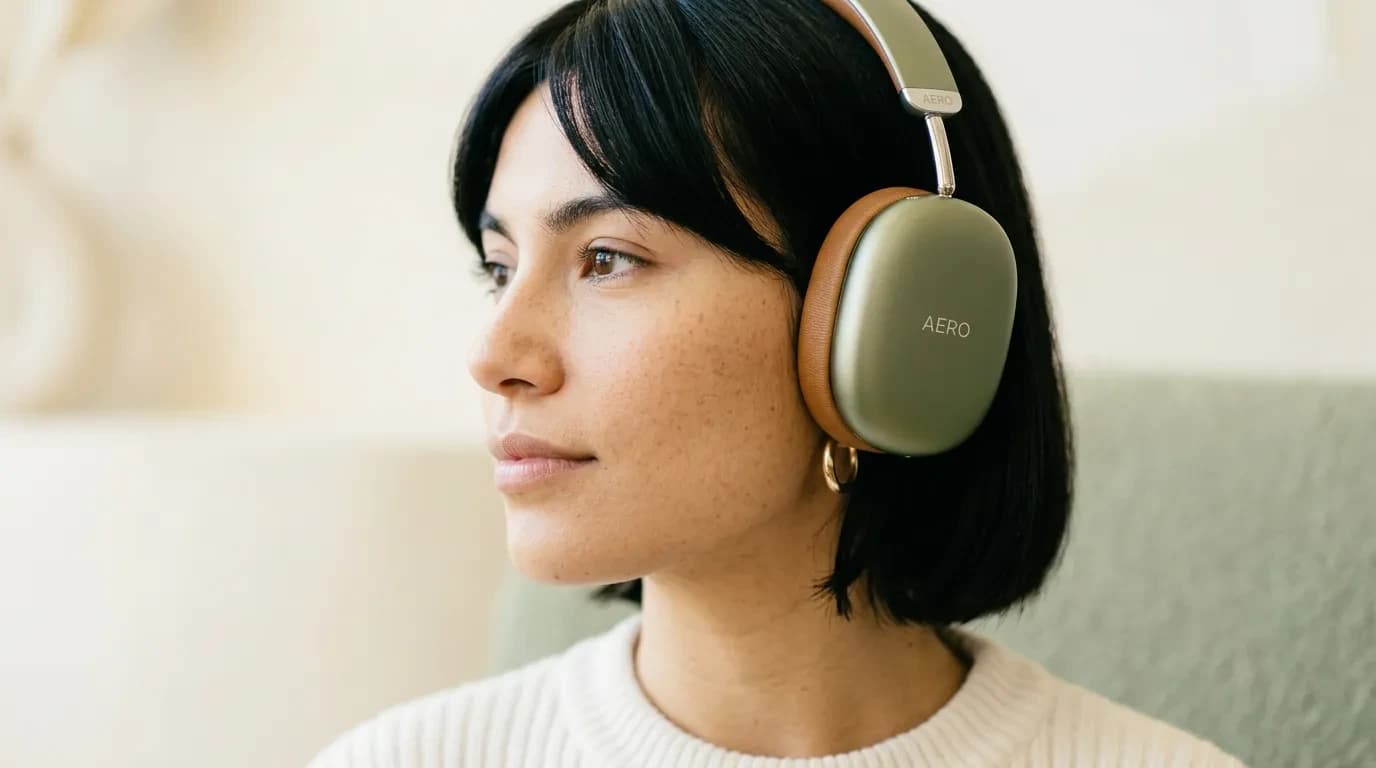
Marketing apps
Ready-to-use workflows for campaign stills, banners and video ads.
AI Ads Generator
Static and video ads from one product photo

Text to Image
Prompt a campaign still in seconds

AI Photo Editor
Retouch fashion and beauty photos

Image to Video
Animate lookbook stills into clips

Image Upscaler
Sharpen beauty and product detail to 4K

Background Remover
Cut out models and products cleanly

Image Extender
Outpaint crops into full lookbook frames
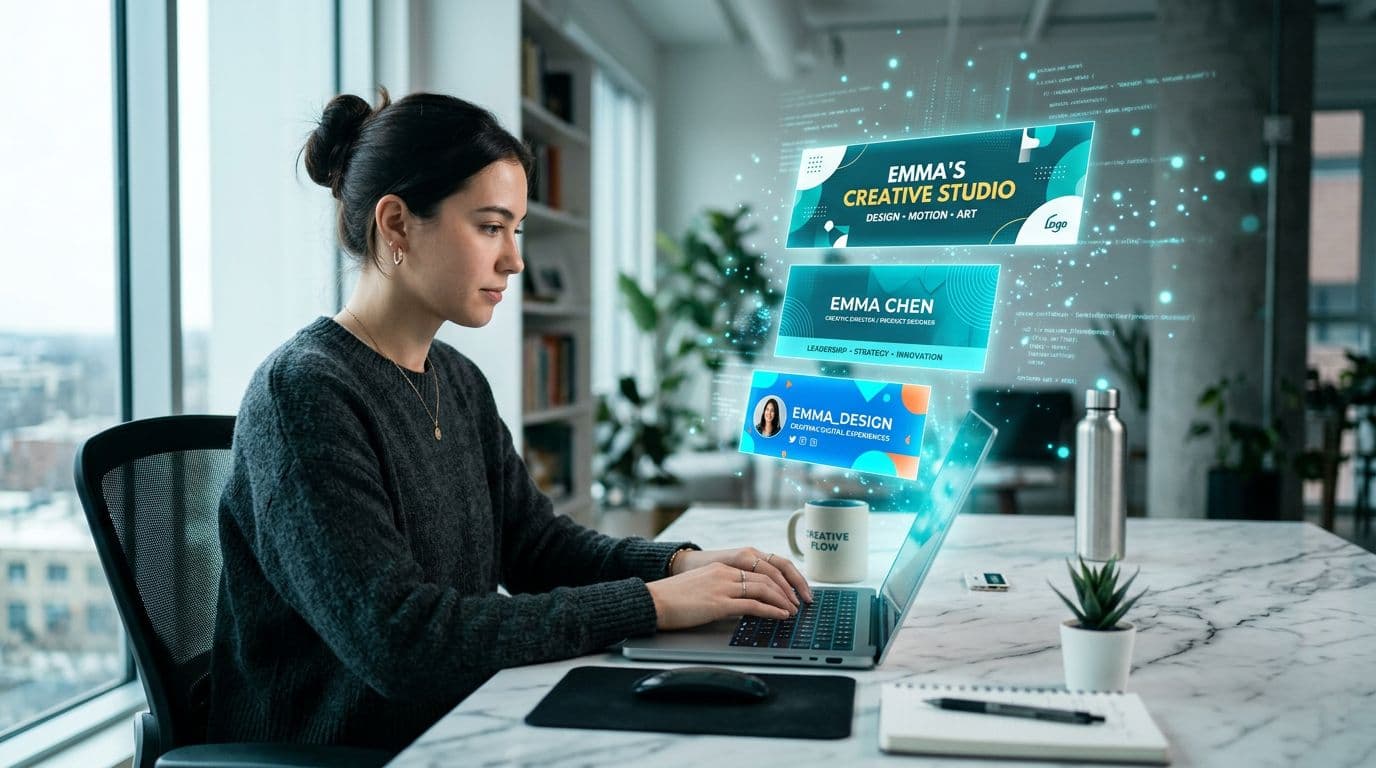
Banner Generator
YouTube, LinkedIn and social banners

Photo Relight
Change studio light on a campaign still
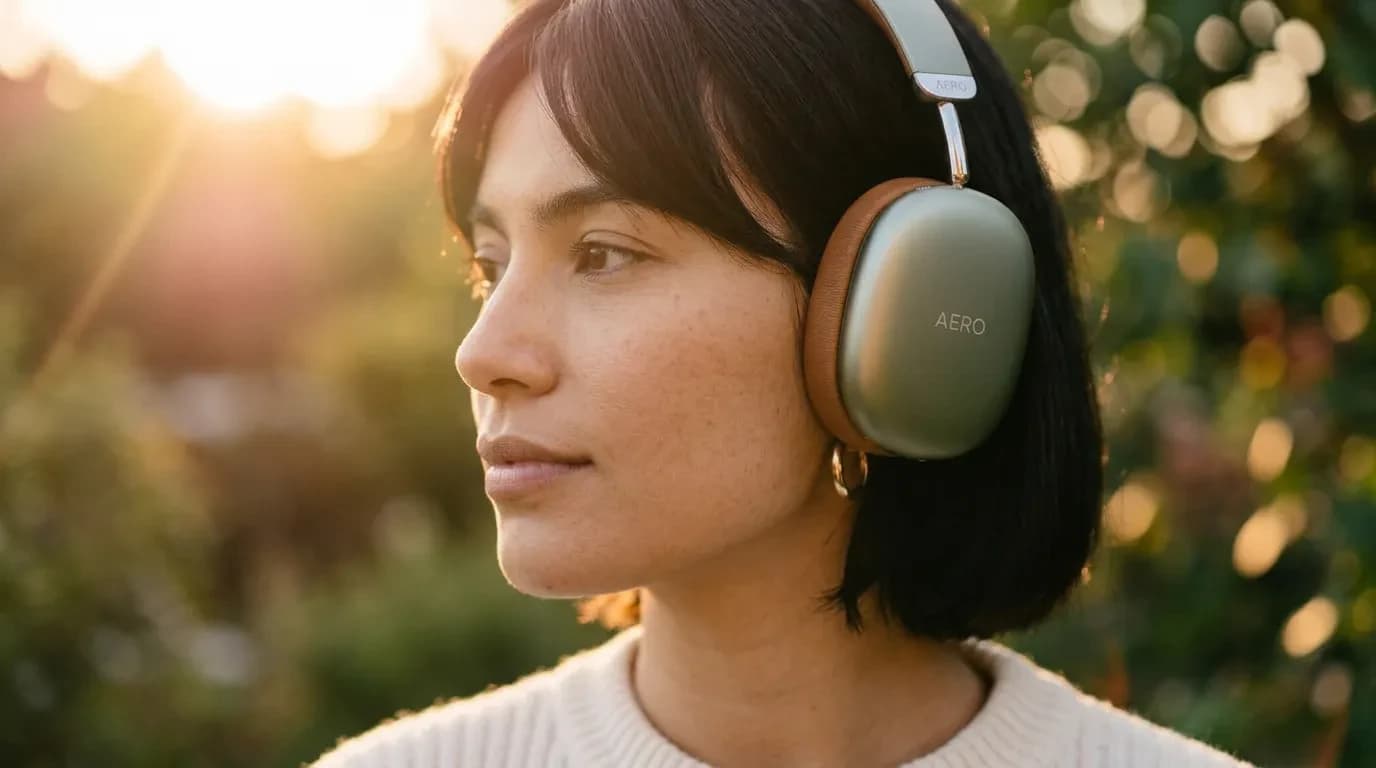
Built for marketing teams
In-house teams and agencies use Armox to produce more variations, test faster and stay on brand.
Brand & Content Teams
Produce campaign visuals, social content and product imagery that match brand references every time.
Creative Agencies
Deliver more concepts per client with batch generation, brand references and multi-format exports.
Explore agency workflowsSocial Media Managers
Create daily posts, stories, reels and channel banners from a single campaign still.
Open the AI ads generatorPerformance Marketers
Generate dozens of ad variations to test hooks and formats without waiting on a design queue.
AI for marketing questions
How marketing teams make campaign visuals and video ads with Armox — software, not a course.
AI for Marketing Explained
AI for marketing is using generative models to turn a product photo or brief into campaign stills and moving ads. You still do the brand work — hook, audience, placement — then generate frames and clips instead of waiting on a design queue for every test.
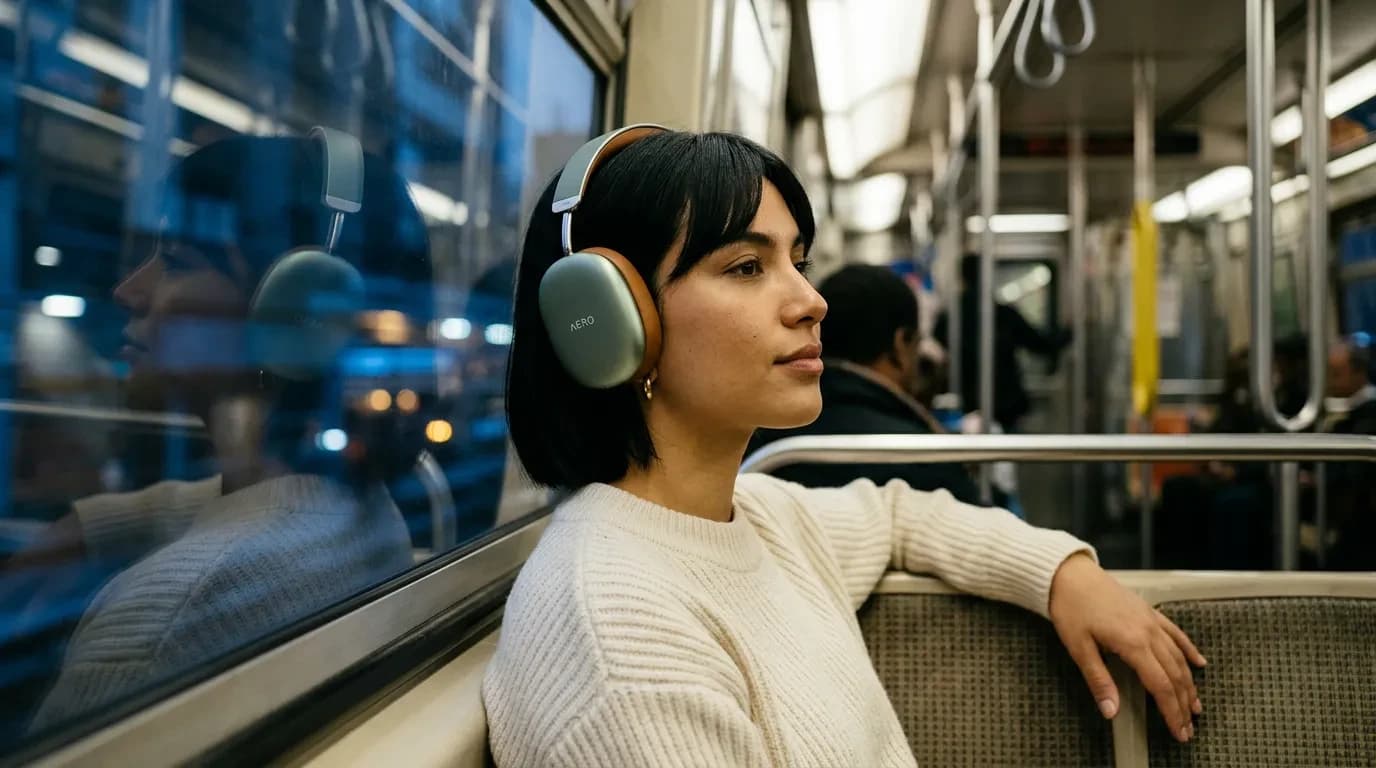
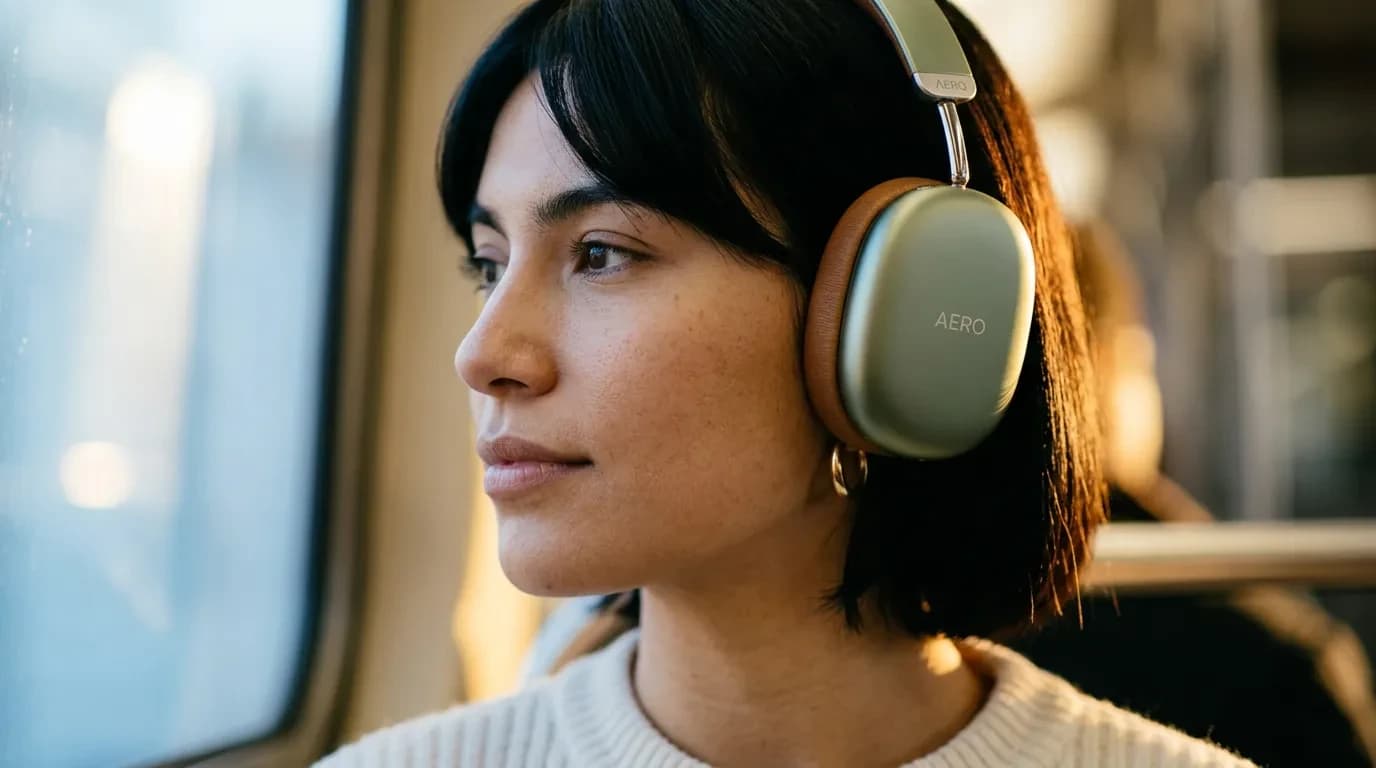
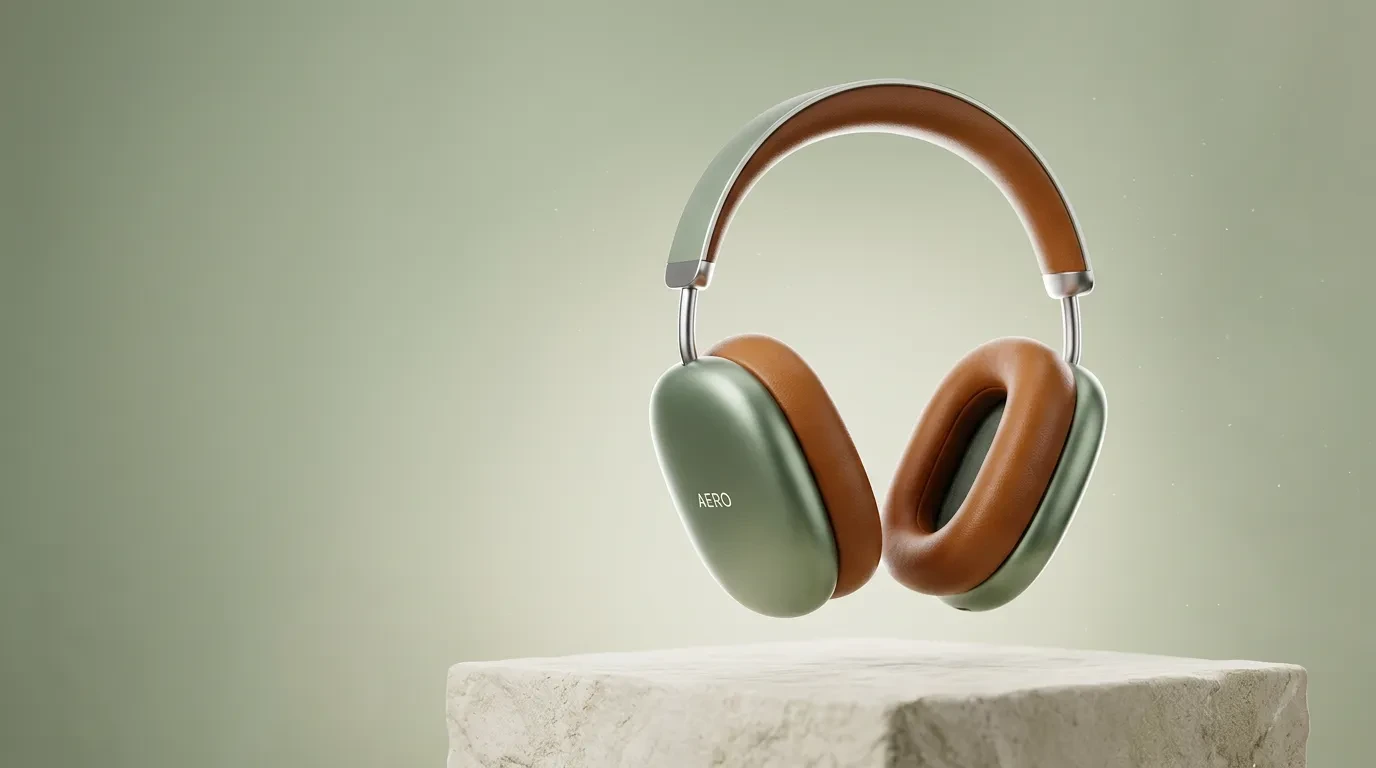
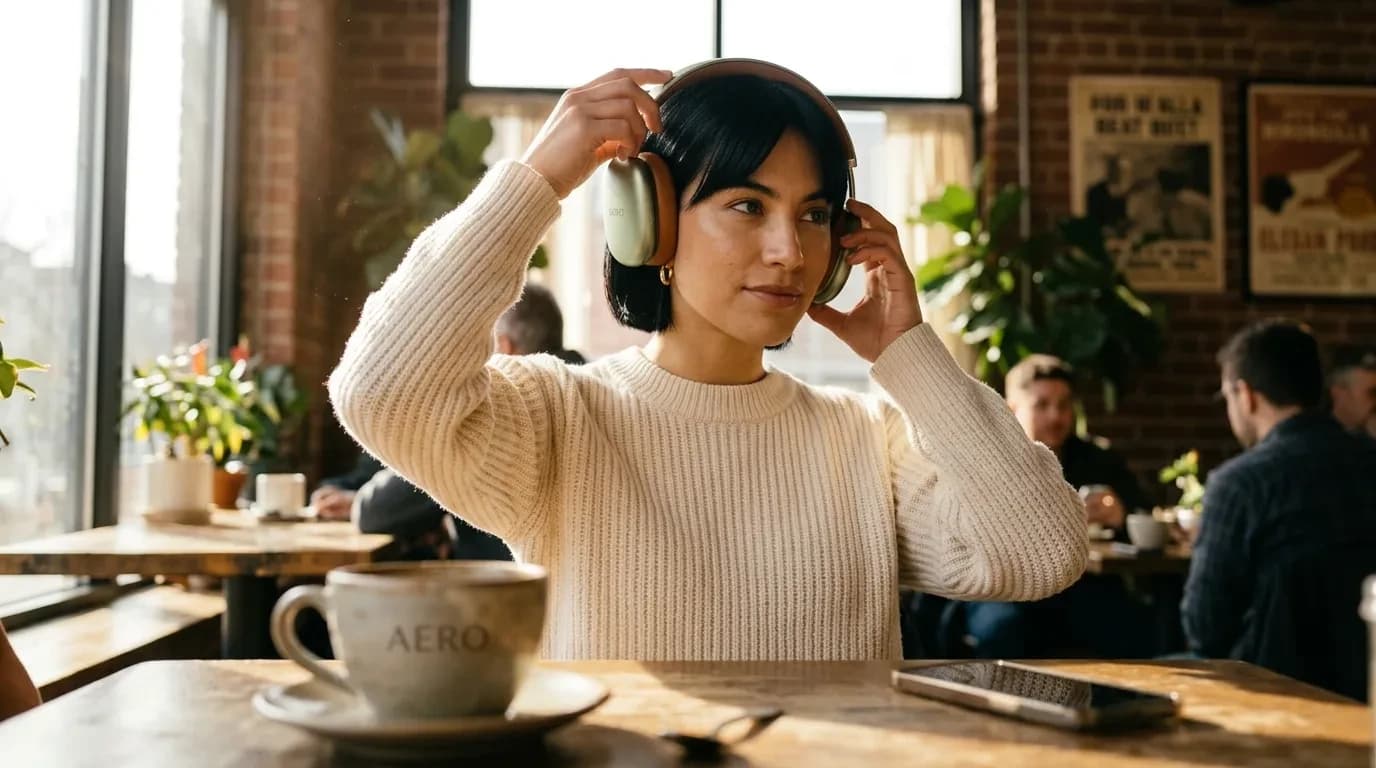
People searching this category often land on courses and “best AI marketing tools” lists. If you want software, you need campaign visuals, social creatives, video ads and brand consistency. Armox covers that pipeline on one canvas so you can try a subway lifestyle frame and a studio hero of the same product before you lock the media plan.
After you approve a still, animate it into a 5–10 second ad and adapt crops for feed, stories and YouTube. Brand teams use it for always-on content; performance teams use it for variation testing. For paid-social-specific static and video ads, use the AI ads generator.