Relight Photo with AI lighting
Move the light after the shot. Relight portraits and product photos for campaign contrast — this page is for photos, not architectural renders.
No credit card required1000 free credits
AI Photo Relight
trusted by 25000+ creators






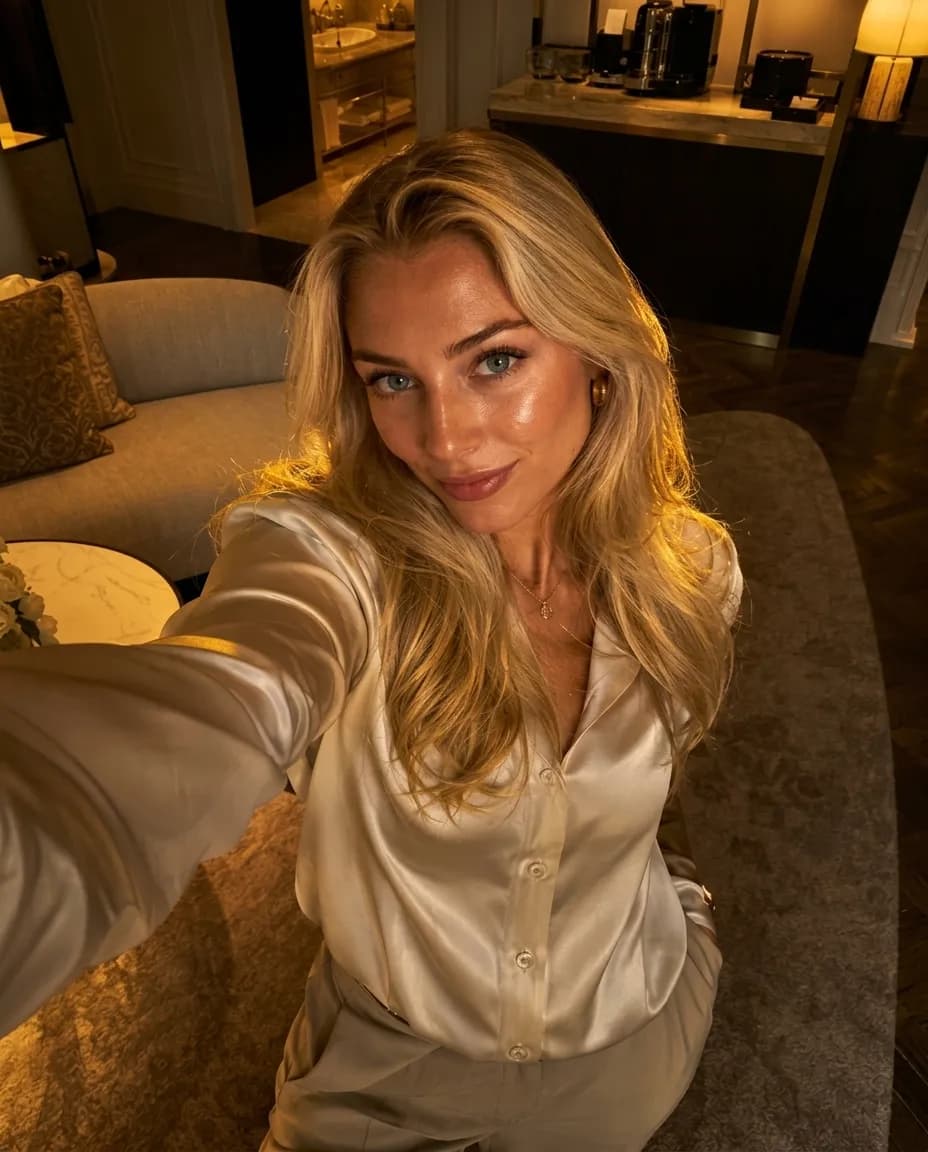
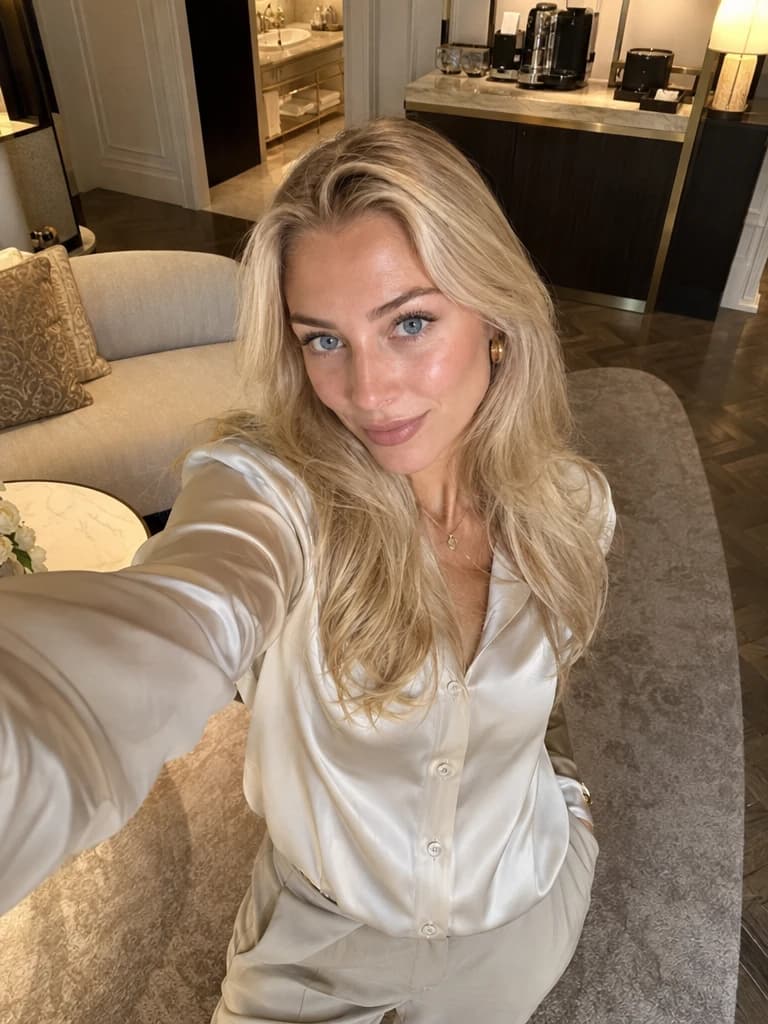
From flat to beauty rim
Drag the slider: dull ceiling light turns into warm yellow campaign contrast on the same model.
How It Works
Upload a JPG, PNG or WebP of your flat interior photo. The landing keeps the original File in your browser.
Watch a five-second processing preview of AI Photo Relight before you continue into the real app.
Signed-in visitors go straight to AI Photo Relight with the same image. New users continue with Google or Microsoft and keep the local draft.
Built for AI photo relight
Swap flat hotel ceiling light for warm yellow beauty rim on a Scandinavian silk-blouse portrait. Try free with 1000 credits.
AI Photo Relight keeps skin, fabric and product edges campaign-sharp for lookbook grids.
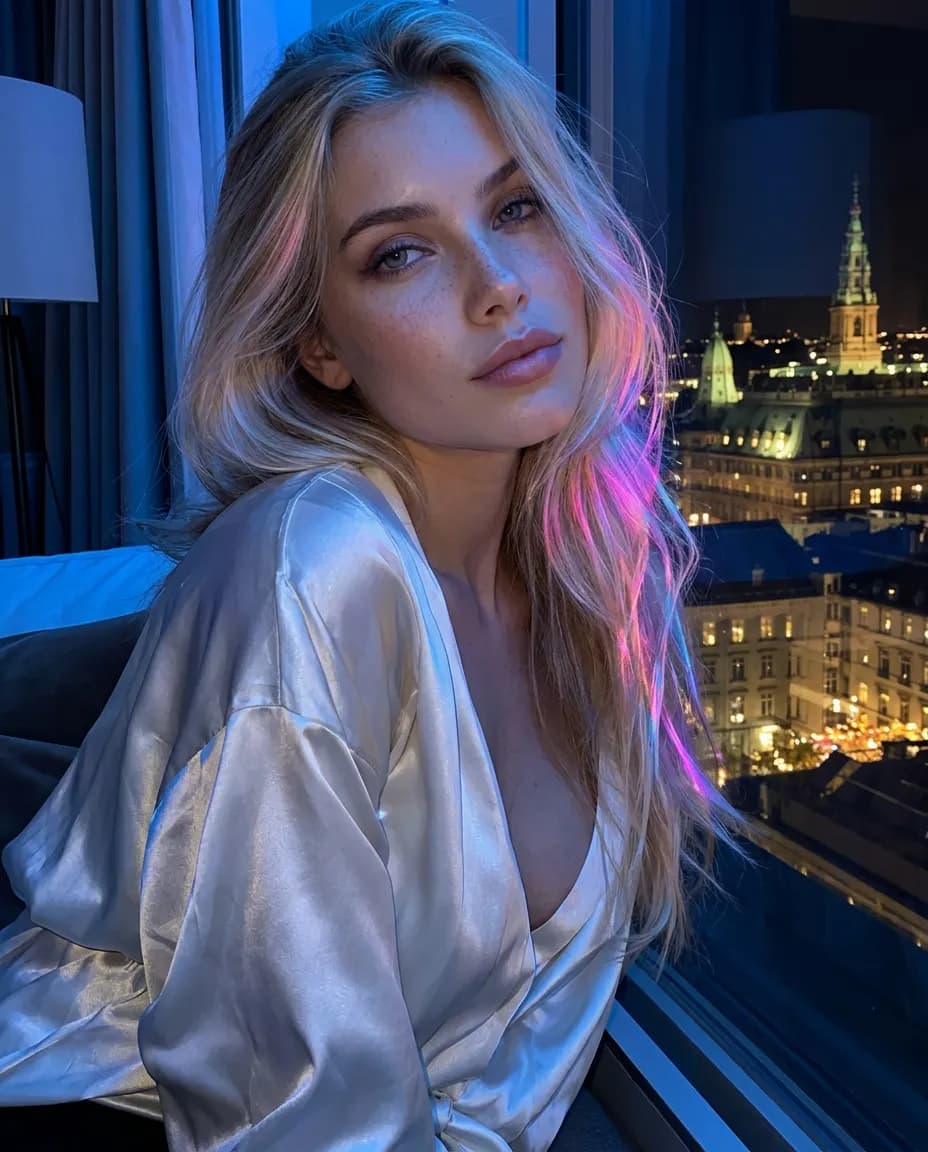
Use AI photo relight on vanity and product-in-hand frames before they go to PDP galleries.
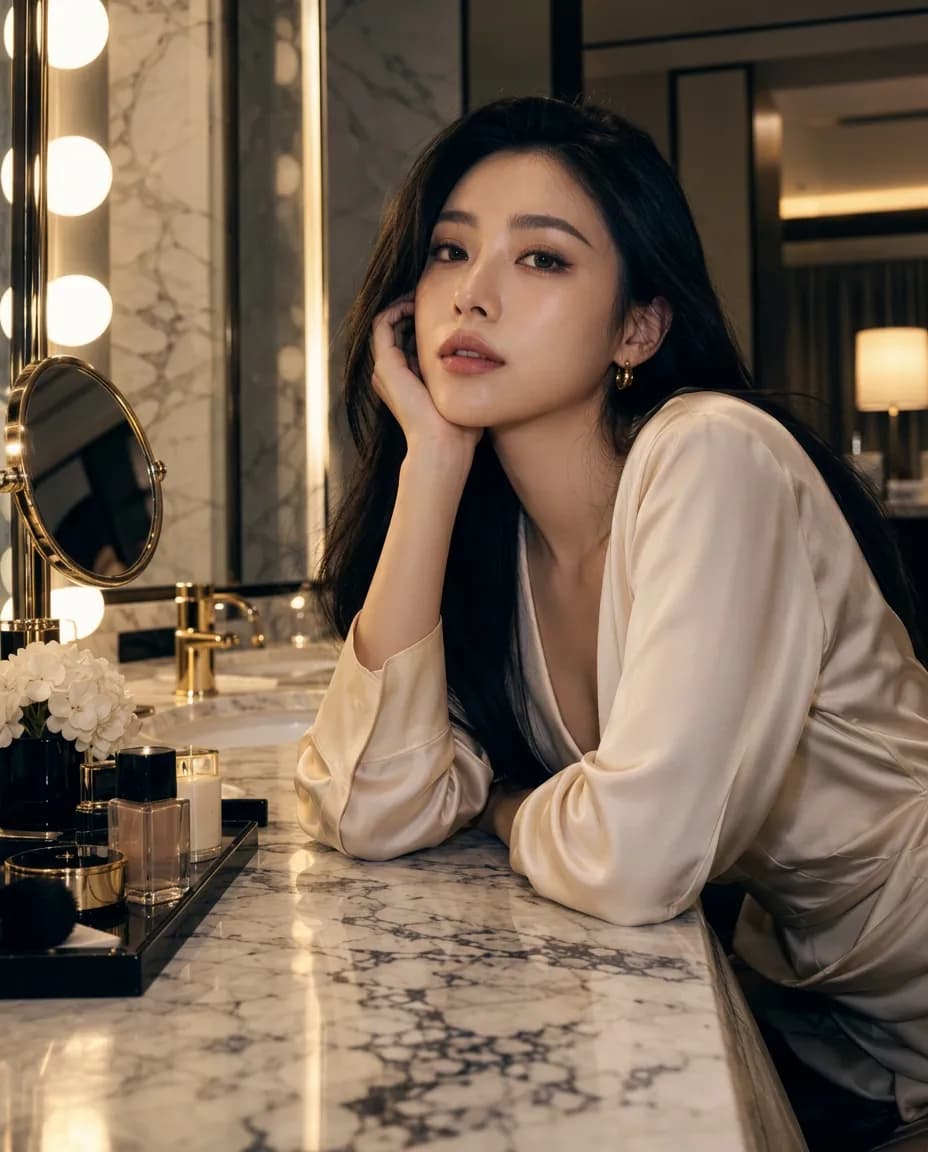
Prepare 4:5 studio-lit campaign stills that already match Reels covers and story-safe margins.
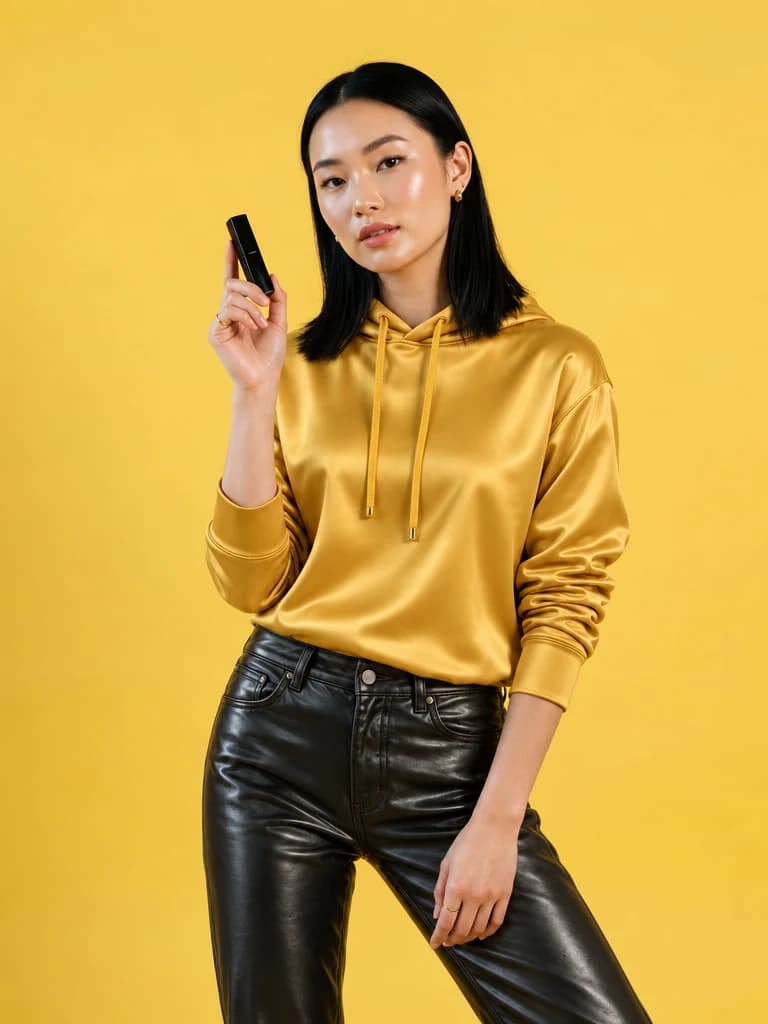
AI Photo Relight helps a drop feel like one campaign when you iterate lighting, crop and wardrobe on the same faces.
Why teams choose AI Photo Relight
Photoreal output
AI Photo Relight is tuned for campaign photography, not illustrated fashion plates.
Ecommerce-ready crops
Keep 4:5 heroes and product-in-hand frames that listing grids actually use.
Local draft handoff
The conversion mini-app stores your flat interior photo on-device until AI Photo Relight confirms the uploaded URL.
Creative catalog, not CAD
AI photo relight sits with fashion, ecommerce and film-adjacent stills — architecture rendering is a separate path.
Explore More Creative AI
Frequently Asked Questions
Relight photos for fashion, beauty and product campaigns.
Relight Photo Explained
Relight photo tools change the lighting on an existing still instead of shooting again. Upload a portrait or product frame, preview a new key, rim, or window light, then continue into the real relight app with the same file. Skin and product materials respond to the new source.
Search demand here is relight photo, change lighting, and portrait relight. Armox covers campaign grades: bathroom-flat to studio rim, daylight to beauty dish, and product highlight control. You can try a warm key and a cooler rim on the same pose.
After you approve a light, pair it with day-to-night, materials, or retouching. This is photography relight, not an architecture lighting cluster. New accounts start with 1000 free credits; the landing preview does not spend them.
Relight the photo
Keep the suite and pose, rebuild the lighting as campaign rim and contrast instead of mixed overheads.
No credit card required1000 free credits