AI Creative Tools for fashion & campaigns
A catalog of AI creative tools to generate, edit and animate photoreal campaign stills — then open the full app with your image already loaded.
No credit card required1000 free credits
AI Text to Image
trusted by 25000+ creators






Every creative app, one studio
Sixteen fashion and ecommerce tools with dedicated landings, conversion previews and a path into the real Armox app.

AI Text to Image
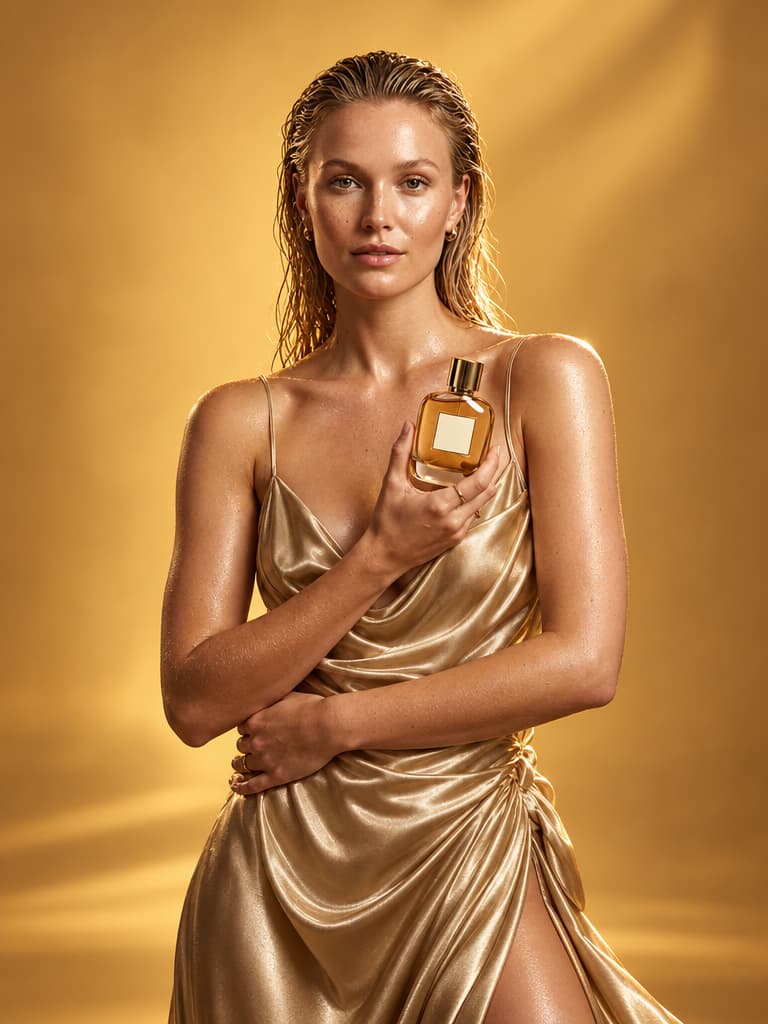
Prompt photoreal fashion and product stills.

AI Photo Editor
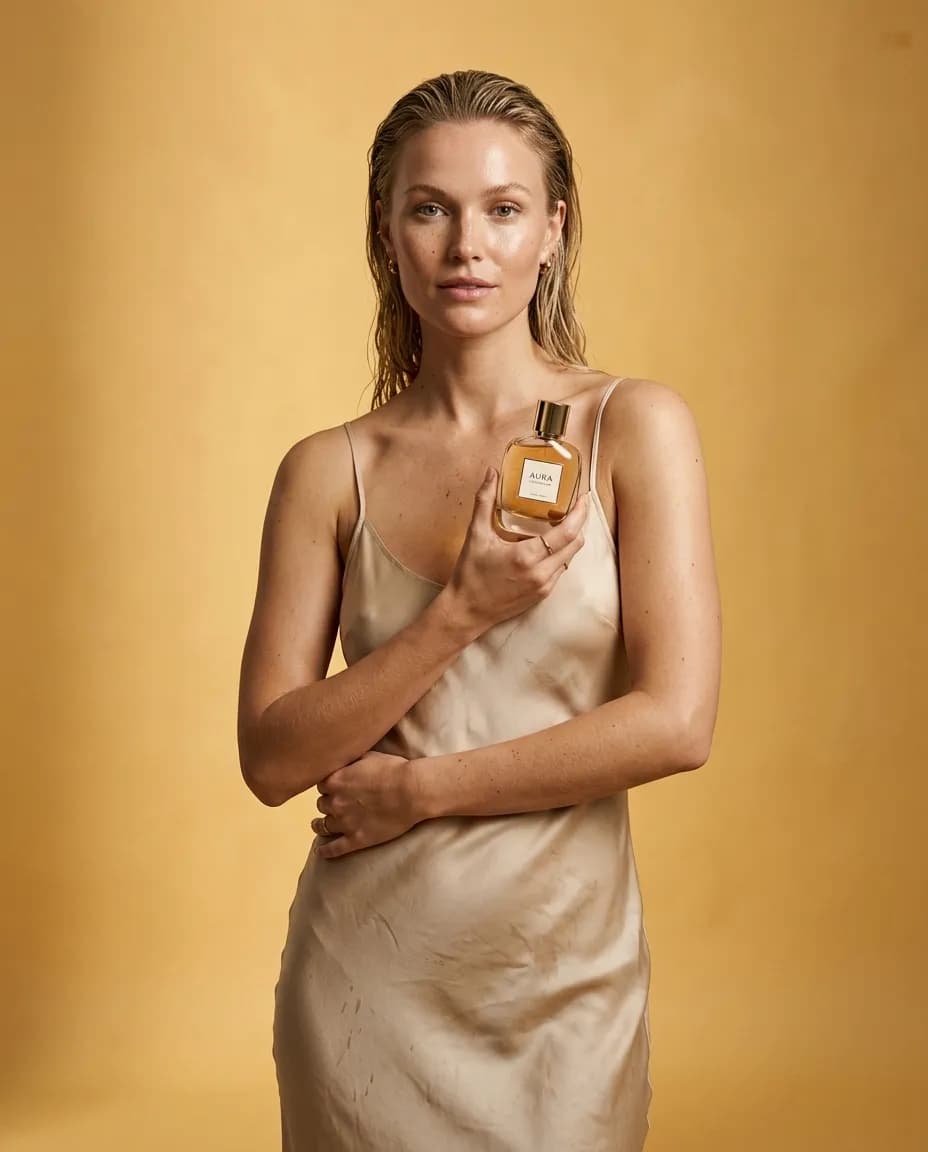
Retouch beauty, lace and streetwear frames.

AI Background Remover
Isolate models on studio color.

AI Object Remover
Clear tourists, bags and street clutter.

AI Image Extender
Grow a beauty crop into a full hero.

AI Image Upscaler
Recover pores, fabric and product edges.

AI Image to Video
Turn lookbook stills into motion clips.

AI 3D Generator
Rebuild a product-in-hand as 3D.

AI 3D Scenes
Place a model inside a spatial set.

AI Realtime Editor
Paint wet hair, lipstick and light live.

AI Camera Angle
Reframe a frontal beauty shot.

AI Photo Relight
Swap flat bathroom light for studio rim.

AI Material Changer
Turn cotton into wet silk or leather.

AI Day to Night
Move a window portrait into city night.

AI Season Changer
Restyle summer linen as winter campaign.

AI Weather Changer
Soak streetwear in rain without a reshoot.
Use these tools by industry
Compare with other tools
Frequently Asked Questions
How Armox AI creative tools work for fashion, ecommerce and campaign teams.
AI Creative Tools Explained
AI creative tools on Armox are a catalog of sixteen fashion and campaign apps, not a roundup article. Open a card, upload a JPG, PNG, or WebP or start from a prompt, preview on the landing, then continue into the real workspace with the same file already loaded.
This hub covers the queries creative teams search most: photorealistic image generator, photo retouching, remove background, object remover, outpainting, 4K upscaler, image to video, 3D, realtime sketch, camera angle, relight, materials, day to night, season, and weather. Each landing is a dedicated tool page, not a buried feature list.
After you approve a still, hand it to the matching app to iterate, then route work into fashion, ads, ecommerce, or storyboard pillars. Architecture rendering is a separate path. New accounts start with 1000 free credits; landing previews do not spend them.
Start a campaign still in seconds
Upload a photo or generate from a prompt. Continue into the matching creative app with the same image.
No credit card required1000 free credits