AI-Powered PBR Material Workflow
AI PBR Texture Generator: Photo to Render-Ready Material
Generate seamless PBR materials from any reference image or text prompt.
Upload a reference photo or describe a surface. Armox creates a tileable diffuse texture plus normal, roughness and displacement maps for architecture, interiors and 3D workflows.
No credit card required1000 free credits
PBR Material Generator
Upload your material
JPG, PNG or WebP
Choose imagetrusted by 25000+ creators







From Photo to Full PBR Set
See exactly what Armox generates from a single reference image. Every map you need for a render-ready architectural material.
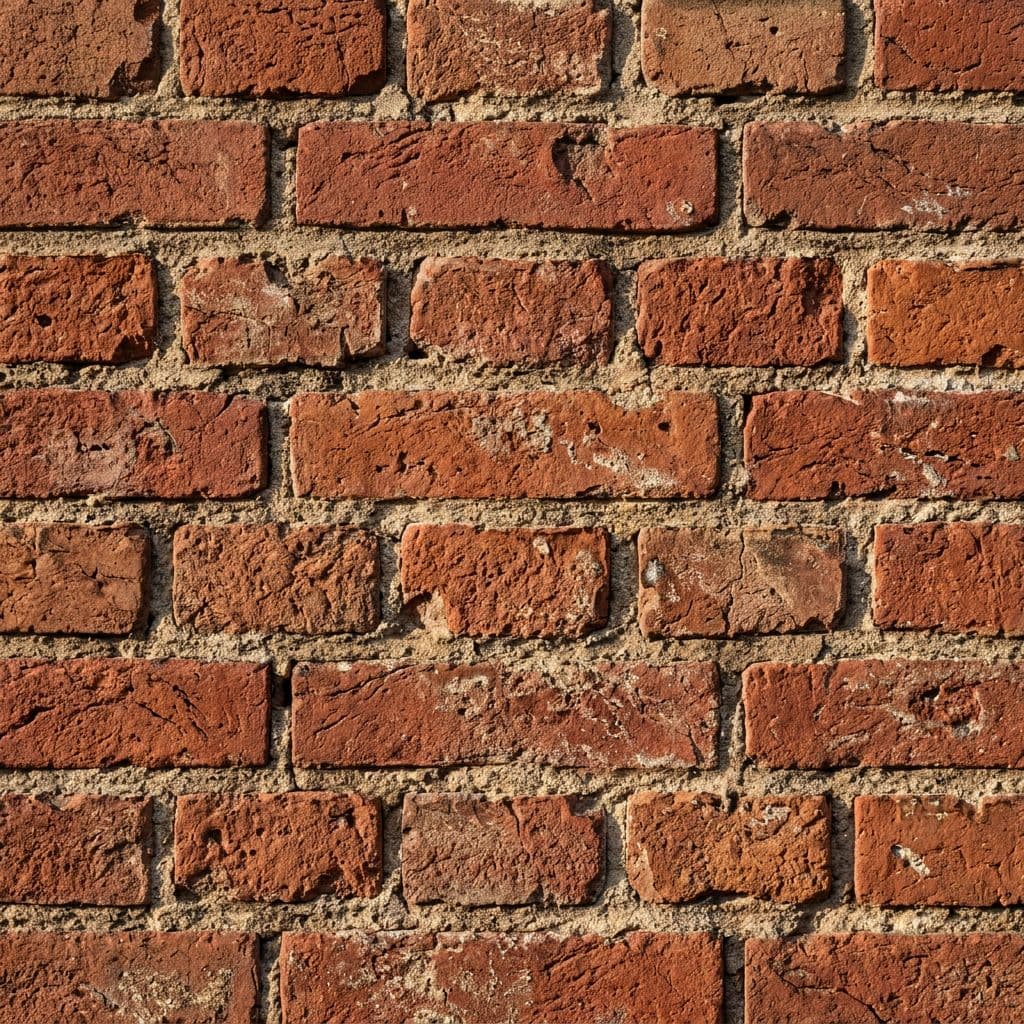
Upload any surface photo
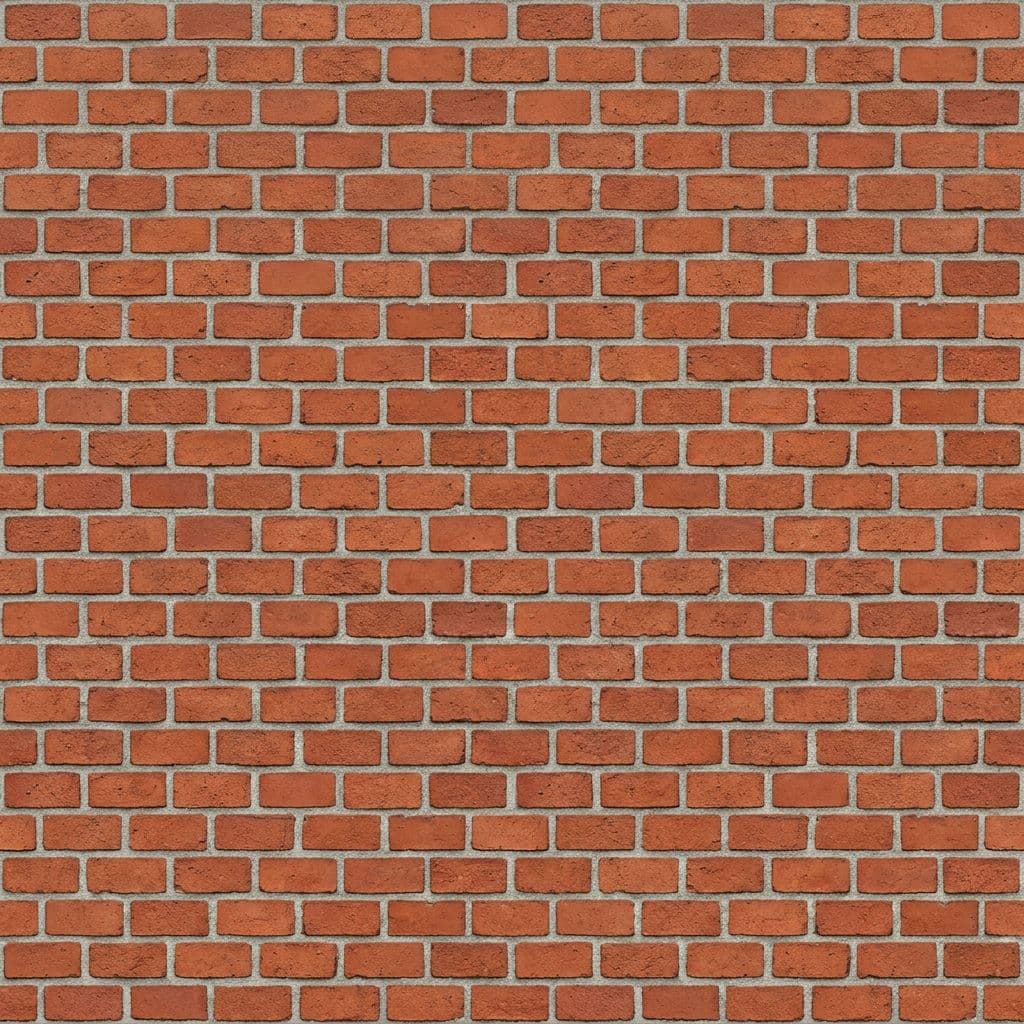
Tileable color texture
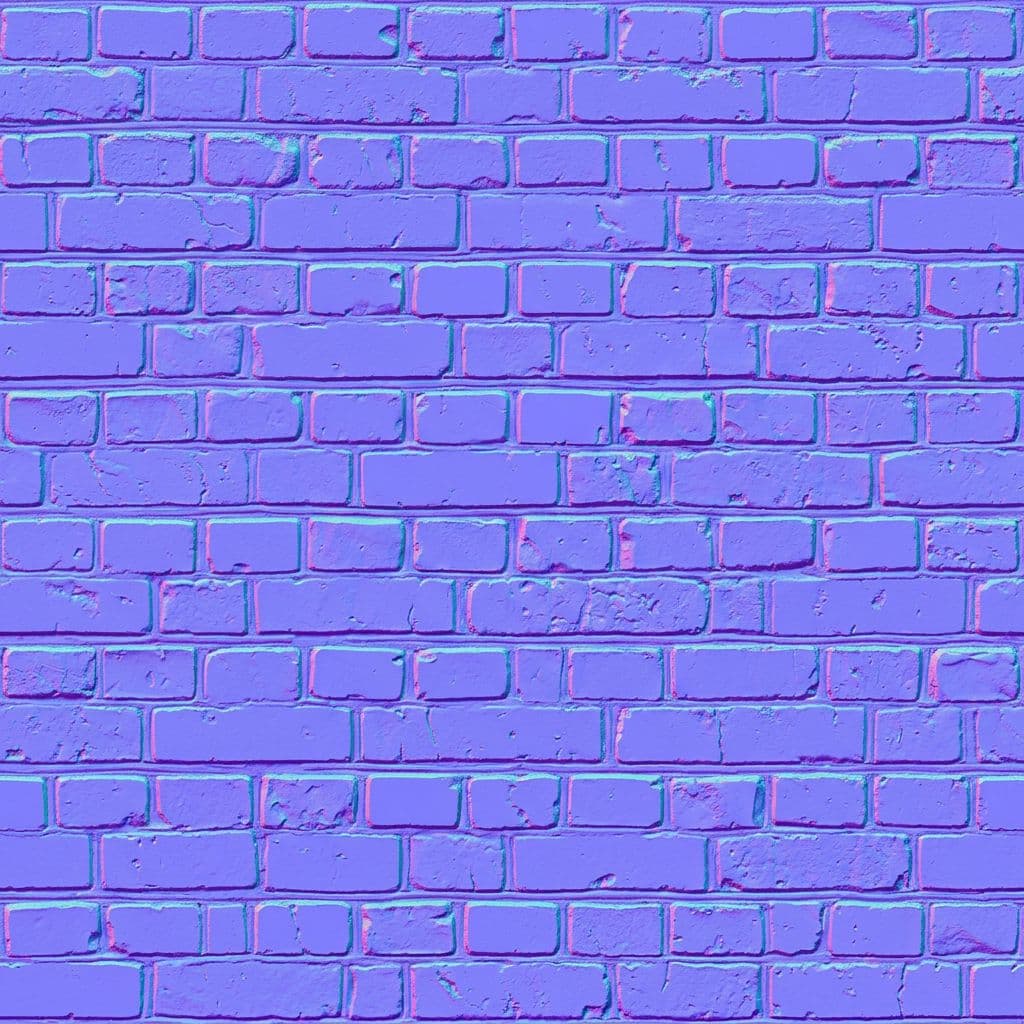
Surface detail and depth
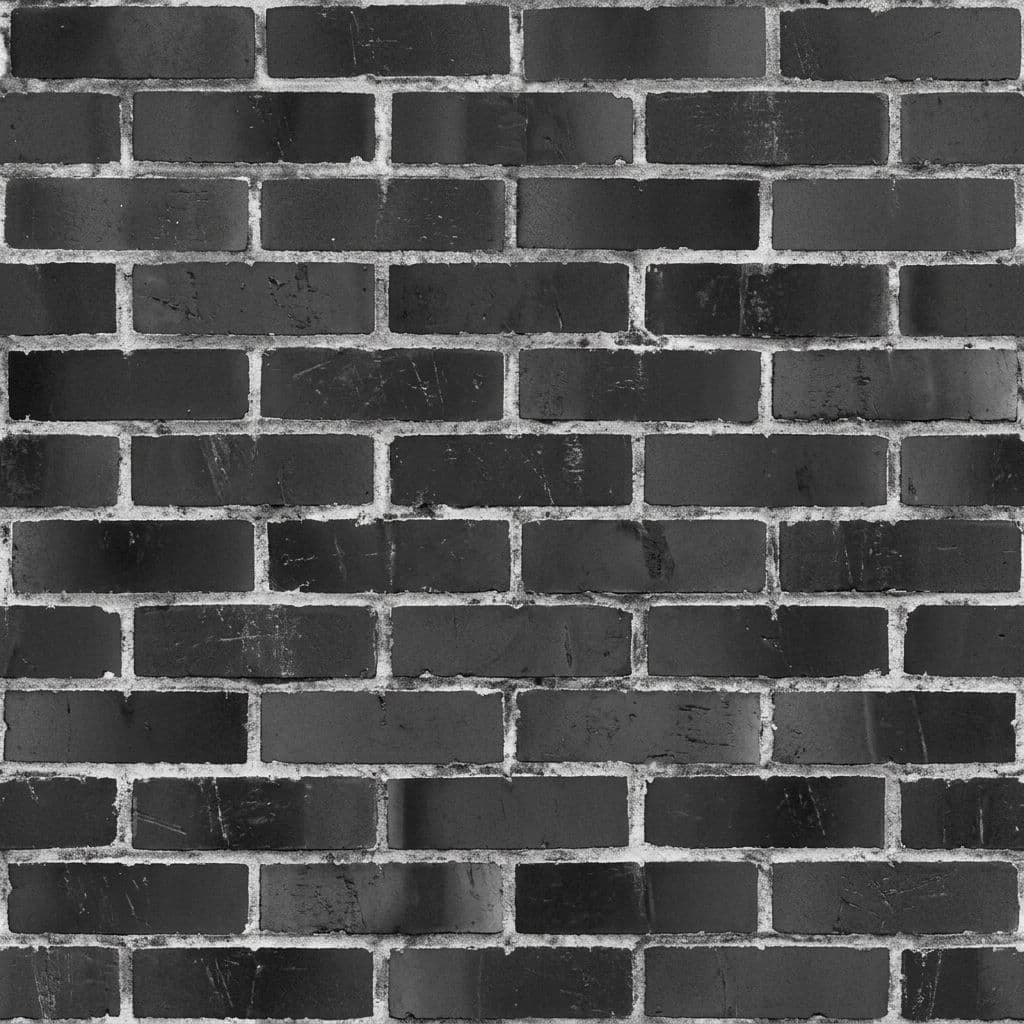
Glossy vs matte areas
Physical surface height
Upload any surface photo
Tileable color texture
Surface detail and depth
Glossy vs matte areas
Physical surface height
Three Steps to Production Materials
Step 01
Upload or Describe
Take a photo of any real-world surface or describe the material you need. Brick, marble, wood, concrete, metal — any surface works.
Step 02
AI Generates All Maps
Armox analyzes the surface and generates a complete PBR set: seamless diffuse, normal, roughness and displacement maps in seconds.
Step 03
Export & Render
Download your PBR material pack ready for Blender, Unreal Engine, Unity, V-Ray, Corona, 3ds Max or any renderer that accepts standard PBR maps.
Any Surface, Any Material
From weathered brick to polished marble. Generate production-ready PBR materials from any surface type.
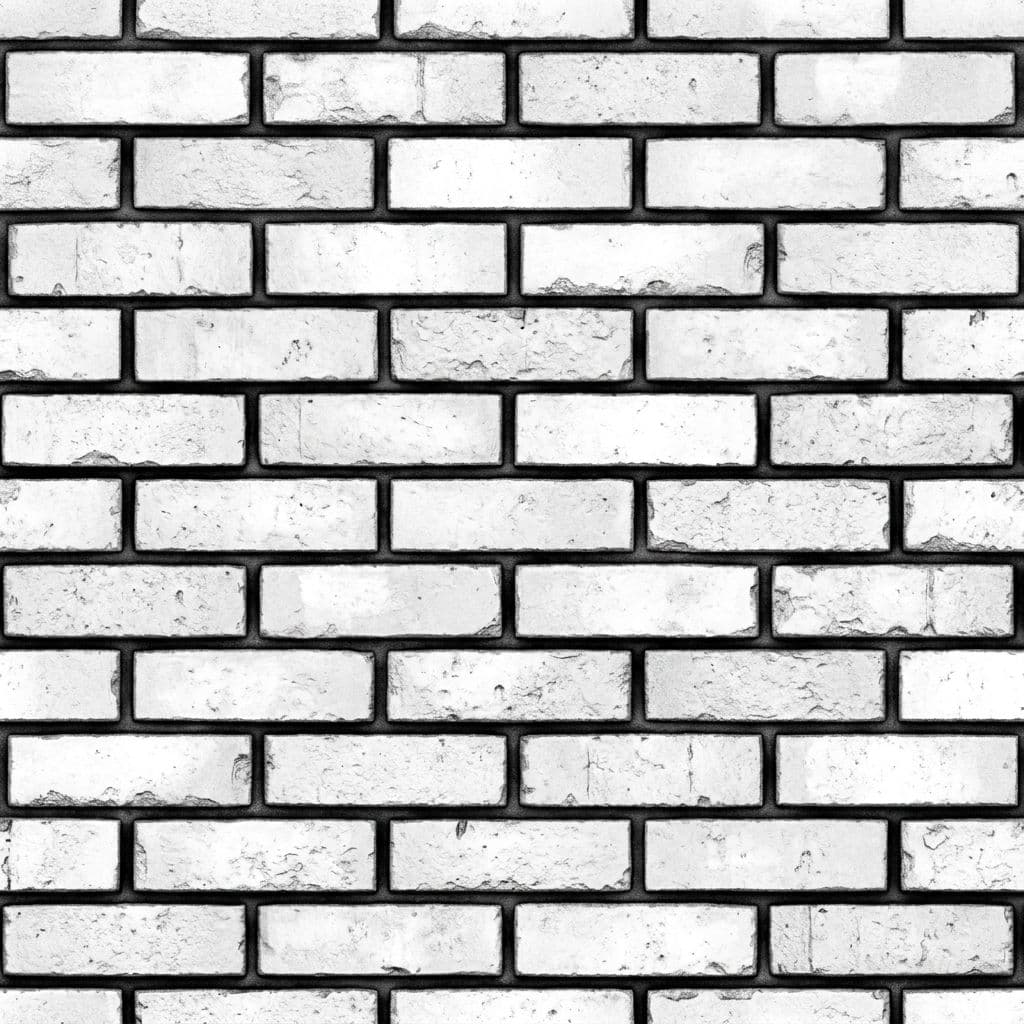
Brick
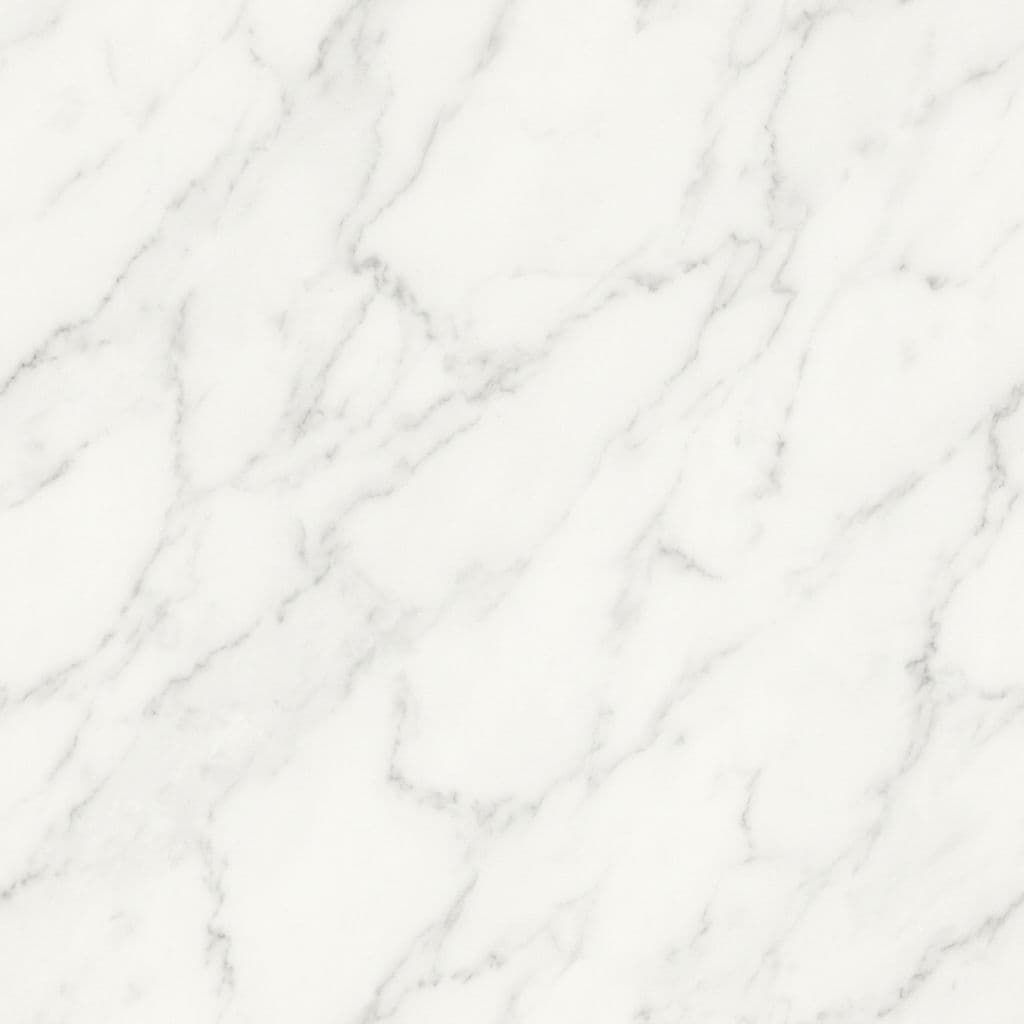
Marble
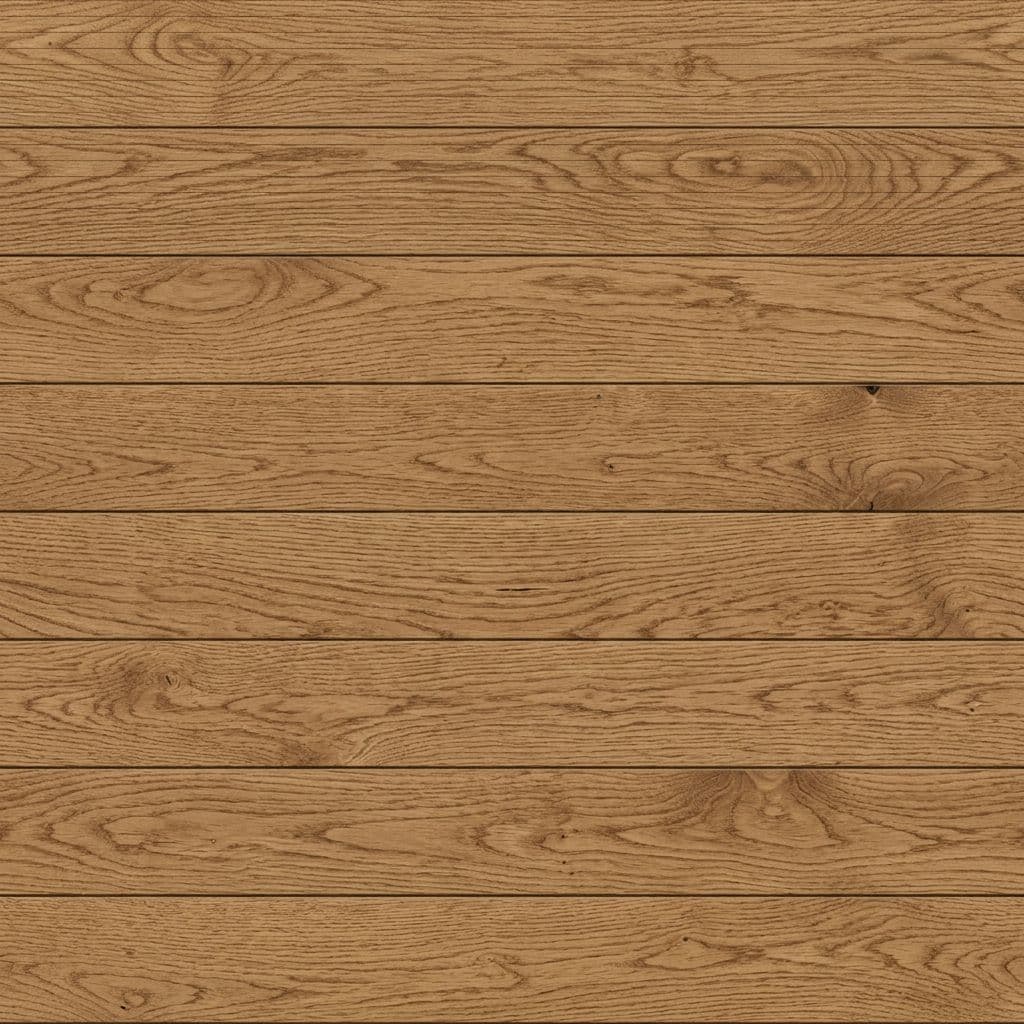
Oak Wood
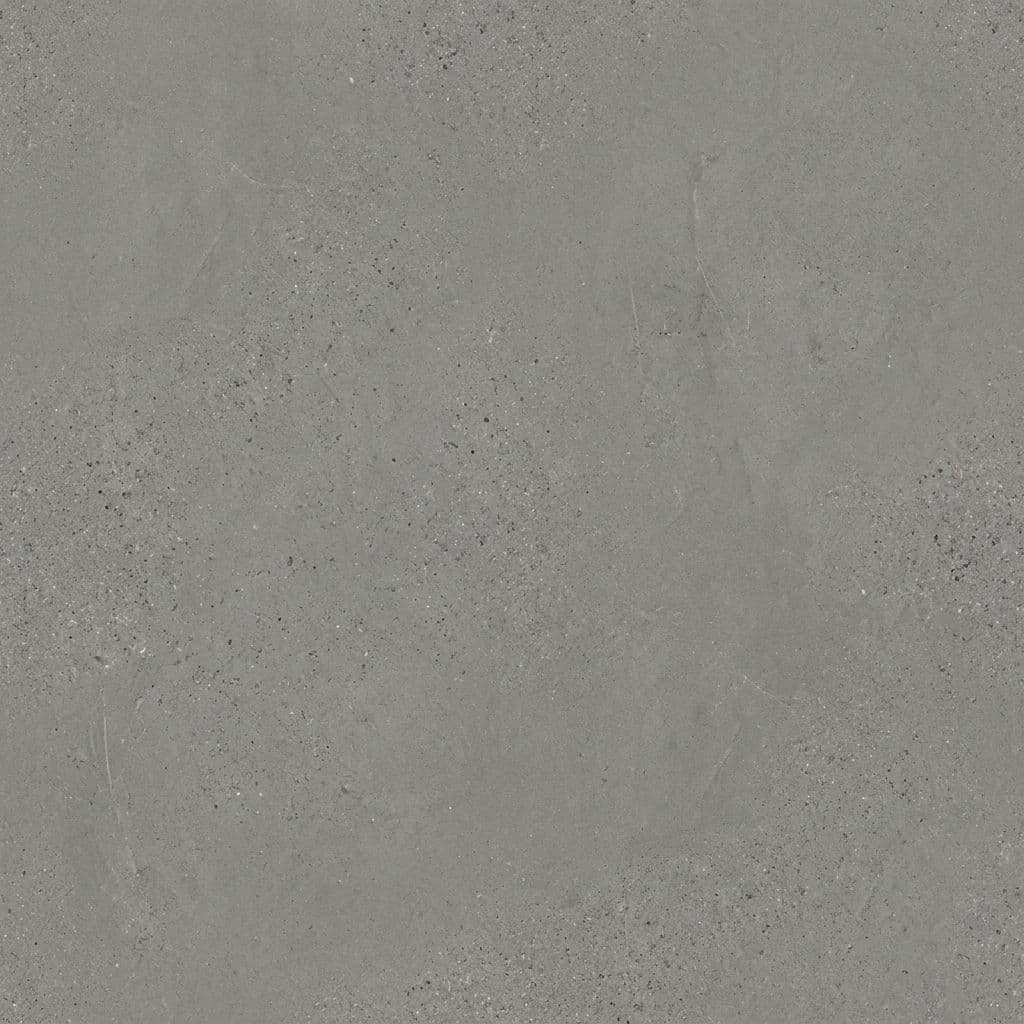
Concrete
& counting
Built for Real Workflows
Architecture & Facades
Generate exterior materials — brick, stone, stucco, cladding — directly from site photos. Match existing buildings or create new finishes for renders.
Interior Design
Create wall, floor and furniture materials from inspiration photos. Marble, terrazzo, hardwood, tile — render interiors with pixel-accurate surfaces.
Product Visualization
Generate materials for product renders — brushed metal, leather, fabric, plastic. From reference swatch to render-ready material in seconds.
Game & Real-Time 3D
Produce tileable game-ready textures with proper PBR maps for Unreal Engine, Unity and real-time architectural walkthroughs.
Why Professionals Choose Armox PBR
Photo-to-Material
Snap a photo of any real-world surface. The AI extracts color, detail and physical properties to generate an accurate PBR material set.
Seamless & Tileable
Every generated texture tiles perfectly without visible seams. Ready for large-area coverage on walls, floors and facades.
Complete Map Set
Get all maps in one generation: diffuse (albedo), normal, roughness and displacement. No manual editing required.
Prompt-Based Creation
No reference photo? Describe the material you need — weathered oak, polished concrete, aged copper — and the AI creates it from scratch.
What Are PBR Maps?
PBR (Physically Based Rendering) uses multiple texture maps to describe how light interacts with a surface. Together they make materials look realistic in any lighting condition.
Diffuse / Albedo Map
The base color of the surface without any lighting or shadow information. Defines what color each point of the material is.
Normal Map
Encodes surface detail and micro-geometry as RGB data. Creates the illusion of depth and small-scale features without extra polygons.
Roughness Map
Controls how sharp or blurry reflections appear. White = rough (matte), black = smooth (glossy). Defines surface finish variation.
Displacement / Height Map
Defines actual surface height variation. White areas protrude, black areas recede. Used for parallax effects or true mesh displacement.