Armox Logo
    PricingAcademyContact
    1. AI Architecture
    2. Solutions
    3. Rendering for Revit

    AI-Powered Rendering for Revit

    Turn Revit BIM models into photorealistic visualizations in seconds. No plugin needed — export and upload.

    No credit card required2000 free credits

    AI-Powered Rendering for Revit

    The Challenge With Revit Rendering

    Revit's built-in rendering is slow and limited. Third-party plugins add cost and complexity. Most firms spend more time on renders than designing.

    • 1Native renderer takes 30–60+ minutes per image with basic results
    • 2V-Ray/Enscape plugins add $350–800/year per seat
    • 3Plugin compatibility breaks with every Revit update
    • 4Material and lighting setup requires specialized training

    How to Render Your Revit Project with Armox

    Three steps from BIM model to photorealistic visualization.

    01
    Export from Revit

    Create a 3D view and export as PNG or JPEG. Screenshots work too.

    02
    Upload & Configure

    Upload to Armox. Choose style, set lighting, add material prompts.

    03
    Download Your Render

    Get a photorealistic render in 10–30 seconds. Download in high resolution.

    Revit Projects Transformed Into Photorealism

    Revit BIM models rendered with Armox AI.
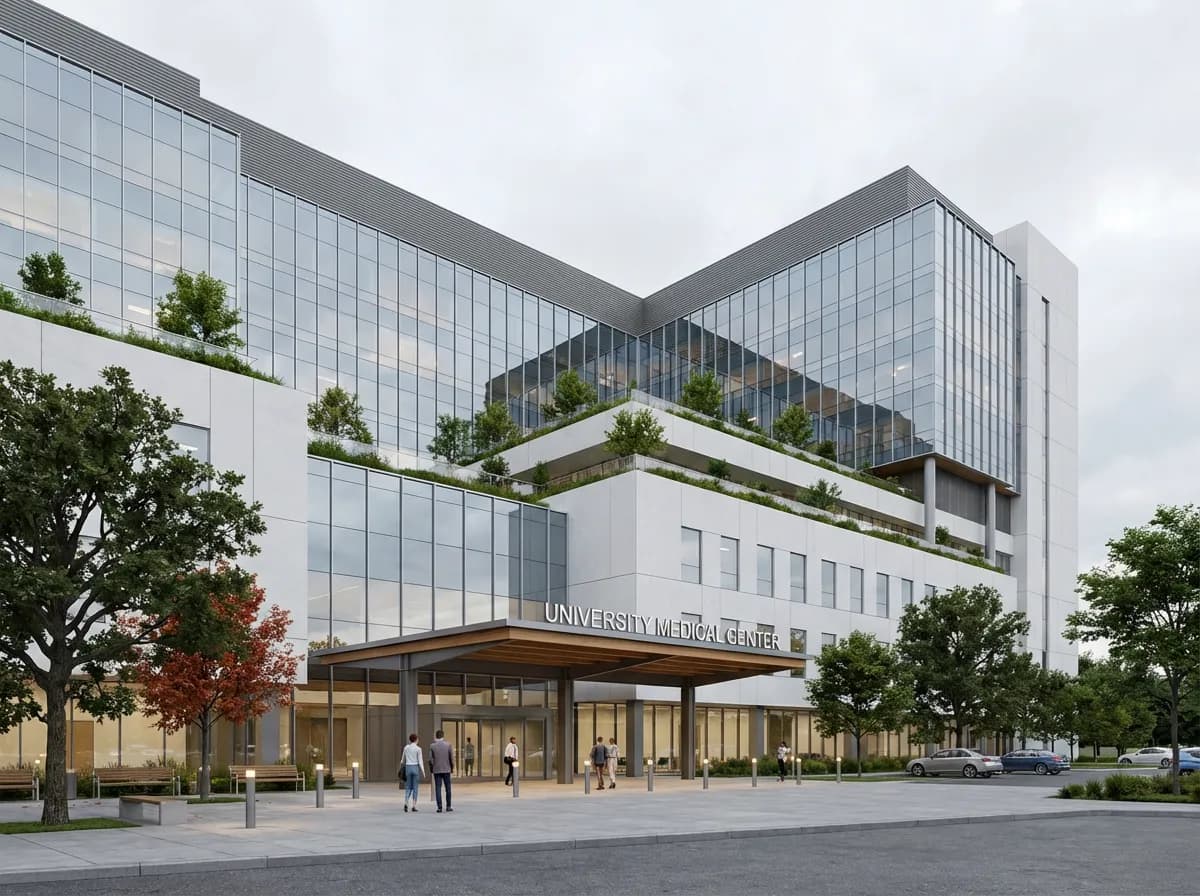
    Hospital Complex
    Hospital Complex

    Healthcare facility with detailed facade and landscaped campus.
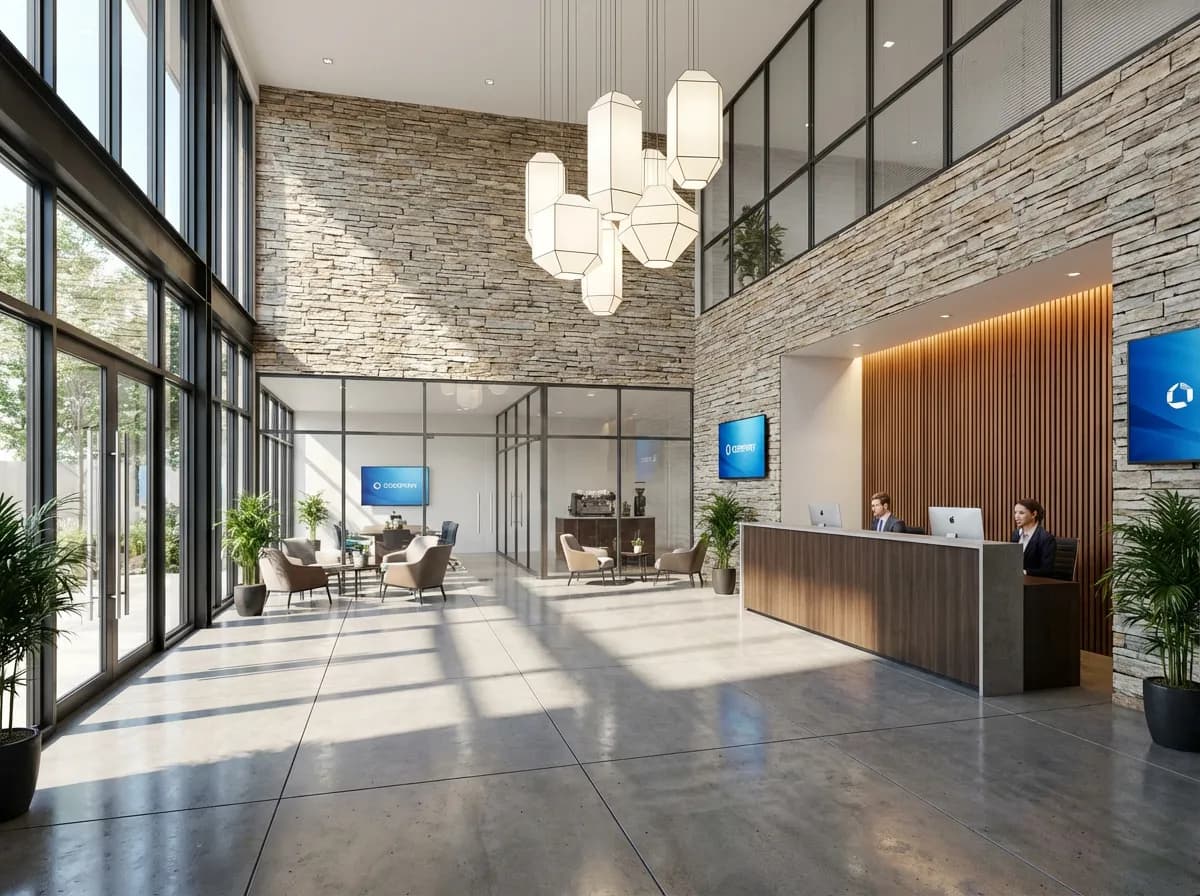
    Corporate Office Lobby
    Corporate Office Lobby

    Commercial lobby with natural stone, glass, and warm lighting.
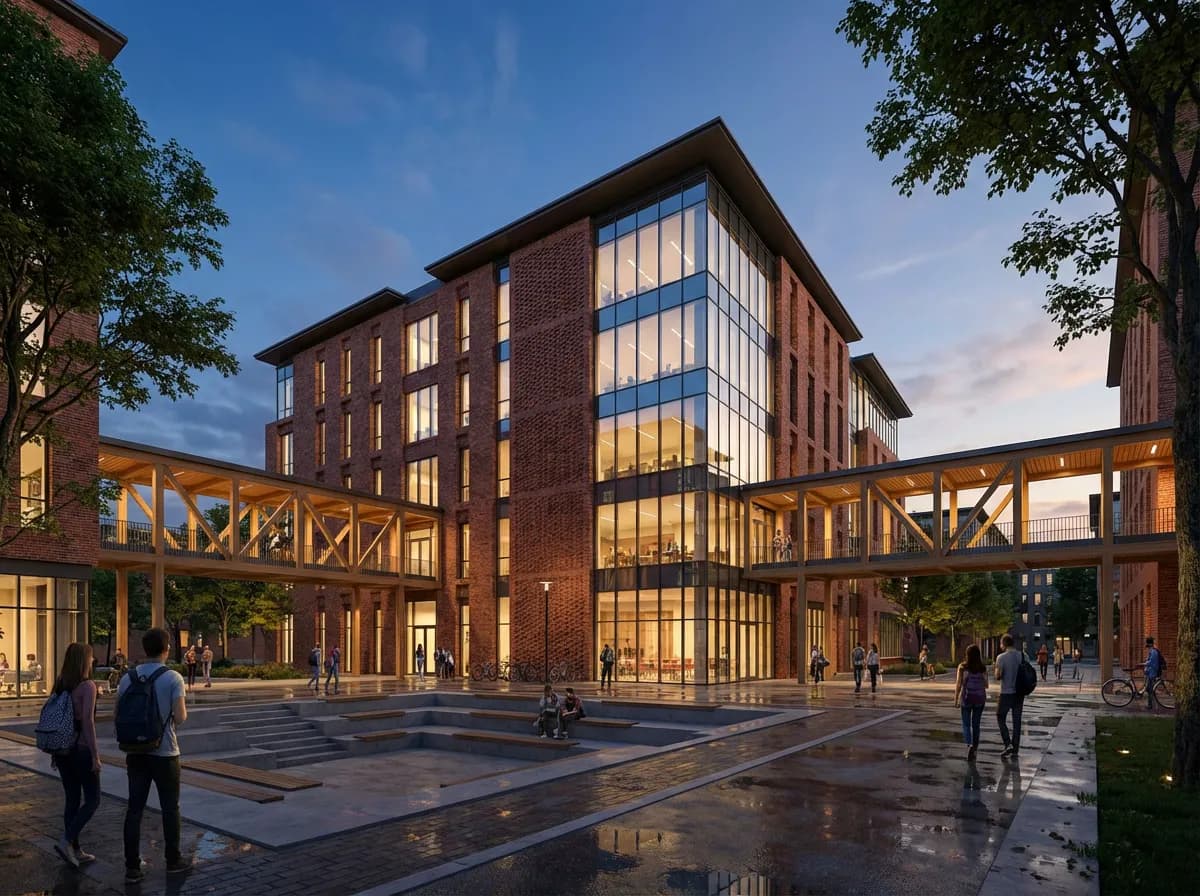
    University Building
    University Building

    Educational facility with brick facade and campus landscape.
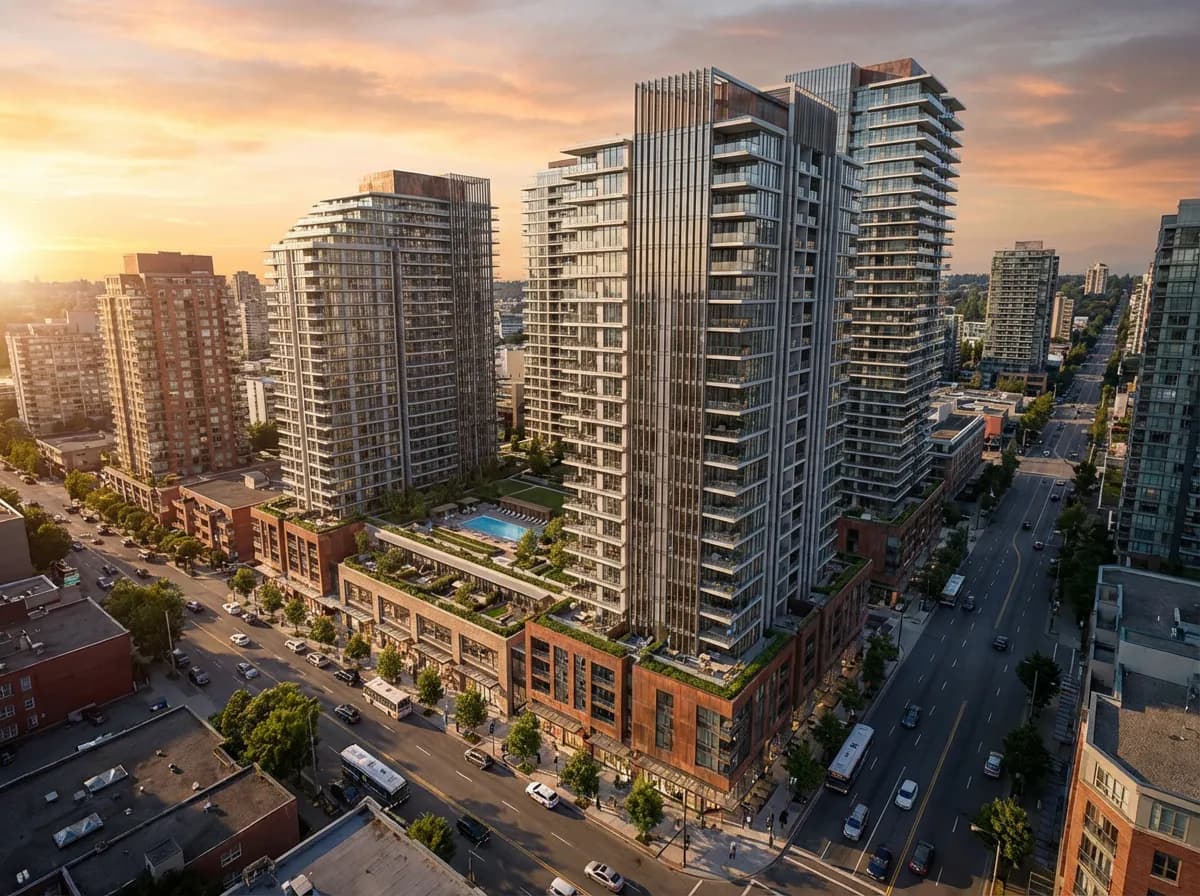
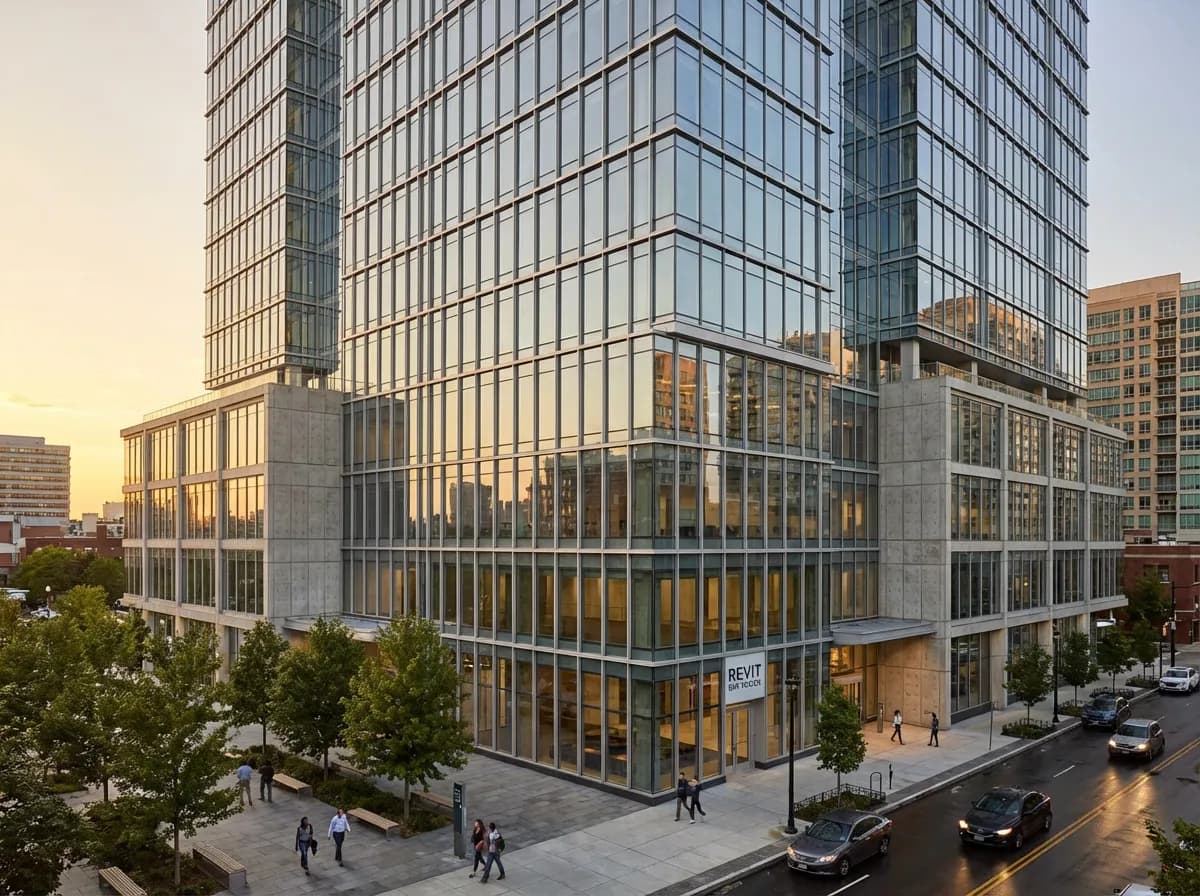
    Mixed-Use Development
    Mixed-Use Development

    Aerial view of residential towers with commercial podium.

    Armox vs Traditional Revit Rendering

    Criteria
    Armox AI
    Revit + Plugin
    Render Time
    10–30 seconds
    30–120+ minutes
    Additional Cost
    Free to start
    $350–800/year per plugin
    Plugin Required
    None
    V-Ray, Enscape, or Lumion
    Version Compatibility
    Always works
    Breaks with updates
    Material Setup
    AI-automatic
    Manual (hours)
    Learning Curve
    5 minutes
    Days to weeks

    Complete Your Revit Workflow

    AI 3D RenderingAI Floor Plan GeneratorArchitectural VisualizationElevation Rendering

    Frequently Asked Questions

    Common questions about AI rendering with Revit

    No. Export a 3D view as an image or take a screenshot, then upload. No plugin, no compatibility issues.
    3D perspective views give best results. Both interior and exterior work excellently.
    Armox works with the visual image. The AI recognizes building elements and applies appropriate materials automatically.
    Significantly. 10–30 seconds vs 30–60+ minutes, with AI-enhanced quality.
    Yes. Upload multiple exports and render simultaneously.
    Yes. Whatever you see in Revit will be rendered with photorealistic enhancement.

    Transform Your Revit Models Instantly

    No plugin, no queue, no waiting. Export and get photorealism in seconds.

    No credit card required2000 free credits

    Armox, Inc.

    The best AI Creative Suite!

    Company

    • Pricing
    • Contact
    • Affiliate Program
    • Blog
    • Privacy Policy
    • Terms of Service

    Resources

    • Academy
    • Blog
    • Models
    • Use Cases

    Use Cases

    • Architecture AI
    • Tattoo AI
    • Fashion AI
    • AI for Agencies
    • Image Generation
    • Video Generation

    Architecture hubs

    • Rendering & Visualization
    • Redesign & Transformation
    • Environmental Effects
    • Virtual Staging
    • Editing & Enhancement
    • Video & Animation
    • Special Views & Formats
    • Solutions
    • Alternatives

    Features

    • AI rendering generator
    • AI style transfer
    • Render enhancer
    • AI render enhancer
    • 3D rendering AI

    Concept generators

    • AI architecture generator
    • AI room generator
    • AI kitchen design
    • AI home exterior design
    • Interior color palette generator
    • AI texture generator

    Compatibility

    • Render for SketchUp
    • Rendering for ArchiCAD
    • Rendering for Revit
    • Render for Rhino
    • Rendering for AutoCAD
    • Render for Blender

    © 2026 Armox, Inc. All rights reserved.




