Remove Background AI for products
Cut models and products onto studio color in one upload. Built for ecommerce listings and campaign stills — not a throwaway demo.
No credit card required1000 free credits
AI Background Remover

trusted by 25000+ creators






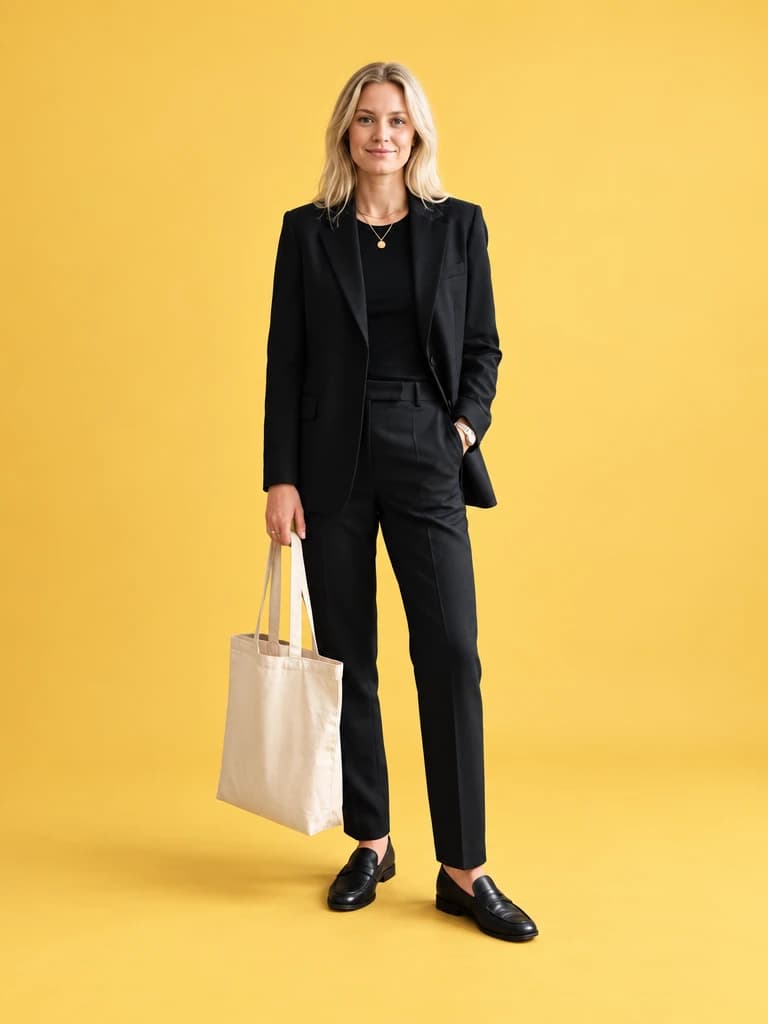
From stockroom to yellow seamless
Drag the slider: clothing racks disappear and the same tailored look sits on campaign studio color.
How It Works
Upload a JPG, PNG or WebP of your cutout photo. The landing keeps the original File in your browser.
Watch a five-second processing preview of AI Background Remover before you continue into the real app.
Signed-in visitors go straight to AI Background Remover with the same image. New users continue with Google or Microsoft and keep the local draft.
Built for AI background remover
Isolate models and products on studio color for listings and lookbooks. Keep the same pose, drop the stockroom clutter. Try free with 1000 credits.
AI Background Remover keeps skin, fabric and product edges campaign-sharp for lookbook grids.
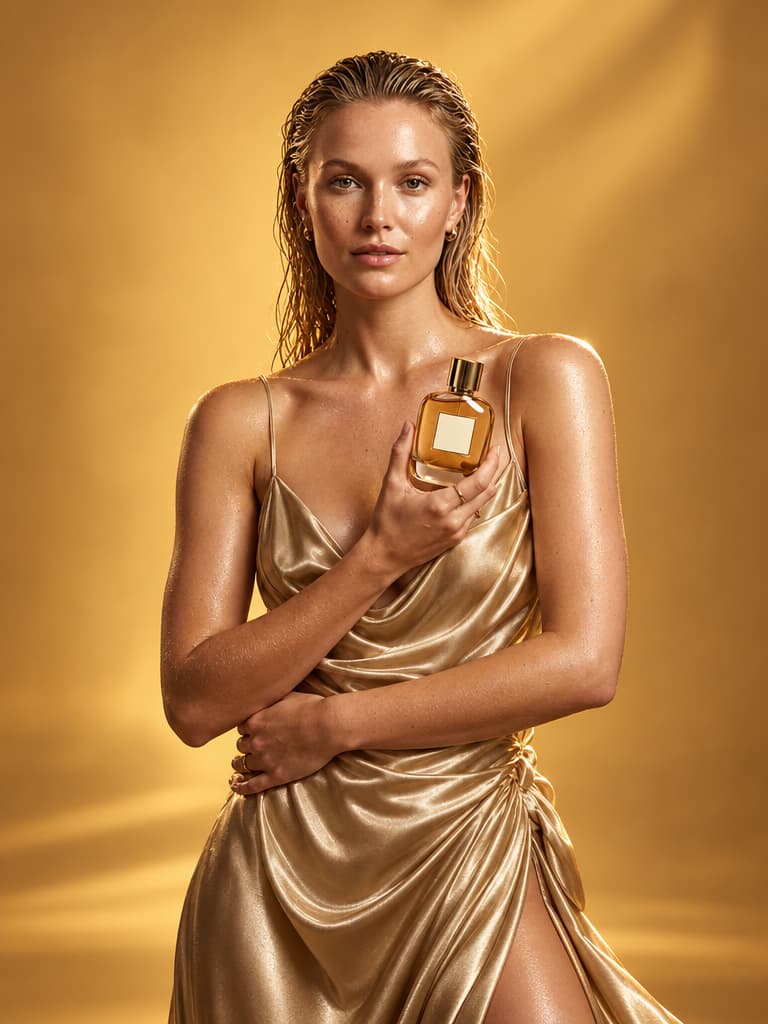
Use AI background remover on vanity and product-in-hand frames before they go to PDP galleries.
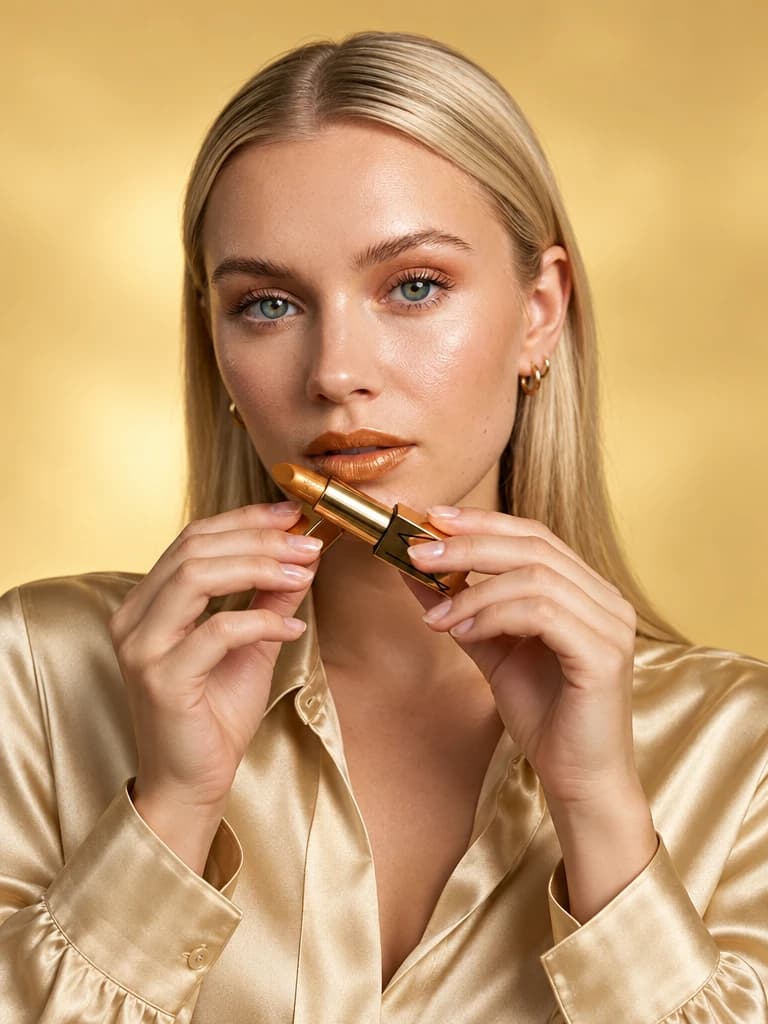
Prepare 4:5 studio cutouts that already match Reels covers and story-safe margins.
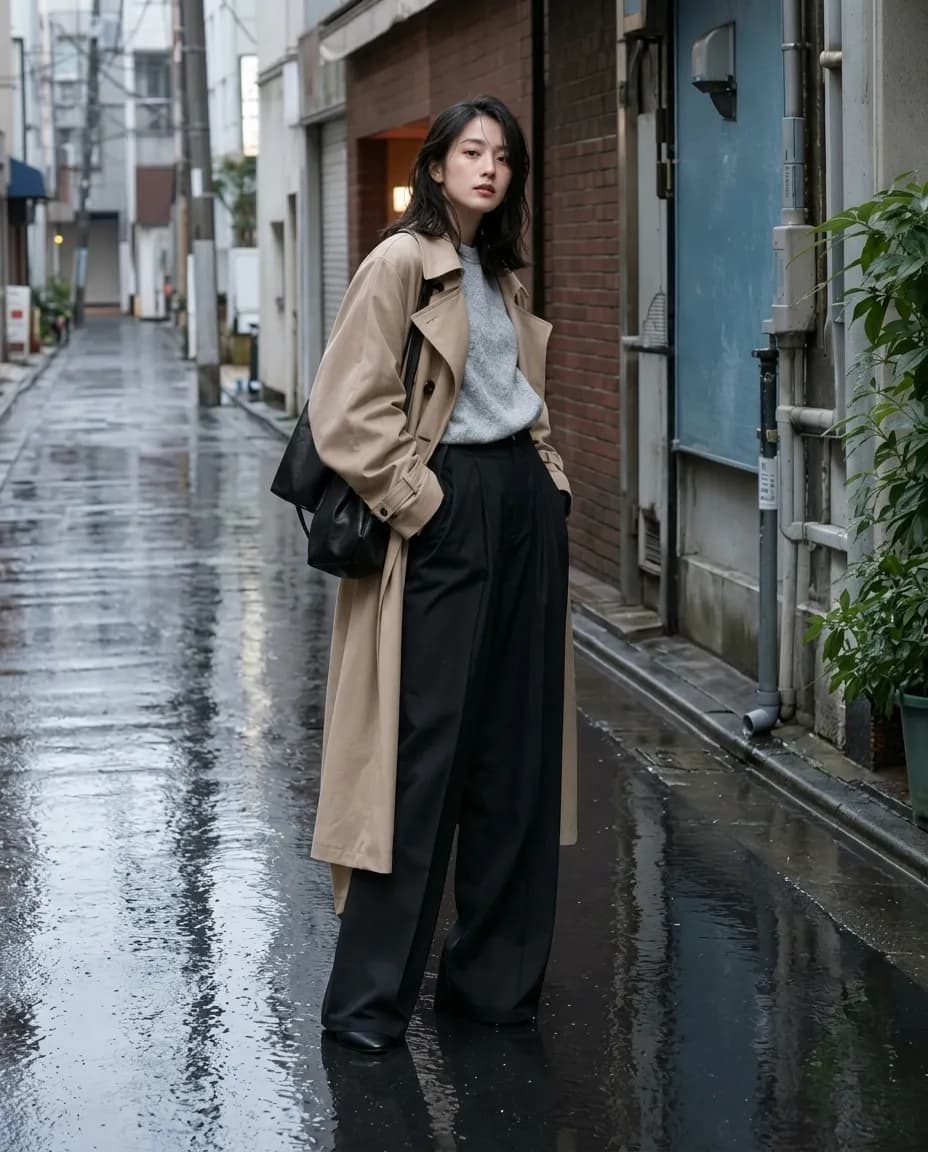
AI Background Remover helps a drop feel like one campaign when you iterate lighting, crop and wardrobe on the same faces.
Why teams choose AI Background Remover
Photoreal output
AI Background Remover is tuned for campaign photography, not illustrated fashion plates.
Ecommerce-ready crops
Keep 4:5 heroes and product-in-hand frames that listing grids actually use.
Local draft handoff
The conversion mini-app stores your cutout photo on-device until AI Background Remover confirms the uploaded URL.
Creative catalog, not CAD
AI background remover sits with fashion, ecommerce and film-adjacent stills — architecture rendering is a separate path.
Explore More Creative AI
Frequently Asked Questions
Remove background AI for ecommerce cutouts, lookbooks and ads.
Remove Background AI Explained
Remove background AI cuts a model or product off a busy photo so you can drop it onto studio color or a transparent PNG. Upload a listing or lookbook still, preview the cutout, then continue into the real app with the same file. Hair, lace, and bottle edges stay intact the way a clipping-path pass would.
This is the query behind background removers, product cutouts, and white-background PNGs. Armox covers ecommerce listings, lookbook grids, and ad crops: isolate the subject, keep the pose, replace the stockroom or street. You can test a yellow seamless and a pure white marketplace plate from one upload.
After you approve a cutout, place it in a new scene, upscale for zoom, or animate a short product clip. Sellers and fashion teams use the same flow. Architecture object-removal is a different path. New accounts start with 1000 free credits; the landing preview does not spend them.
Remove the background
Pull a Scandinavian model off a cluttered boutique stockroom and place her on a warm yellow seamless — listing-ready without a reshoot.
No credit card required1000 free credits