Armox Logo
    PricingAcademyContact
    Login

    AI Product Photography from one photo

    Turn a phone photo into studio packshots, lifestyle scenes and on-model shots. Keep shape, color and logos intact, then animate a product clip.

    No credit card required1000 free credits
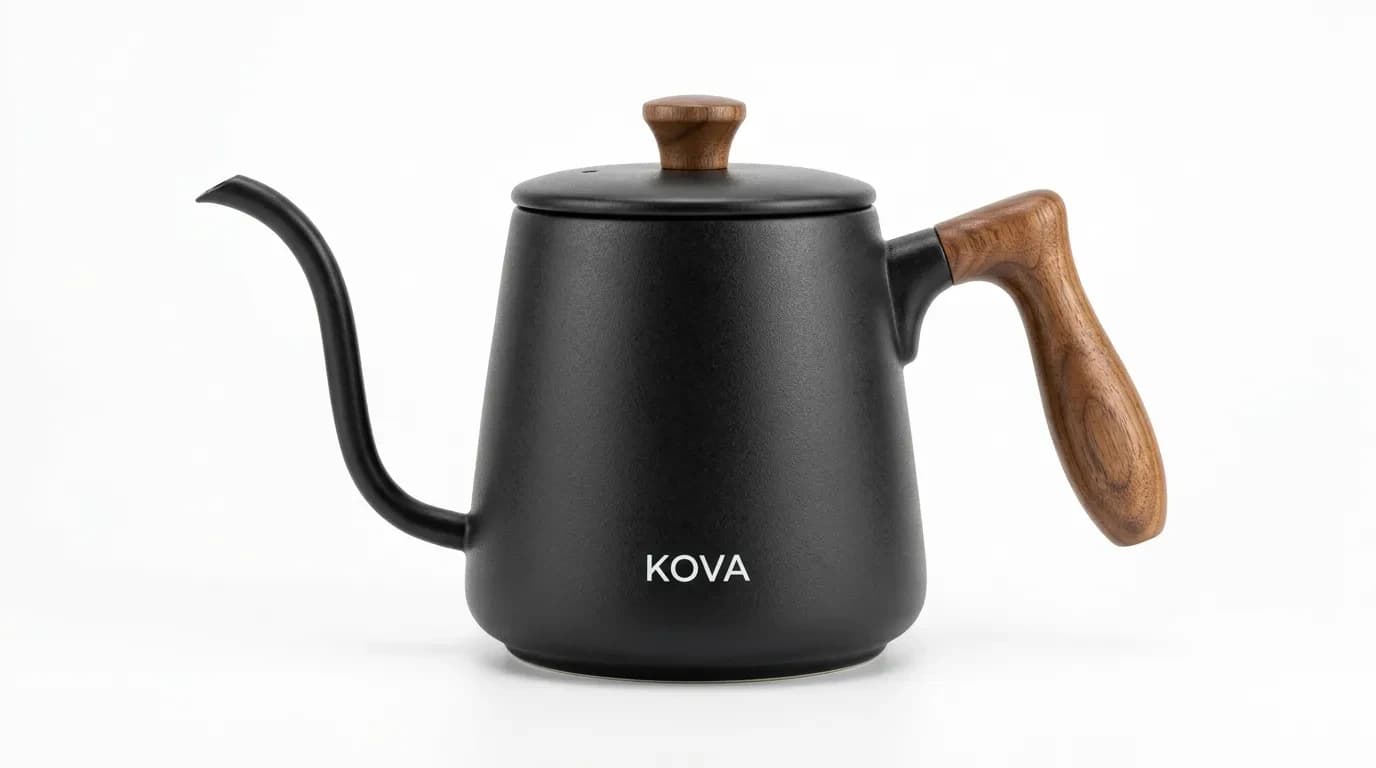
    Product photography · Kova Kettle · generated on Armox
    A matte black ceramic gooseneck kettle with a walnut handle sits on a pure white sweep, three-quarter angle, faint contact shadow.
    Shot 0100:00:00:00
    Packshot · WhiteSlow orbit
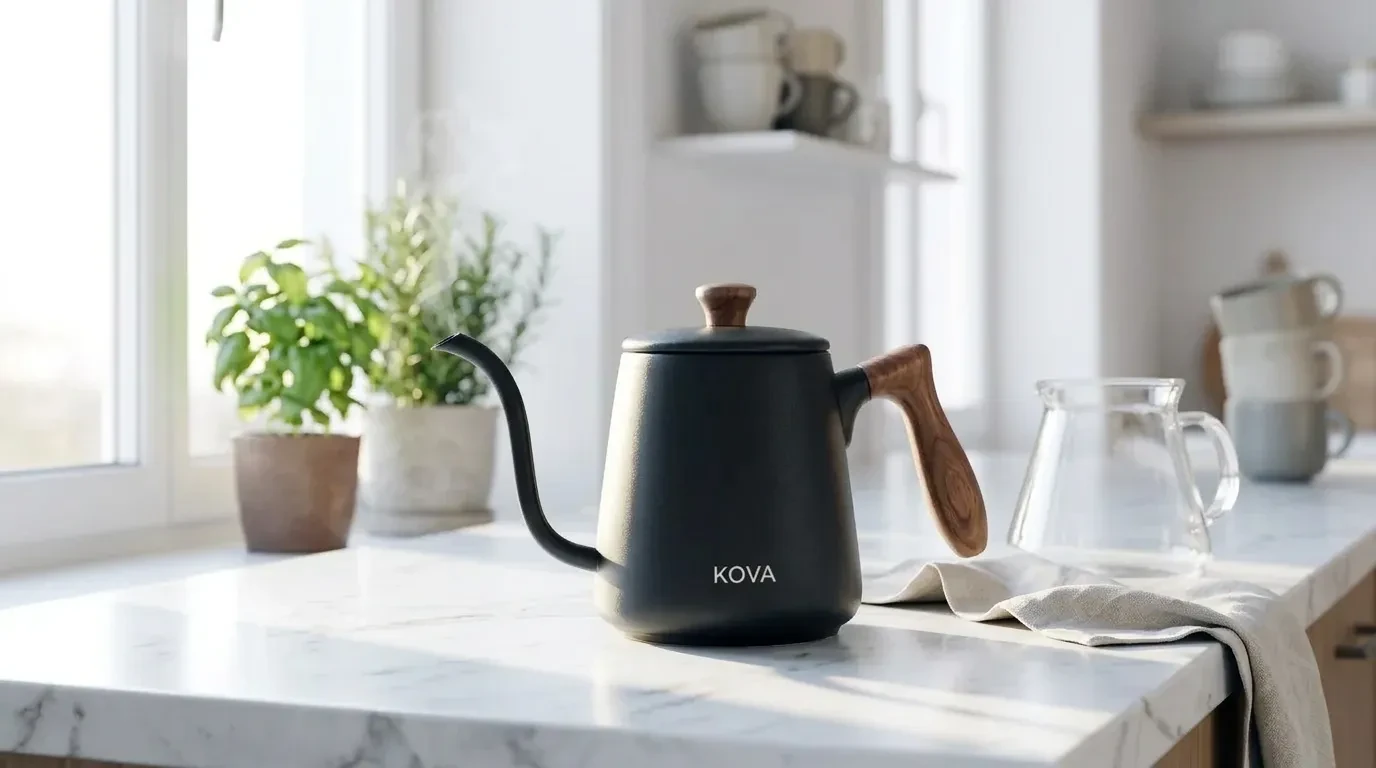
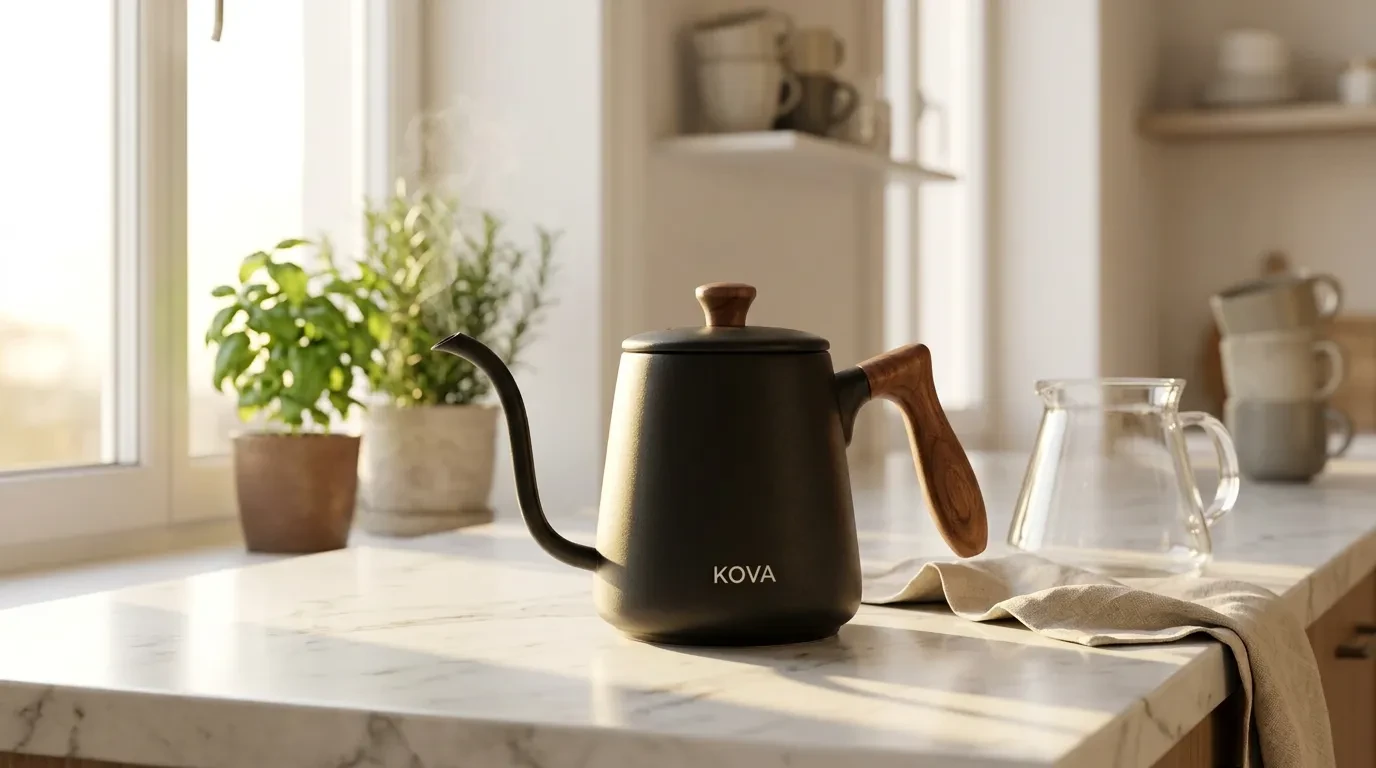
    The same kettle on a white marble kitchen counter in morning light, steam at the spout, linen napkin nearby.
    Shot 0200:00:05:00
    Lifestyle · MarbleGentle push-in
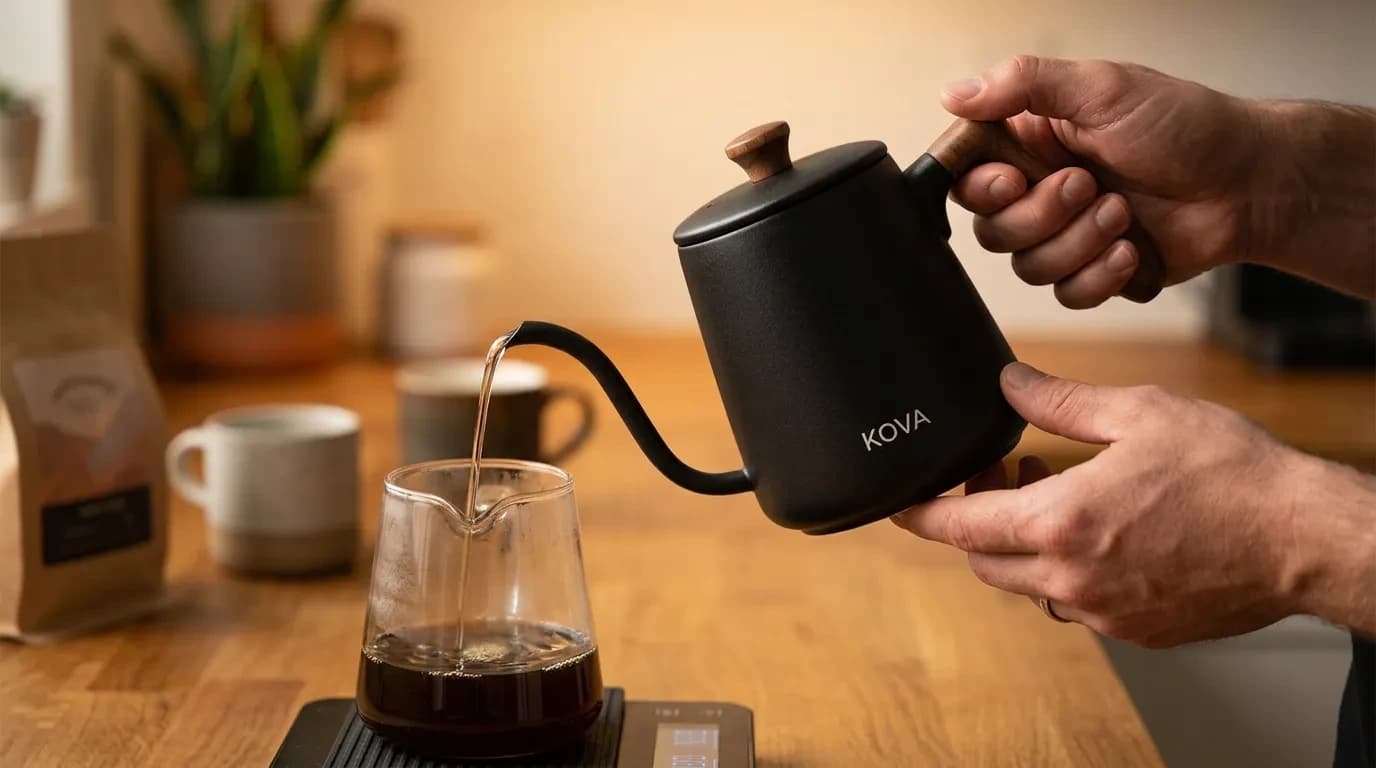
    Hands pouring from the identical gooseneck into a glass carafe, thin stream, warm kitchen light.
    Shot 0300:00:10:00
    Detail · PourLocked pour
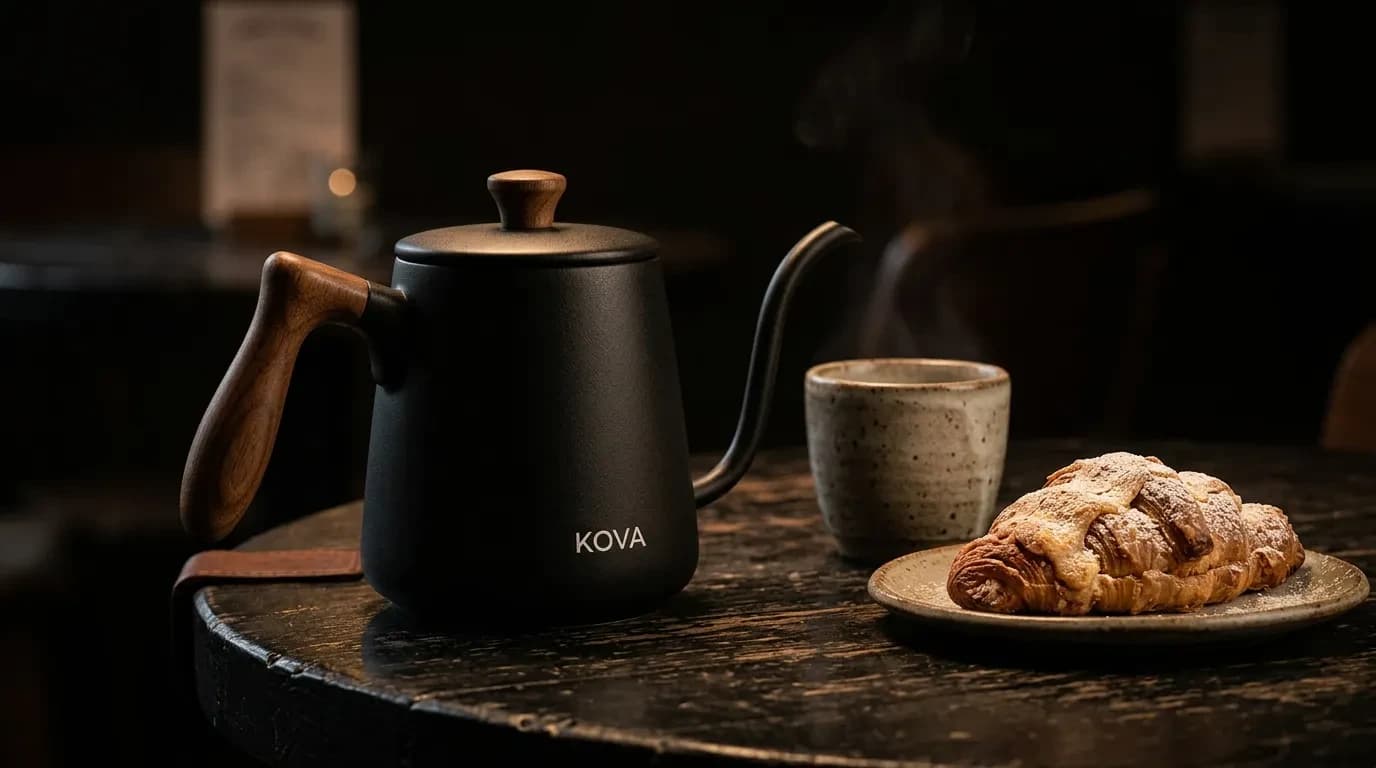
    The same kettle on a dark cafe table beside a pastry and stoneware cup, low tungsten light.
    Shot 0400:00:15:00
    Editorial · CafeSlow drift
    00:00:00:0000:00:05:0000:00:10:0000:00:15:0000:00:20:00

    trusted by 25000+ creators

    L35 Arquitectura
    SNKH Studio
    Creaxia 63
    Founderz AI Business School
    Cornell University
    4A Architectes
    Team2 Architects
    L35 Arquitectura
    SNKH Studio
    Creaxia 63
    Founderz AI Business School
    Cornell University
    4A Architectes
    Team2 Architects
    L35 Arquitectura
    SNKH Studio
    Creaxia 63
    Founderz AI Business School
    Cornell University
    4A Architectes
    Team2 Architects
    L35 Arquitectura
    SNKH Studio
    Creaxia 63
    Founderz AI Business School
    Cornell University
    4A Architectes
    Team2 Architects

    One canvas, every shot

    Packshots, lifestyle and product clips in one place. Every SKU stays the same.

    Press enter or space to select a node.You can then use the arrow keys to move the node around. Press delete to remove it and escape to cancel.
    Press enter or space to select an edge. You can then press delete to remove it or escape to cancel.

    What photographers say

    Stores and studios already shooting catalogs with Armox.

    How AI product photography works

    From a messy snapshot to a studio packshot, lifestyle scene and product clip.

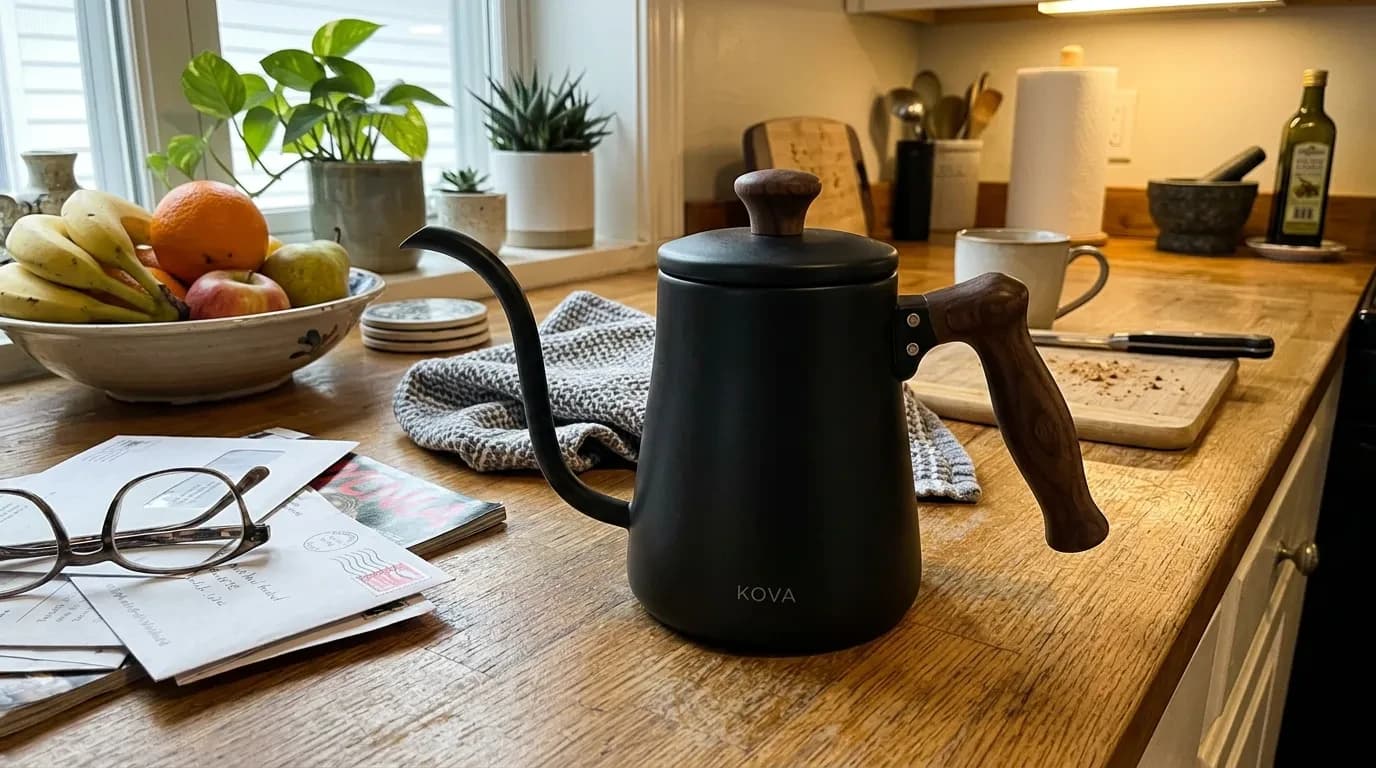
    1. Casual phone photo of the product on a kitchen counter
      01

      Upload the Photo

      Phone photos, supplier shots and flat lays all work. The first job is to see the real product.

    2. Studio packshot of the same product on white
      02

      Studio Packshot

      Remove clutter, light it like a sweep, and keep materials, stamps and proportions true.

    3. Lifestyle scene with the same product on marble
      03

      Lifestyle & On-Model

      Place the same SKU in a real-world scene or on a model without rebuilding the product.

    4. Product photography still animated into a clip
      04

      Clip & Deliver

      Animate a 5–10 second product video, upscale for zoom and export marketplace sizes.

    The best photography models, one canvas

    Pick the right model for packshots, lifestyle and clips instead of switching photography apps.

    Nano Banana 2 · Product shotsGPT Image 2.5 · Lifestyle scenesKling 3.0 · Product videoKling 2.6 Pro · Motion controlSeedance 2.5 · Reference to videoWan 2.6 · Image to videoGrok Imagine · Video editVeo 3.1 · Text to videoSora 2 · Text to video
    • Nano Banana 2 – Product shots
    • GPT Image 2.5 – Lifestyle scenes
    • Kling 3.0 – Product video
    • Kling 2.6 Pro – Motion control
    • Seedance 2.5 – Reference to video
    • Wan 2.6 – Image to video
    • Grok Imagine – Video edit
    • Veo 3.1 – Text to video
    • Sora 2 – Text to video
    Armox
    A matte black ceramic gooseneck kettle with a walnut handle sits on a pure white sweep, three-quarter angle, faint contact shadow.
    Packshot · White
    Gentle push-in
    Patio breakfast
    Patio breakfast
    Locked pour
    Marble kitchen
    Marble kitchen
    Slow drift
    A matte black ceramic gooseneck kettle with a walnut handle sits on a pure white sweep, three-quarter angle, faint contact shadow.
    Packshot · White
    Gentle push-in
    Patio breakfast
    Patio breakfast
    Locked pour
    Marble kitchen
    Marble kitchen
    Slow drift
    A matte black ceramic gooseneck kettle with a walnut handle sits on a pure white sweep, three-quarter angle, faint contact shadow.
    Packshot · White
    Gentle push-in
    Patio breakfast
    Patio breakfast
    Locked pour
    Marble kitchen
    Marble kitchen
    Slow drift
    A matte black ceramic gooseneck kettle with a walnut handle sits on a pure white sweep, three-quarter angle, faint contact shadow.
    Packshot · White
    Gentle push-in
    Patio breakfast
    Patio breakfast
    Locked pour
    Marble kitchen
    Marble kitchen
    Slow drift

    Ecommerce apps

    Ready-to-use workflows for packshots, scenes and product video.

    AI Product Photography

    AI Product Photography

    Studio, lifestyle and on-model shots from one photo

    Background Remover

    Background Remover

    Cut out models and products cleanly

    Text to Image

    Text to Image

    Prompt a campaign still in seconds

    Object Remover

    Object Remover

    Erase clutter from campaign frames

    Image Upscaler

    Image Upscaler

    Sharpen beauty and product detail to 4K

    Image Extender

    Image Extender

    Outpaint crops into full lookbook frames

    Image to Video

    Image to Video

    Animate lookbook stills into clips

    3D Generator

    3D Generator

    Turn product photos into 3D objects

    Material Changer

    Material Changer

    Swap fabrics and product finishes

    View all apps

    New scene, same product

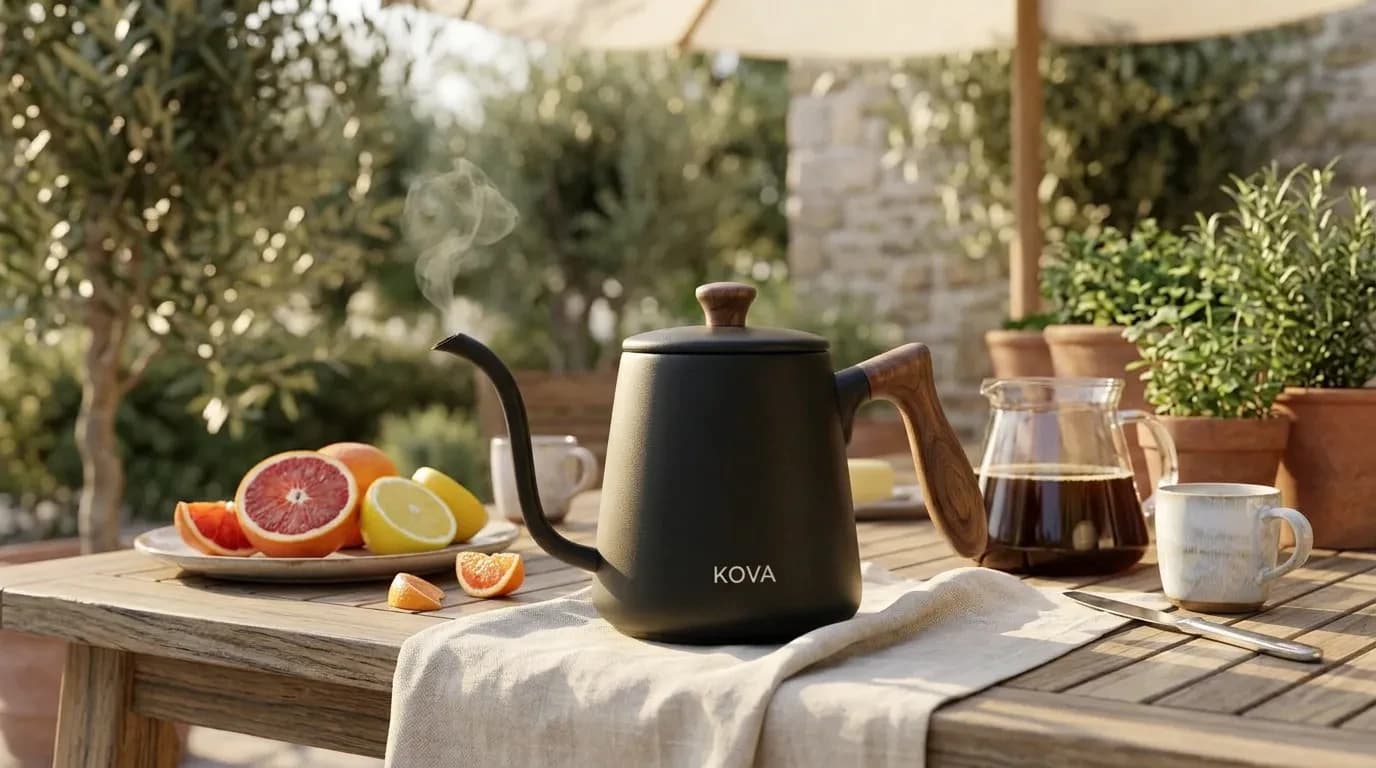
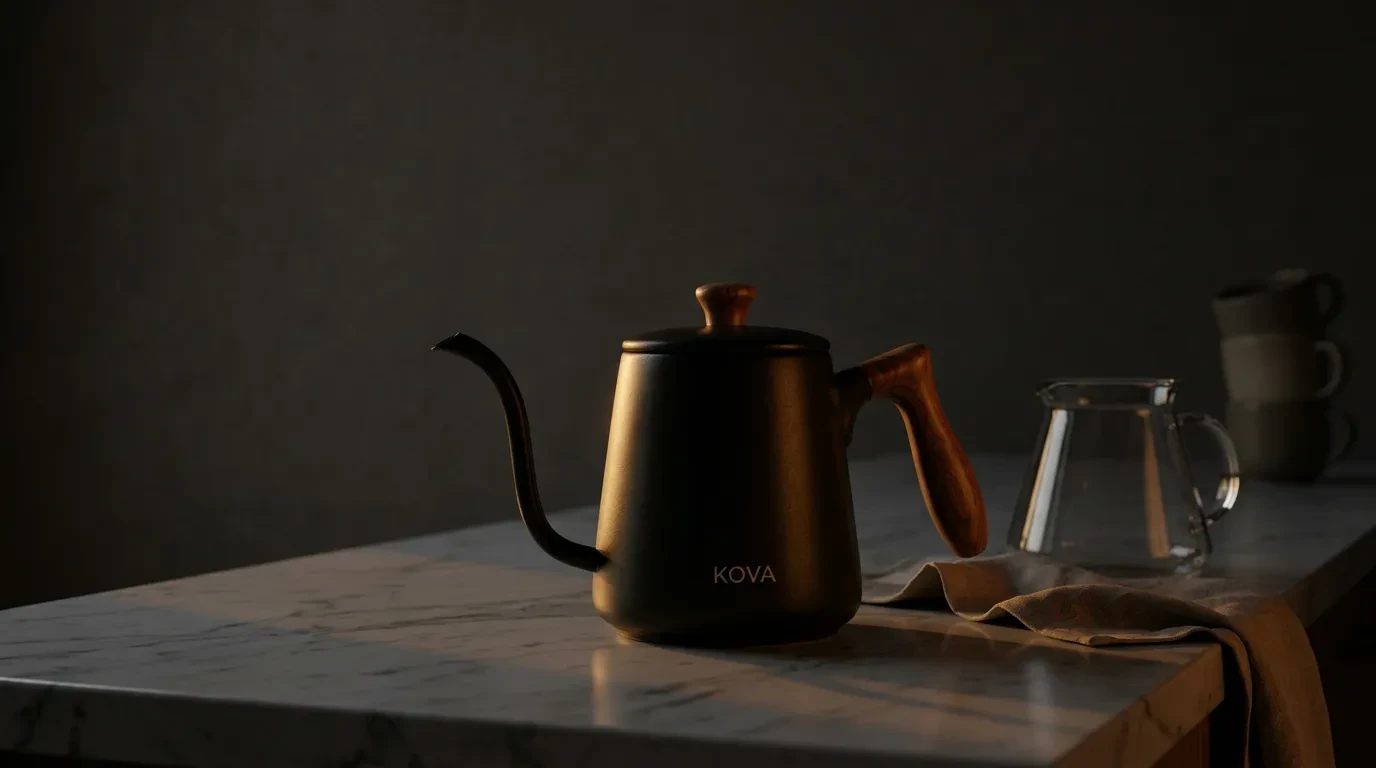
    The same approved lifestyle frame, restaged three ways. Ceramic, walnut handle and KOVA stamp stay identical.

    Approved shot01
    Approved marble-kitchen product photo of the kettle
    Same product in a brighter marble kitchen catalog look
    Marble kitchen
    Same product restaged on an outdoor patio
    Patio breakfast
    Same product relit as a dark studio still life
    Moody studio

    Built for product teams

    Sellers and photographers use Armox when the catalog needs new scenes faster than a studio can shoot them.

    • DTC Brands

      Build a full image set per SKU: white packshot, lifestyle, detail and video from one upload.

    • Amazon & Shopify Sellers

      Hit marketplace main-image rules, then add lifestyle frames that lift conversion on the PDP.

    • Fashion & Apparel

      Generate on-model shots from a flat lay, then open the fashion lookbook workflow for campaign work.

      Explore fashion AI
    • Product Photographers

      Extend a real packshot into extra scenes, lighting setups and clips without another booking.

    AI product photography questions

    Studio packshots, lifestyle scenes, on-model shots and product video from one photo.

    AI product photography turns a phone or supplier photo into studio, lifestyle and on-model shots while keeping the real product. Armox is a photography canvas, not a background sticker pack.
    The workflow preserves shape, color, logos and stamps. Generate the packshot first, then create new scenes as edits of that frame so the SKU does not drift.
    You can generate pure white backgrounds, realistic contact shadows and high-resolution files. Always check current marketplace specs for fill ratio and pixel size before you publish.
    Yes. Upload the garment and generate it on AI or real models with realistic fit and drape. Campaign lookbooks live on the fashion page; this page stays SKU photography.
    Yes. Approve a frame, then animate a 5–10 second clip — pours, orbits and steam work especially well for hard goods.
    Those tools are strong at cutouts and quick lifestyle backgrounds. Armox is the full photography pipeline: consistent SKU across packshot, lifestyle, on-model and video, using the same models as the rest of the studio.

    AI Product Photography Explained

    AI product photography turns a phone or supplier photo into studio, lifestyle and on-model shots before you book a set. Upload a flat lay or packshot, isolate the product, then place it on white, in a lifestyle scene or on a model while keeping shape, color and logos intact.

    This search is for product photo generators, marketplace cutouts, lifestyle scenes, on-model apparel and product video. Armox covers those jobs: white-background listings, infographic-ready PNGs, colorway variants, then short clips from a still. You can test a kitchen scene and a pure white packshot of the same SKU before you publish.

    After you approve a hero, export marketplace sizes, upscale for zoom, and animate a turntable-style clip. For the broader store pipeline around photography, see AI for ecommerce. Fashion campaign try-on lives on the fashion pillar.

    Studio-quality product photos, no studio needed

    Join brands and sellers using Armox for AI product photography — from one photo to a full image set.

    No credit card required1000 free credits
    Armox Labs OÜ

    The best AI Creative Suite!

    Company

    • Pricing
    • Contact
    • Affiliate Program
    • Blog
    • Privacy Policy
    • Terms of Service

    Resources

    • Academy
    • Blog
    • Models
    • Use Cases

    Use Cases

    • AI Architecture Rendering
    • AI Filmmaking
    • AI Storyboard
    • Fashion AI
    • AI for Marketing
    • AI Ads Generator
    • AI for Ecommerce
    • AI Product Photography
    • Tattoo Try On
    • AI for Agencies

    Apps

    • AI Image Generator
    • AI Video Generator
    • AI Photo Editor
    • Image to Video AI
    • AI Background Remover
    • AI Image Upscaler
    • AI 3D Model Generator
    • Text to Image AI
    • LinkedIn Banner Generator
    • AI Creative Tools

    Architecture hubs

    • Rendering & Visualization
    • Redesign & Transformation
    • Environmental Effects
    • Virtual Staging
    • Editing & Enhancement
    • Video & Animation
    • Special Views & Formats
    • Solutions
    • Alternatives

    Concept generators

    • AI architecture generator
    • AI room generator
    • AI floor plan generator
    • AI kitchen design
    • AI home exterior design
    • Interior color palette generator
    • AI texture generator
    • AI PBR Texture Generator

    Compatibility

    • Render for SketchUp
    • Rendering for ArchiCAD
    • Rendering for Revit
    • Render for Rhino
    • Rendering for AutoCAD
    • Render for Blender
    Ask your AI about Armox
    ChatGPTClaudeGrokPerplexity

    © 2026 All rights reserved. Part of Armox Labs OÜ