Armox Logo
    PricingAcademyContact
    1. AI Architecture
    2. Rendering & Visualization
    3. AI Floor Plan Generator

    AI Floor Plan Generator for Smart Layouts Effortless Design

    Turn rough sketches and hand-drawn layouts into clean, professional floor plans in seconds — perfect for early-stage design exploration and client communication.

    No credit card required2000 free credits

    Upload - Image
    AI Floor Plan Generator for Smart Layouts Effortless Design - input
    Google
    Nano Banana Pro
    AI Floor Plan Generator for Smart Layouts Effortless Design - result
    Prompt

    Photorealistic render with perfect lighting, realistic materials and cinematic composition...

    Run Node
    Upload - Image
    AI Floor Plan Generator for Smart Layouts Effortless Design - input
    Google
    Nano Banana Pro
    AI Floor Plan Generator for Smart Layouts Effortless Design - result
    Prompt

    Photorealistic render with perfect lighting, realistic materials and cinematic composition...

    Run Node

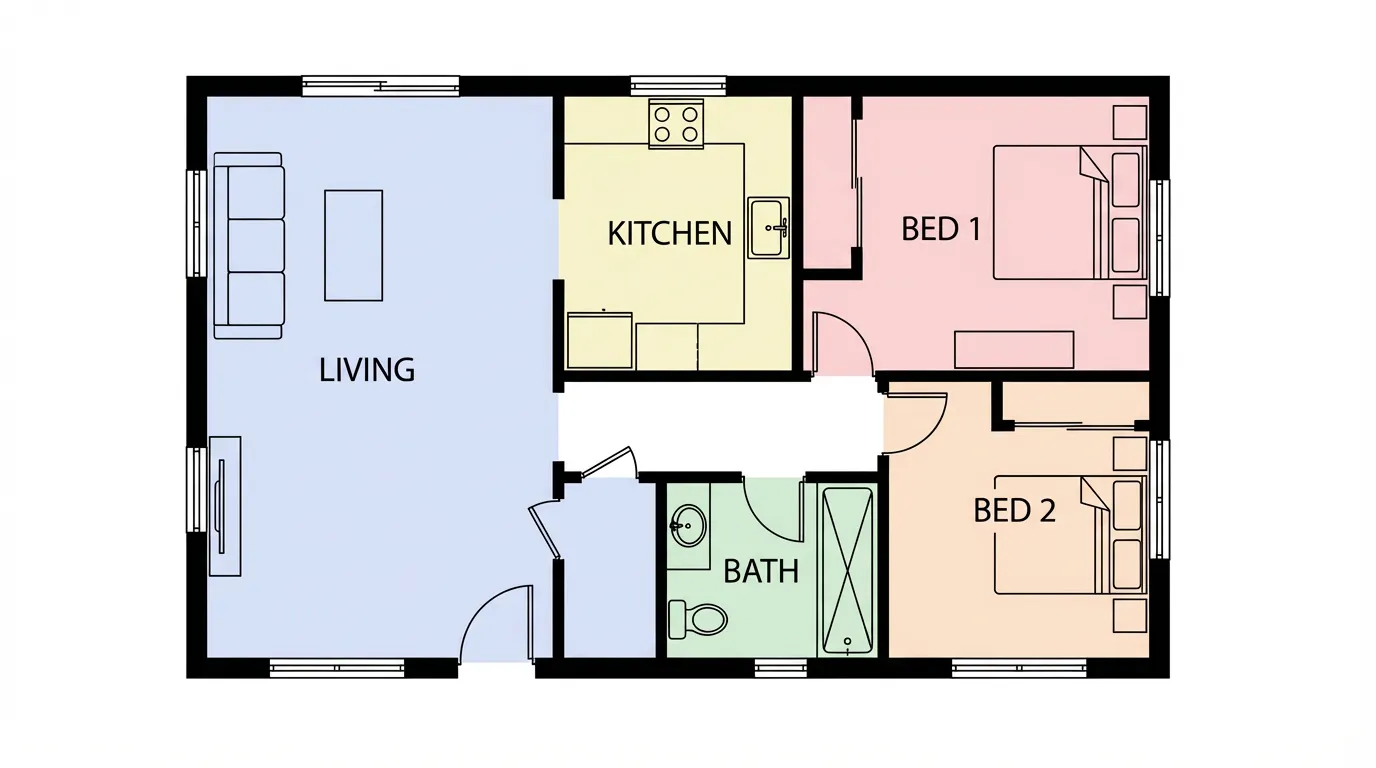
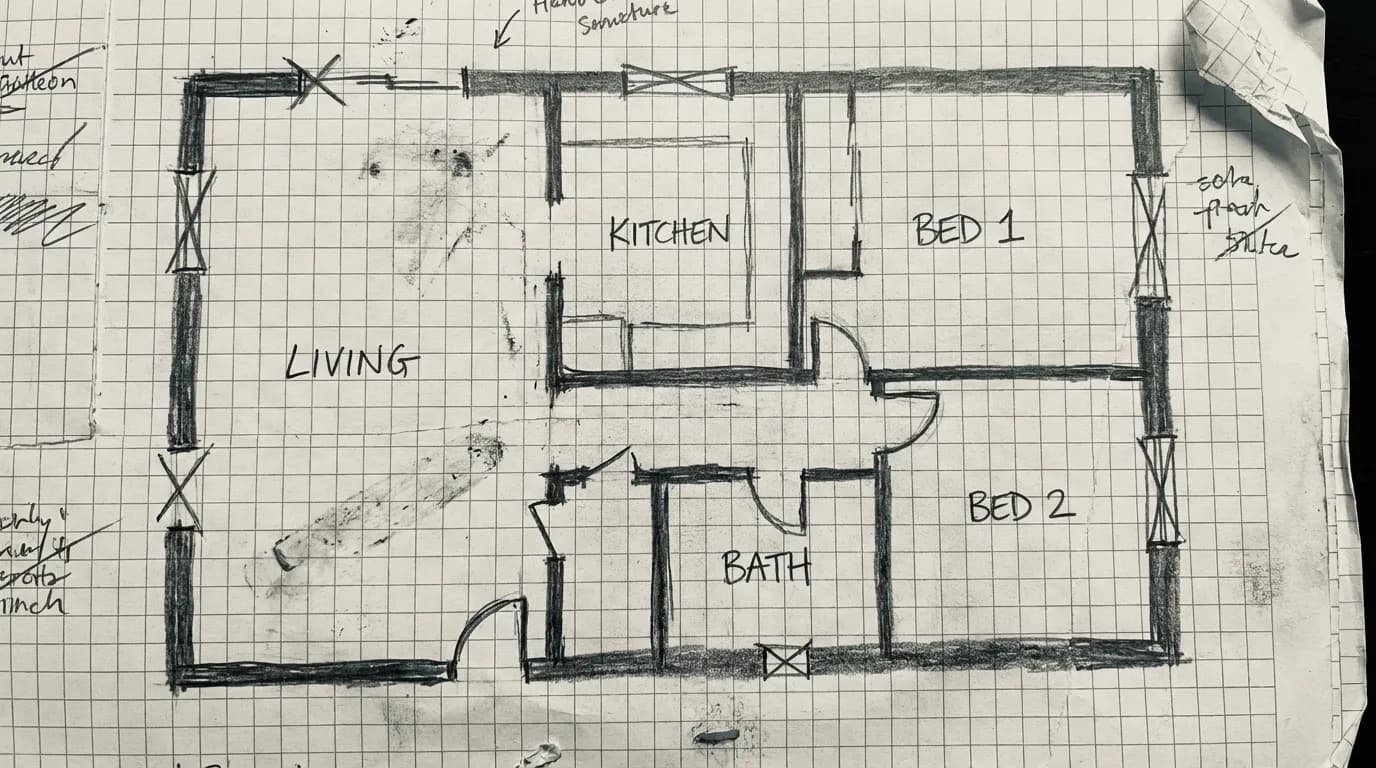
    From Sketch to Professional Plan

    Drag the slider to see how AI transforms a rough hand-drawn sketch into a clean, presentation-ready floor plan with room labels and layout optimization.

    AI Floor Plan Generator for Smart Layouts - after
    AI Floor Plan Generator for Smart Layouts - before
    BeforeAfter

    How It Works

    01
    Upload Your Sketch

    Draw a rough layout on paper or a tablet and upload it. You can also describe your requirements in text — number of rooms, square footage, and style.

    02
    Refine the Layout

    Adjust room sizes, add or remove spaces, change the flow between areas. Specify residential, commercial, or hospitality requirements.

    03
    Download Your Plan

    Export a clean, labeled floor plan ready for client presentations, initial design reviews, or as a starting point for detailed CAD development.

    Perfect for Every Design Phase

    From napkin sketches to client presentations, the AI floor plan generator accelerates your space planning workflow.
    Concept Design
    Concept Design

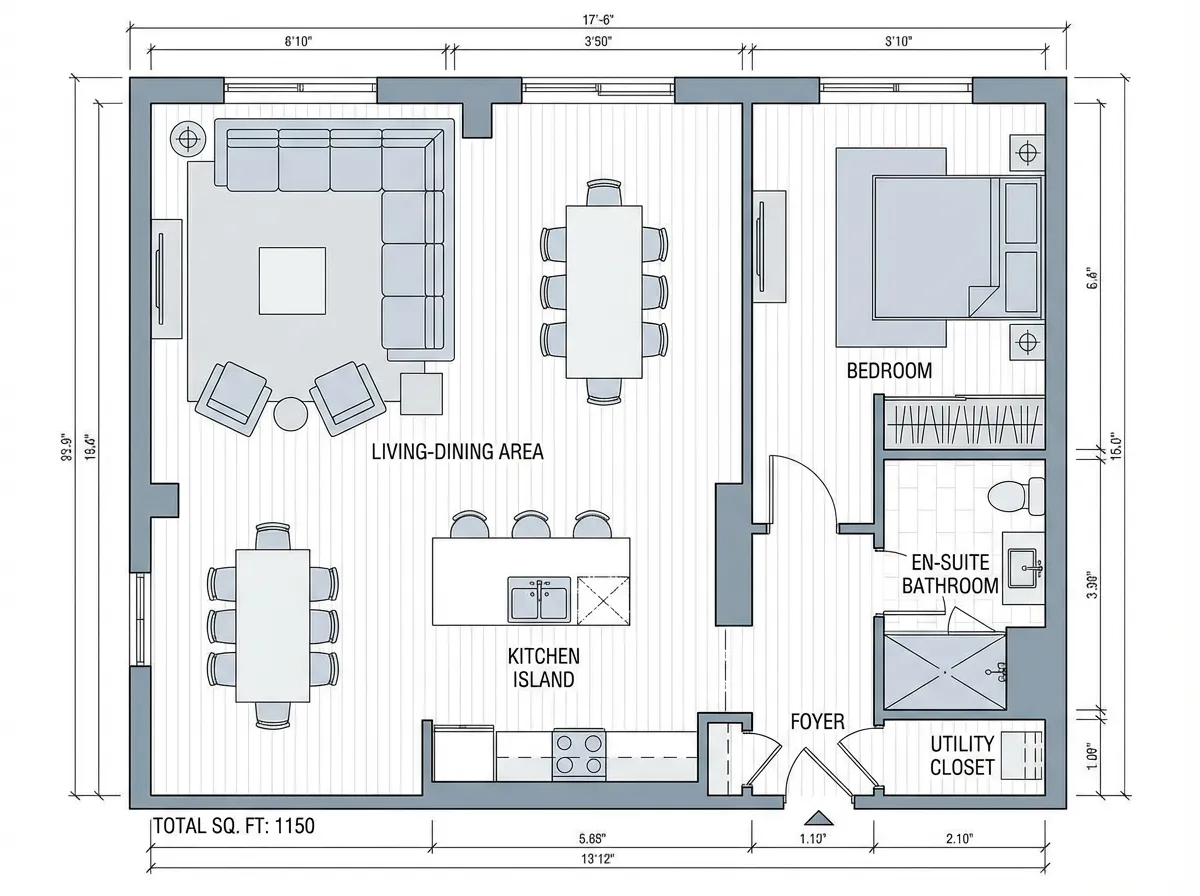
    Explore multiple layout options in minutes during early design meetings. Generate and compare floor plan alternatives before committing to a direction.
    Client Consultations
    Client Consultations

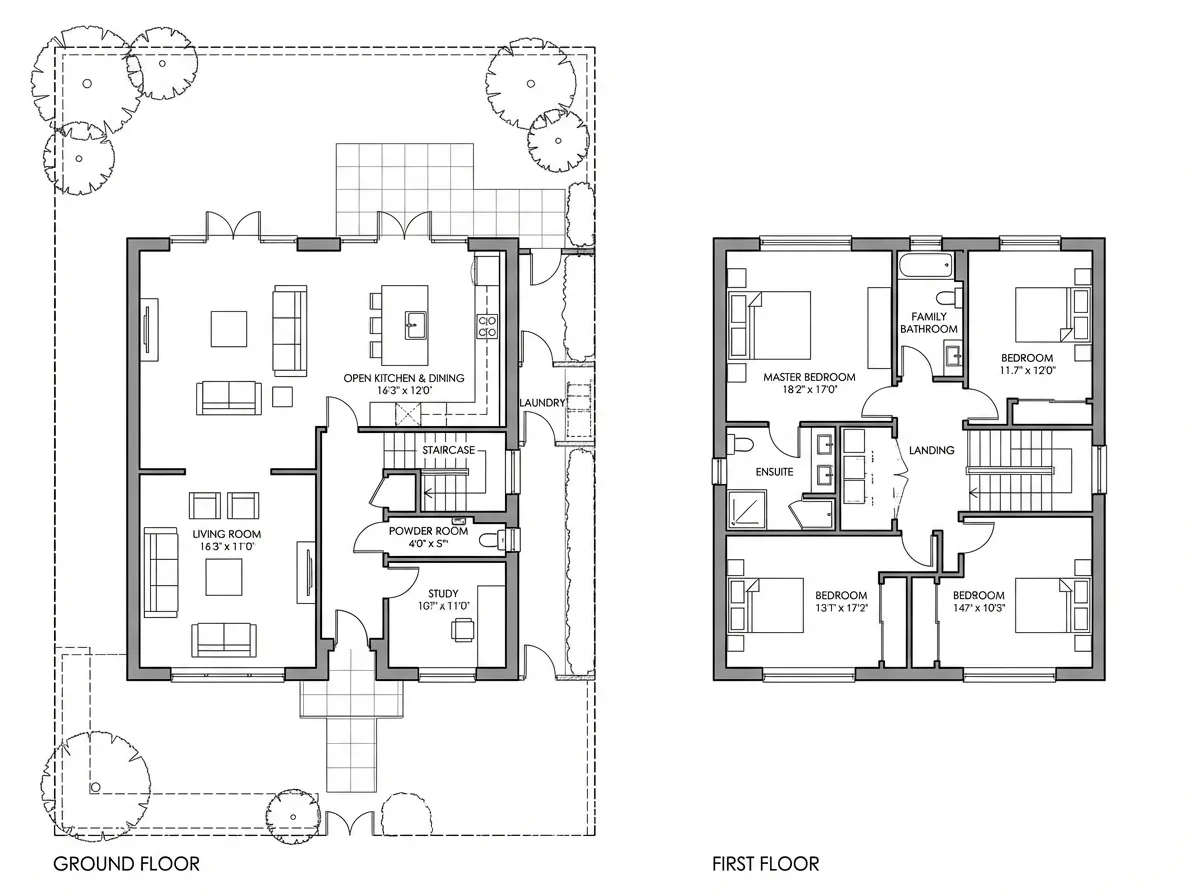
    Sketch ideas during client meetings and instantly generate clean floor plans that communicate spatial relationships and room proportions clearly.
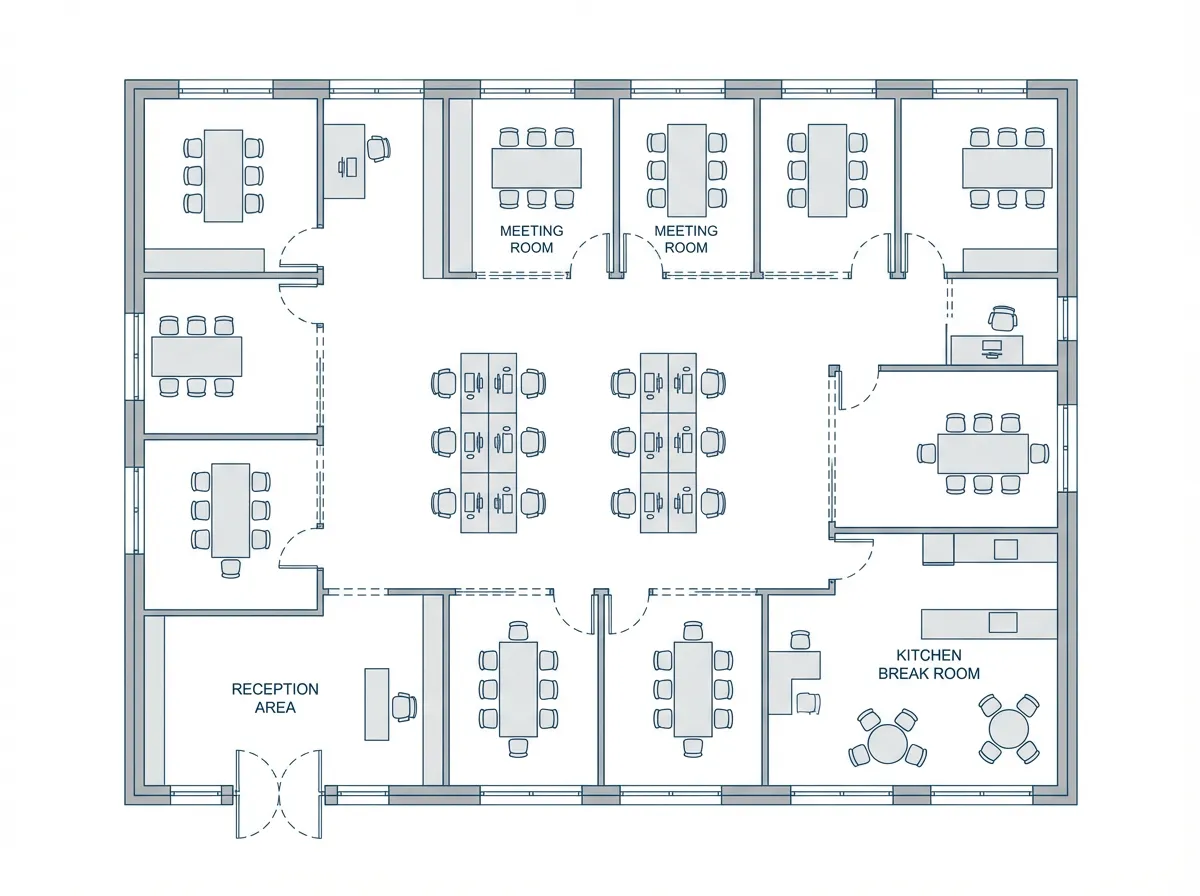
    Real Estate Listings
    Real Estate Listings

    Create professional floor plans for property listings from quick measurements and sketches, helping buyers understand the layout before visiting.
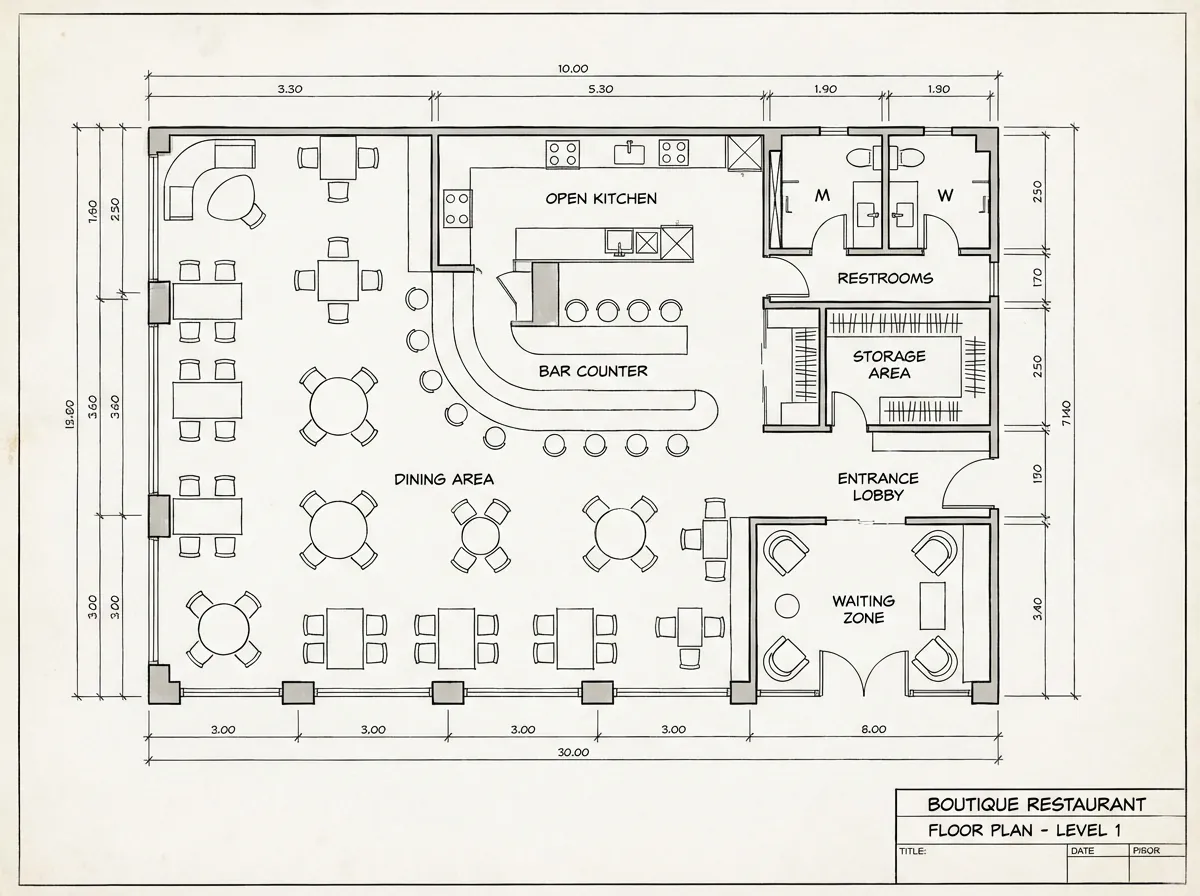
    Interior Space Planning
    Interior Space Planning

    Generate furniture layout options and space allocation plans for interior design projects, optimizing flow and functionality for each room.

    What Makes Our AI Floor Plans Different

    Sketch Recognition

    Upload hand-drawn layouts on paper or tablet and AI interprets walls, doors, windows, and room boundaries to produce clean digital plans.

    Smart Room Labeling

    AI automatically identifies and labels rooms based on size, position, and context — living room, kitchen, bedroom, bathroom — with correct proportions.

    Layout Optimization

    AI suggests improved circulation, better room adjacencies, and more efficient use of space based on architectural best practices and building standards.

    Multiple Variations

    Generate several layout options from the same brief or sketch, giving you and your clients meaningful alternatives to compare and discuss.

    Explore More Architecture AI

    Site Plan RenderingAI MasterplanAI 3D Rendering

    Frequently Asked Questions

    Common questions about the AI floor plan generator.

    Yes. Describe your requirements — for example, a 3-bedroom apartment with open kitchen and two bathrooms — and the AI will generate a floor plan layout. You can then refine it by uploading sketches or adjusting the result.
    AI floor plans are designed for concept design and client communication, not construction documentation. They provide excellent starting points that you can import into CAD software for detailed development with precise dimensions and specifications.
    You can specify approximate room sizes and total area in your prompt. The AI will generate a layout that respects your spatial requirements. For precise dimensioning, refine the output in your preferred CAD software.
    Absolutely. The AI generates floor plans for offices, restaurants, retail stores, hotels, and other commercial typologies. Specify the building type and requirements, and the AI adapts the layout logic accordingly.

    Generate Your First Floor Plan in Seconds

    Join architects and designers using AI to explore layout options faster than ever before.

    No credit card required2000 free credits

    Armox, Inc.

    The best AI Creative Suite!

    Company

    • Pricing
    • Contact
    • Affiliate Program
    • Blog
    • Privacy Policy
    • Terms of Service

    Resources

    • Academy
    • Blog
    • Models
    • Use Cases

    Use Cases

    • Architecture AI
    • Tattoo AI
    • Fashion AI
    • AI for Agencies
    • Image Generation
    • Video Generation

    Architecture hubs

    • Rendering & Visualization
    • Redesign & Transformation
    • Environmental Effects
    • Virtual Staging
    • Editing & Enhancement
    • Video & Animation
    • Special Views & Formats
    • Solutions
    • Alternatives

    Features

    • AI rendering generator
    • AI style transfer
    • Render enhancer
    • AI render enhancer
    • 3D rendering AI

    Concept generators

    • AI architecture generator
    • AI room generator
    • AI kitchen design
    • AI home exterior design
    • Interior color palette generator
    • AI texture generator

    Compatibility

    • Render for SketchUp
    • Rendering for ArchiCAD
    • Rendering for Revit
    • Render for Rhino
    • Rendering for AutoCAD
    • Render for Blender

    © 2026 Armox, Inc. All rights reserved.