trusted by 25000+ creators







Built for every design professional
Architects, interior designers, developers and landscape teams use Armox to present ideas faster and win more projects.
Architects
Turn concept sketches, massing models and CAD exports into photorealistic exteriors for competitions and client reviews.
See the workflowInterior Designers
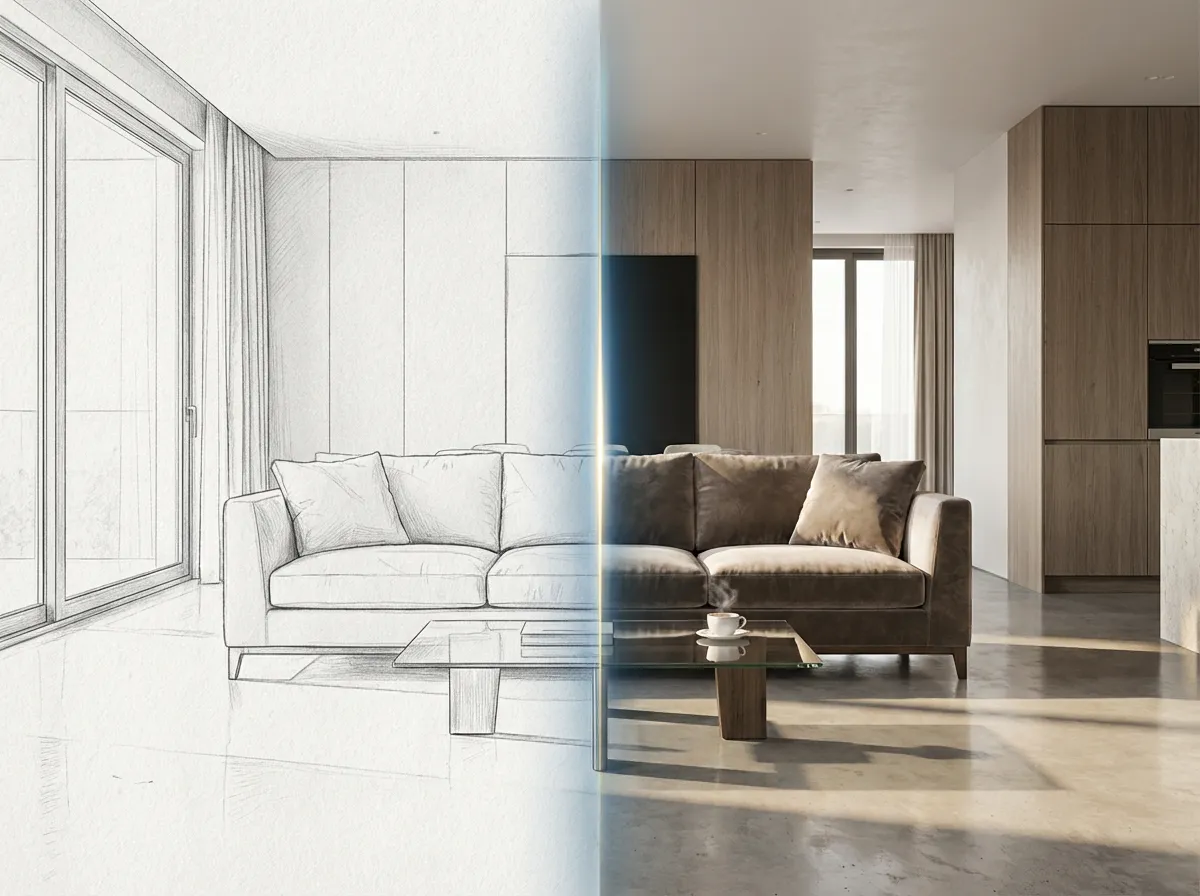
Render interiors from sketches, swap materials and palettes, and show clients multiple design directions in minutes.
See the workflowReal Estate Developers
Create listing-ready renders, virtual staging and marketing visuals before construction is finished.
See the workflowLandscape & Urban
Visualize masterplans, site plans, aerial views and landscape designs with realistic vegetation and lighting.
See the workflowFrom Sketch to Photorealistic
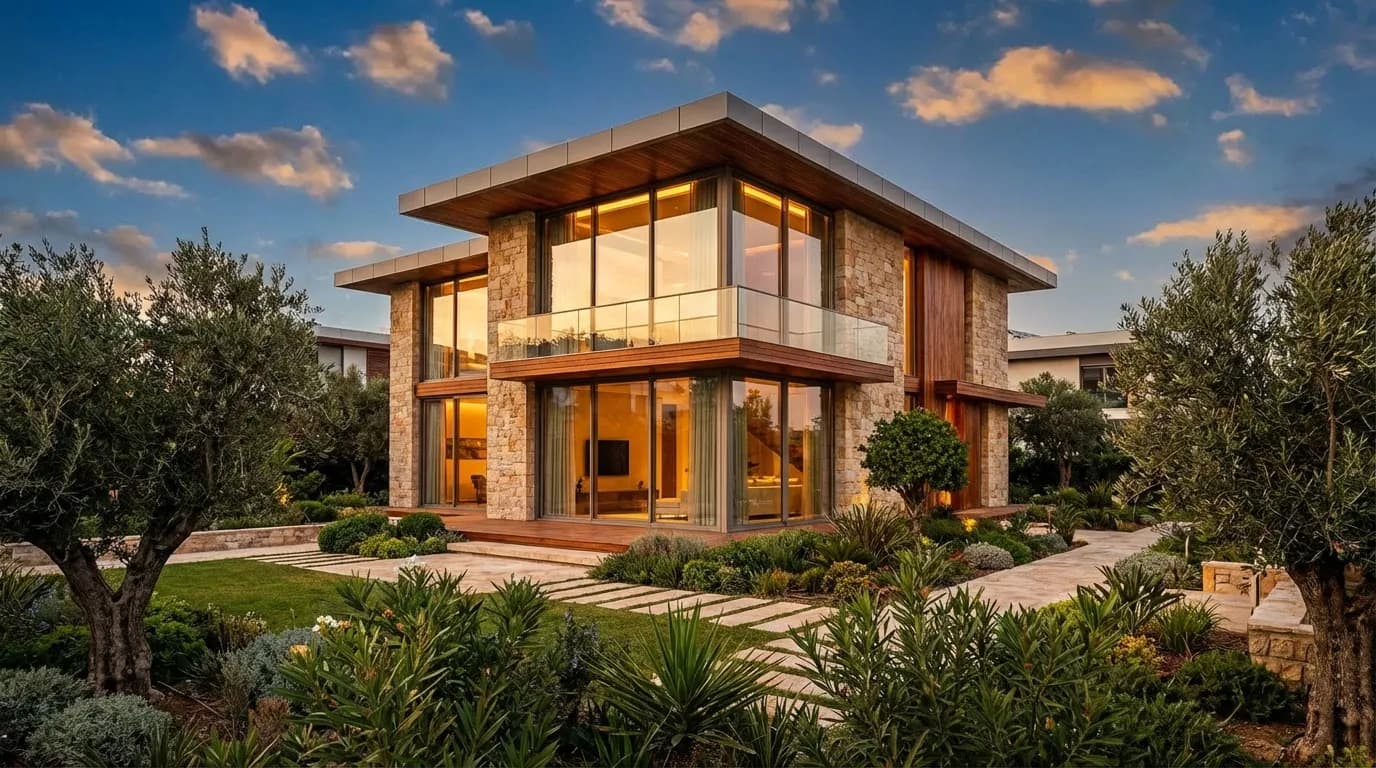
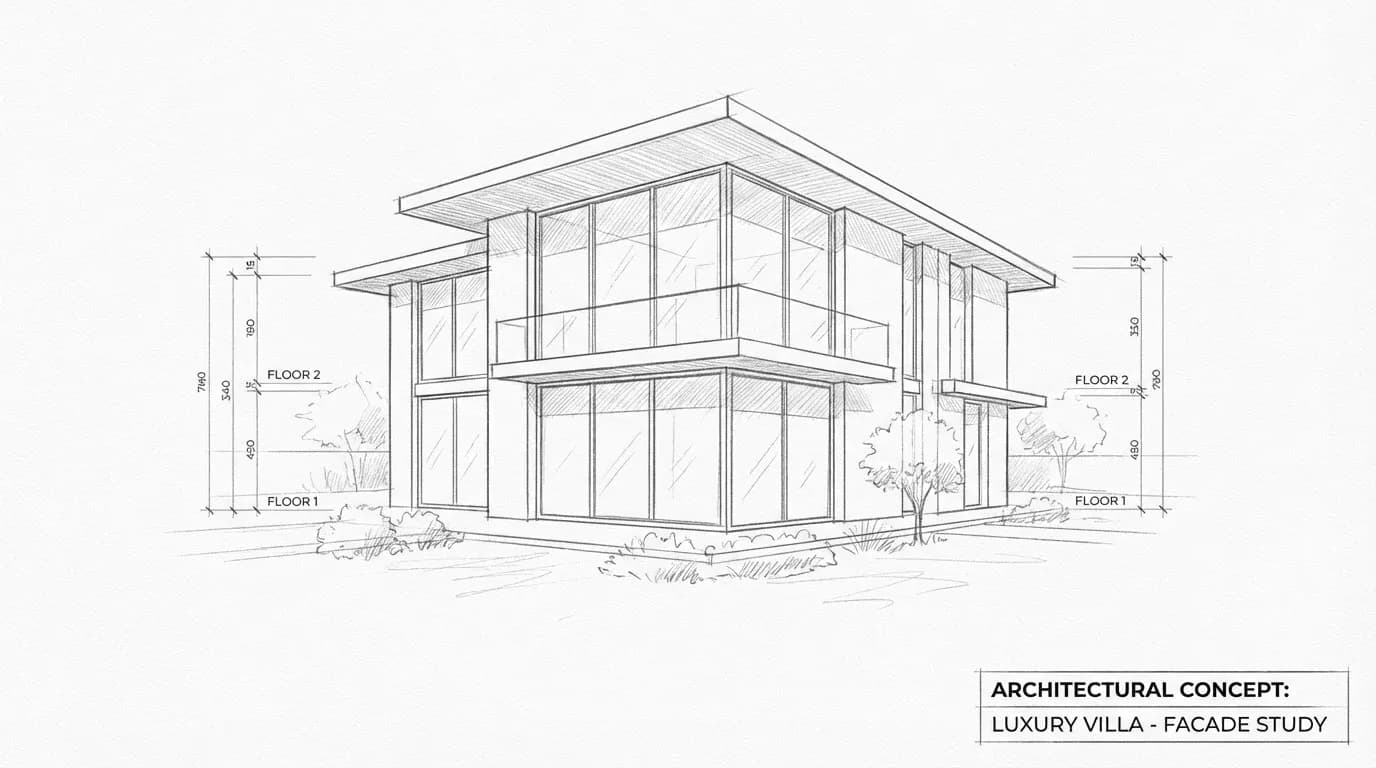
See the power of AI rendering. Drag the slider to compare the original design with the AI-enhanced photorealistic render.
How It Works
Whether you're using SketchUp, Revit, ArchiCAD, or any CAD software, Armox AI transforms your designs into stunning visualizations.
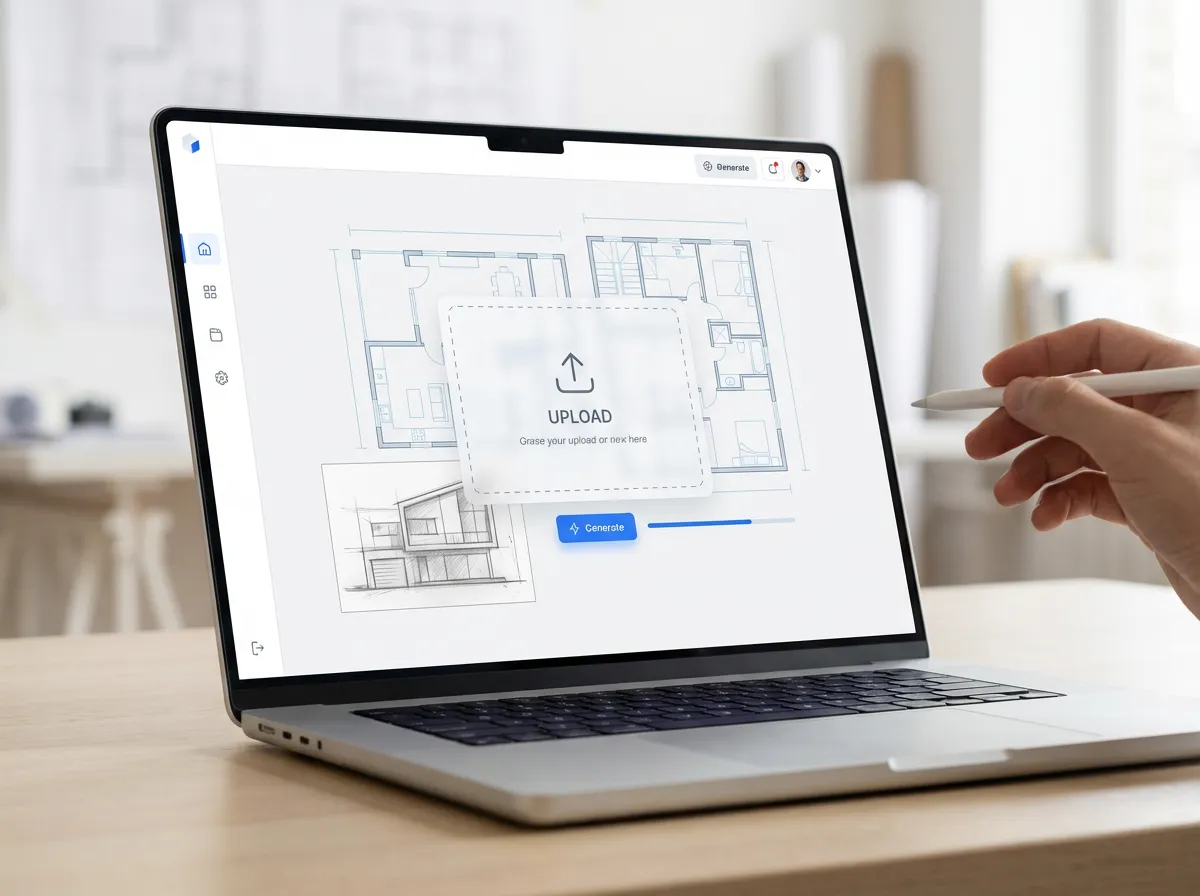
Export your design from any CAD or 3D software - SketchUp, Revit, ArchiCAD, Rhino, Blender. Sketches and line drawings work too.
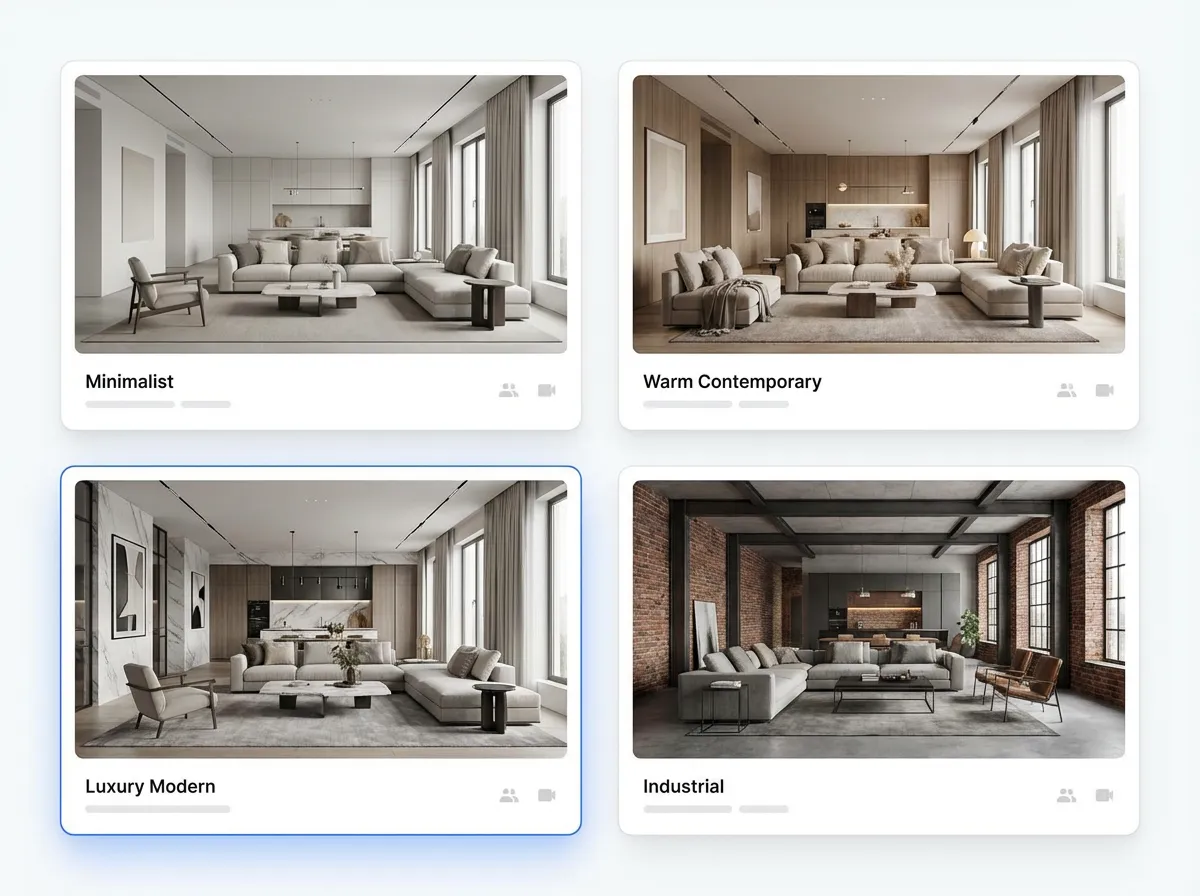
Select from photorealistic, modern, minimalist, or upload a reference image. AI adapts to your preferred aesthetic.
AI handles lighting, materials, textures, and environment. Get a photorealistic render in under 10 seconds.
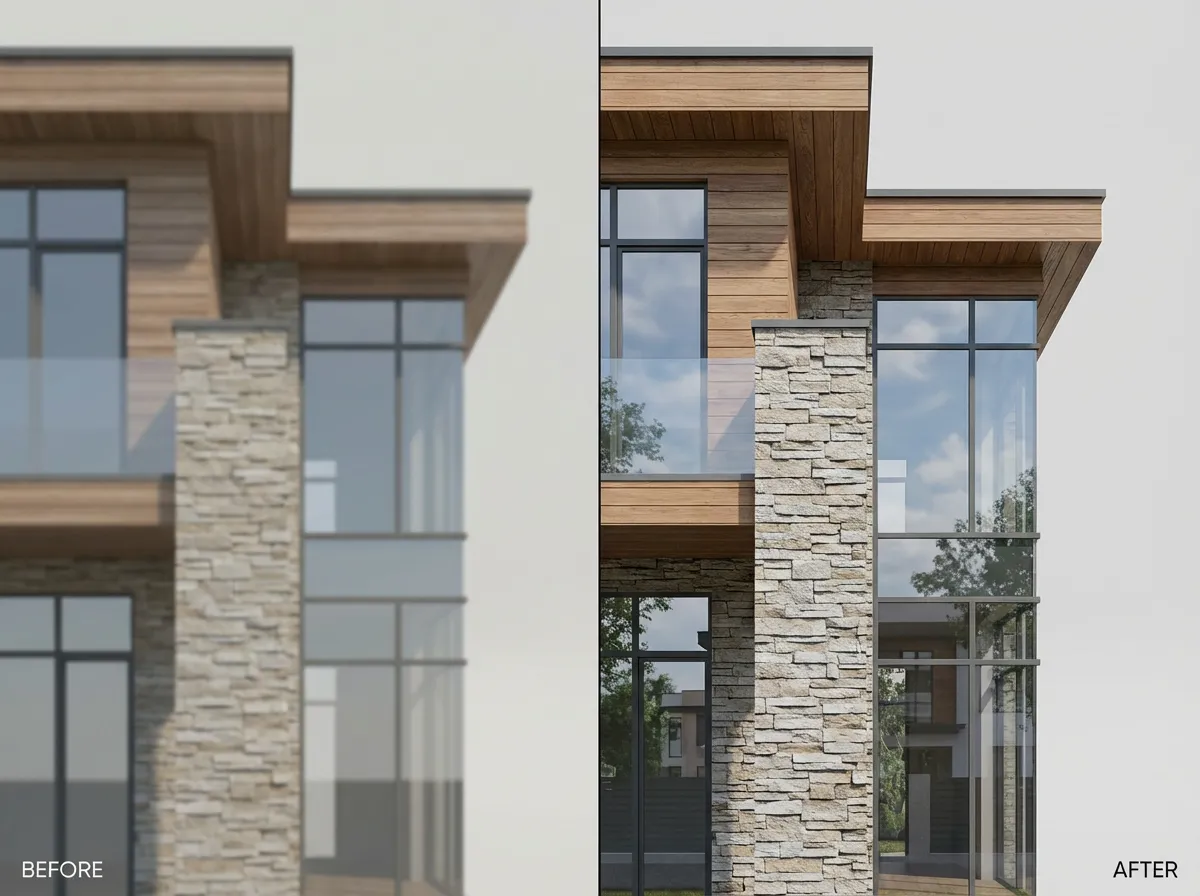
Upscale to 4K or 8K resolution. Enhance materials, fix imperfections, and create presentation-ready visuals.
Architecture AI apps
Choose a ready-to-use workflow and start creating in seconds.
Everything You Need for Professional Renders
Rendering & Visualization
Exterior, interior, floor plans, masterplans, and production-ready photoreal renders.

Redesign & Transformation
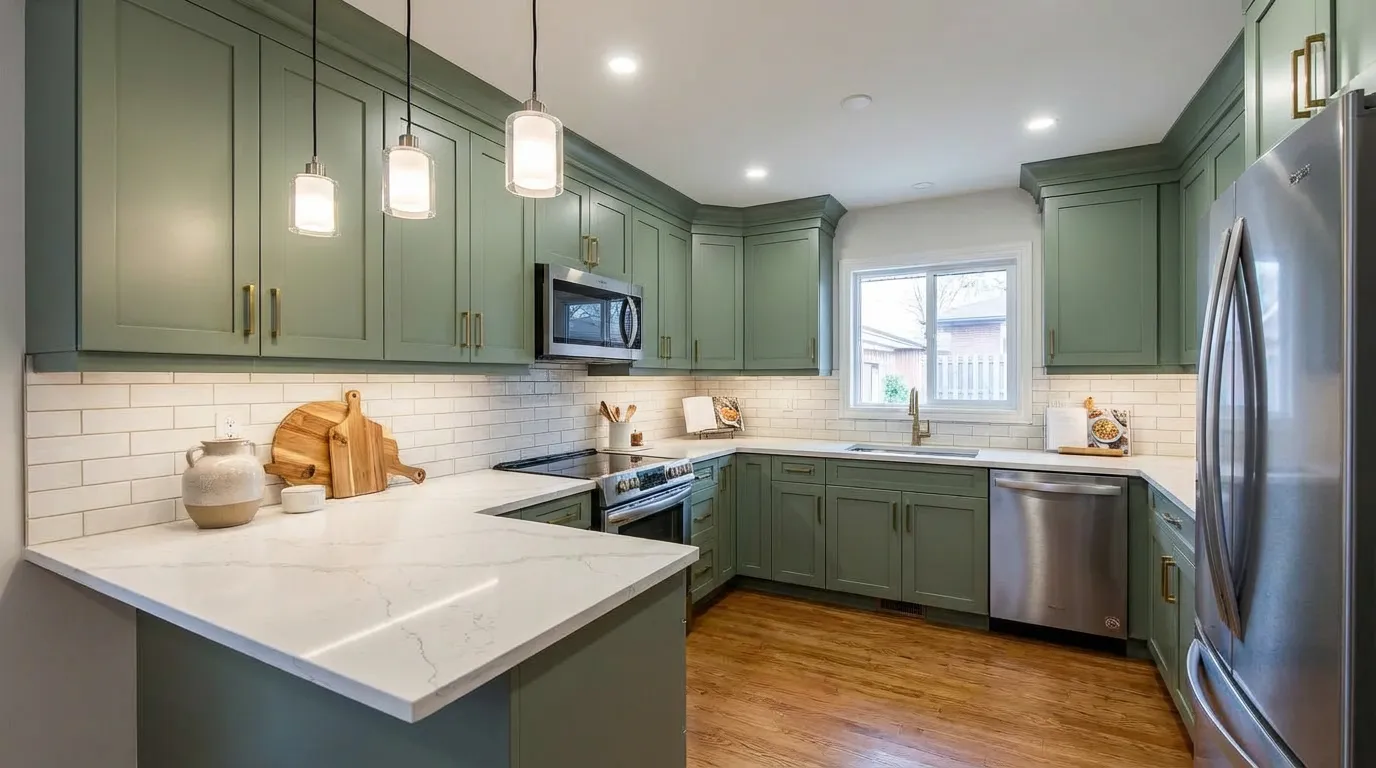
Reimagine interiors and facades with style-forward concepts that clients approve faster.
Environmental Effects
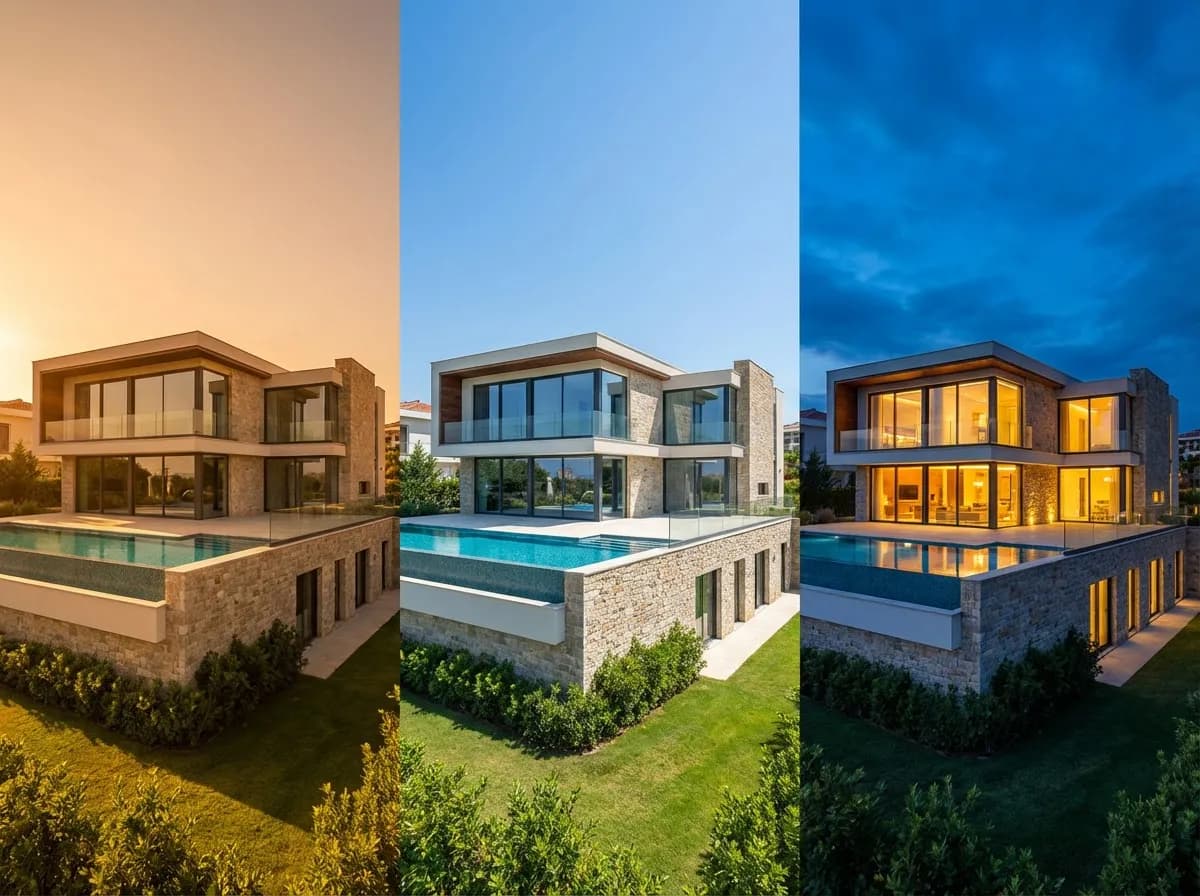
Control day-to-night transitions, seasonal looks, and lighting mood in seconds.
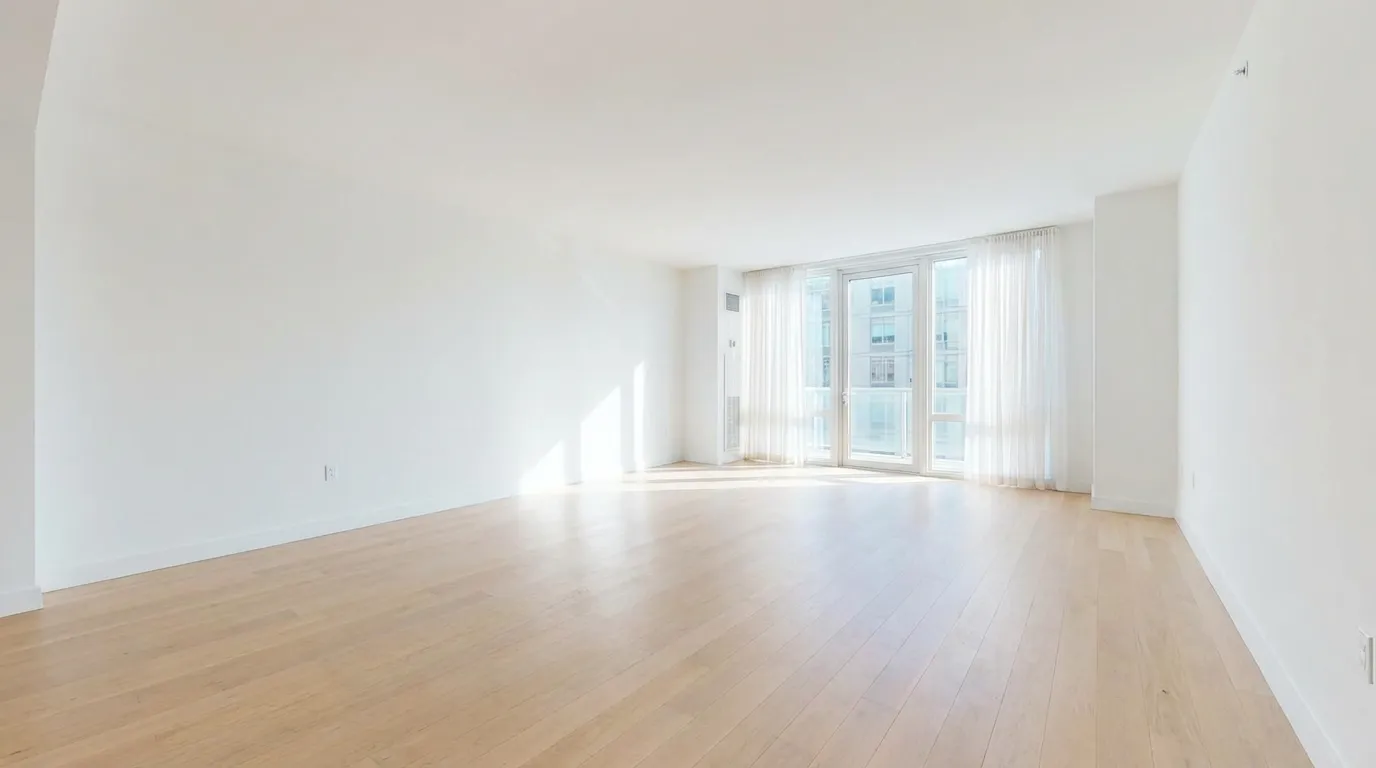
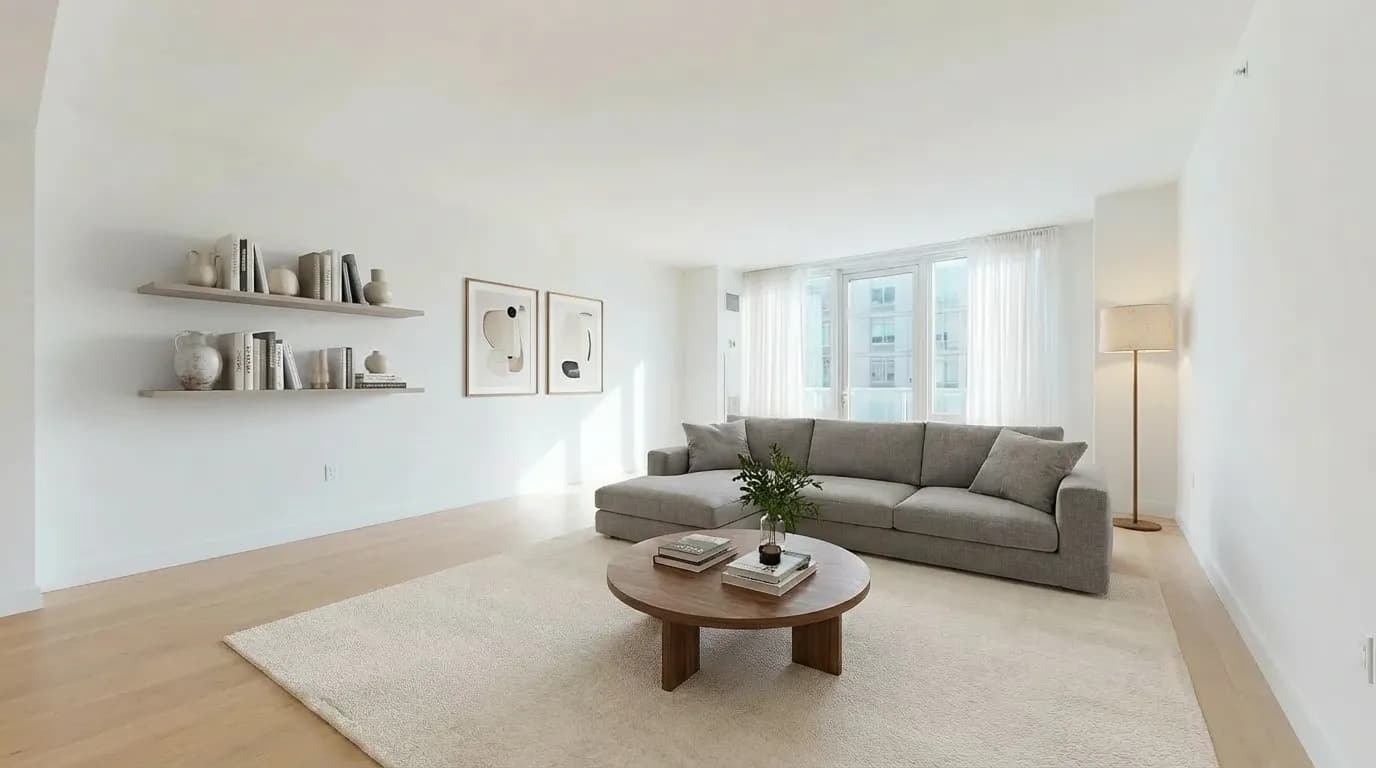
Virtual Staging
Stage furniture, swap objects, and present multiple room concepts from one base scene.
Editing & Enhancement
Inpaint, clean, and upscale renders for polished, presentation-ready outputs.
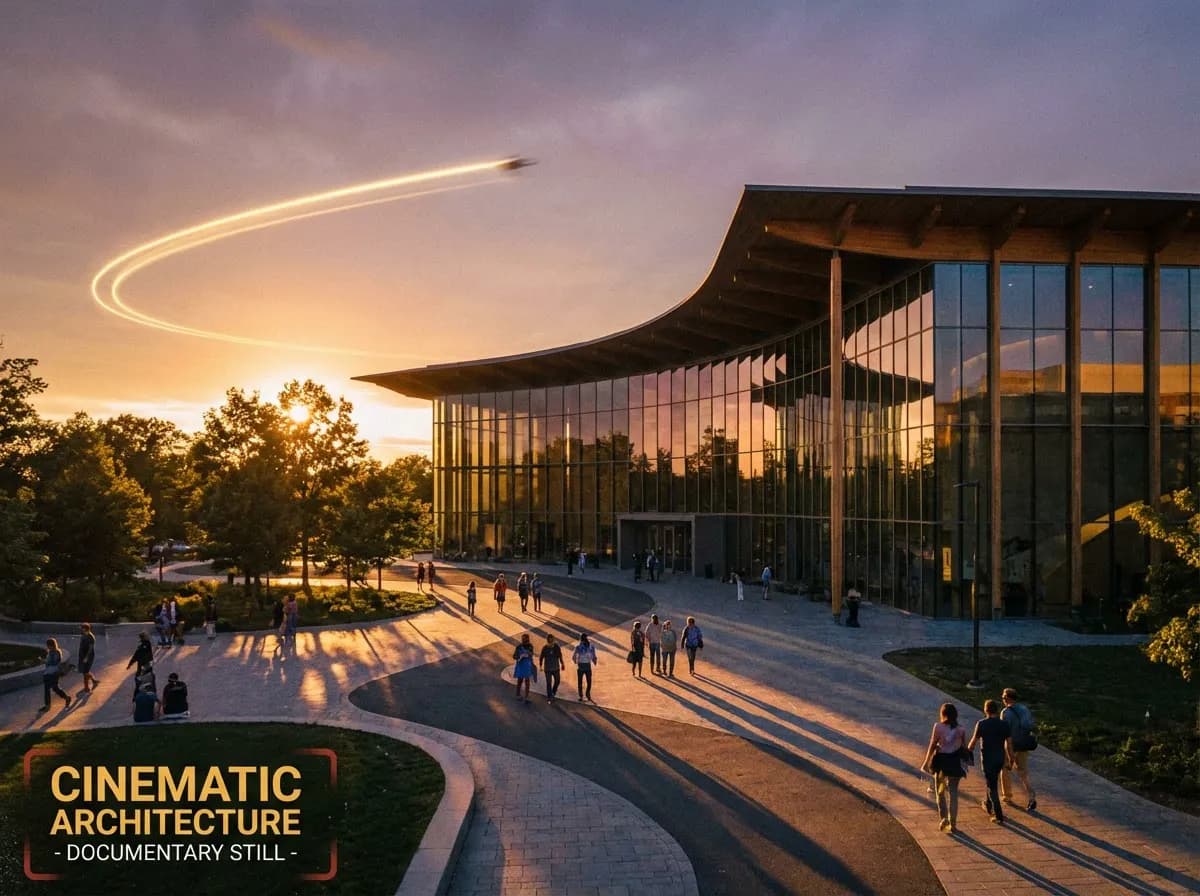
Video & Animation
Generate interior and exterior walkthroughs with cinematic movement and continuity.

Special Views & Formats
Create 3D and 360 experiences for immersive reviews and high-impact presentations.
Works with Your Favorite Tools
Export from any CAD or 3D modeling software. No plugins required.


Frequently Asked Questions
Everything you need to know about AI architectural rendering