Armox Logo
    PricingAcademyContact
    1. AI Architecture
    2. Special Views & Formats
    3. 3D Render

    AI-Powered 3D Renders for Architecture

    Generate photorealistic 3D perspective renders from any design — sketches, CAD exports, or 3D model screenshots. Professional visualization in seconds.

    No credit card required2000 free credits

    Upload - Image
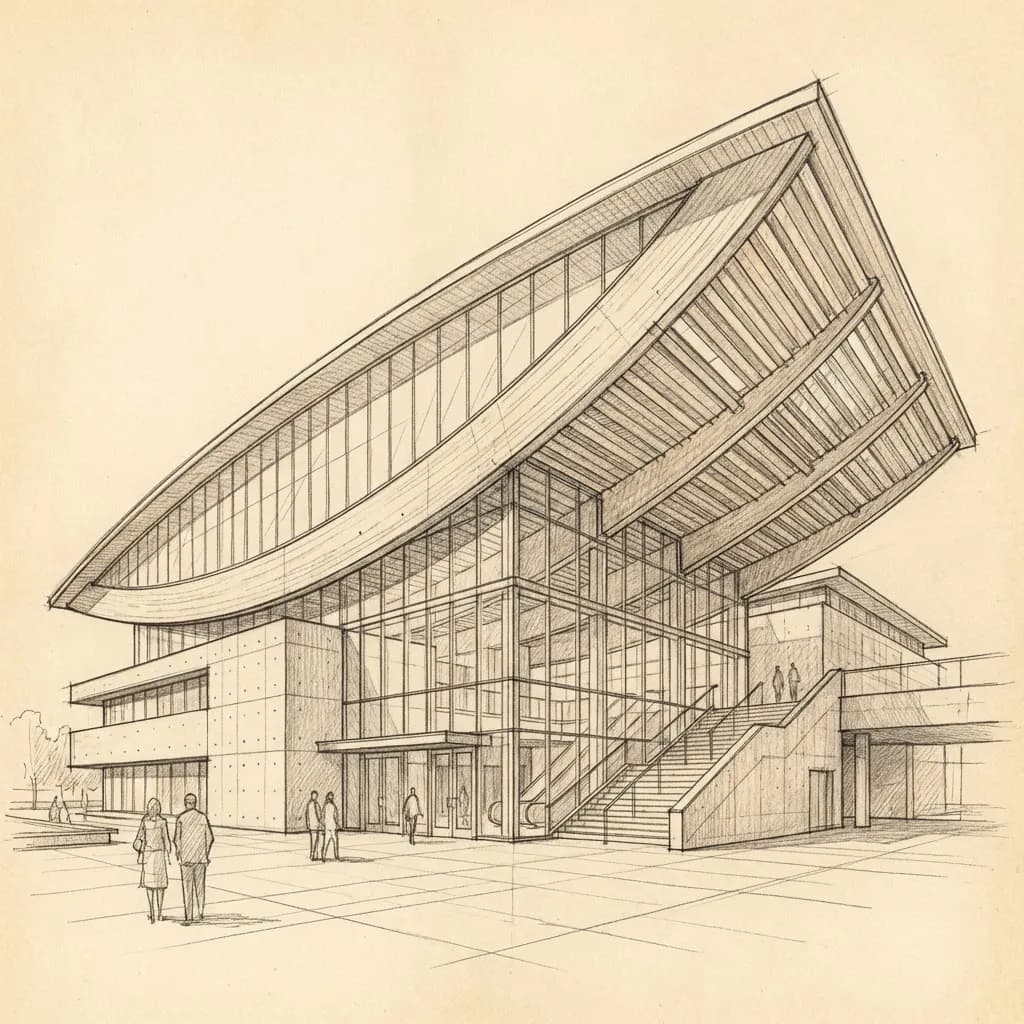
    AI-Powered 3D Renders for Architecture - input
    Google
    Nano Banana Pro
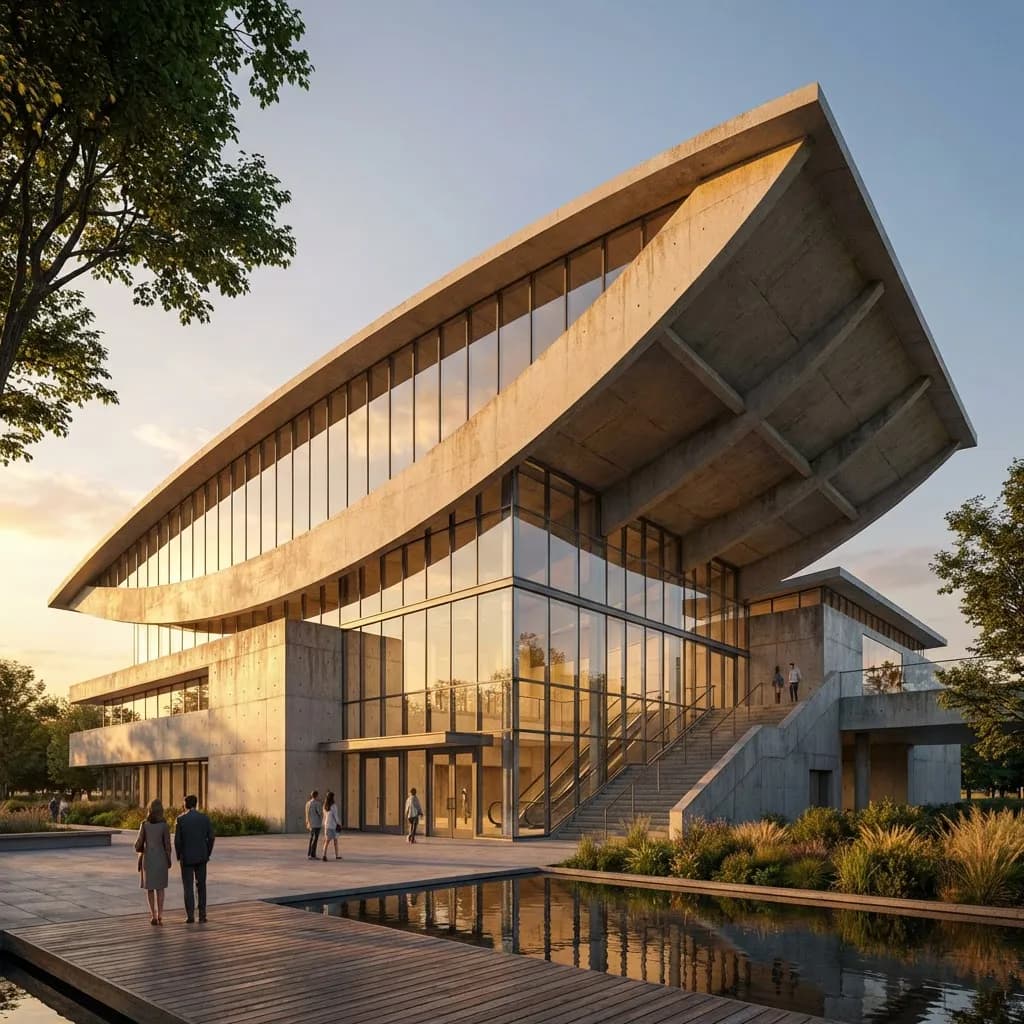
    AI-Powered 3D Renders for Architecture - result
    Prompt

    Photorealistic render with perfect lighting, realistic materials and cinematic composition...

    Run Node
    Upload - Image
    AI-Powered 3D Renders for Architecture - input
    Google
    Nano Banana Pro
    AI-Powered 3D Renders for Architecture - result
    Prompt

    Photorealistic render with perfect lighting, realistic materials and cinematic composition...

    Run Node

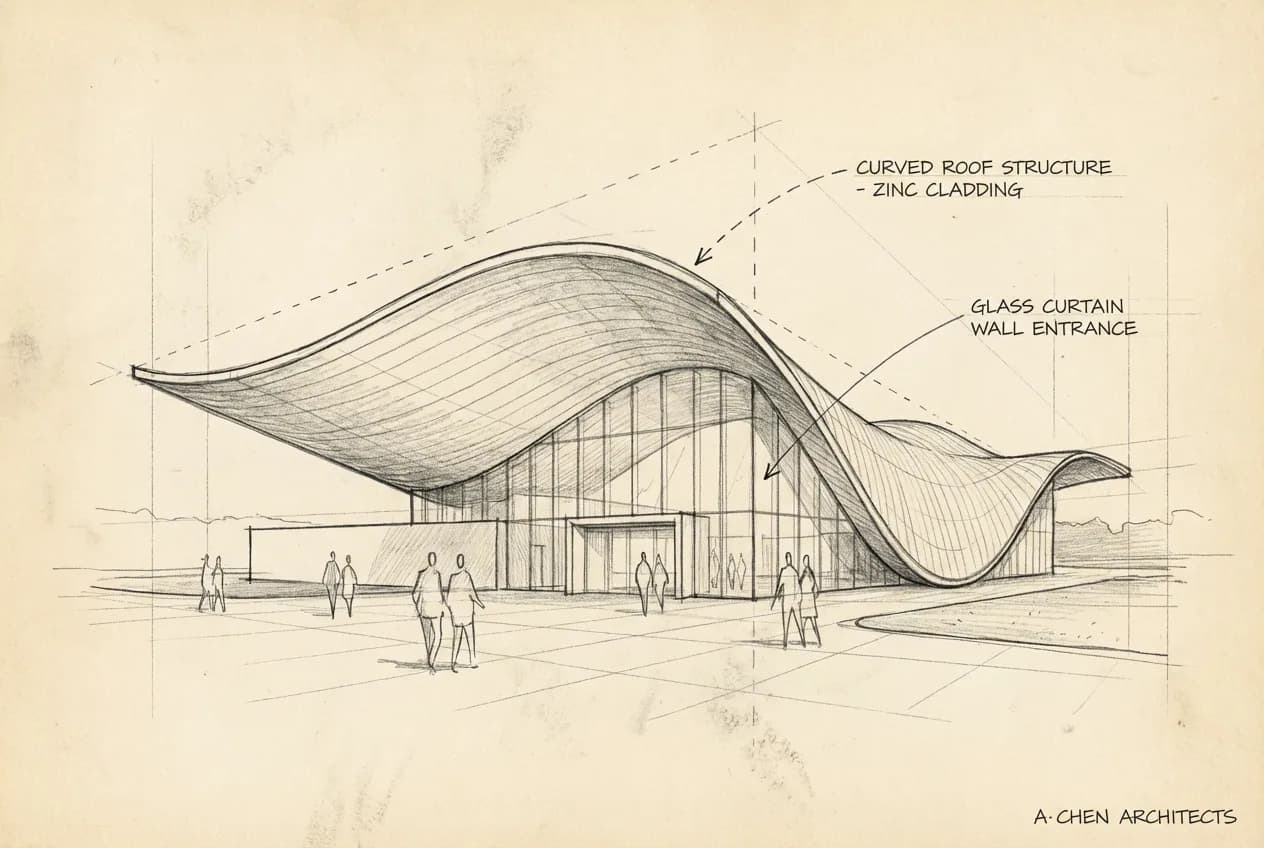
    From Model to 3D Photorealism

    Slide to see a basic 3D model view transformed into a cinematic photorealistic render with realistic materials, lighting, and environmental context.
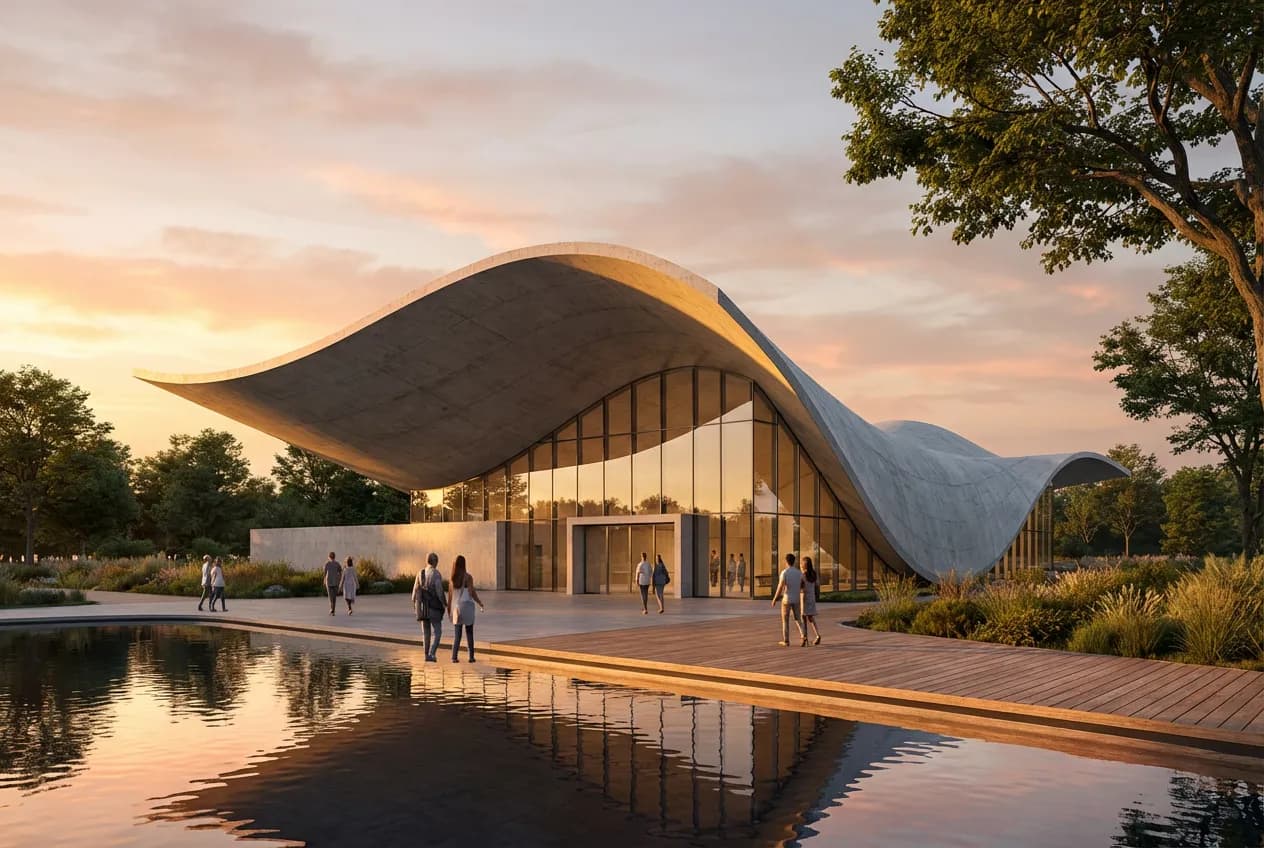
    AI-Powered 3D Renders for - after
    AI-Powered 3D Renders for - before
    BeforeAfter

    How It Works

    01
    Upload Your 3D View

    Export a perspective view from any 3D software — SketchUp, Rhino, Revit, Blender, or any other tool. Screenshots of your viewport work perfectly.

    02
    Choose Your Style

    Select the rendering style, time of day, and materials. Use text prompts for precise control — 'warm evening light, oak and concrete materials, lush garden'.

    03
    Download in Seconds

    Get a photorealistic 3D render in under 30 seconds. Upscale to 4K for large-format prints, presentations, and portfolio pieces.

    3D Renders for Every Project Type

    From conceptual perspectives to final presentation renders, AI handles any architectural 3D visualization need.
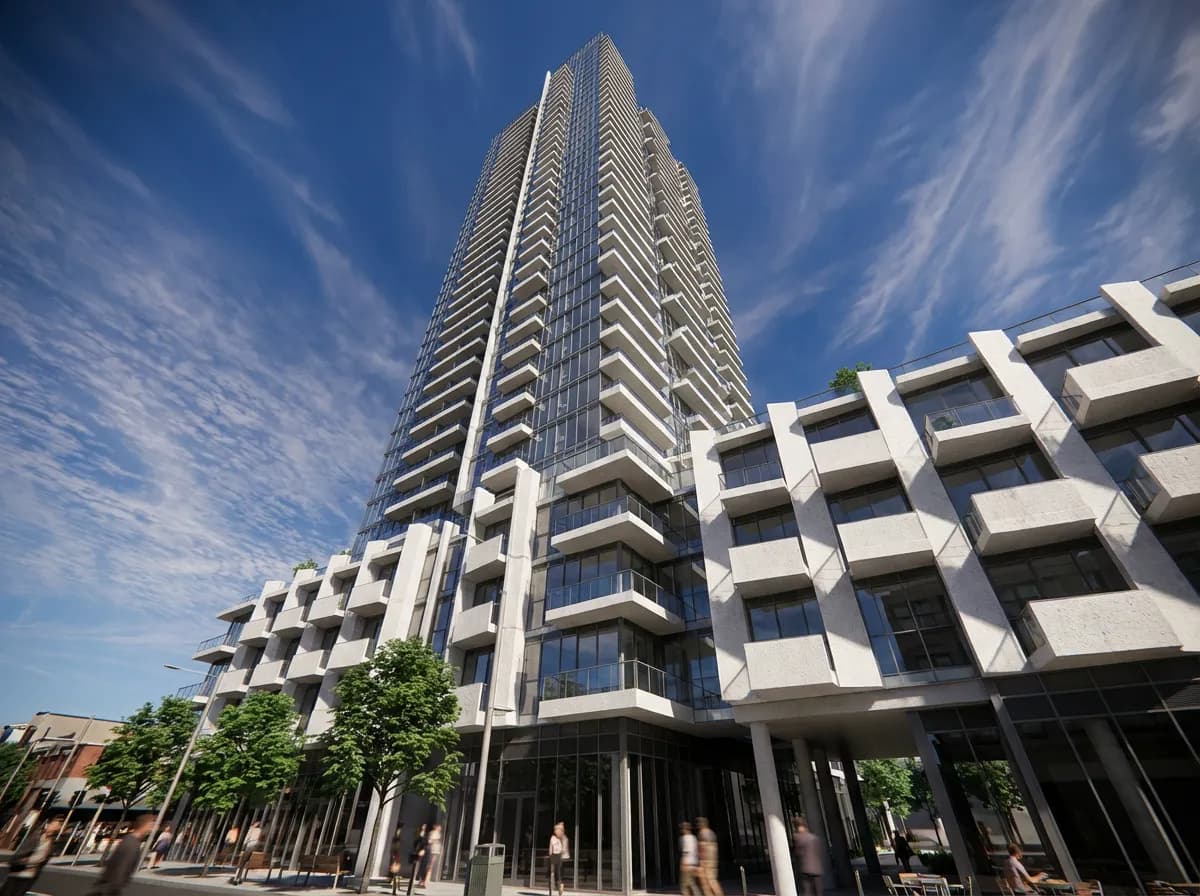
    Concept Perspectives
    Concept Perspectives

    Quickly explore design ideas with photorealistic 3D views. Generate multiple angles in minutes to evaluate massing, proportions, and spatial flow.
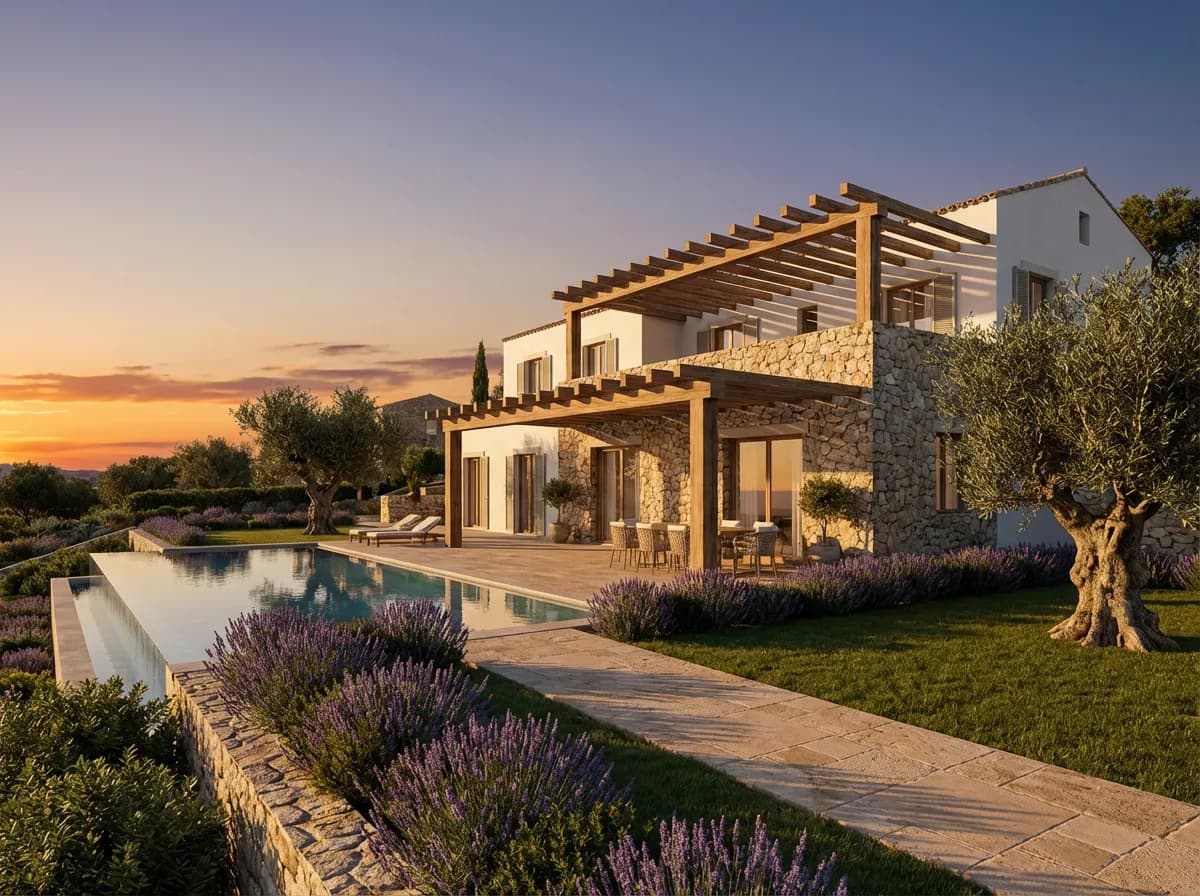
    Client Presentation Views
    Client Presentation Views

    Create hero images for client meetings — dramatic angles with cinematic lighting that sell the design and communicate your vision clearly.
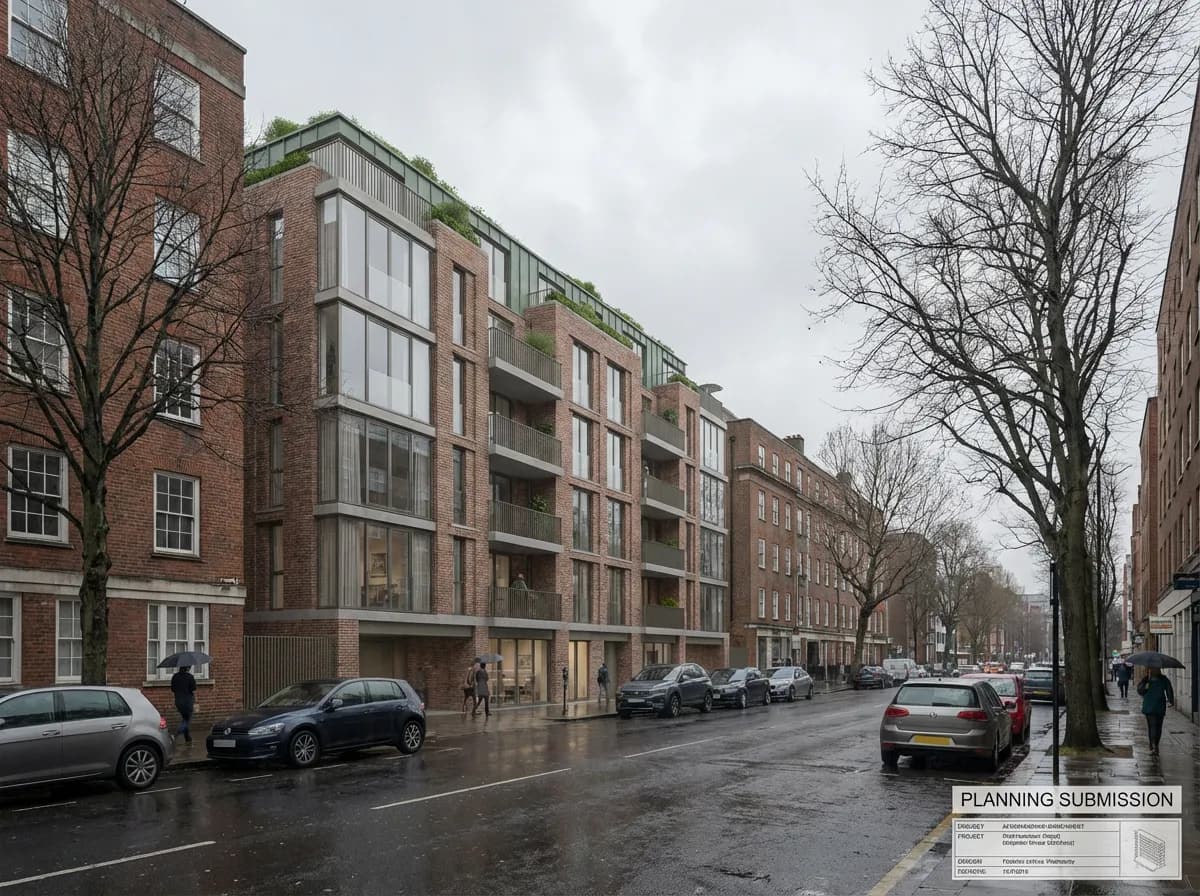
    Planning Submissions
    Planning Submissions

    Produce context-sensitive 3D renders showing how your building fits its surroundings — required for many planning and zoning applications.
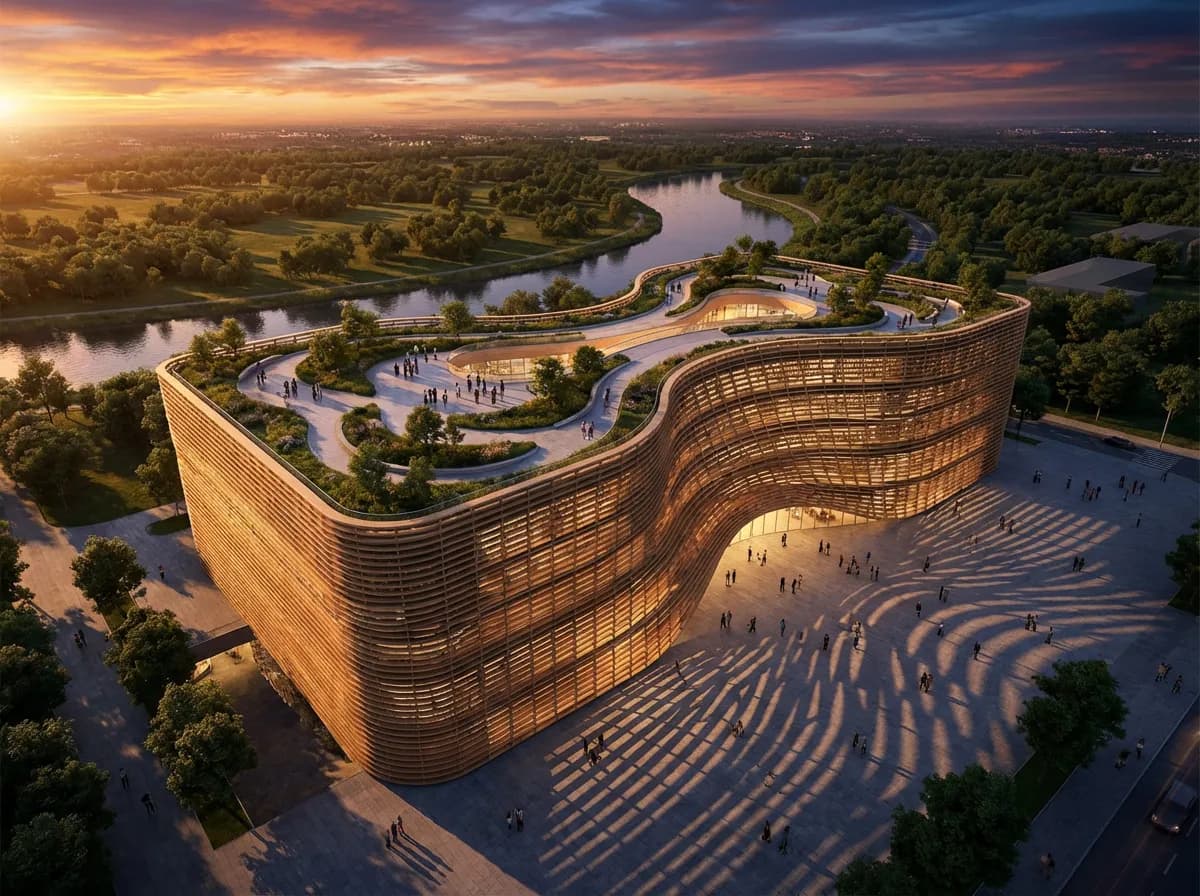
    Portfolio & Marketing
    Portfolio & Marketing

    Build a stunning portfolio with photorealistic 3D renders of completed and conceptual projects. Perfect for websites, social media, and competition entries.

    Why Architects Choose AI 3D Rendering

    Any Perspective Angle

    Generate eye-level, aerial, bird's-eye, worm's-eye, and dramatic low-angle views from a single uploaded design. Each perspective is independently rendered.

    Cinematic Depth of Field

    AI applies natural depth of field, atmospheric perspective, and lens effects that give your 3D renders the look of professional architectural photography.

    Contextual Intelligence

    The AI understands spatial relationships — it adds appropriate sky, ground plane, surrounding context, and vegetation that complement your design.

    Consistent Quality at Any Scale

    From a small residential extension to a large-scale masterplan, AI maintains photorealistic quality across every project scale and building type.

    Explore More Visualization Tools

    AI 3D Rendering360 RenderingArchitectural Visualization

    Frequently Asked Questions

    Common questions about AI 3D rendering for architecture.

    A 3D render specifically refers to a perspective visualization that conveys depth, volume, and spatial relationships of a building design. It's created from a 3D viewpoint rather than a flat elevation or plan. Armox AI generates these photorealistic 3D perspective views from any input — even flat sketches or 2D drawings.
    Each upload generates one perspective view. For multiple angles, upload different viewport captures from your 3D software. Since each render takes only 10–30 seconds, you can generate a complete set of perspectives in minutes.
    AI 3D renders achieve photorealistic quality comparable to traditional engines for presentation purposes. The key advantage is speed (seconds vs hours) and accessibility (no GPU hardware or rendering expertise required). For pixel-perfect technical accuracy, traditional engines still have an edge.
    Yes. Many architects use Armox 3D renders for planning submissions. The photorealistic quality satisfies most planning authority requirements for contextual visualizations showing how a proposed building relates to its surroundings.

    Create Stunning 3D Renders in Seconds

    Upload any design — sketch, CAD, or 3D model — and get a photorealistic 3D perspective view instantly.

    No credit card required2000 free credits

    Armox, Inc.

    The best AI Creative Suite!

    Company

    • Pricing
    • Contact
    • Affiliate Program
    • Blog
    • Privacy Policy
    • Terms of Service

    Resources

    • Academy
    • Blog
    • Models
    • Use Cases

    Use Cases

    • Architecture AI
    • Tattoo AI
    • Fashion AI
    • AI for Agencies
    • Image Generation
    • Video Generation

    Architecture hubs

    • Rendering & Visualization
    • Redesign & Transformation
    • Environmental Effects
    • Virtual Staging
    • Editing & Enhancement
    • Video & Animation
    • Special Views & Formats
    • Solutions
    • Alternatives

    Features

    • AI rendering generator
    • AI style transfer
    • Render enhancer
    • AI render enhancer
    • 3D rendering AI

    Concept generators

    • AI architecture generator
    • AI room generator
    • AI kitchen design
    • AI home exterior design
    • Interior color palette generator
    • AI texture generator

    Compatibility

    • Render for SketchUp
    • Rendering for ArchiCAD
    • Rendering for Revit
    • Render for Rhino
    • Rendering for AutoCAD
    • Render for Blender

    © 2026 Armox, Inc. All rights reserved.