Armox Logo
    PricingAcademyContact
    1. AI Architecture
    2. Special Views & Formats
    3. 360 Rendering

    AI 360° Rendering for Immersive Architecture

    Generate VR-ready 360° panoramic renders from your architectural designs. Let clients look around every corner of a space before it's built.

    No credit card required2000 free credits

    Upload - Image
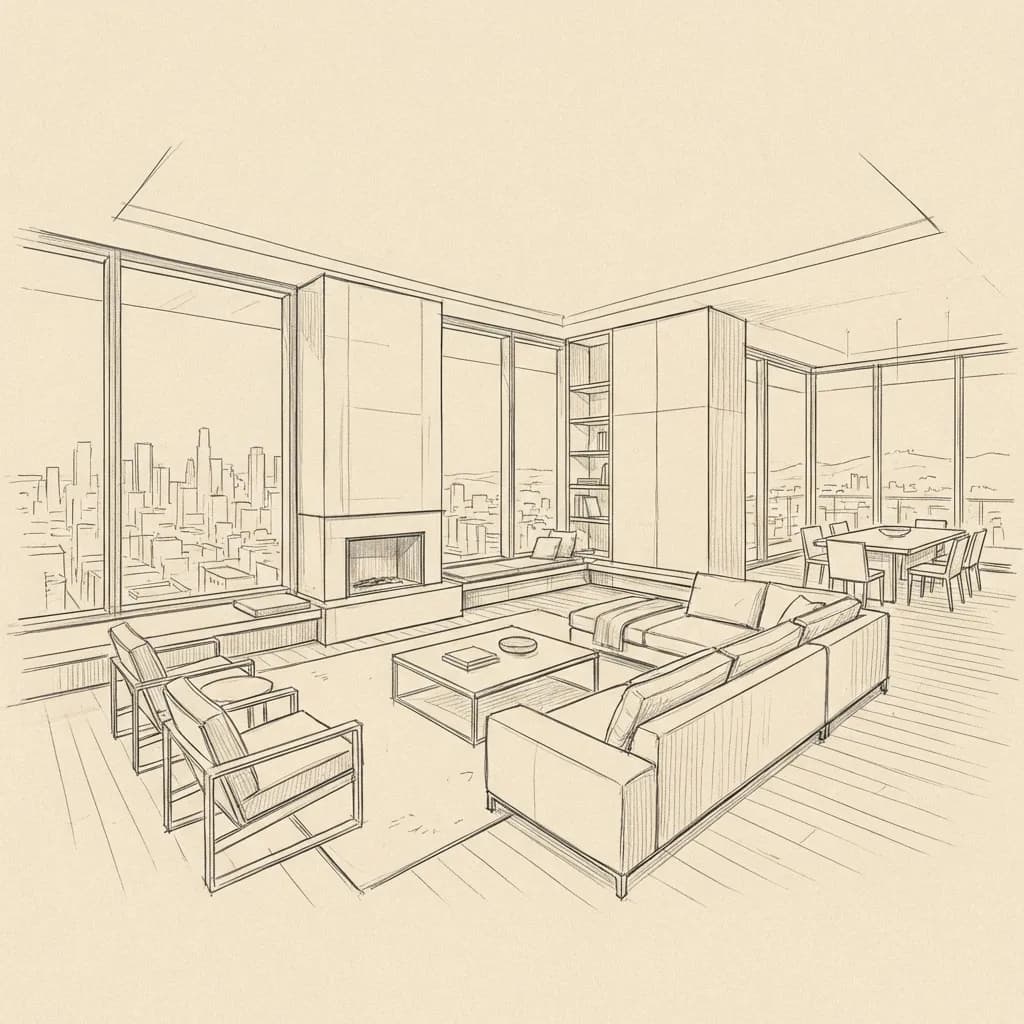
    AI 360° Rendering for Immersive Architecture - input
    Google
    Nano Banana Pro
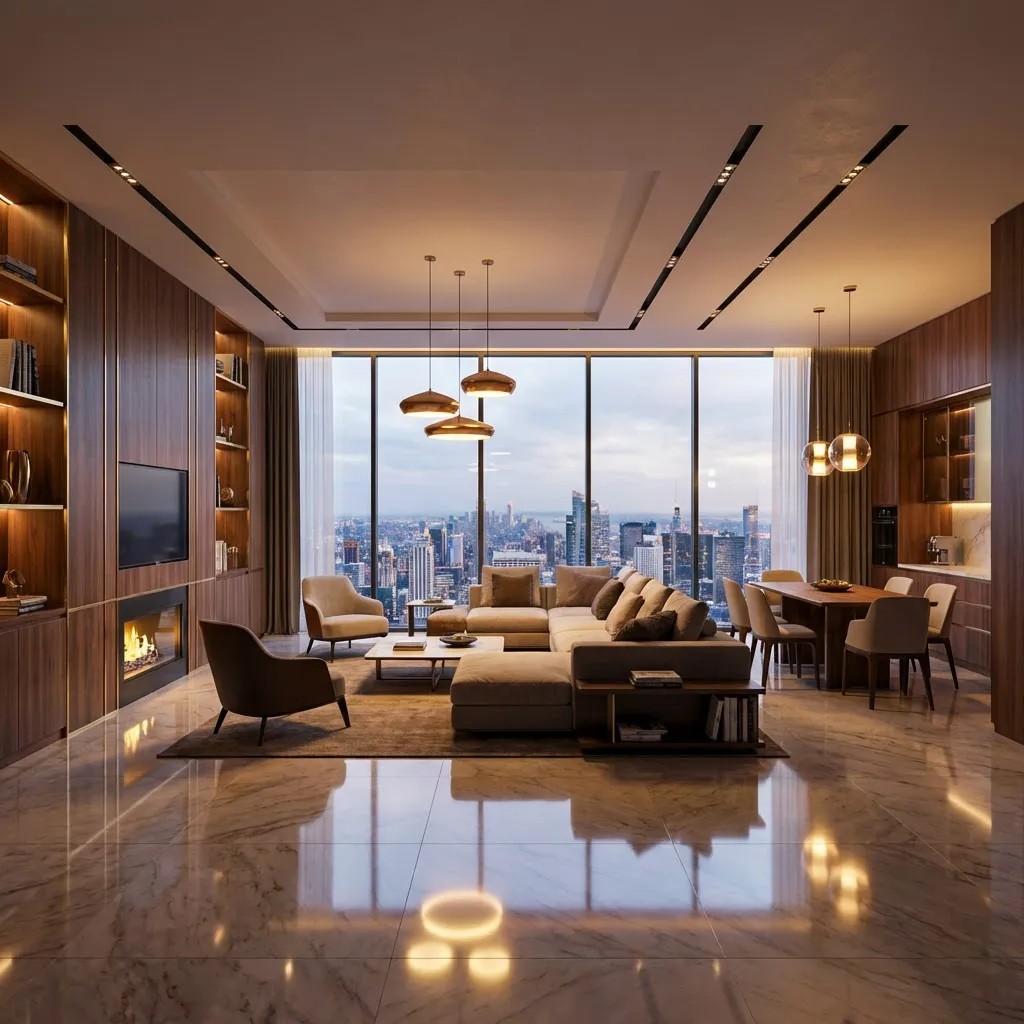
    AI 360° Rendering for Immersive Architecture - result
    Prompt

    Photorealistic render with perfect lighting, realistic materials and cinematic composition...

    Run Node
    Upload - Image
    AI 360° Rendering for Immersive Architecture - input
    Google
    Nano Banana Pro
    AI 360° Rendering for Immersive Architecture - result
    Prompt

    Photorealistic render with perfect lighting, realistic materials and cinematic composition...

    Run Node

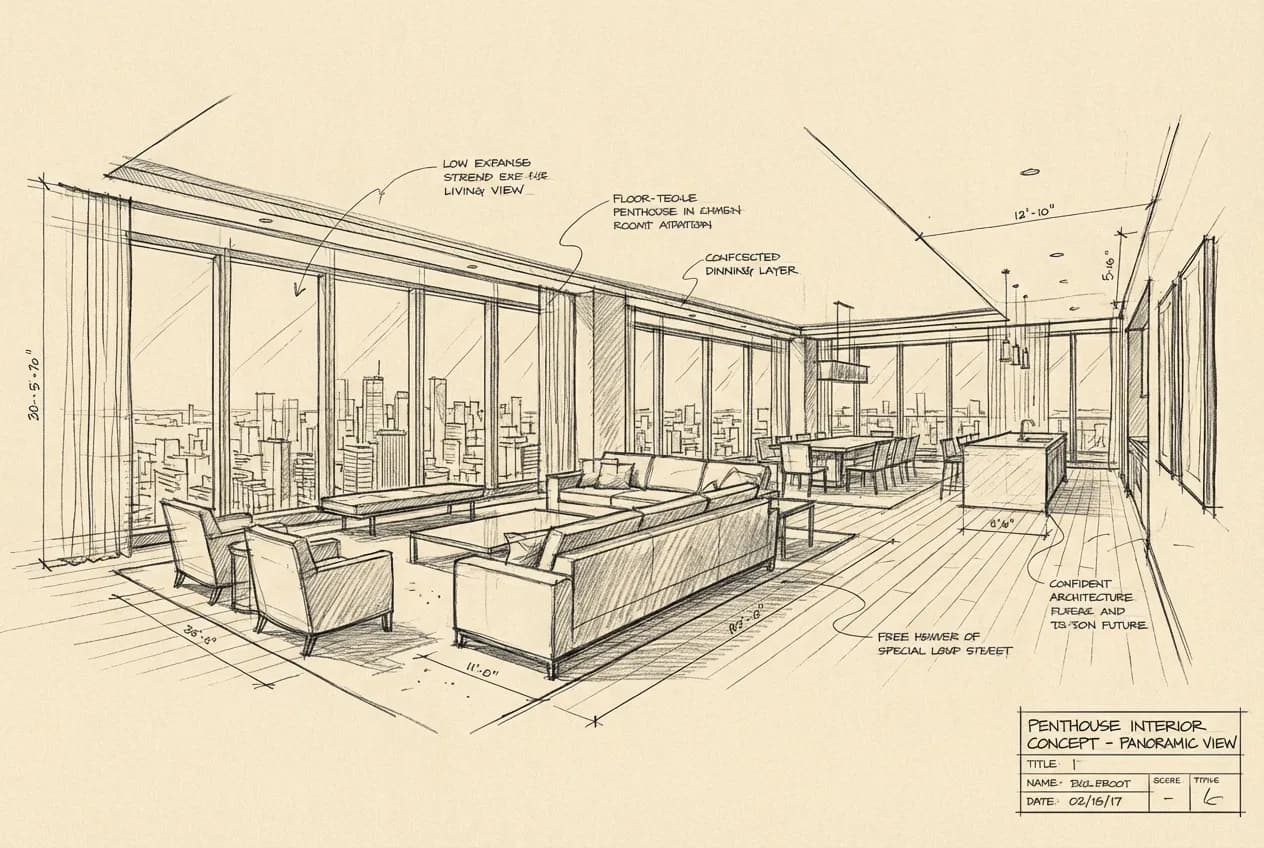
    From Design to 360° Experience

    See how a simple interior view is transformed into an immersive 360° panoramic render that clients can explore in VR or on any device.
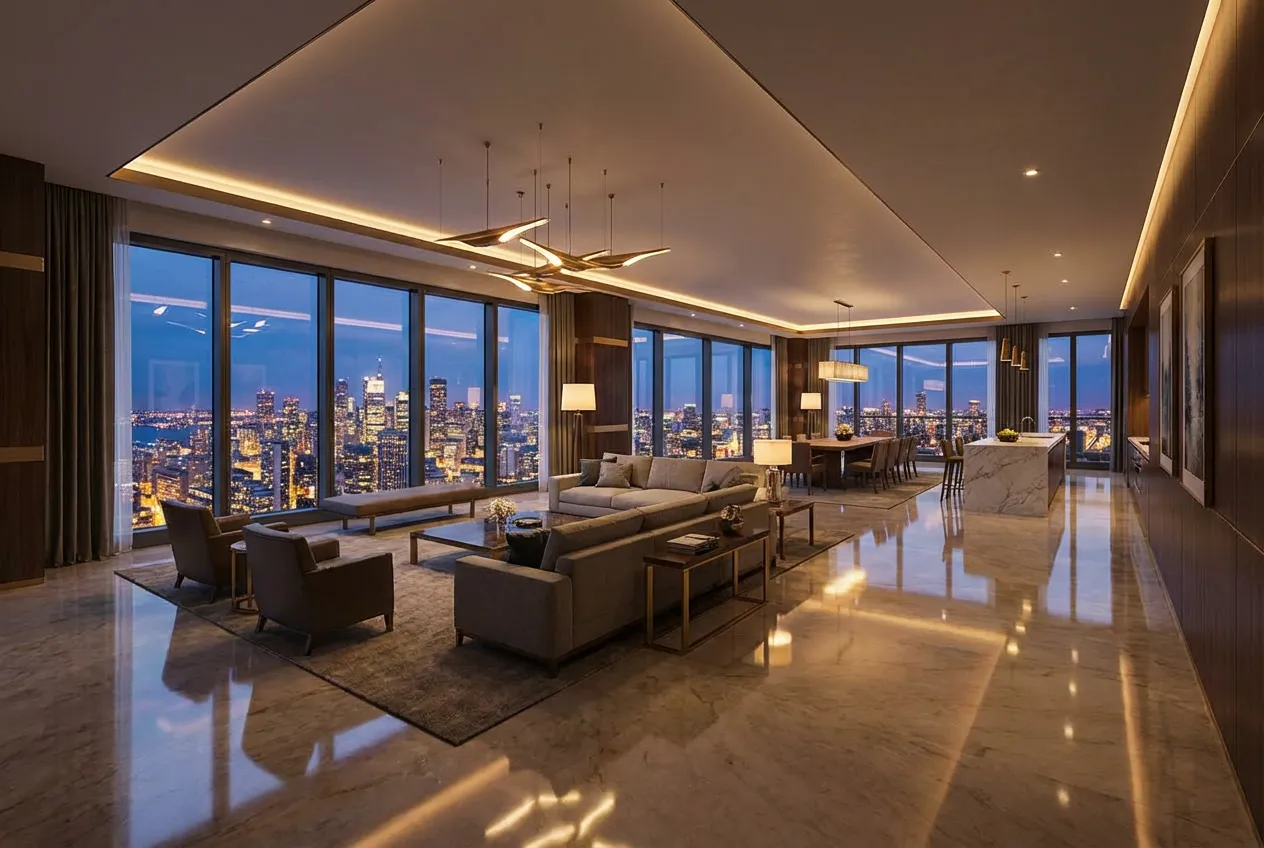
    AI 360° Rendering for - after
    AI 360° Rendering for - before
    BeforeAfter

    How It Works

    01
    Upload Your Design

    Export an interior or exterior view from your 3D software. For best 360° results, use a wide-angle or panoramic camera view from the center of the space.

    02
    Select 360° Output

    Choose the 360° panorama option and configure materials, lighting, and style. The AI extends your design into a complete spherical environment.

    03
    Share the Experience

    Download your equirectangular 360° image. View it in any VR headset, embed on your website with a 360° viewer, or present on screen with interactive panning.

    360° Renders for Every Scenario

    Immersive panoramas that help clients understand spatial quality, proportions, and atmosphere before construction begins.
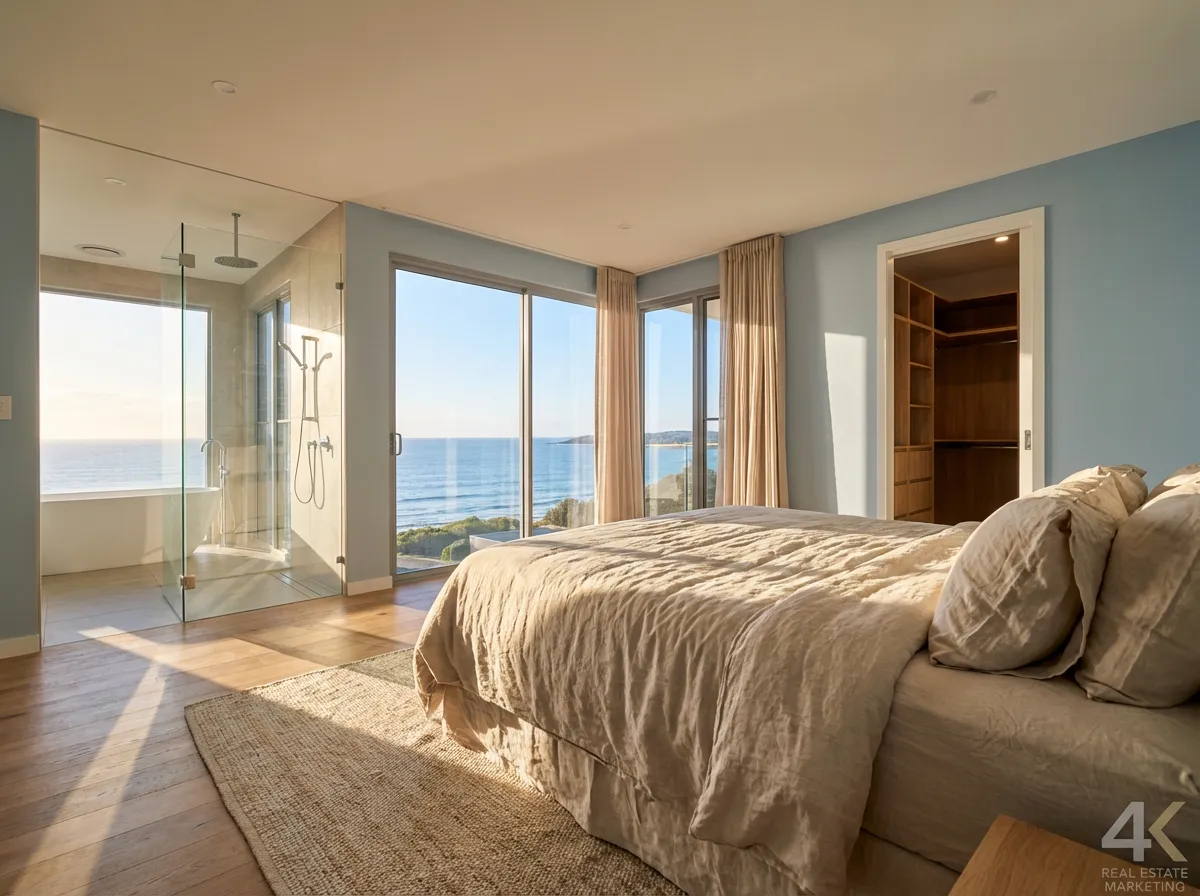
    Interior Room Tours
    Interior Room Tours

    Let clients stand in the center of a living room, bedroom, or kitchen and look around in every direction. The ultimate way to preview interior finishes.
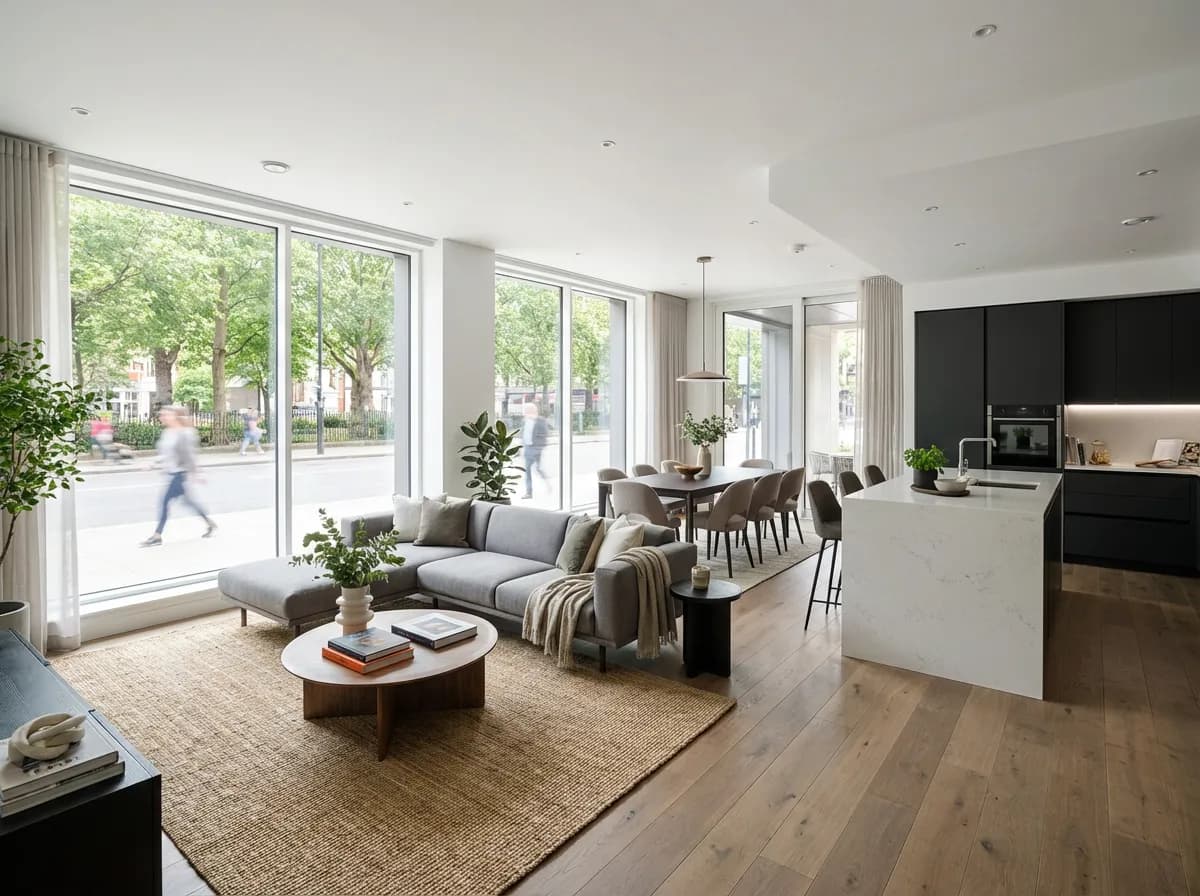
    Real Estate Marketing
    Real Estate Marketing

    Create virtual tours of properties before they're built. 360° renders on listing pages increase engagement and buyer confidence dramatically.
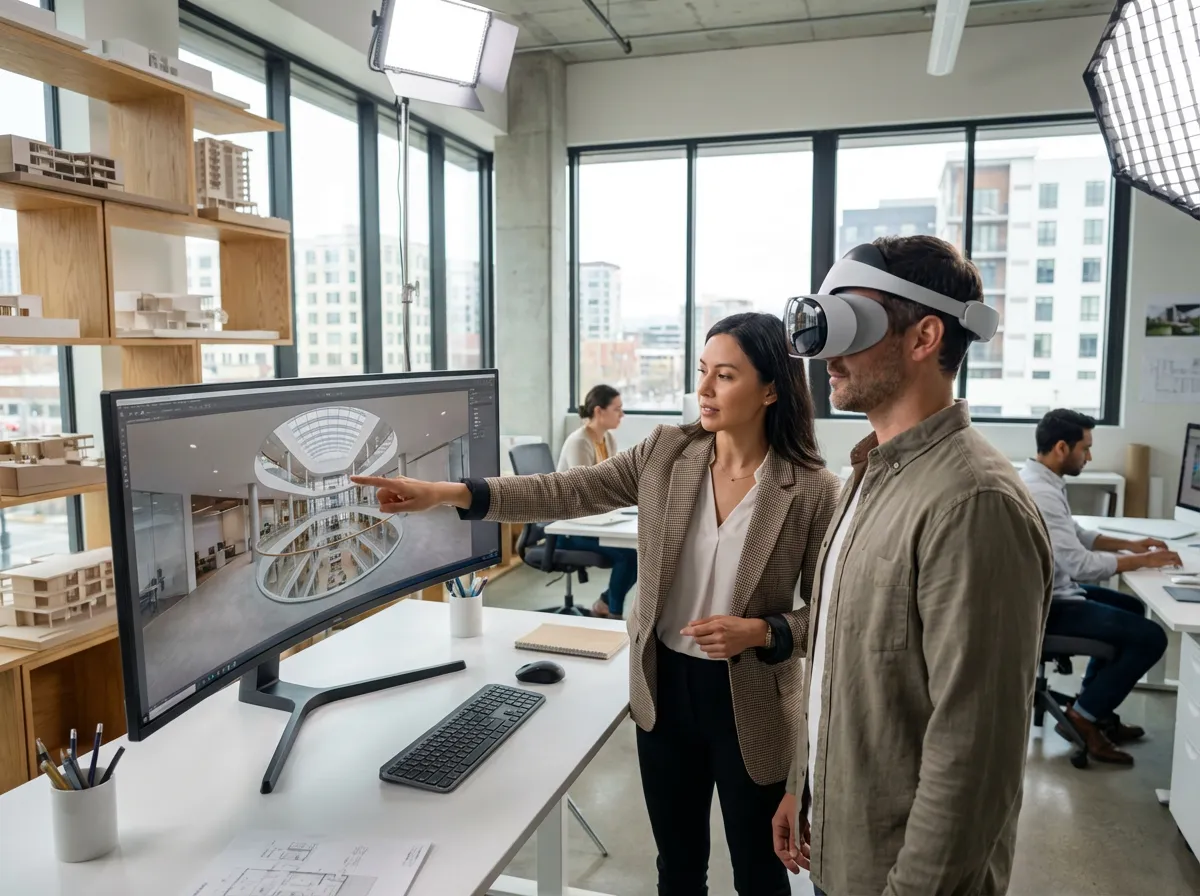
    VR Client Presentations
    VR Client Presentations

    Load 360° renders into a VR headset for the most immersive client experience. Stand inside the design and discuss changes in real time.
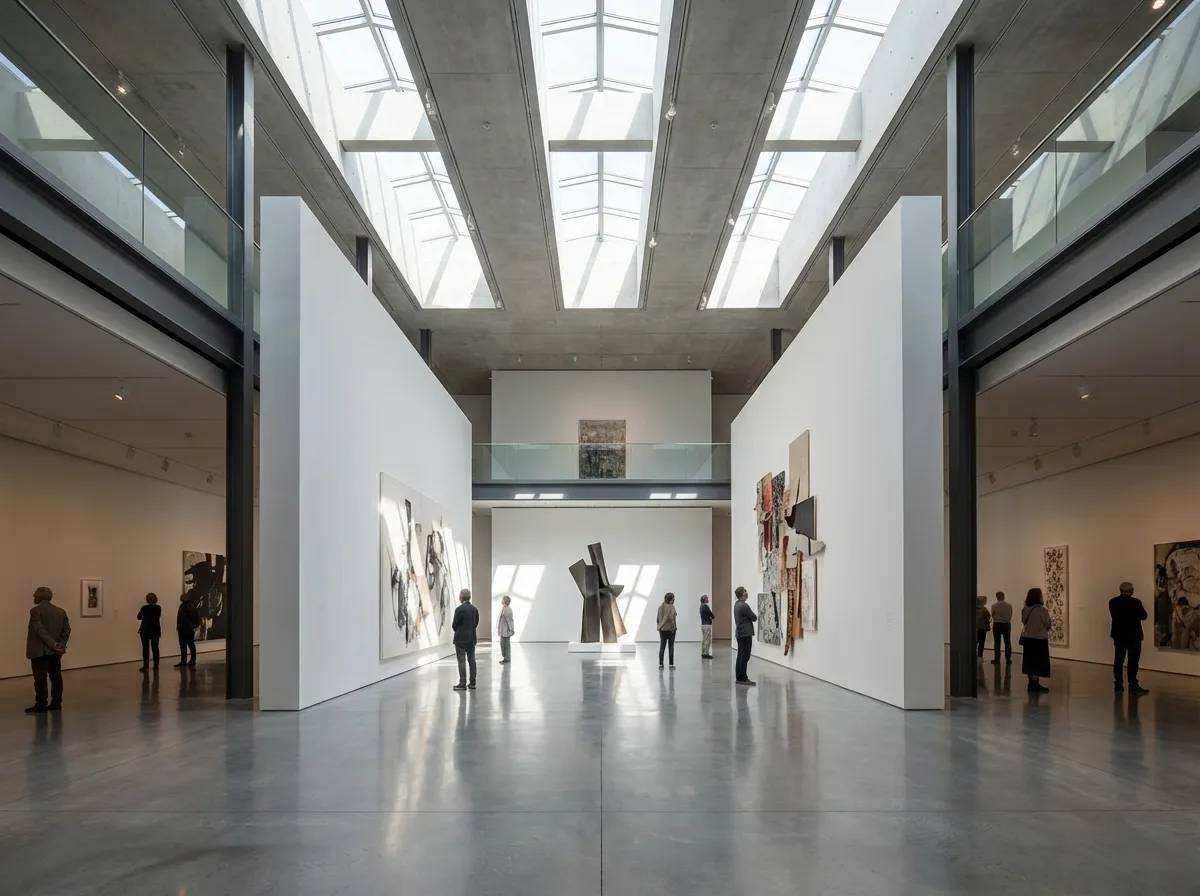
    Website Embeds
    Website Embeds

    Embed interactive 360° panoramas on your architecture firm's website. Visitors can pan and explore your designs, showcasing spatial quality like no flat image can.

    Why Architects Choose AI 360° Rendering

    Full Spherical Coverage

    AI generates a complete equirectangular panorama — look up at the ceiling, down at the floor, and all around the space in photorealistic detail.

    VR-Ready Output

    Output is compatible with all major VR headsets (Meta Quest, Apple Vision Pro, HTC Vive) and web-based 360° viewers like Kuula and Marzipano.

    Consistent Environment

    The AI maintains material and lighting consistency across the entire 360° view — no visible seams, no inconsistent shadows, no warped geometry.

    Interactive Potential

    Embed your 360° renders in interactive presentations where clients can navigate between rooms, creating a complete virtual property tour.

    Explore More Immersive Tools

    3D Render3D Interior WalkthroughArchitectural Visualization

    Frequently Asked Questions

    Common questions about AI 360° rendering for architecture.

    360° renders are delivered as equirectangular images (2:1 aspect ratio) in JPEG or PNG format. This is the universal standard supported by all VR headsets, 360° viewers, and web embedding tools.
    Yes. The equirectangular output is directly compatible with Meta Quest, Apple Vision Pro, HTC Vive, and other VR headsets. Simply load the image into any VR photo viewer. Many architects use this for immersive client walkthroughs.
    The AI understands architectural spatial context — it analyzes your uploaded view and intelligently generates the surrounding environment, extending walls, floors, ceilings, and views beyond the original frame to create a complete spherical panorama.
    Yes. Generate 360° renders for each room or viewpoint, then link them together in a virtual tour platform like Kuula, Marzipano, or Matterport. Clients can click between rooms for a complete building exploration.

    Create Immersive 360° Renders in Seconds

    Let clients step inside your designs. VR-ready 360° panoramas from any architectural plan or model.

    No credit card required2000 free credits

    Armox, Inc.

    The best AI Creative Suite!

    Company

    • Pricing
    • Contact
    • Affiliate Program
    • Blog
    • Privacy Policy
    • Terms of Service

    Resources

    • Academy
    • Blog
    • Models
    • Use Cases

    Use Cases

    • Architecture AI
    • Tattoo AI
    • Fashion AI
    • AI for Agencies
    • Image Generation
    • Video Generation

    Architecture hubs

    • Rendering & Visualization
    • Redesign & Transformation
    • Environmental Effects
    • Virtual Staging
    • Editing & Enhancement
    • Video & Animation
    • Special Views & Formats
    • Solutions
    • Alternatives

    Features

    • AI rendering generator
    • AI style transfer
    • Render enhancer
    • AI render enhancer
    • 3D rendering AI

    Concept generators

    • AI architecture generator
    • AI room generator
    • AI kitchen design
    • AI home exterior design
    • Interior color palette generator
    • AI texture generator

    Compatibility

    • Render for SketchUp
    • Rendering for ArchiCAD
    • Rendering for Revit
    • Render for Rhino
    • Rendering for AutoCAD
    • Render for Blender

    © 2026 Armox, Inc. All rights reserved.