
Armox Logo
    PricingAcademyContact
    1. AI Architecture
    2. Rendering & Visualization
    3. 3D Rendering AI

    3D Rendering AI That Delivers in Seconds Instant Results

    Convert your 3D models from SketchUp, Revit, Blender, or any CAD tool into photorealistic renders without render farms, plugins, or expensive hardware.

    No credit card required2000 free credits

    Upload - Image
    3D Rendering AI That Delivers in Seconds Instant Results - input
    Google
    Nano Banana Pro
    3D Rendering AI That Delivers in Seconds Instant Results - result
    Prompt

    Photorealistic render with perfect lighting, realistic materials and cinematic composition...

    Run Node
    Upload - Image
    3D Rendering AI That Delivers in Seconds Instant Results - input
    Google
    Nano Banana Pro
    3D Rendering AI That Delivers in Seconds Instant Results - result
    Prompt

    Photorealistic render with perfect lighting, realistic materials and cinematic composition...

    Run Node

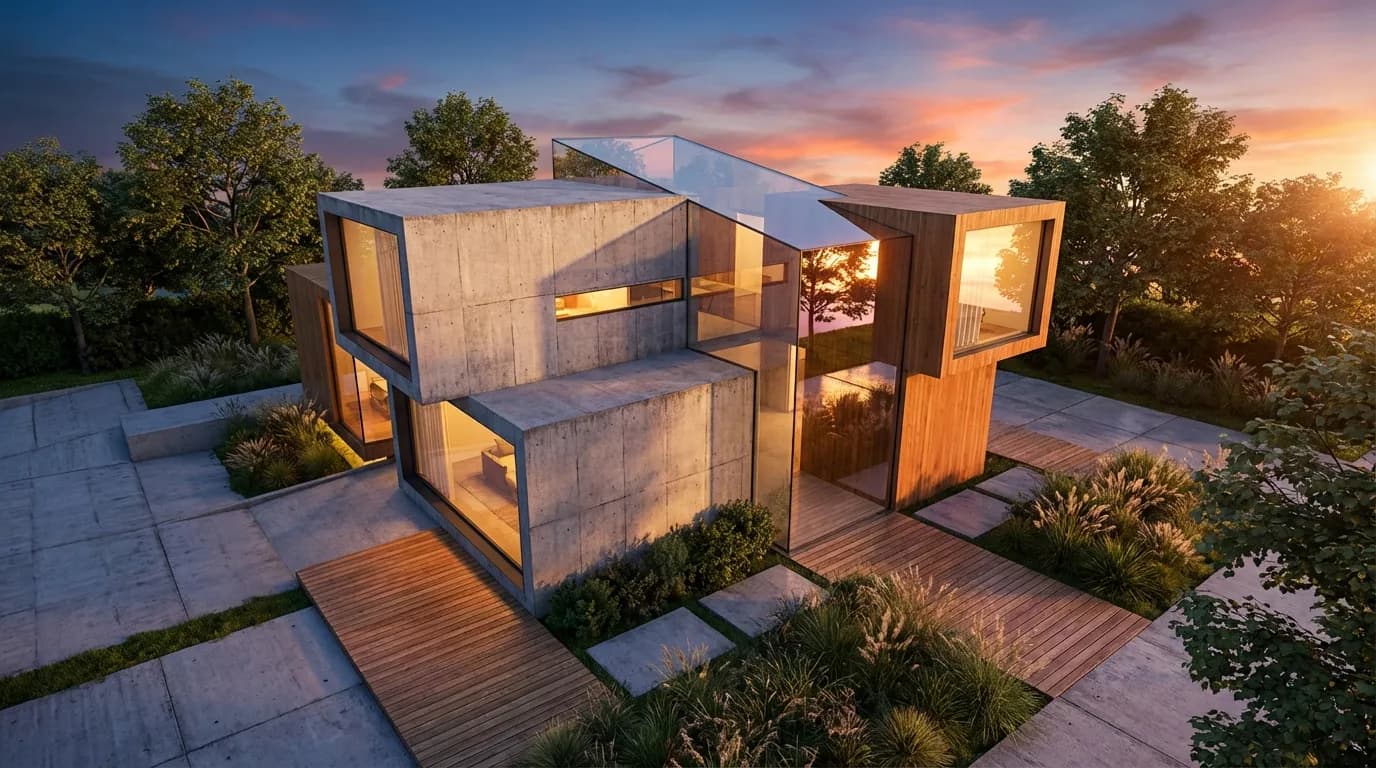
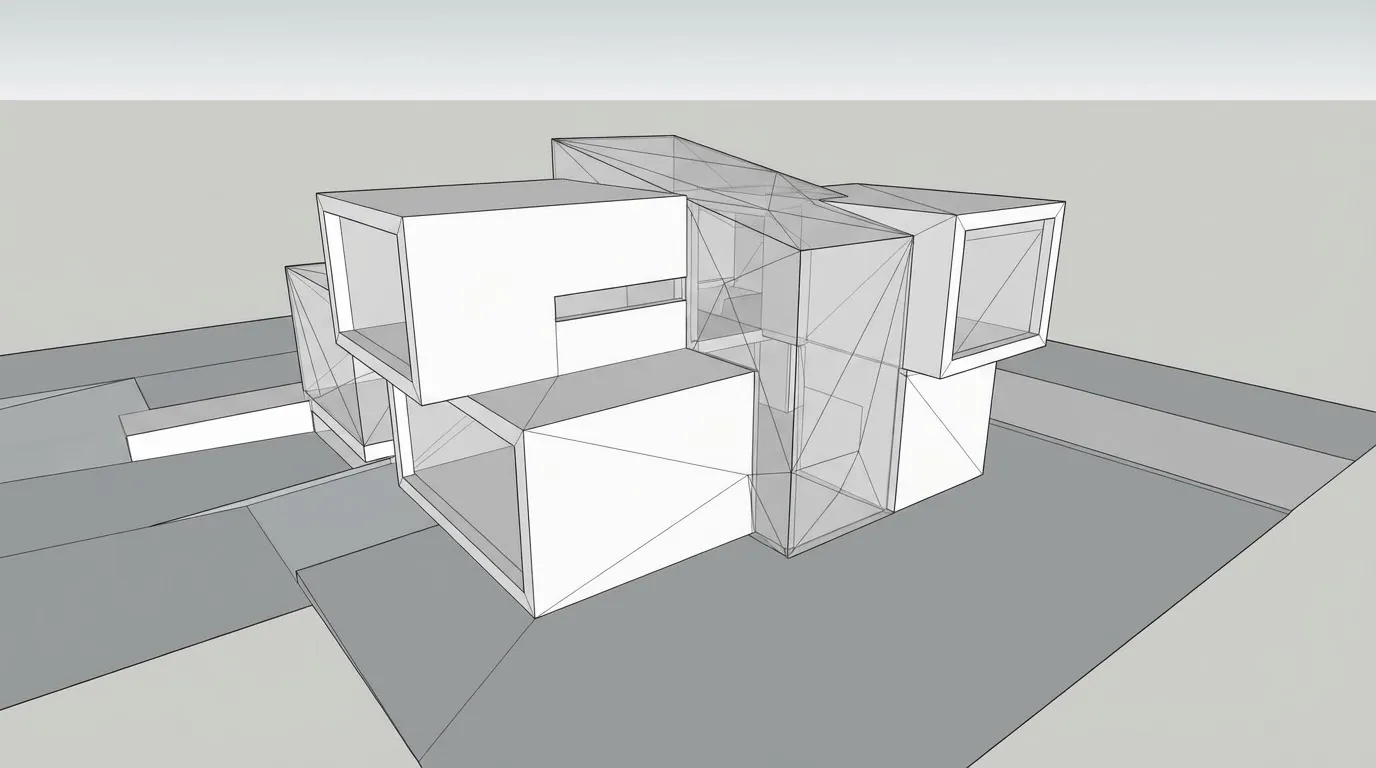
    From 3D Model to Photorealism

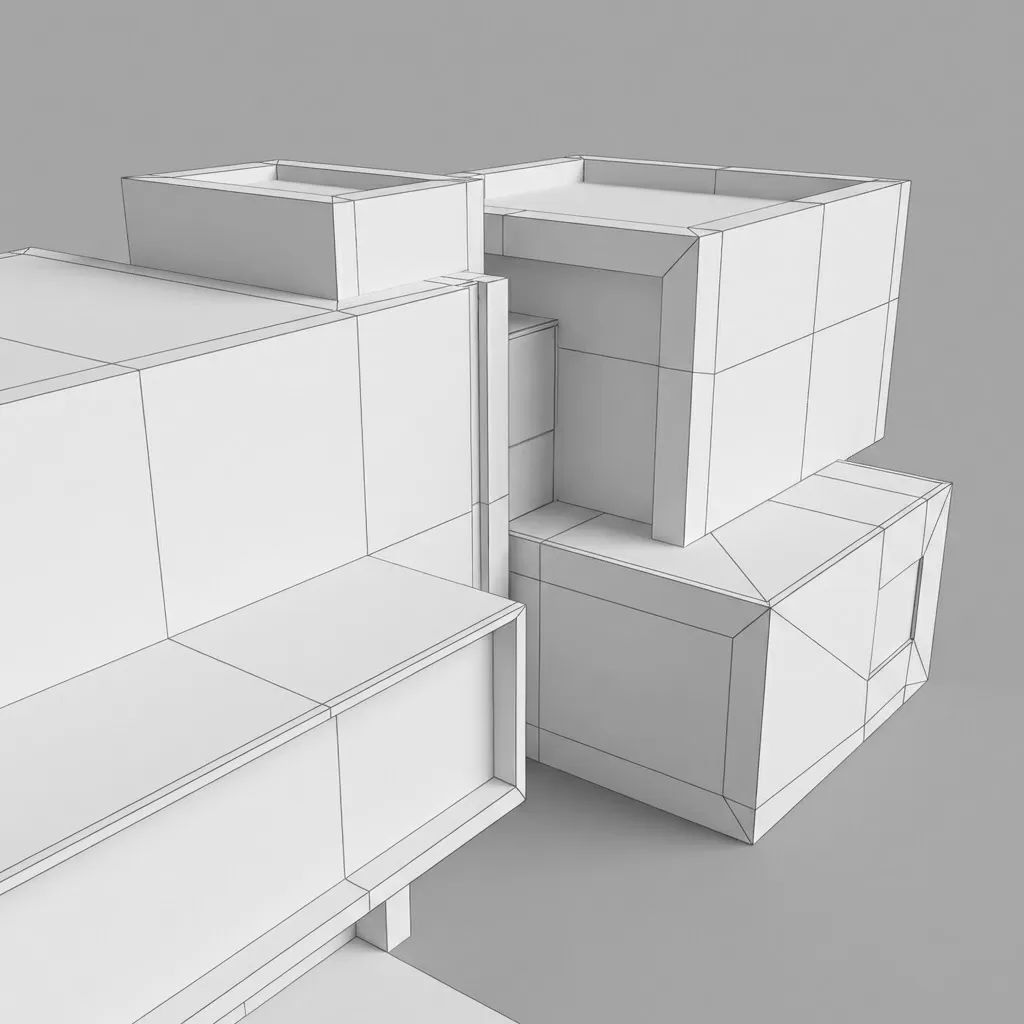
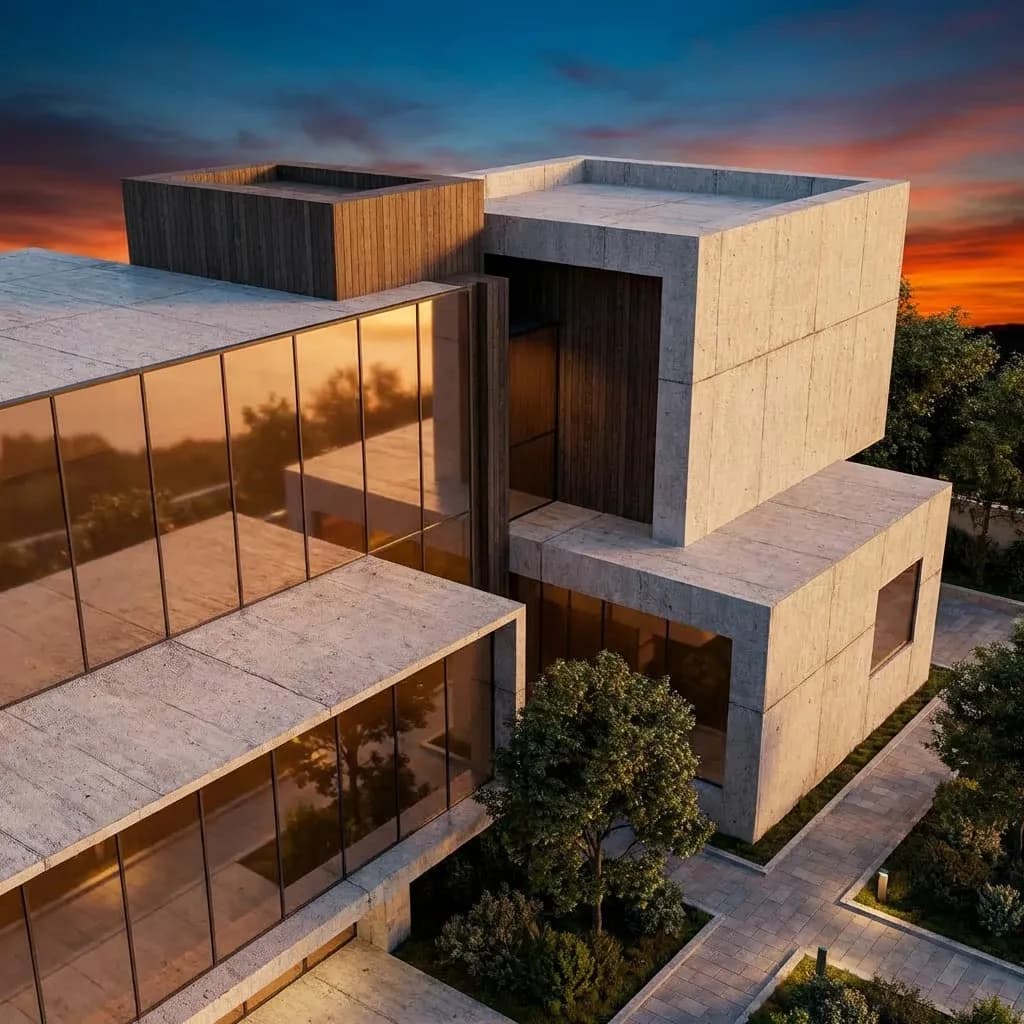
    Drag the slider to see how AI transforms a raw 3D model export into a fully rendered photorealistic visualization with materials, lighting, and environment.

    3D Rendering AI That Delivers in Seconds - after
    3D Rendering AI That Delivers in Seconds - before
    BeforeAfter

    How It Works

    01
    Export Your 3D Model

    Take a screenshot or export a view from any 3D software — SketchUp, Revit, Blender, Rhino, 3ds Max, ArchiCAD, or Cinema 4D.

    02
    Choose Render Settings

    Select materials, lighting conditions, camera angle style, and output resolution. Upload reference images for precise style matching.

    03
    Download Your Render

    AI processes your model view and delivers a photorealistic render in seconds. Upscale to 4K or 8K for print and presentation quality.

    Who Uses 3D Rendering AI

    Professionals across architecture, product design, and visualization rely on AI to eliminate rendering bottlenecks.

    Architectural Visualization
    Architectural Visualization

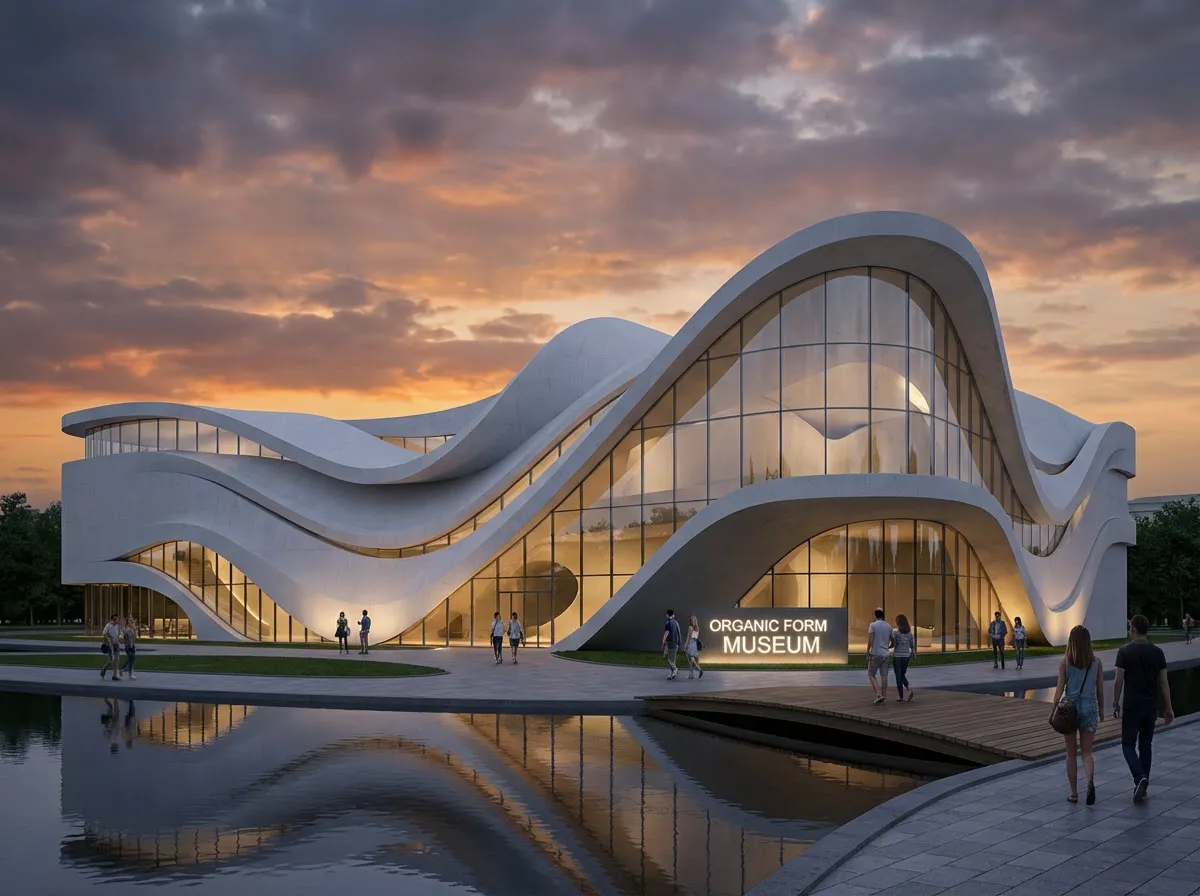
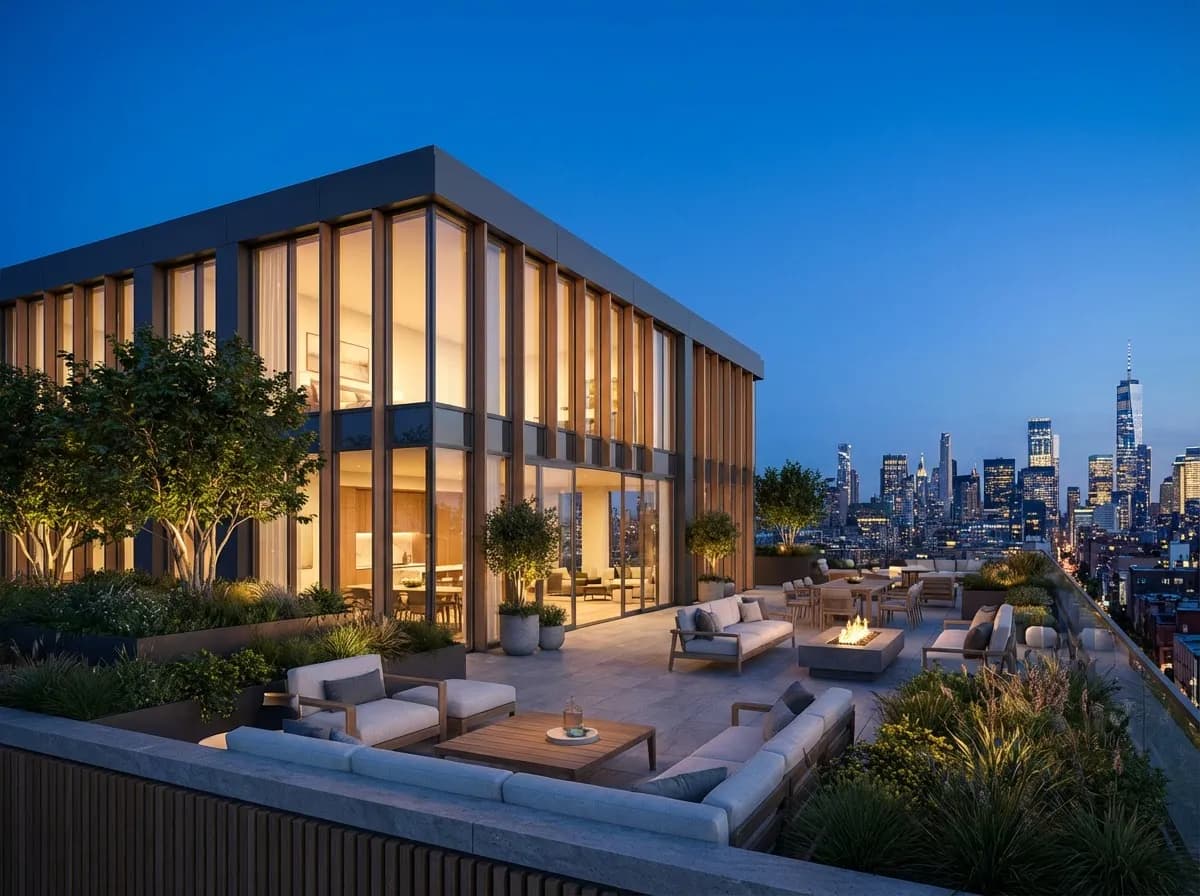
    Transform building models into presentation-ready renders for client meetings, planning submissions, and marketing materials in seconds.

    Product Design
    Product Design

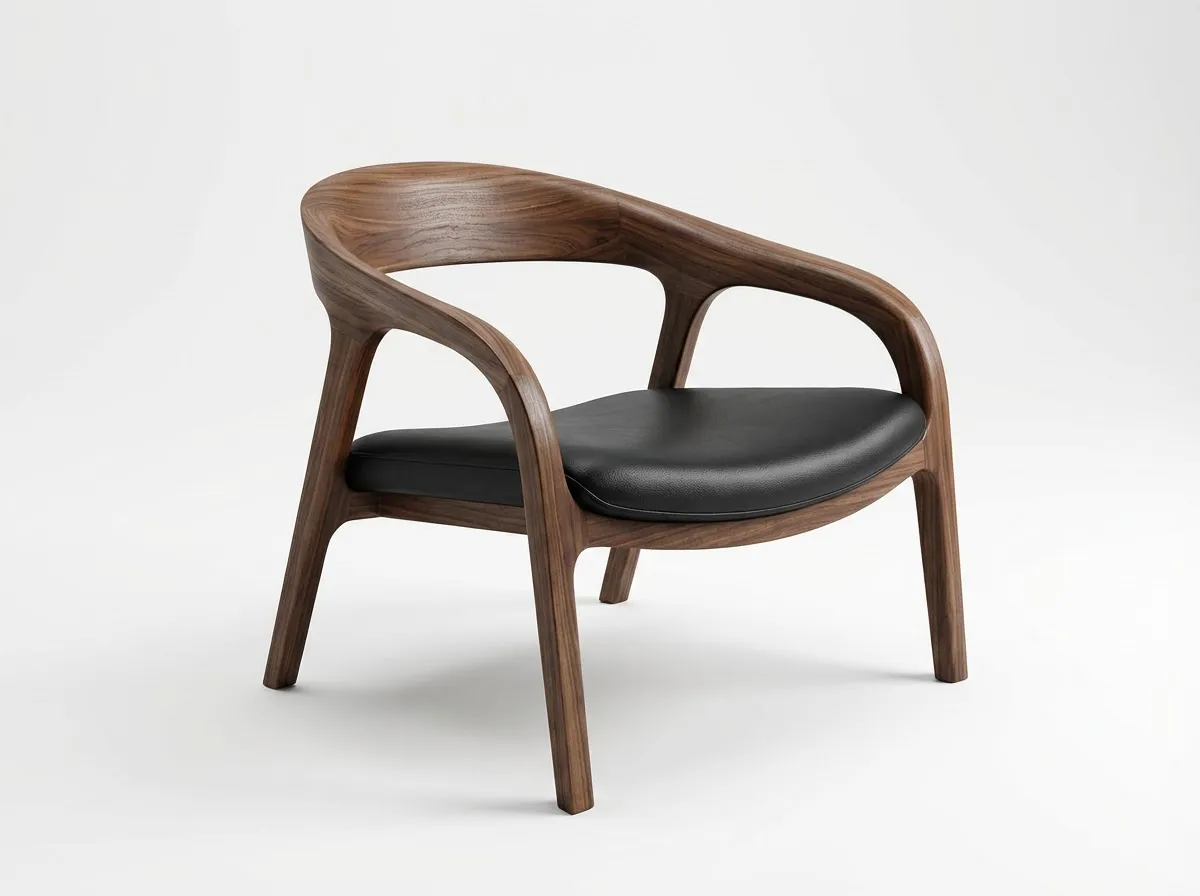
    Render product prototypes and industrial designs with photorealistic materials and studio lighting without physical mockups.

    Real Estate Marketing
    Real Estate Marketing

    Generate photorealistic property renders from 3D models for listings, brochures, and virtual tours that sell properties faster.

    Student & Academic Projects
    Student & Academic Projects

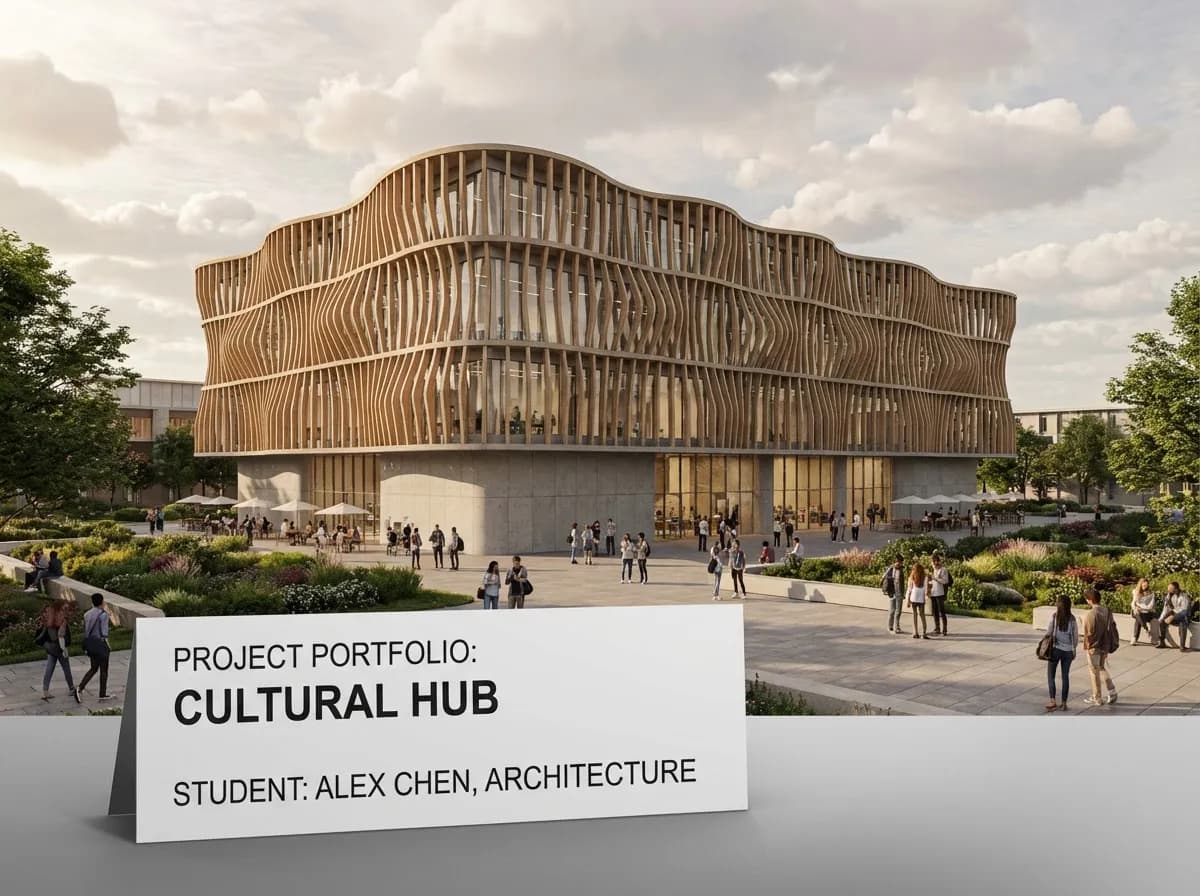
    Produce professional-quality renders for thesis presentations and portfolios without access to expensive rendering hardware or software licenses.

    What Makes AI 3D Rendering Different

    Zero Hardware Required

    All rendering happens in the cloud. No GPU, no render farm, no overnight renders. Works on any device with a browser.

    Universal Compatibility

    Works with exports from SketchUp, Revit, Blender, Rhino, 3ds Max, ArchiCAD, Cinema 4D, and any tool that exports images.

    Intelligent Material Mapping

    AI recognizes surfaces in your 3D model and applies physically accurate materials — glass, concrete, wood, metal, fabric — automatically.

    Seconds, Not Hours

    Traditional renders take minutes to hours. AI delivers photorealistic results in under 10 seconds, letting you iterate rapidly on designs.

    Explore More Architecture AI

    3D Render VisualizationArchitectural VisualizationAI Floor Plan Generator

    Frequently Asked Questions

    Common questions about using AI for 3D rendering.

    No plugins are needed. Simply export a screenshot or image from your 3D software and upload it to Armox. The AI works with standard image formats (JPG, PNG, WebP) from any 3D application.
    AI rendering produces photorealistic results comparable to traditional engines for concept presentations and client communication. The key advantage is speed — seconds instead of minutes or hours — making it ideal for rapid iteration and early-stage design.
    Yes. The AI processes the entire image you upload, so complex scenes with multiple structures, landscapes, and urban contexts are fully supported. For very large masterplans, consider our dedicated masterplan rendering feature.
    Standard renders are generated at high resolution suitable for screen presentations. You can then upscale to 4K or 8K using our built-in upscaling tools, making renders suitable for large-format prints and detailed presentations.

    Stop Waiting for Renders to Finish

    Join architects, designers, and students who render photorealistic 3D scenes in seconds with AI.

    No credit card required2000 free credits

    Armox, Inc.

    The best AI Creative Suite!

    Company

    • Pricing
    • Contact
    • Affiliate Program
    • Blog
    • Privacy Policy
    • Terms of Service

    Resources

    • Academy
    • Blog
    • Models
    • Use Cases

    Use Cases

    • Architecture AI
    • Tattoo AI
    • Fashion AI
    • AI for Agencies
    • Image Generation
    • Video Generation

    Architecture hubs

    • Rendering & Visualization
    • Redesign & Transformation
    • Environmental Effects
    • Virtual Staging
    • Editing & Enhancement
    • Video & Animation
    • Special Views & Formats
    • Solutions
    • Alternatives

    Features

    • AI rendering generator
    • AI style transfer
    • Render enhancer
    • AI render enhancer
    • 3D rendering AI

    Concept generators

    • AI architecture generator
    • AI room generator
    • AI kitchen design
    • AI home exterior design
    • Interior color palette generator
    • AI texture generator

    Compatibility

    • Render for SketchUp
    • Rendering for ArchiCAD
    • Rendering for Revit
    • Render for Rhino
    • Rendering for AutoCAD
    • Render for Blender

    © 2026 Armox, Inc. All rights reserved.