Armox Logo
    PricingAcademyContact
    1. AI Architecture
    2. Rendering & Visualization
    3. Elevation Rendering

    AI Elevation Rendering for Professional Facades Presentation-Ready

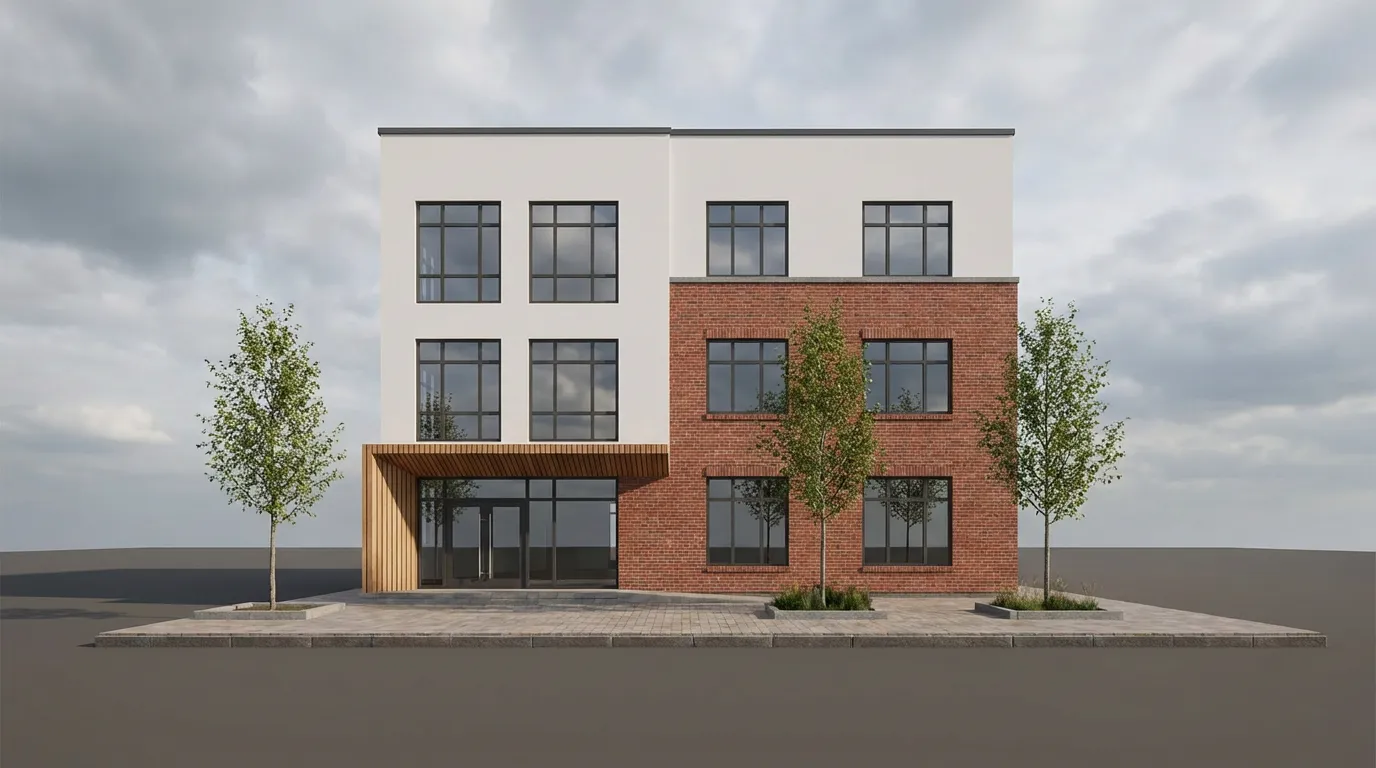
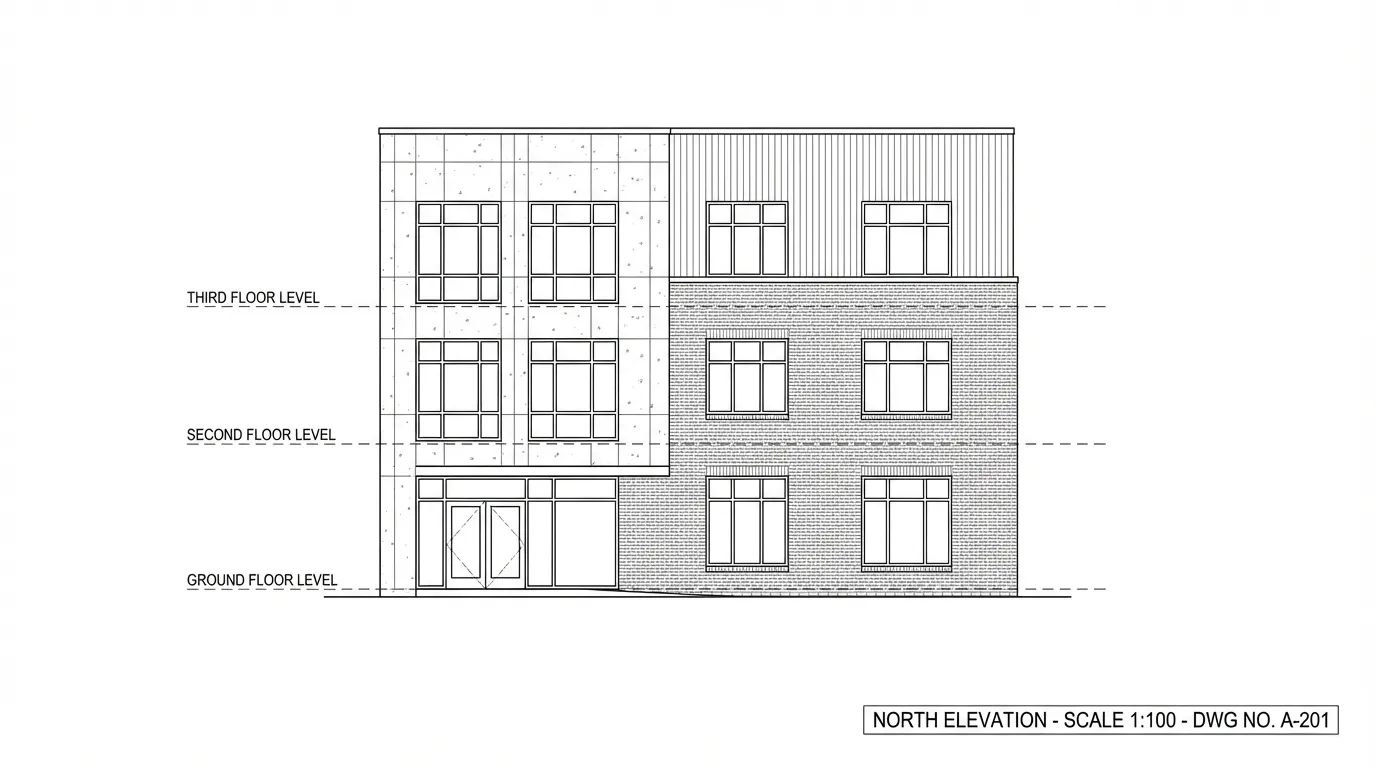
    Transform flat elevation drawings and facade sketches into photorealistic rendered views that communicate your design intent with clarity and impact.

    No credit card required2000 free credits

    Upload - Image
    AI Elevation Rendering for Professional Facades Presentation-Ready - input
    Google
    Nano Banana Pro
    AI Elevation Rendering for Professional Facades Presentation-Ready - result
    Prompt

    Photorealistic render with perfect lighting, realistic materials and cinematic composition...

    Run Node
    Upload - Image
    AI Elevation Rendering for Professional Facades Presentation-Ready - input
    Google
    Nano Banana Pro
    AI Elevation Rendering for Professional Facades Presentation-Ready - result
    Prompt

    Photorealistic render with perfect lighting, realistic materials and cinematic composition...

    Run Node

    From Drawing to Rendered Facade

    Drag the slider to see how AI transforms a technical elevation drawing into a photorealistic facade render with materials, depth, and context.

    AI Elevation Rendering for Professional Facades - after
    AI Elevation Rendering for Professional Facades - before
    BeforeAfter

    How It Works

    01
    Upload Your Elevation

    Upload an elevation drawing, facade sketch, or CAD export. Front, side, or rear elevations — any view angle works.

    02
    Define Materials & Context

    Specify facade materials, window types, surrounding context, and rendering style. Upload reference images for precise material matching.

    03
    Download Your Render

    Receive a photorealistic elevation render in seconds. Export at high resolution for planning applications, client meetings, and design reviews.

    Designed for Architecture Professionals

    From planning submissions to design competitions, AI elevation rendering serves every stage of the architectural workflow.
    Planning Applications
    Planning Applications

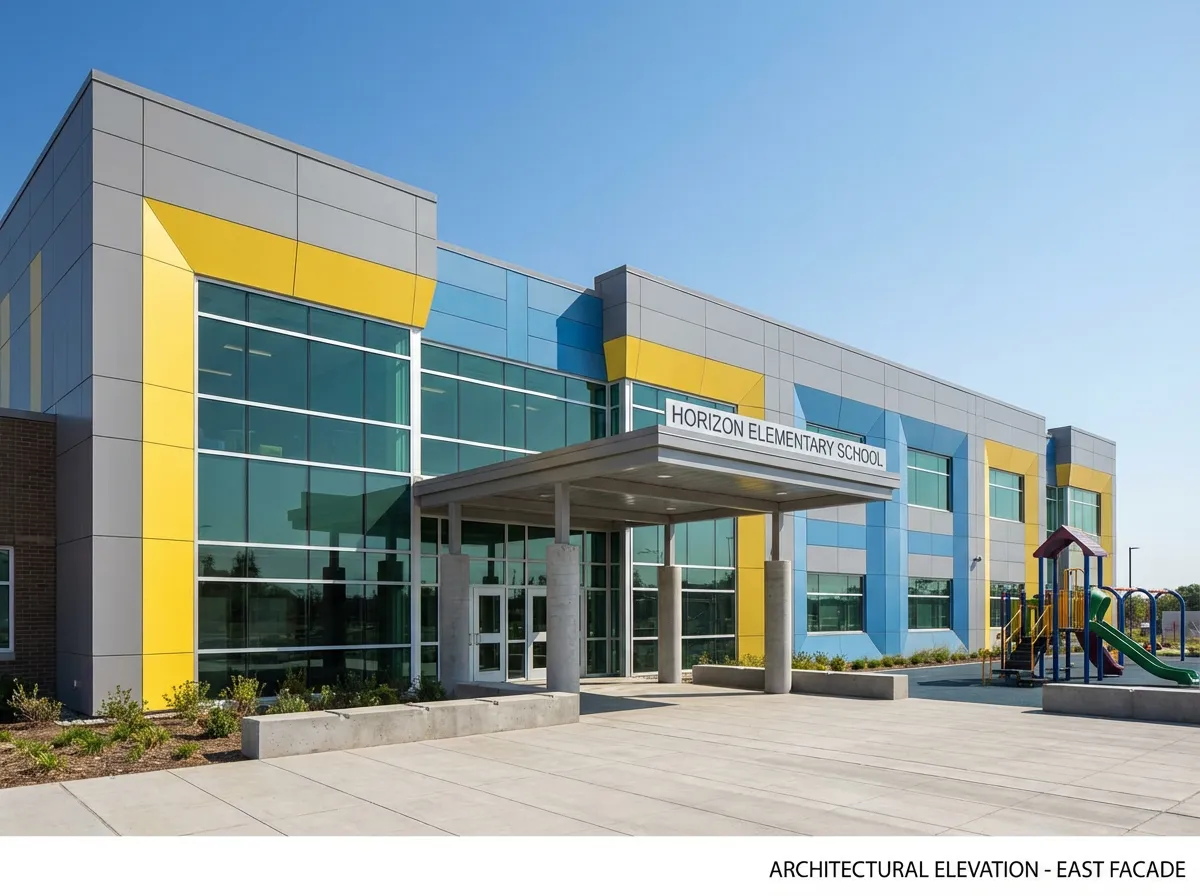
    Submit photorealistic elevation renders with planning documents to help authorities and neighbors understand the visual impact of your proposal.
    Facade Design Studies
    Facade Design Studies

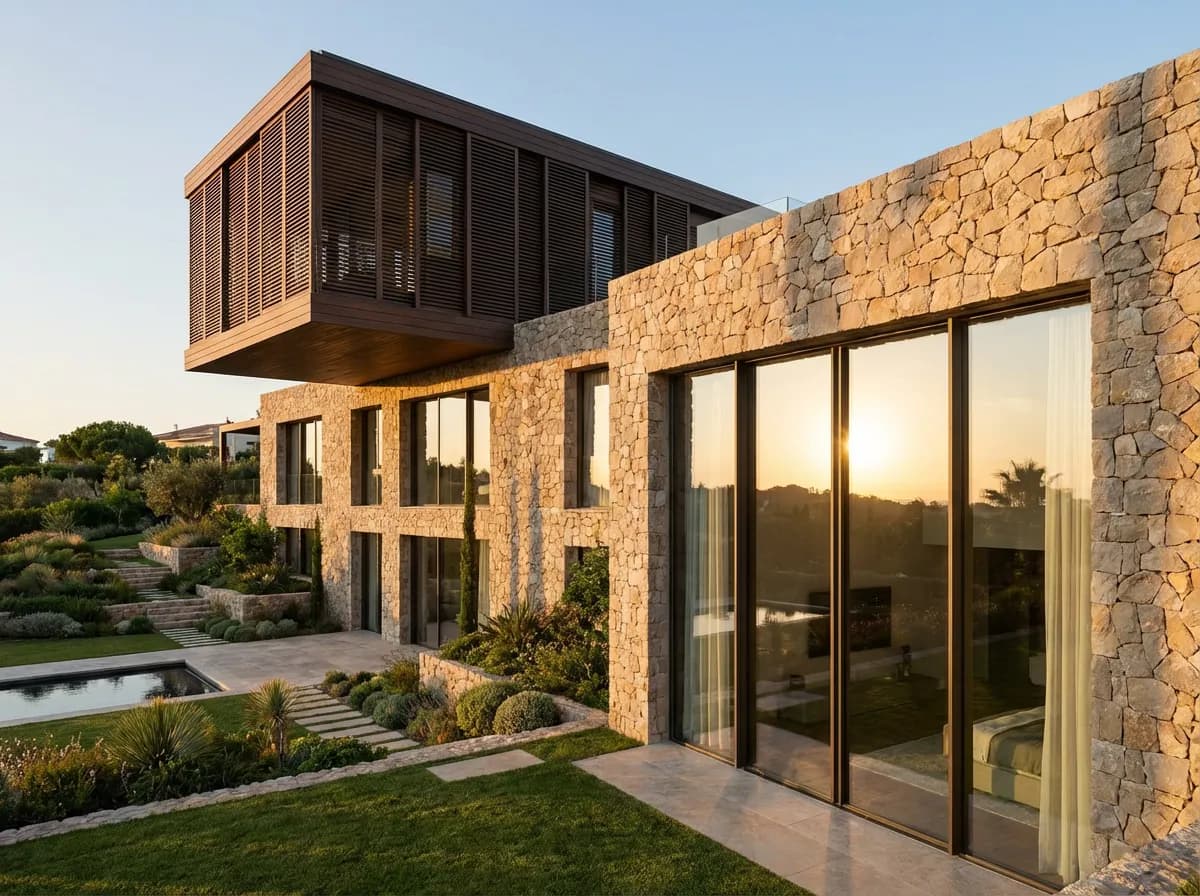
    Explore multiple facade material options and color schemes rapidly by generating different rendered elevations from the same base drawing.
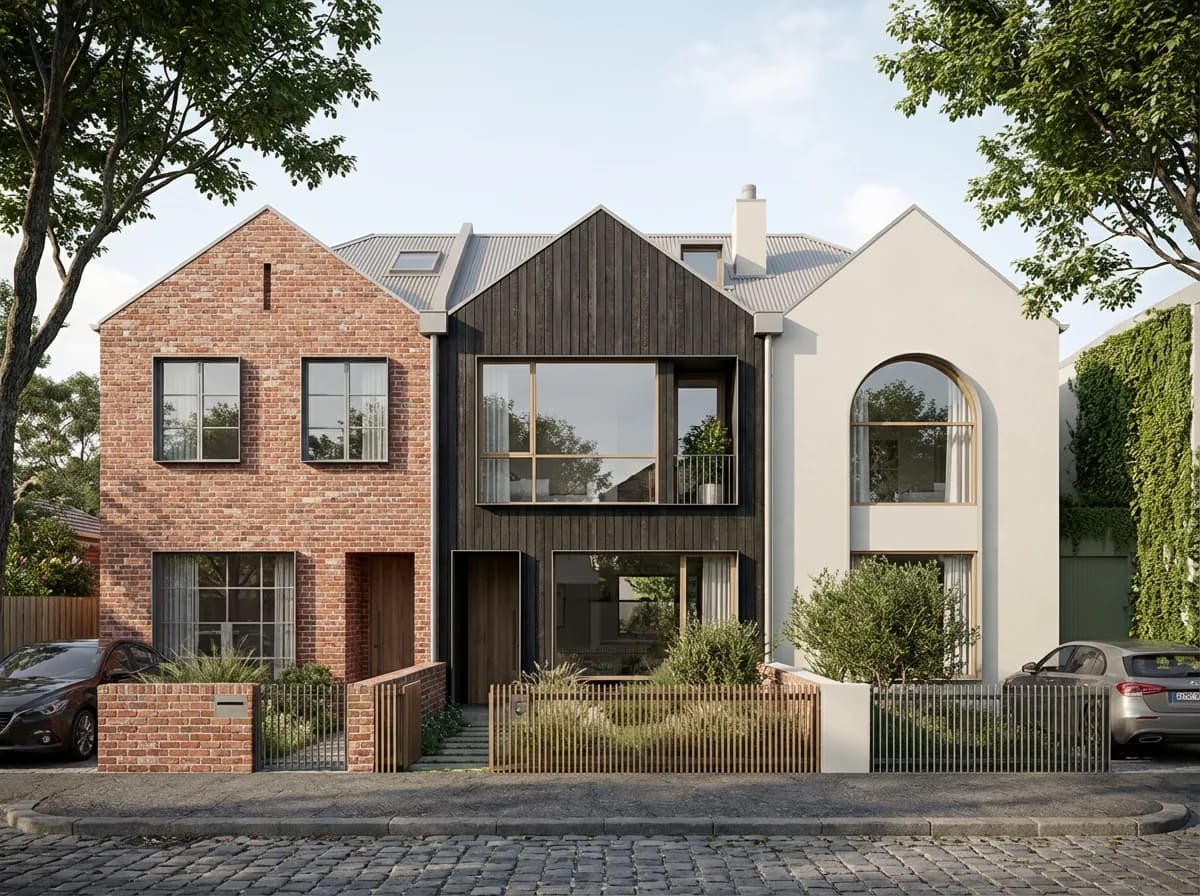
    Client Presentations
    Client Presentations

    Replace flat CAD elevations with photorealistic rendered views that help clients understand proportions, materials, and how the building will actually look.
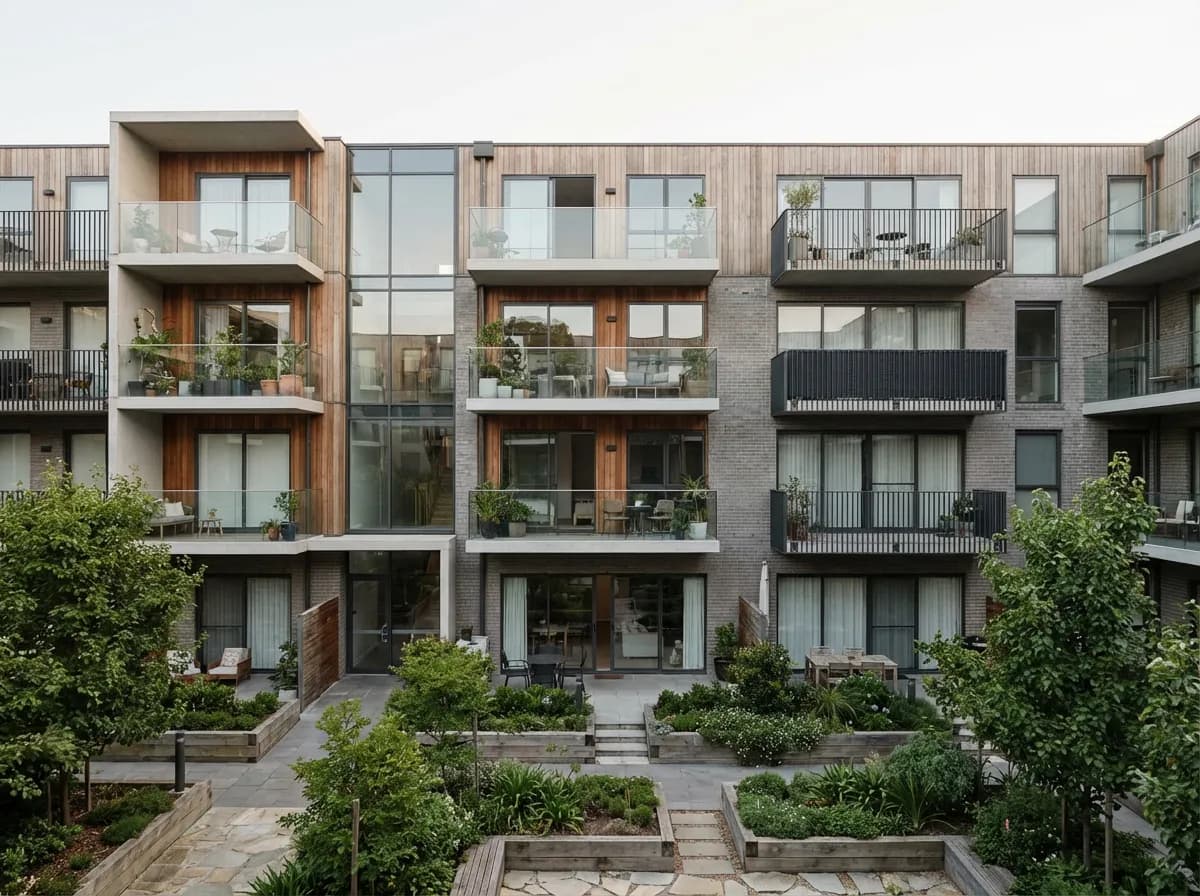
    Design Competitions
    Design Competitions

    Produce polished elevation renders quickly for competition boards without outsourcing to visualization studios or spending days on manual rendering.

    Purpose-Built for Elevation Views

    Facade Material Precision

    AI applies brick, stone, timber, render, cladding, and glazing with accurate texture scale and joint patterns that match real construction materials.

    Depth & Shadow Accuracy

    Window reveals, balcony projections, and facade articulation are rendered with accurate depth and shadow casting that reads correctly in elevation.

    Context & Surroundings

    Add neighboring buildings, street-level context, vegetation, and sky conditions to show how your elevation sits within its real-world setting.

    Multi-Elevation Generation

    Render front, side, and rear elevations in a consistent style and material palette to create a complete set for submissions and presentations.

    Explore More Architecture AI

    Exterior RenderingAI 3D RenderingHome Facade Design

    Frequently Asked Questions

    Common questions about AI elevation rendering for architects.

    Yes. Export your elevation drawing as a JPG, PNG, or WebP from AutoCAD, Revit, ArchiCAD, or any drafting software and upload it directly. The AI interprets line drawings and applies photorealistic materials and context.
    You can describe the material zones in your prompt — for example, brick on the ground floor and timber cladding above. The AI applies different materials to the correct areas based on your drawing geometry and instructions.
    AI elevation renders are widely used for planning applications as illustrative material. They show material intent and visual impact effectively. For precise technical drawings, continue using your CAD software alongside AI-rendered visuals.
    Absolutely. This is one of the most popular uses. Upload one elevation drawing and generate multiple versions with different cladding, window frames, and color schemes to present material options to clients in minutes.

    Transform Your Elevations Into Renders

    Join architects creating photorealistic elevation renders from CAD drawings in seconds.

    No credit card required2000 free credits

    Armox, Inc.

    The best AI Creative Suite!

    Company

    • Pricing
    • Contact
    • Affiliate Program
    • Blog
    • Privacy Policy
    • Terms of Service

    Resources

    • Academy
    • Blog
    • Models
    • Use Cases

    Use Cases

    • Architecture AI
    • Tattoo AI
    • Fashion AI
    • AI for Agencies
    • Image Generation
    • Video Generation

    Architecture hubs

    • Rendering & Visualization
    • Redesign & Transformation
    • Environmental Effects
    • Virtual Staging
    • Editing & Enhancement
    • Video & Animation
    • Special Views & Formats
    • Solutions
    • Alternatives

    Features

    • AI rendering generator
    • AI style transfer
    • Render enhancer
    • AI render enhancer
    • 3D rendering AI

    Concept generators

    • AI architecture generator
    • AI room generator
    • AI kitchen design
    • AI home exterior design
    • Interior color palette generator
    • AI texture generator

    Compatibility

    • Render for SketchUp
    • Rendering for ArchiCAD
    • Rendering for Revit
    • Render for Rhino
    • Rendering for AutoCAD
    • Render for Blender

    © 2026 Armox, Inc. All rights reserved.