Armox Logo
    PricingAcademyContact
    1. AI Architecture
    2. Rendering & Visualization
    3. Exterior Rendering

    AI-Powered Exterior Rendering for Architects Photorealistic

    Turn building sketches and 3D models into stunning photorealistic exterior views in seconds — no expensive hardware or long render queues required.

    No credit card required2000 free credits

    Upload - Image
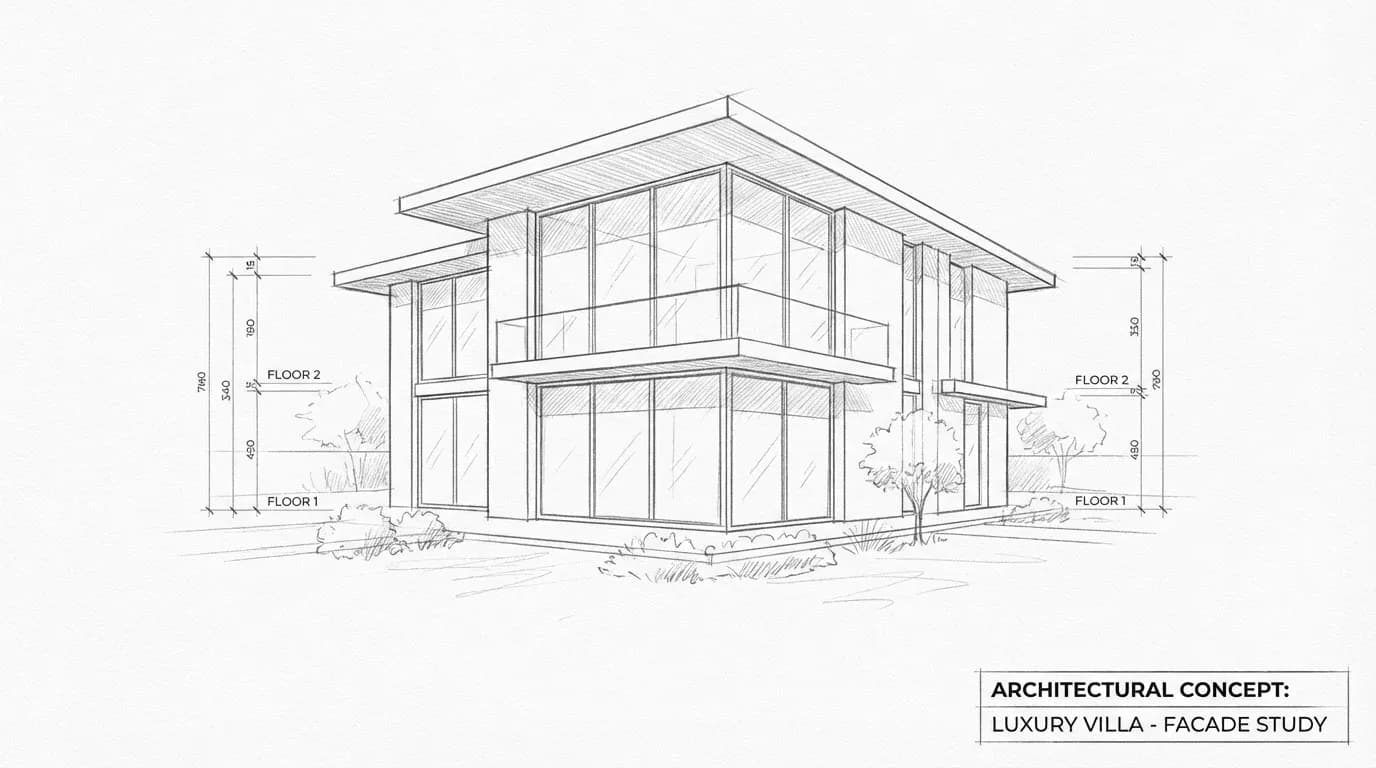
    AI-Powered Exterior Rendering for Architects Photorealistic - input
    Google
    Nano Banana Pro
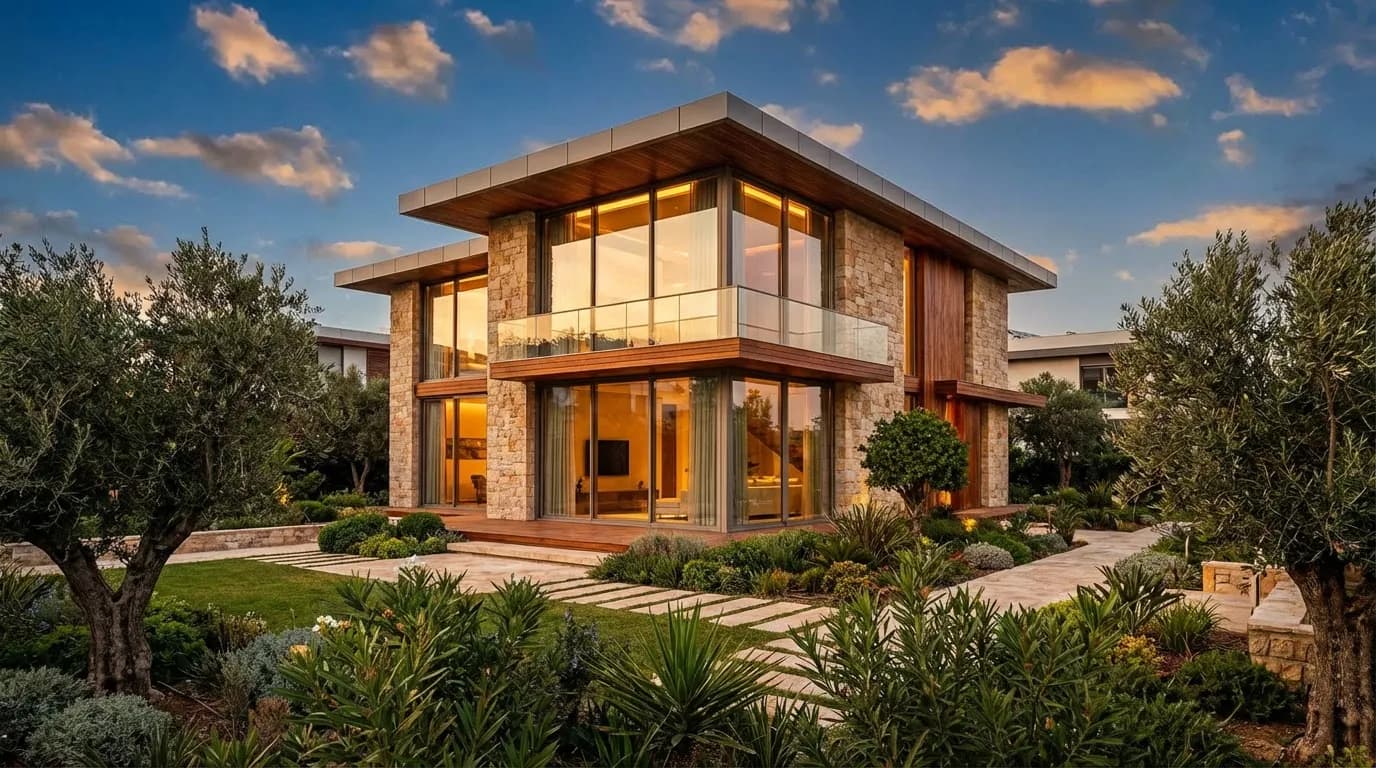
    AI-Powered Exterior Rendering for Architects Photorealistic - result
    Prompt

    Photorealistic render with perfect lighting, realistic materials and cinematic composition...

    Run Node
    Upload - Image
    AI-Powered Exterior Rendering for Architects Photorealistic - input
    Google
    Nano Banana Pro
    AI-Powered Exterior Rendering for Architects Photorealistic - result
    Prompt

    Photorealistic render with perfect lighting, realistic materials and cinematic composition...

    Run Node

    From Sketch to Stunning Exterior

    Drag the slider to see how AI transforms a simple elevation drawing into a photorealistic exterior render with realistic landscaping, lighting, and materials.

    AI-Powered Exterior Rendering for Architects - after
    AI-Powered Exterior Rendering for Architects - before
    BeforeAfter

    How It Works

    01
    Upload Your Design

    Export your building design from SketchUp, Revit, ArchiCAD, Rhino, or any CAD tool. Hand-drawn sketches and screenshots work too.

    02
    Configure Your Scene

    Choose the time of day, season, landscaping style, and materials. Add reference images for precise style control.

    03
    Download Your Render

    Get a photorealistic exterior render in under 10 seconds. Upscale to 4K for client presentations and portfolio use.

    Built for Every Exterior Project

    From single-family homes to commercial complexes, AI exterior rendering adapts to any building type or architectural style.
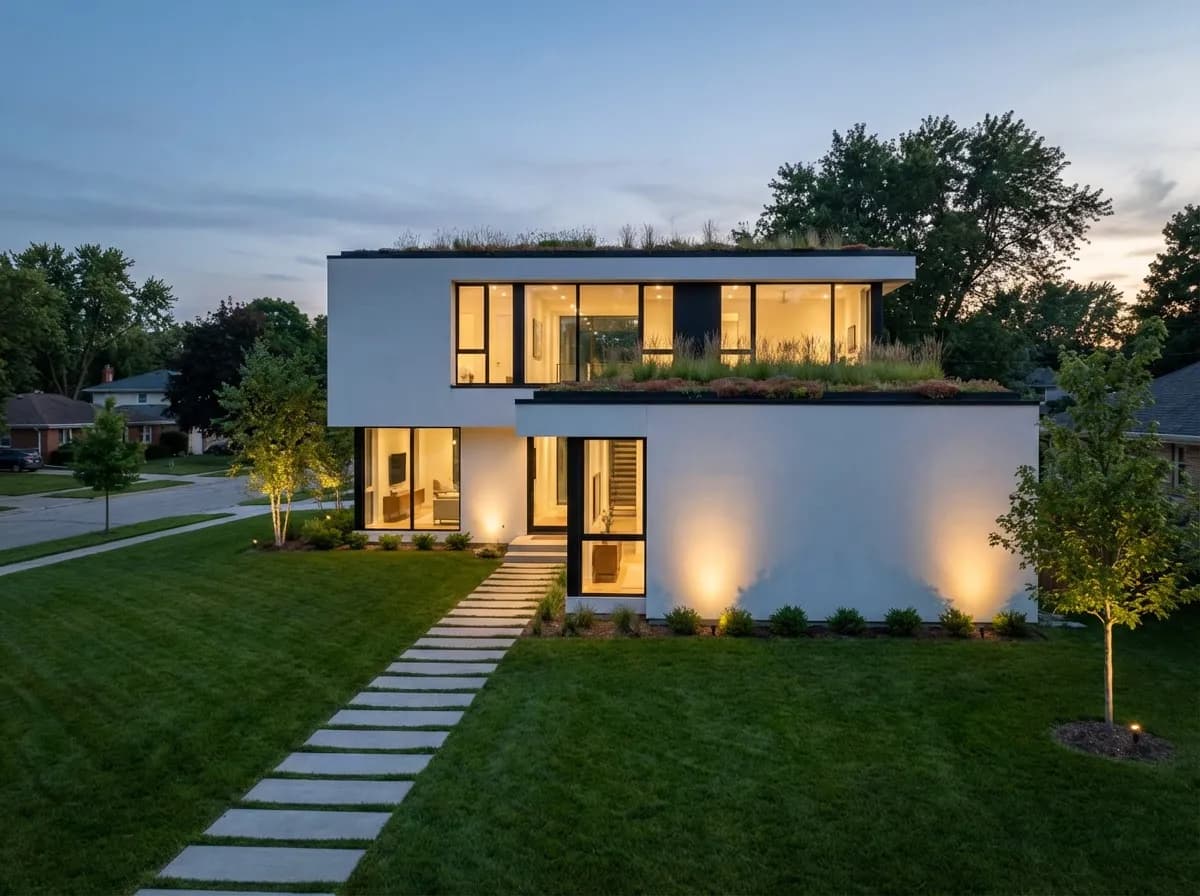
    Residential Villas & Houses
    Residential Villas & Houses

    Present clients with photorealistic views of their future home. Show facades, gardens, driveways, and surroundings before breaking ground.
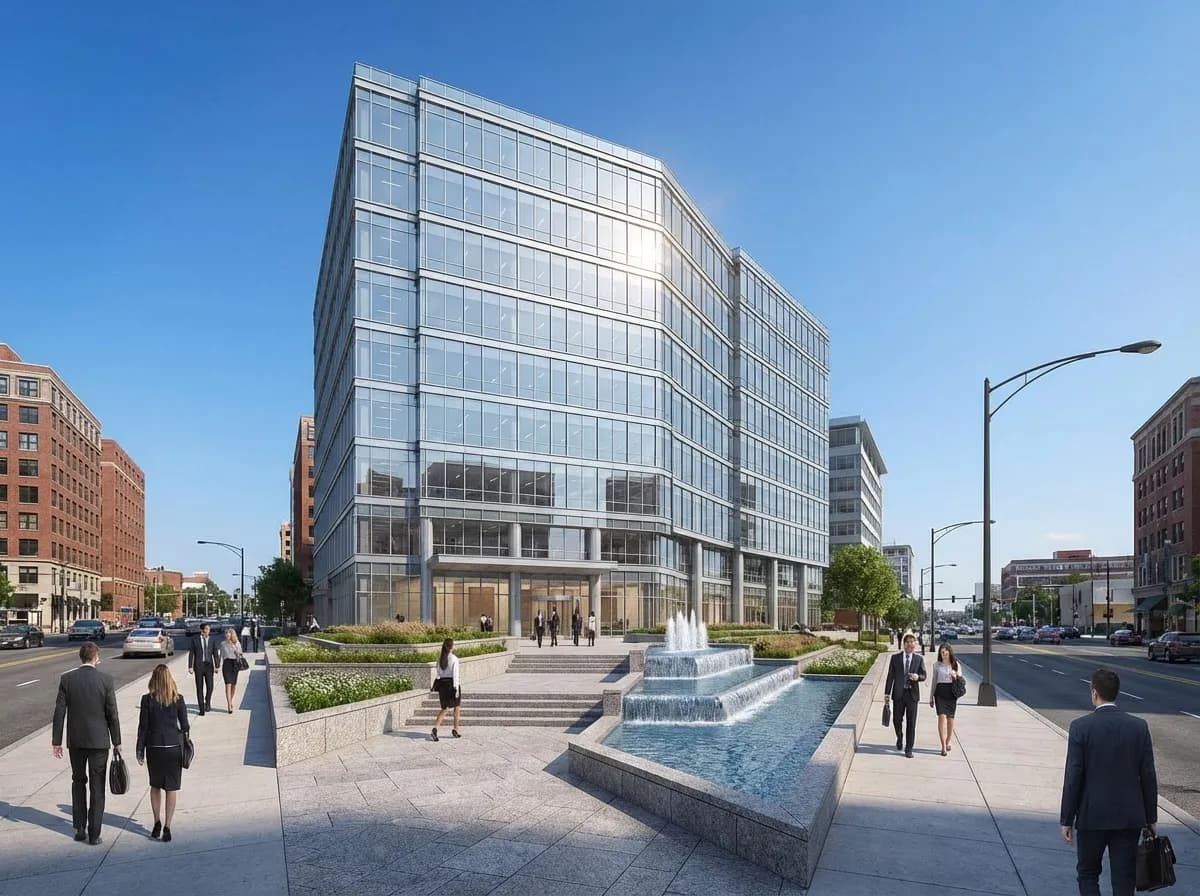
    Commercial Buildings
    Commercial Buildings

    Create compelling exterior renders for office towers, retail spaces, and mixed-use developments to win approvals and investor buy-in.
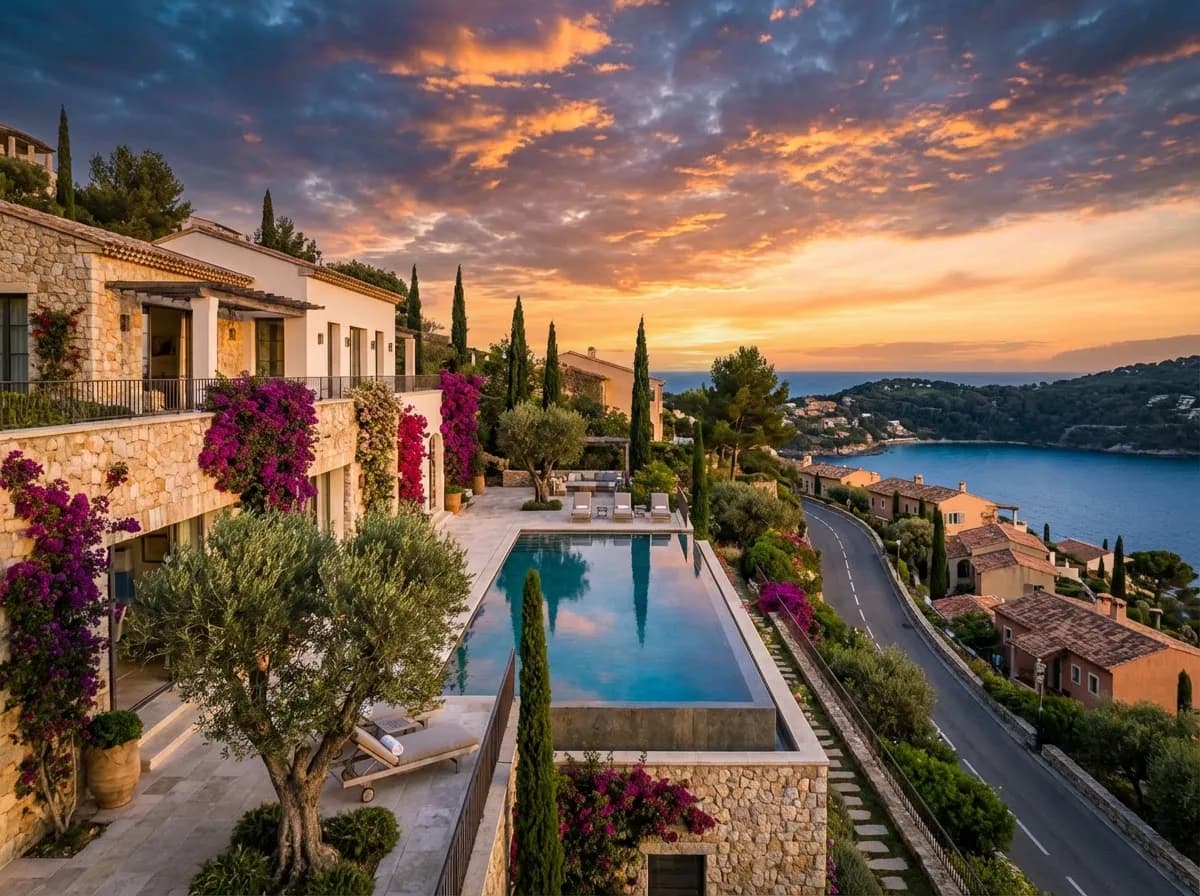
    Landscape Integration
    Landscape Integration

    Visualize how your building sits within its environment — trees, pathways, water features, and streetscape all rendered realistically.
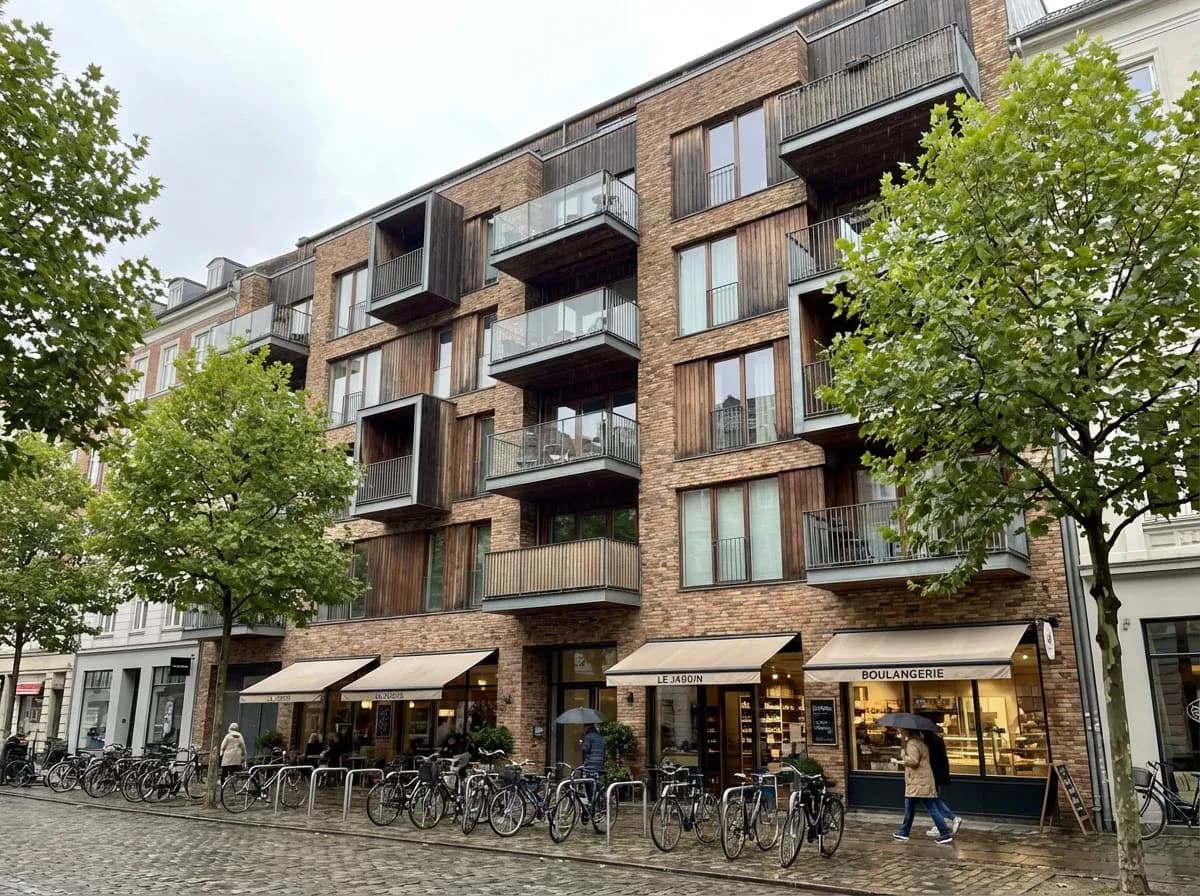
    Competition Entries
    Competition Entries

    Produce presentation-quality exterior renders fast enough to meet tight competition deadlines without hiring a rendering studio.

    Why Architects Choose AI Exterior Rendering

    Realistic Lighting & Shadows

    AI simulates natural sunlight, golden hour, overcast skies, and nighttime scenes with accurate shadow casting for every facade.

    Material Intelligence

    From stone cladding to glass curtain walls, AI applies physically accurate materials and textures that match your specification.

    Environment Generation

    Automatically generate landscaping, vegetation, street furniture, and sky backdrops that complement your building design.

    Multiple Angles in Seconds

    Generate front, side, aerial, and street-level views of the same building without repositioning cameras or re-rendering.

    Explore More Architecture AI

    AI Home Exterior DesignAerial RenderingExterior Walkthrough Video

    Frequently Asked Questions

    Common questions about AI exterior rendering for architects and designers.

    You can upload JPG, PNG, or WebP exports from any 3D or CAD software including SketchUp, Revit, ArchiCAD, Rhino, and Blender. Hand-drawn sketches and photos of physical models also work well.
    AI renders achieve photorealistic quality comparable to traditional rendering engines for presentation purposes. They are generated in seconds rather than hours, making them ideal for concept design, client approvals, and competitions.
    Yes. You can specify vegetation types, season, time of day, weather conditions, and surrounding context through prompts or reference images. The AI adapts the environment to match your vision precisely.
    Absolutely. Renders can be upscaled to 4K or 8K resolution and are used by architects worldwide for client presentations, planning submissions, and marketing materials. All paid plans include full commercial usage rights.
    Yes. Upload the same view and generate multiple stylistic variations while preserving the core building geometry for fast client comparisons.
    Yes. Renders created on paid plans include commercial usage rights for presentations, proposals, listings, and marketing campaigns.

    Start Creating Exterior Renders Today

    Join thousands of architects generating photorealistic exterior views in seconds, not hours.

    No credit card required2000 free credits

    Armox, Inc.

    The best AI Creative Suite!

    Company

    • Pricing
    • Contact
    • Affiliate Program
    • Blog
    • Privacy Policy
    • Terms of Service

    Resources

    • Academy
    • Blog
    • Models
    • Use Cases

    Use Cases

    • Architecture AI
    • Tattoo AI
    • Fashion AI
    • AI for Agencies
    • Image Generation
    • Video Generation

    Architecture hubs

    • Rendering & Visualization
    • Redesign & Transformation
    • Environmental Effects
    • Virtual Staging
    • Editing & Enhancement
    • Video & Animation
    • Special Views & Formats
    • Solutions
    • Alternatives

    Features

    • AI rendering generator
    • AI style transfer
    • Render enhancer
    • AI render enhancer
    • 3D rendering AI

    Concept generators

    • AI architecture generator
    • AI room generator
    • AI kitchen design
    • AI home exterior design
    • Interior color palette generator
    • AI texture generator

    Compatibility

    • Render for SketchUp
    • Rendering for ArchiCAD
    • Rendering for Revit
    • Render for Rhino
    • Rendering for AutoCAD
    • Render for Blender

    © 2026 Armox, Inc. All rights reserved.