trusted by 25000+ creators







Why Architects Look for Alternatives to Twinmotion
Twinmotion offers real-time visualization powered by Unreal Engine, but the transition to Twinmotion 2024+ introduced new complexity and costs.
- 1Moving to Unreal Engine core means a steeper learning curve
- 2Requires powerful GPU — RTX 3070+ recommended for smooth performance
- 3New subscription pricing after Epic Games ended the free version in 2024
- 4Export quality for stills often requires additional post-processing
How Armox Compares to Twinmotion
Criteria
Armox AI
Twinmotion
Still Render Quality
Photorealistic, AI-enhanced
Good real-time quality
Render Speed (per image)
10–30 seconds
Instant preview, 1–5 min export
Hardware Needs
Any browser
RTX 3070+ GPU
Learning Curve
Upload and go
Medium — increasing with UE5
Price
Free tier + per-render pricing
$499/year (Pro)
BIM Integration
Works with any export/screenshot
Direct Revit/ArchiCAD/SketchUp sync
Panorama/VR Output
360° render available
VR walkthrough and panorama
Team Sharing
Instant link sharing
Requires viewer app or Cloud
Photorealistic Results in Seconds
See how Armox compares to Twinmotion for architectural visualization.
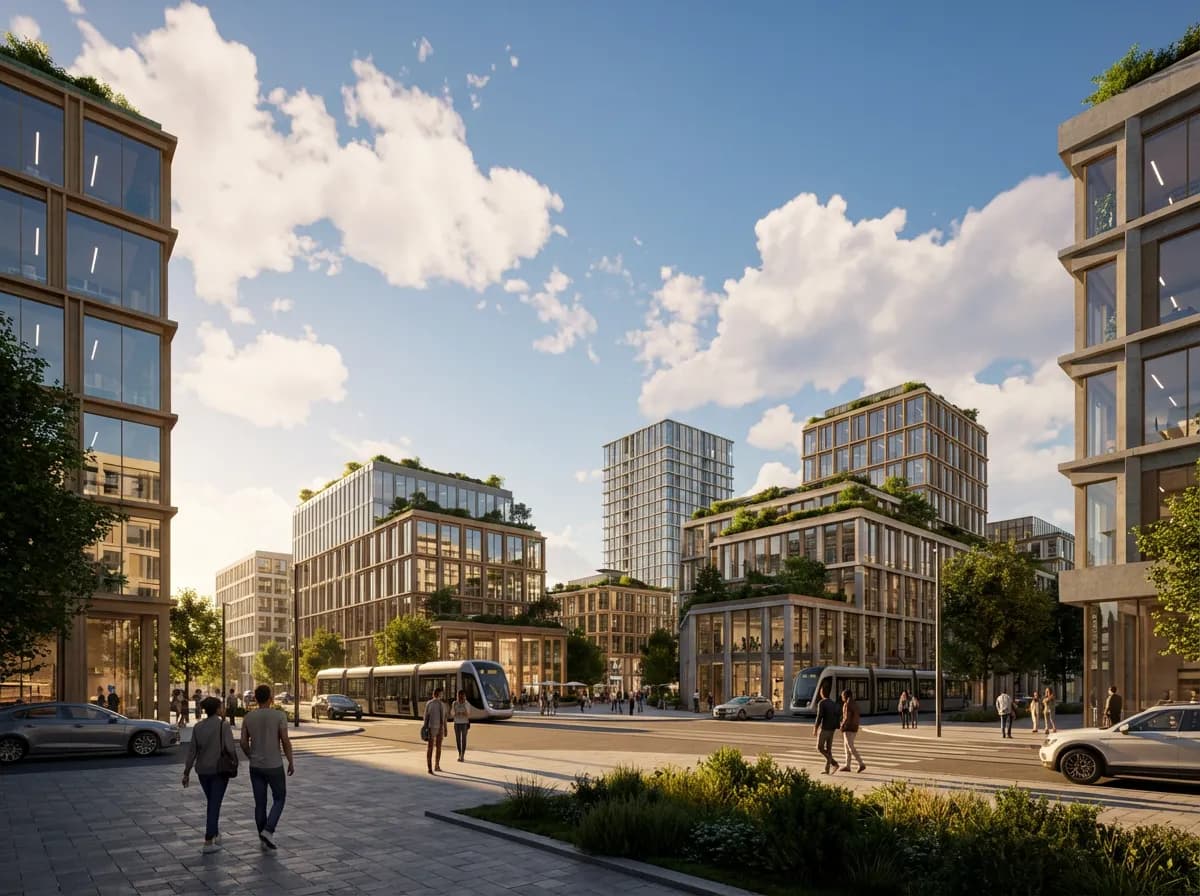
Urban Masterplan View
Bird's-eye visualization of multi-building developments with realistic context.
Residential Garden Scene
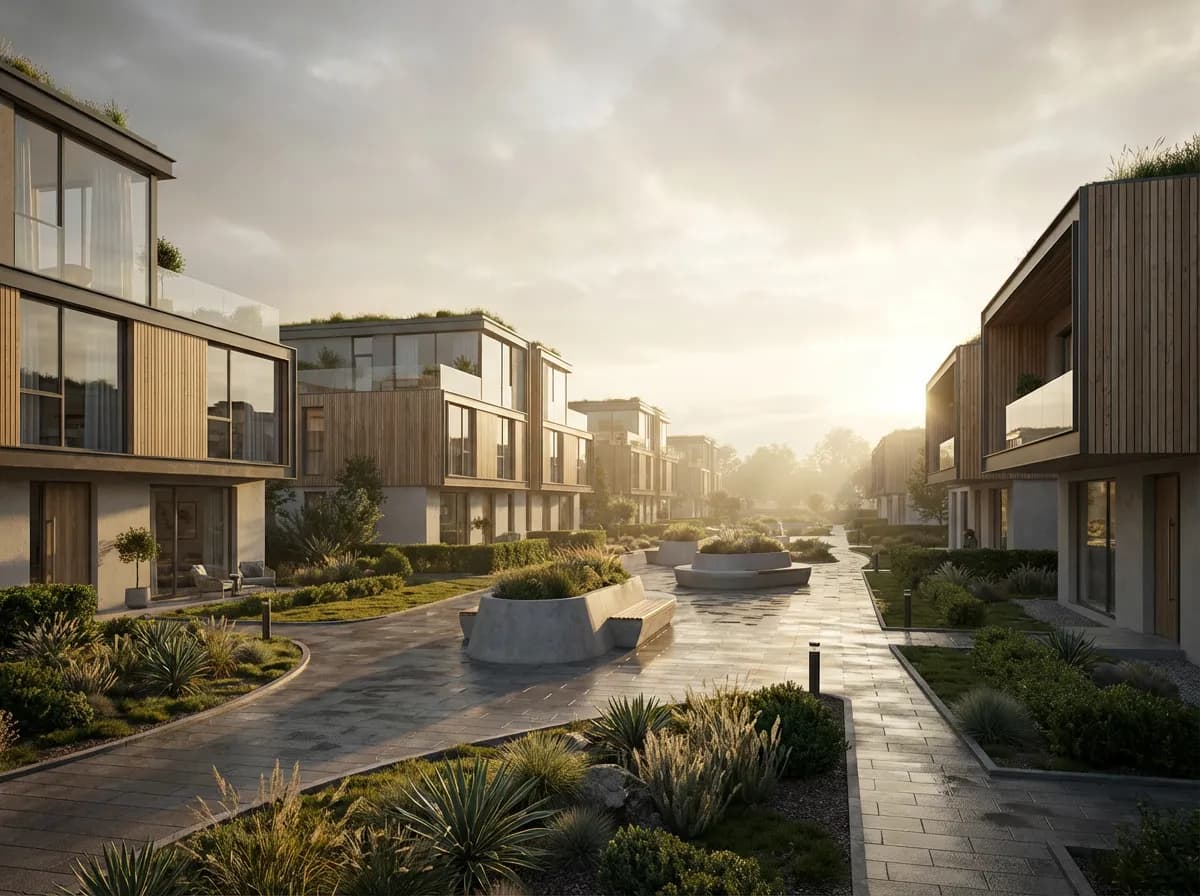
Exterior render with detailed vegetation and natural landscape setting.
Interior Living Space
Warm residential interior with realistic furniture, materials, and natural light.
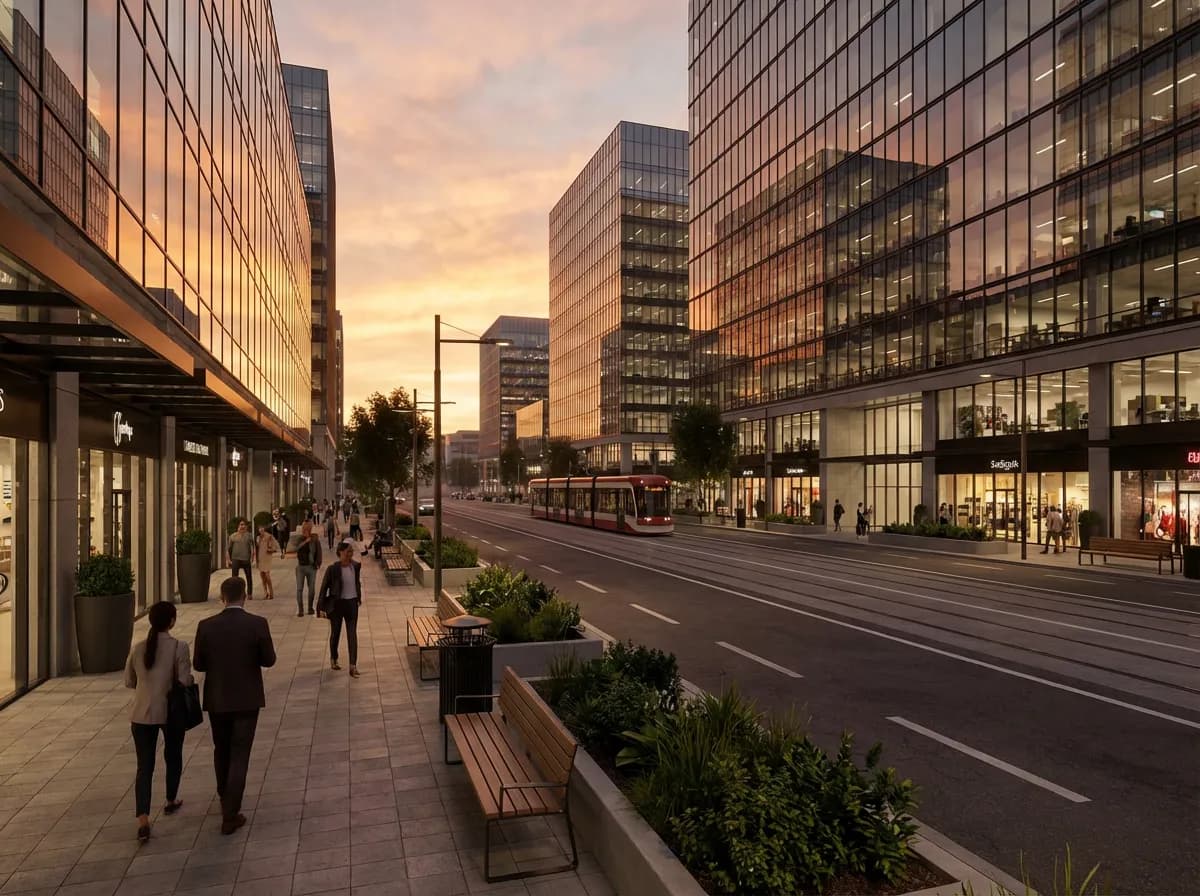
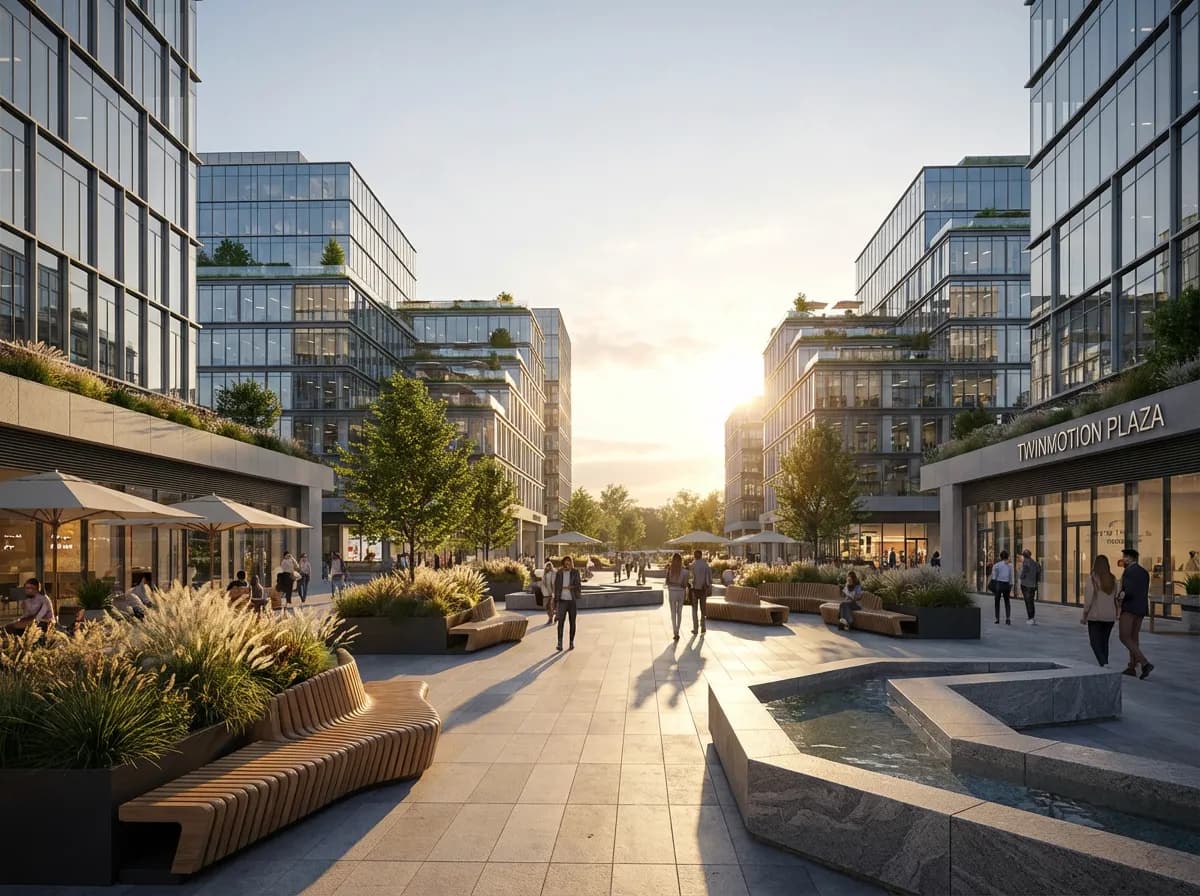
Commercial Entrance
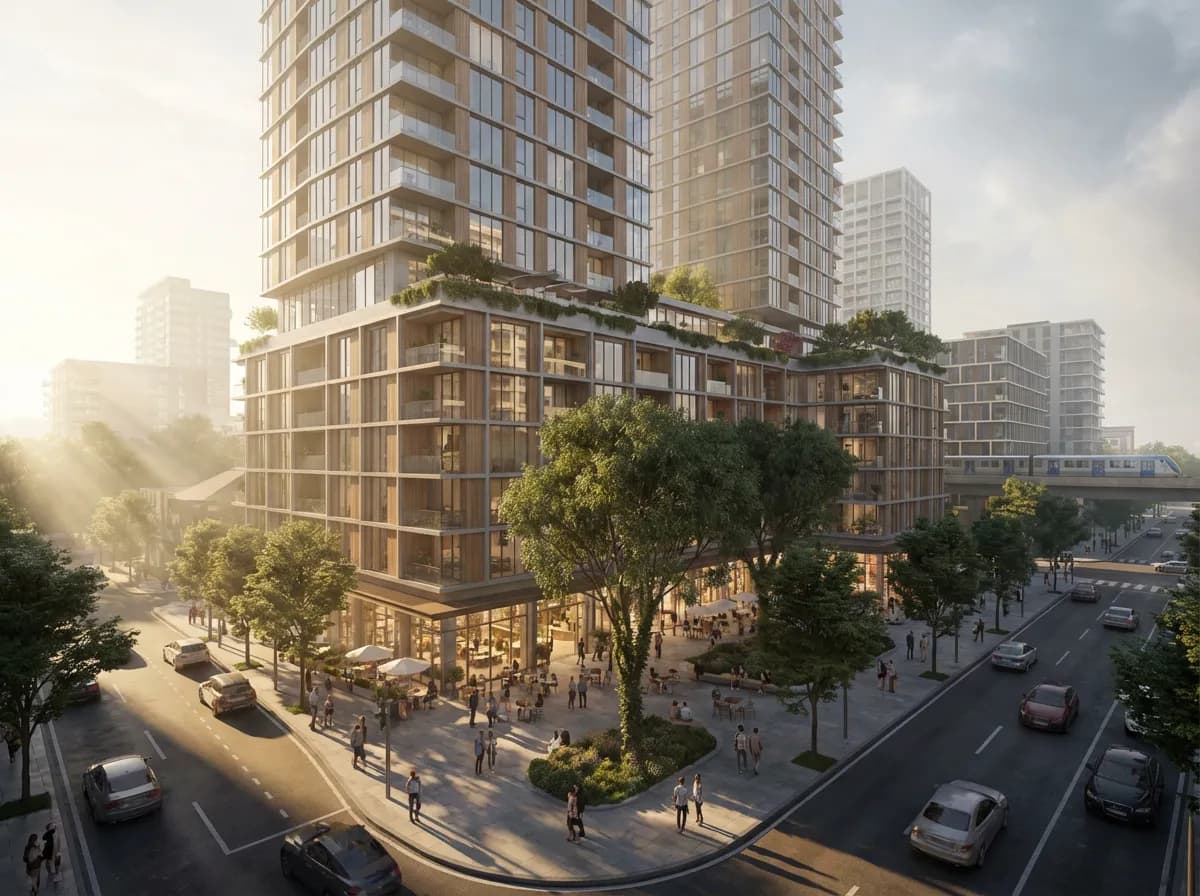
Office building approach with glass facade, landscaping, and activity.
More Renders for Less Money
Twinmotion
$499/year + GPU workstation ($1,500–3,000)
Traditional licensing with annual subscription. Requires dedicated hardware for rendering.
Twinmotion Alternative
Common questions about switching from Twinmotion to Armox AI
For still images, absolutely. Armox generates photorealistic views faster and at higher quality. For real-time walkthroughs, Twinmotion still has an edge.
Armox uses a different approach — export or screenshot your Revit view and upload. No plugin compatibility issues.
No. Armox has transparent, independent per-render pricing unaffected by third-party corporate decisions.
Yes. Each image takes 10–30 seconds. Queue multiple views simultaneously for rapid output.
Armox AI interprets and applies photorealistic materials automatically. Guide style through text prompts.
Yes. Armox is optimized for high-quality architectural stills and rapid iteration, making it a strong replacement for still rendering workflows.