AI Exterior Walkthrough & Flyover Videos
Transform exterior architectural renders into dramatic flyover animations and approach sequences. Cinematic building reveals that impress clients and win competitions.
No credit card required1000 free credits
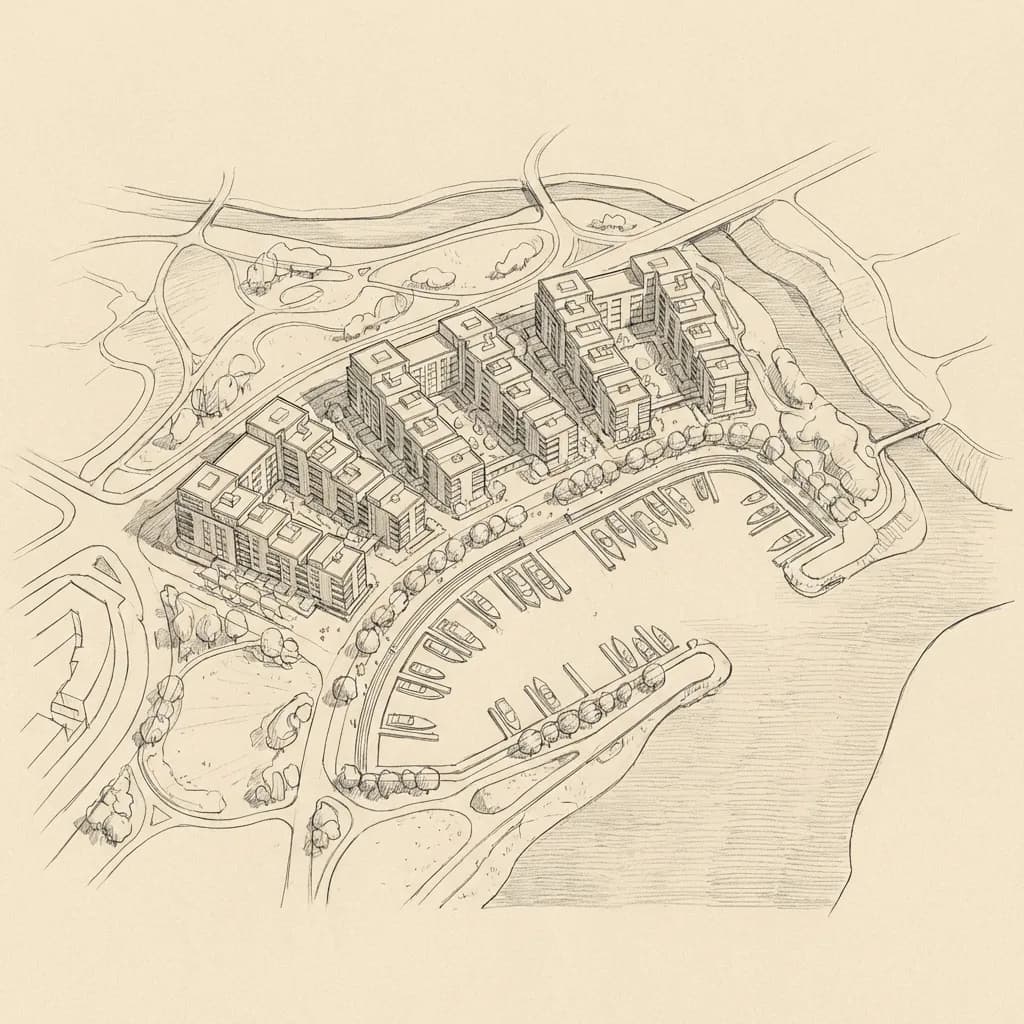
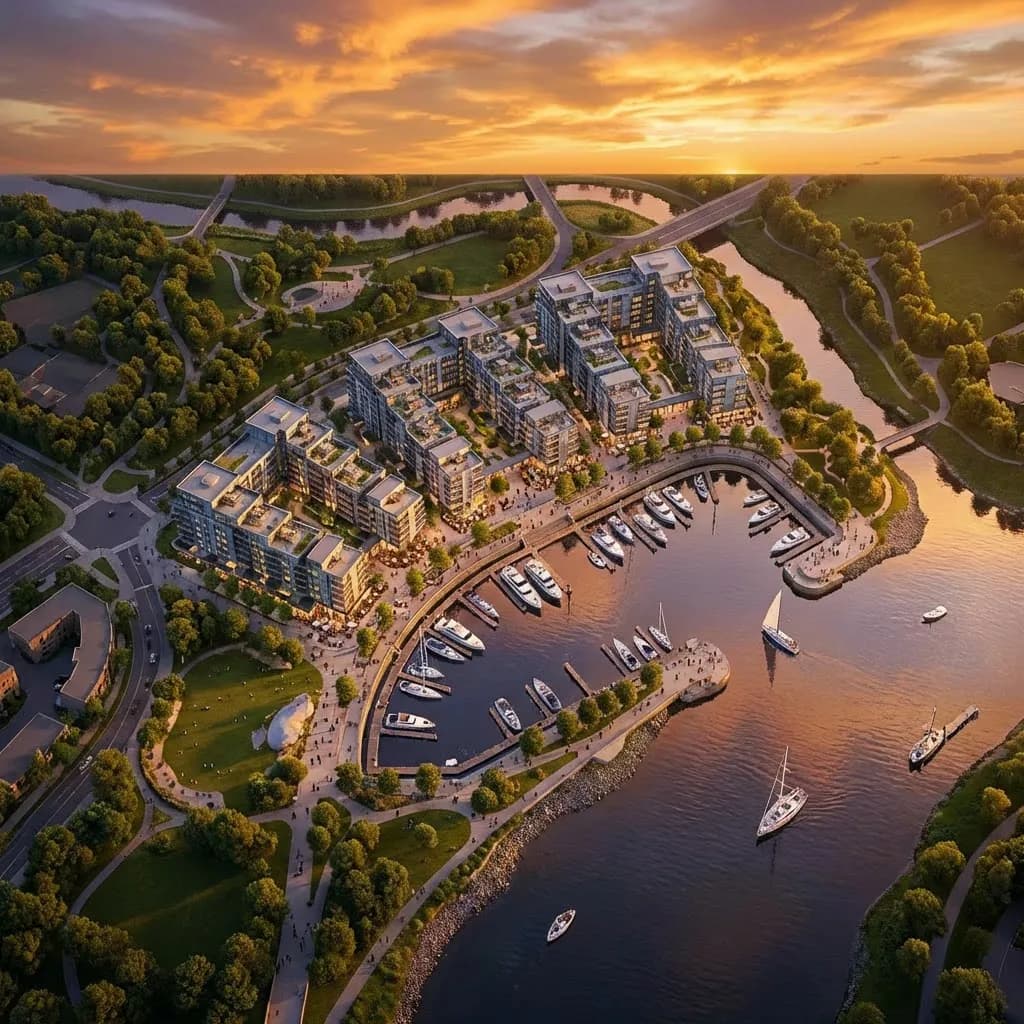

Photorealistic render with perfect lighting, realistic materials and cinematic composition...
Photorealistic render with perfect lighting, realistic materials and cinematic composition...
trusted by 25000+ creators







From Render to Cinematic Motion
See how a single exterior render becomes a dramatic flyover video with smooth camera movement and cinematic production quality.
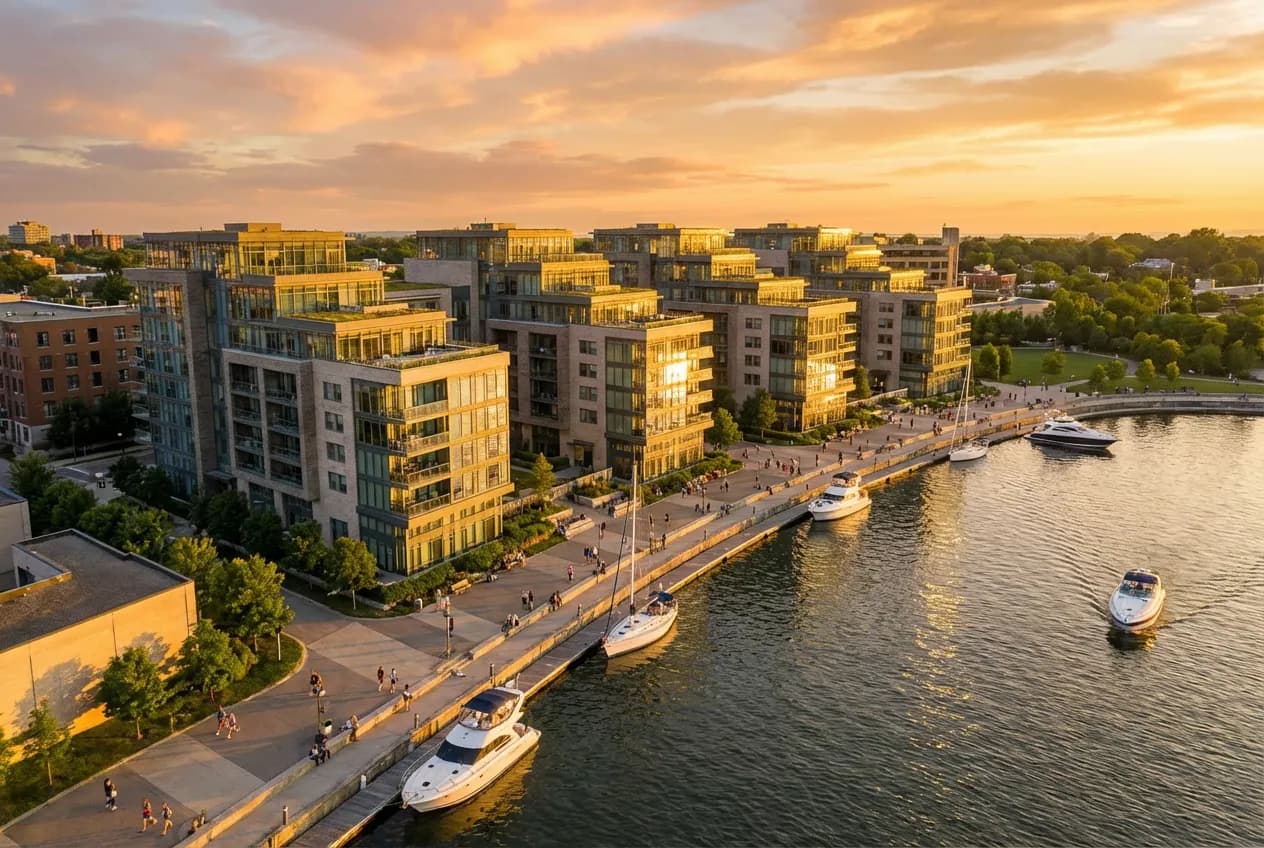
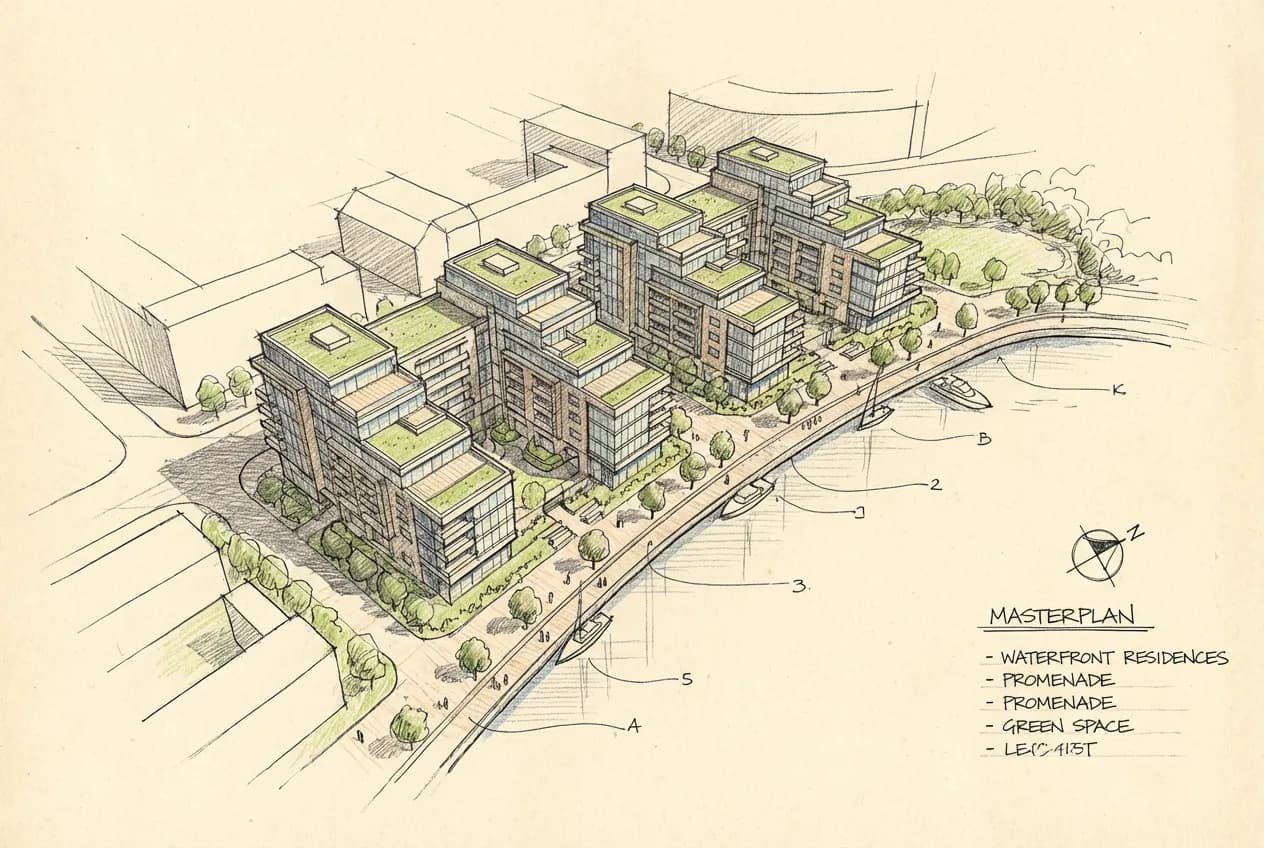
How It Works
Upload photorealistic exterior renders — aerial views, street-level perspectives, or approach angles. The AI works with any exterior architectural image.
Select the motion type — aerial flyover, slow approach reveal, orbital rotation, or dramatic crane shot. Each style mimics professional architectural film techniques.
Get a cinematic exterior animation in MP4. Perfect for competition entries, client presentations, marketing websites, and social media content.
Exterior Videos for Every Project
From residential homes to urban masterplans, AI exterior videos showcase your design from every angle.
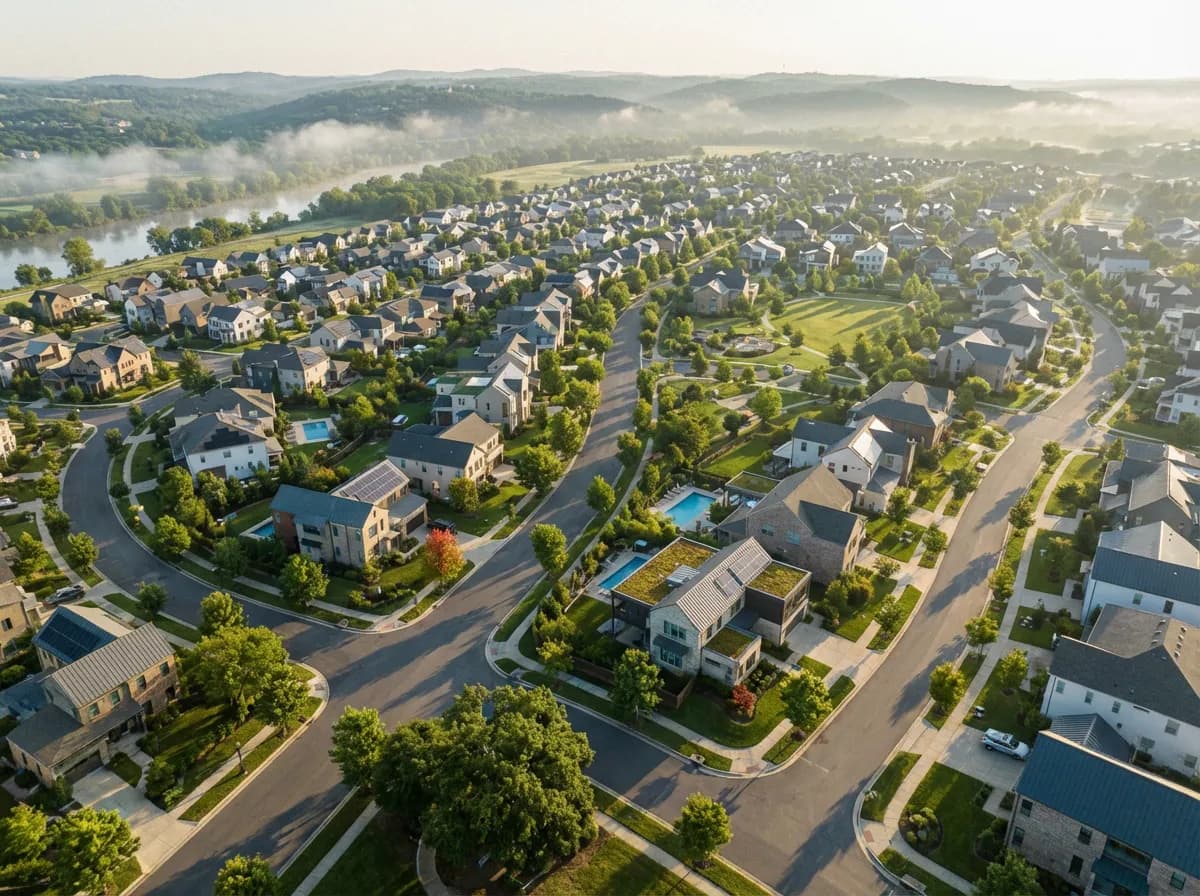
Dramatic drone-style flyover showing the building in its landscape context — approaching from a distance and slowly revealing the design from above.
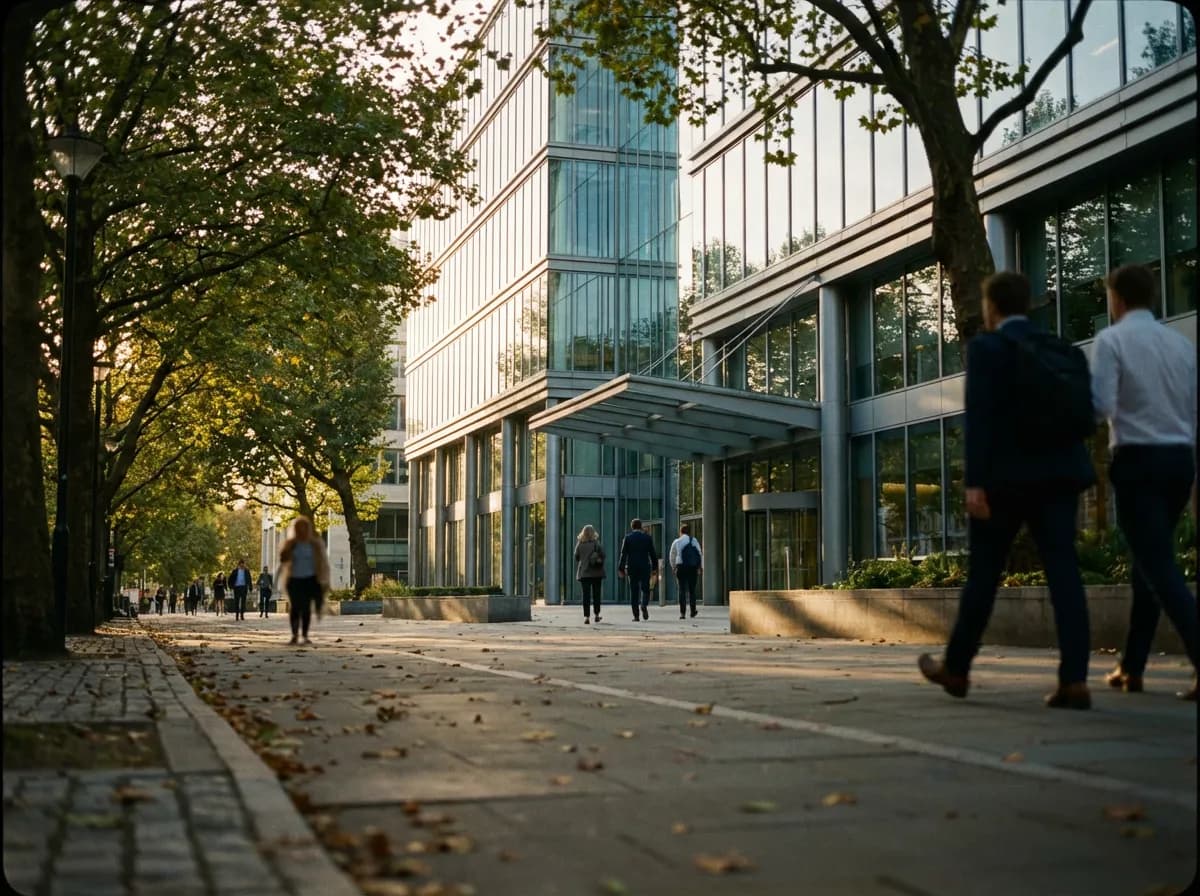
Cinematic approach sequence from pedestrian perspective — walking toward the building entrance, revealing the facade and landscape as a visitor would experience it.
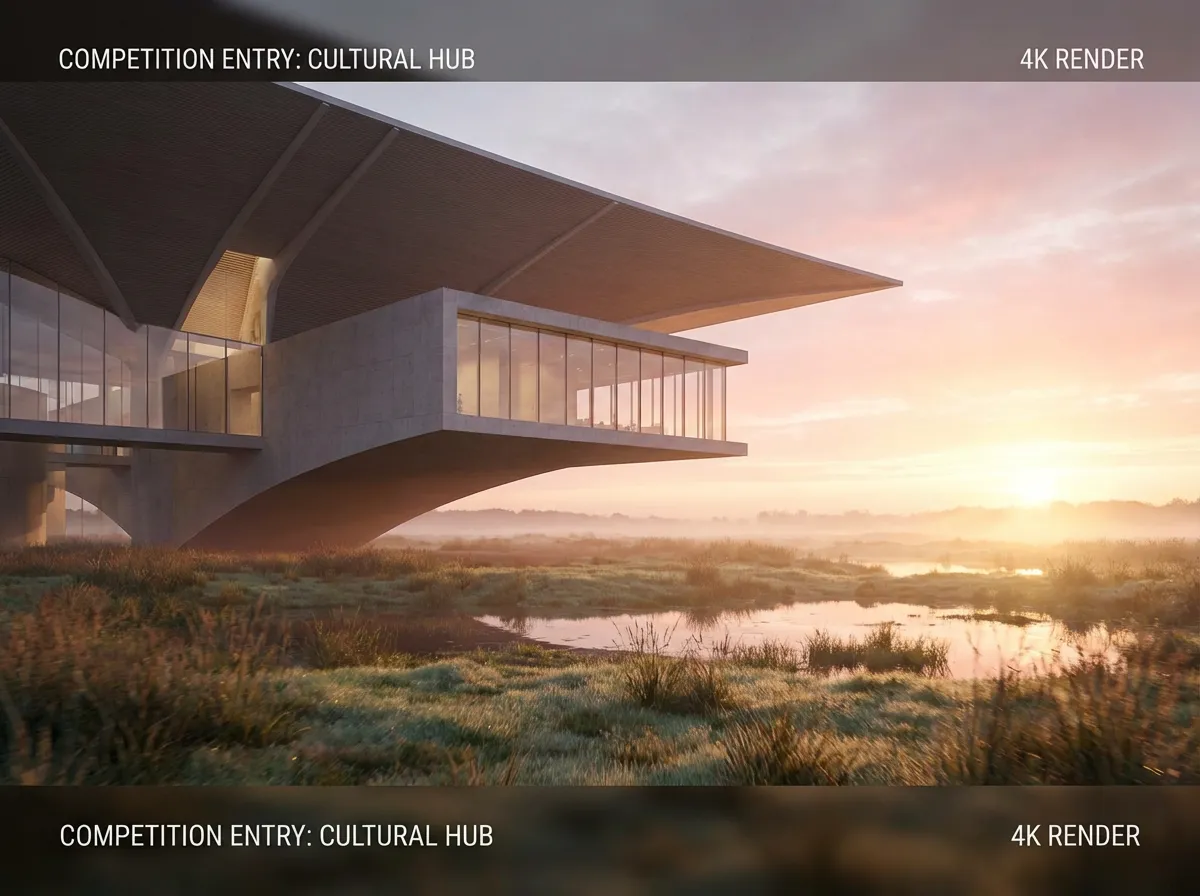
Dramatic cinematic reveal for design competition submissions — sunrise lighting, slow camera crane, and a hero moment that sells the vision.
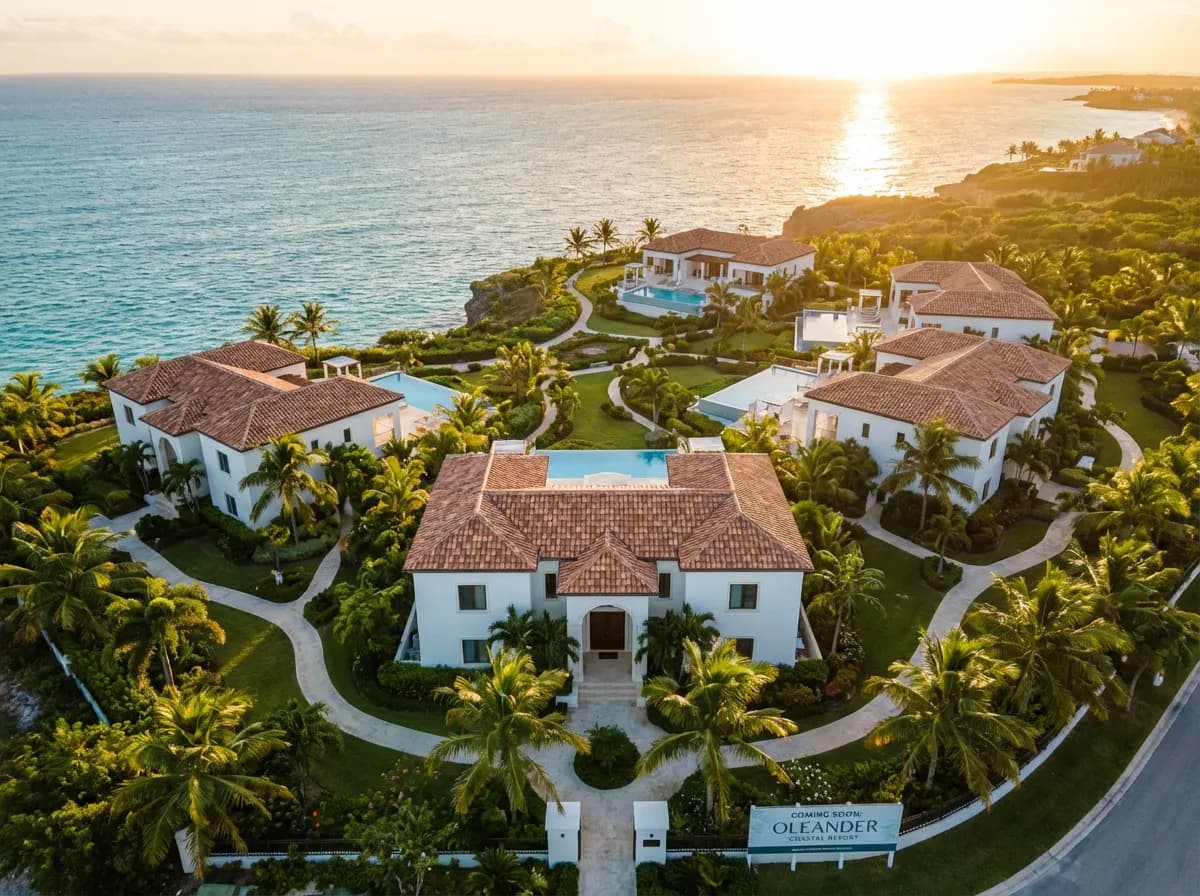
Professional flyover video for off-plan property marketing — aerial approach, facade detail, and landscape context that sells the lifestyle to buyers.
Why Architects Choose AI Exterior Videos
Drone-Style Flyovers
AI generates smooth aerial camera paths that mimic professional drone cinematography — sweeping approaches, gentle orbits, and dramatic reveals.
Atmospheric Effects
Videos maintain the atmospheric quality of your renders — clouds drifting, light shifting subtly, and vegetation gently moving for a living, breathing scene.
Cinematic Camera Work
Professional camera techniques including slow crane shots, dolly zooms, and parallax reveals that give your architectural video a film-quality production feel.
Landscape in Motion
The AI adds subtle environmental motion — tree branches swaying, water rippling, clouds moving — that brings the exterior scene to life beyond the building itself.
Explore More Video Tools
Frequently Asked Questions
Common questions about AI exterior walkthrough and flyover videos for architecture.