Turn Draft Renders into Stunning Visuals with an AI Render Enhancer Presentation-Ready
Upscale resolution to 4K and 8K, sharpen material textures, improve lighting, and fix artifacts — all in one click. Transform quick draft renders into client-ready presentations.
No credit card required1000 free credits
AI Render Enhancer
trusted by 25000+ creators







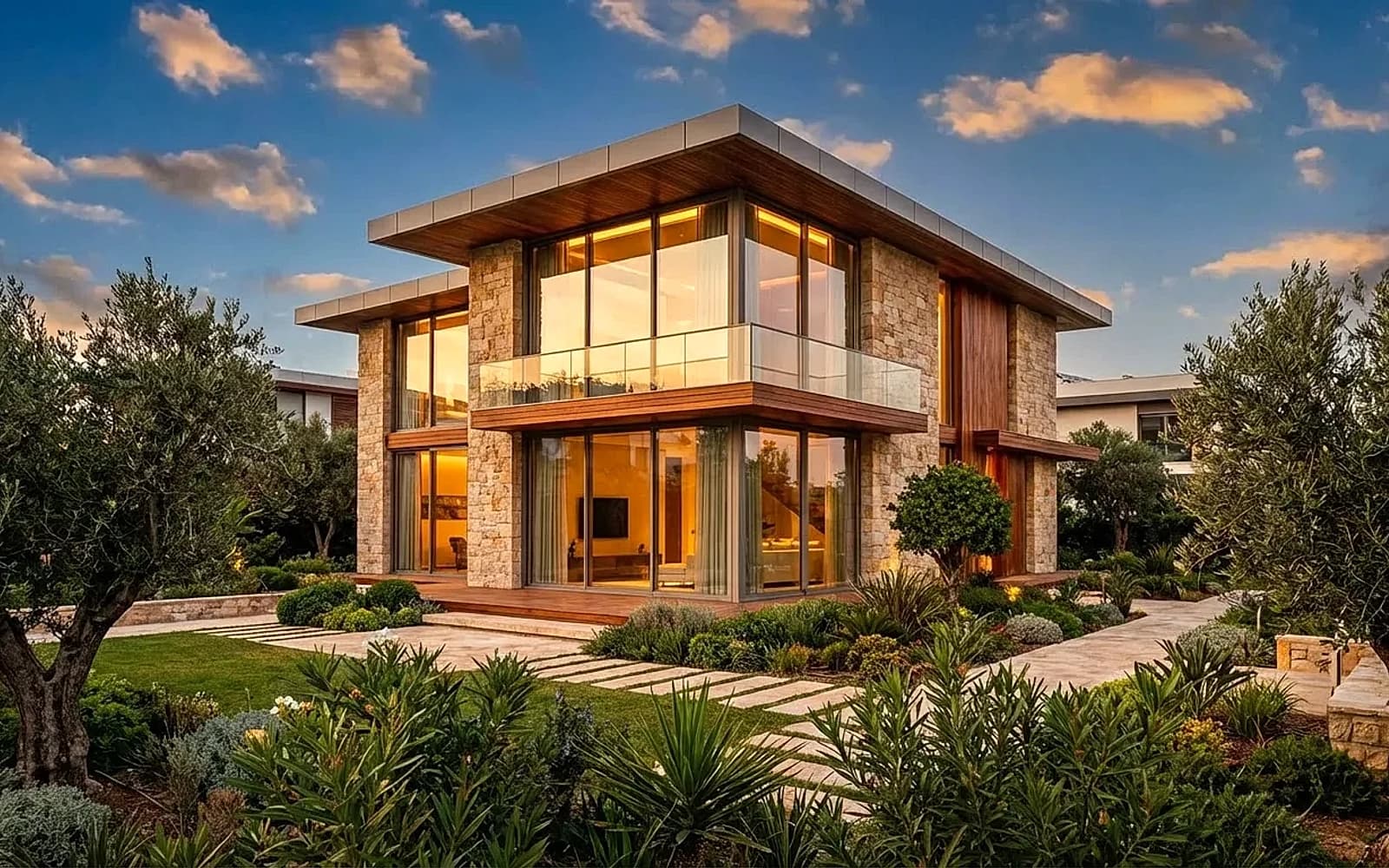
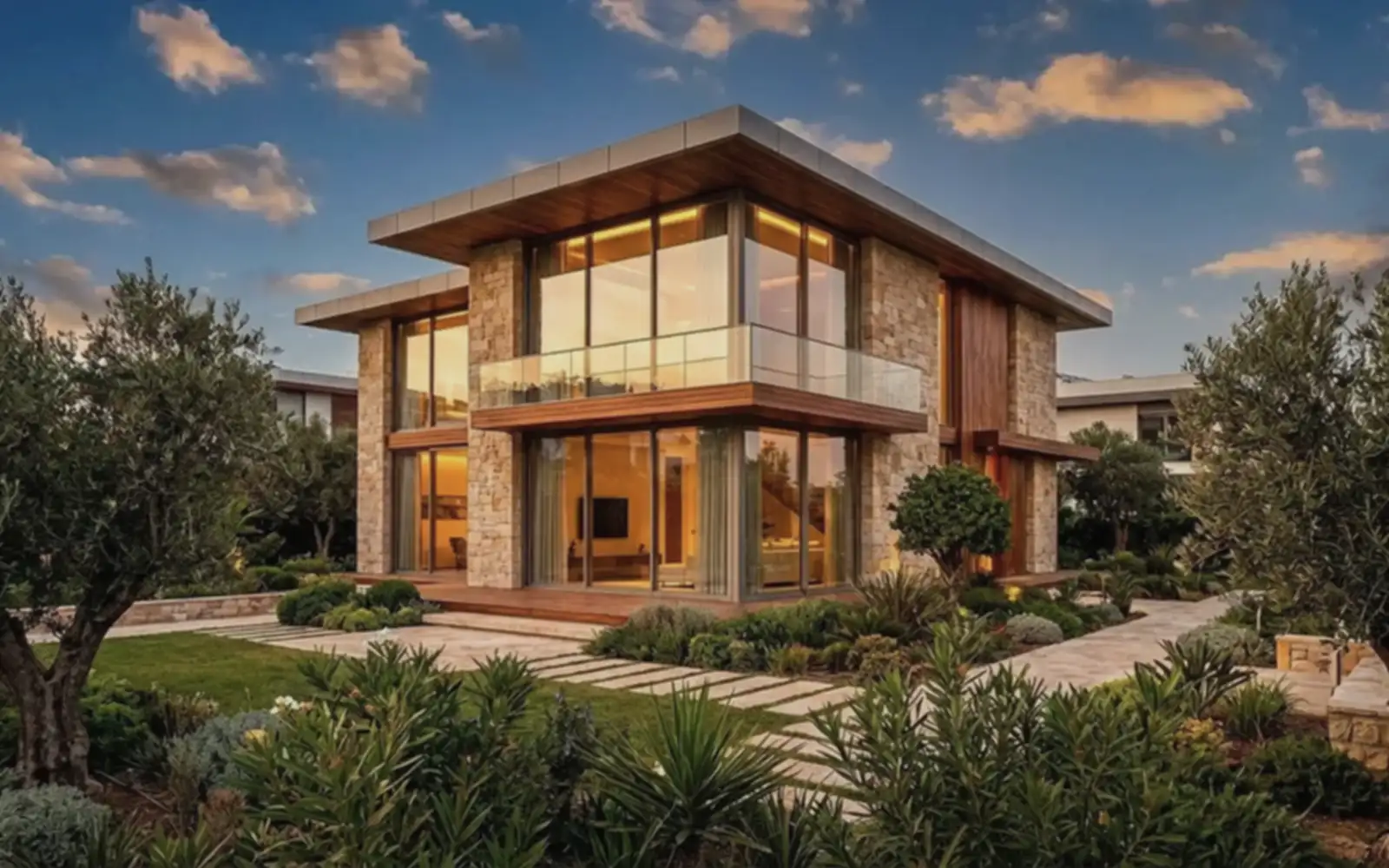
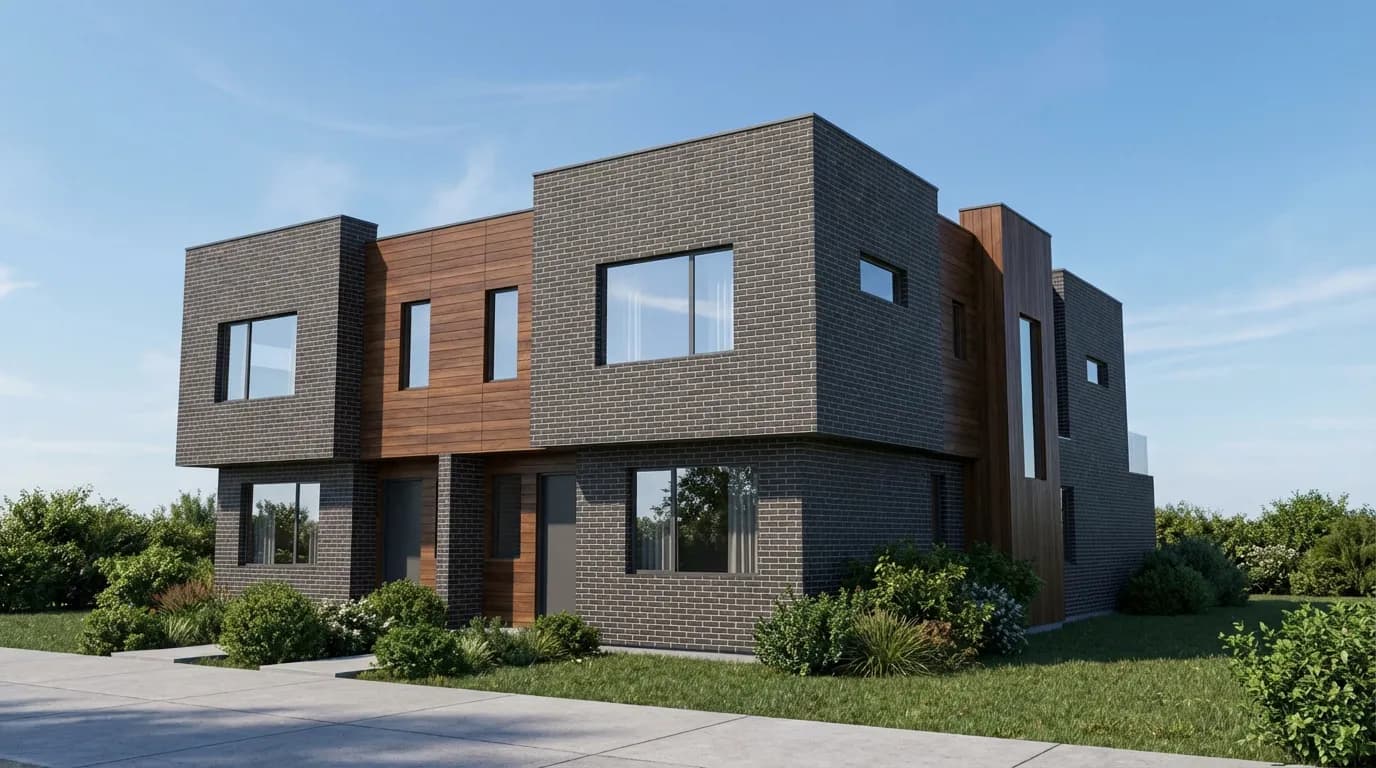
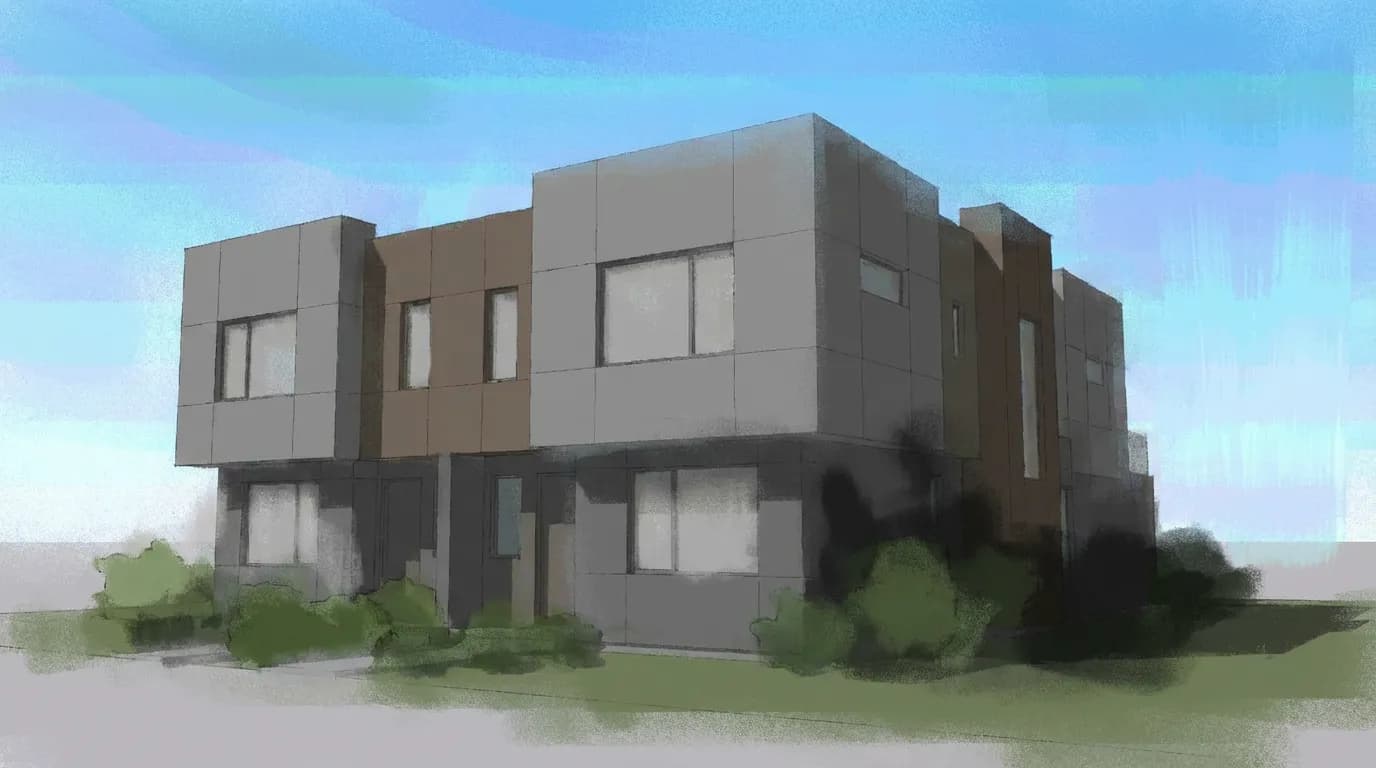
See AI Render Enhancement Side by Side
Compare a low-resolution draft render with its AI-enhanced version — sharper textures, cleaner lighting, and 4x the resolution.
How It Works
Upload any architectural render — low resolution, noisy, or lacking detail. Supports output from any 3D software including Revit, SketchUp, and Blender.
Select upscale factor (2x, 4x, 8x), detail enhancement level, and lighting correction strength. Preview adjustments before processing.
Get your render back at up to 8K resolution with improved materials, sharper textures, and corrected lighting. Ready for presentations and publications.
When Architects Use Render Enhancement
Save hours of render time by enhancing quick drafts instead of running expensive high-quality renders from scratch.
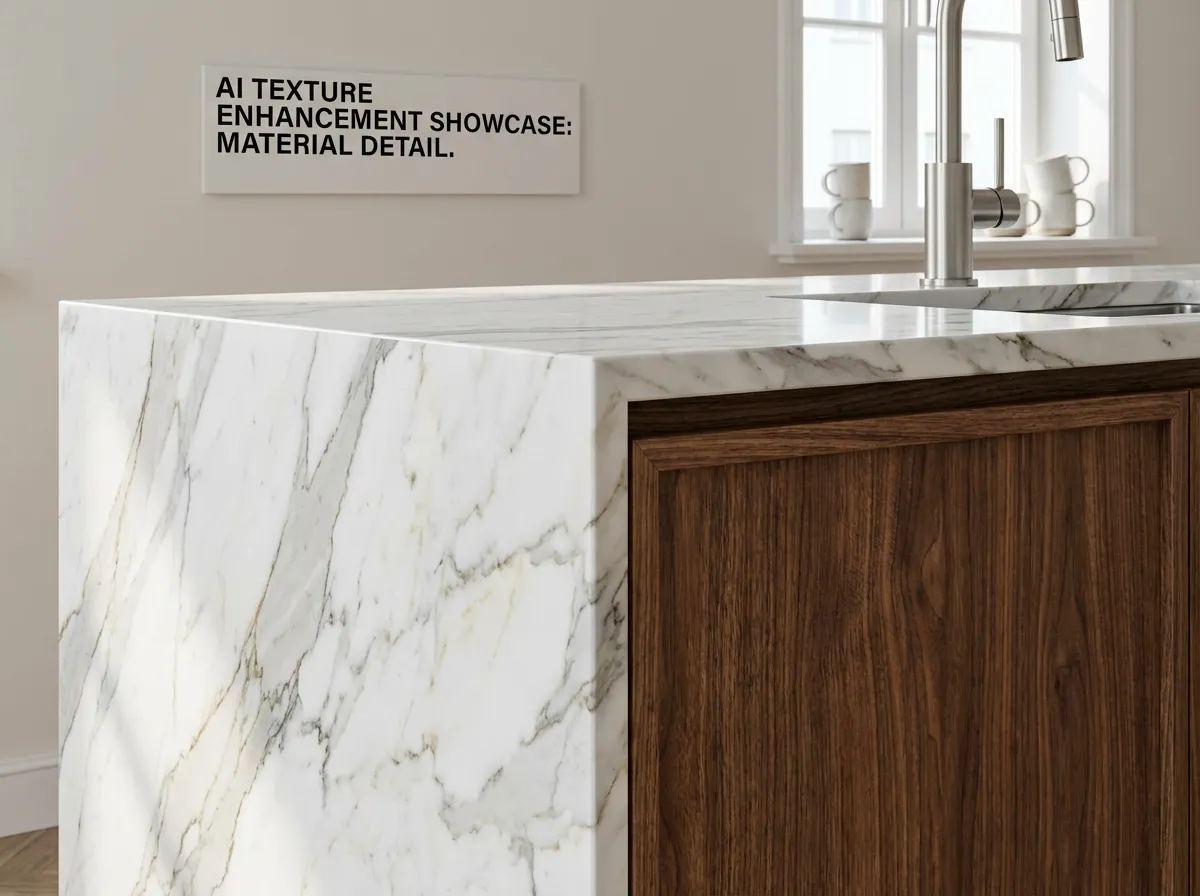
Run a quick 10-minute draft render and let AI enhance it to presentation quality. Skip the 4-hour high-quality render and deliver results same-day.
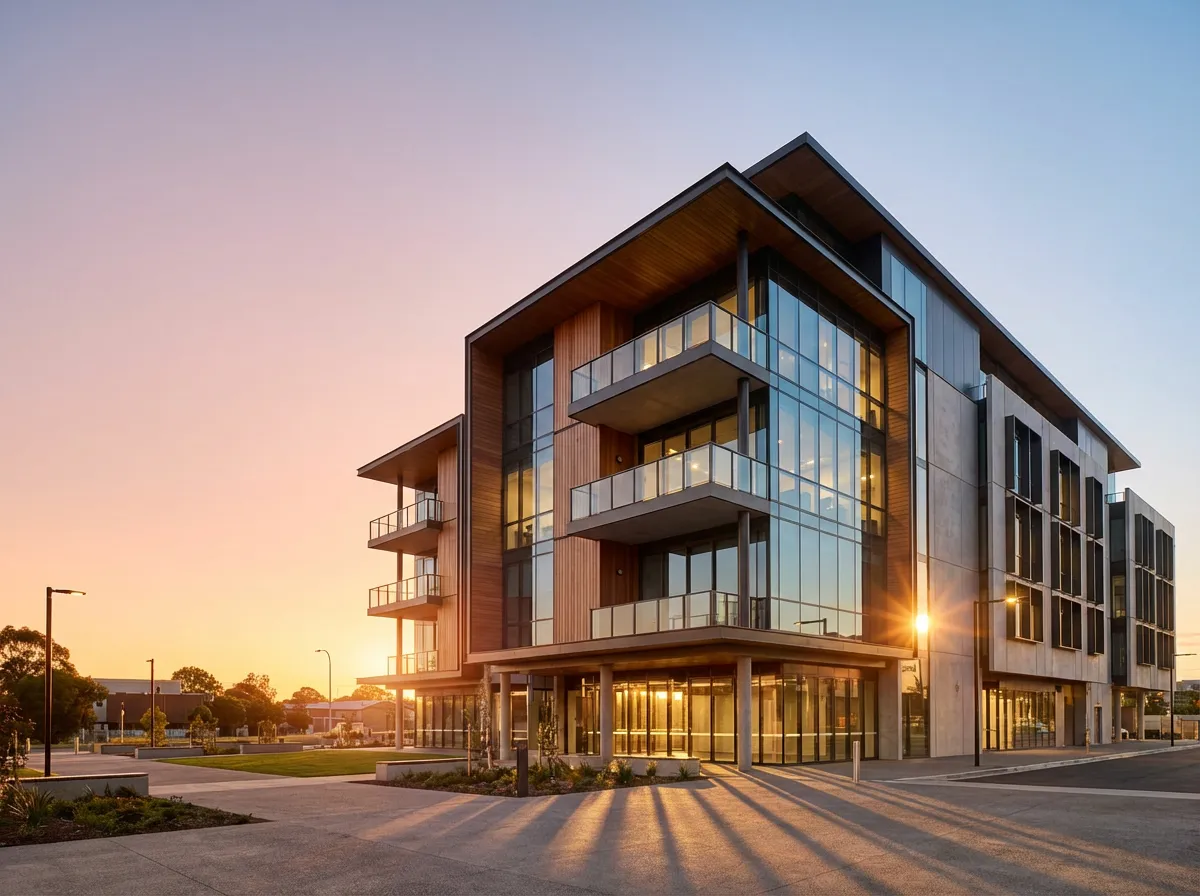
Take screen-resolution renders and upscale them to print-quality resolution for competition boards, publications, and large-format displays without re-rendering.

Clean up noise, grain, and firefly artifacts from renders that didn't have enough samples. AI denoises while preserving architectural detail and material texture.
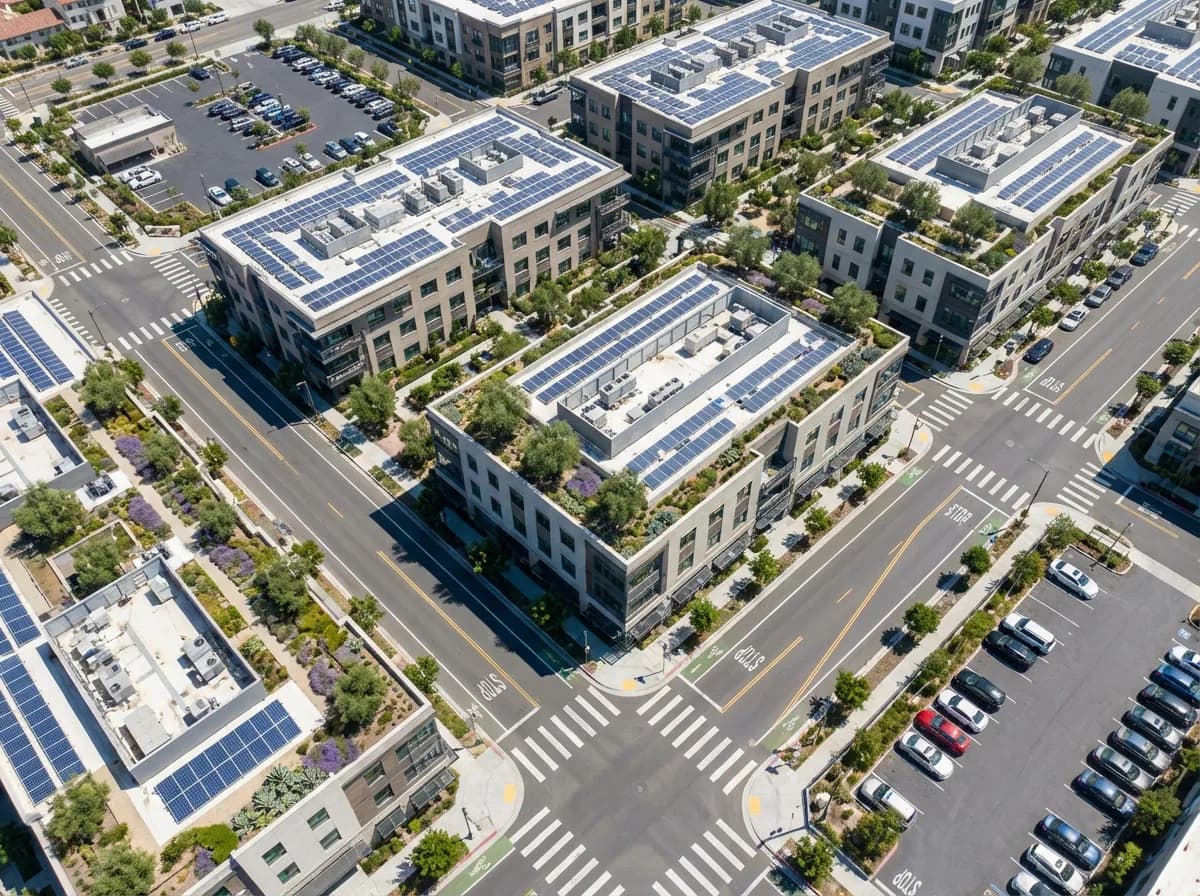
Revive renders from past projects — upscale low-resolution images, sharpen blurry textures, and improve lighting for updated portfolios and case studies.
What AI Enhancement Delivers
Intelligent Upscaling
Not just pixel doubling — AI generates real architectural detail when upscaling. Window mullions get sharper, brick courses gain definition, and material grain becomes visible.
Material Detail Recovery
AI recognizes common architectural materials and enhances their texture specifically. Wood grain, stone veining, and concrete pores are refined based on material understanding.
Lighting Correction
Fix blown-out highlights, dark shadow areas, and color banding. AI rebalances exposure and recovers detail in both bright and dark regions of your render.
Artifact Removal
Automatically detect and fix common render artifacts — noise, fireflies, banding, and aliasing — while preserving intentional design details and sharp edges.
Explore More AI Tools
Frequently Asked Questions
Common questions about enhancing architectural renders with AI.
Enhance Any Render to Presentation Quality
Stop waiting hours for high-quality renders. Enhance your drafts to client-ready visuals in seconds.
No credit card required1000 free credits