
Your team is probably already feeling the pressure from both sides. Clients want faster turnarounds, more options, more localization, and more polish. Internally, the design stack is fragmented. One tool for renders, another for copy, another for video, another for voice, and a messy trail of exports, prompts, and revision notes sitting across chat threads and folders.
That's why AI content generation tools matter now. This isn't a niche category anymore. Grand View Research estimates the global generative AI in content creation market was worth USD 14.8 billion in 2024 and projects it will reach USD 80.12 billion by 2030, with a 32.5% CAGR from 2025 to 2030. In practice, that growth shows up in everyday production work. Architects need faster mood boards and visual iterations. Designers need image, motion, and copy tools that don't break the workflow. Marketers need assets that can move from concept to campaign without six handoffs.
The hard part isn't finding an AI tool. It's finding one that fits real production. That means integrations, version control, team adoption, governance, and outputs you can ship. If you're also thinking about content creation automation, the same rule applies. Speed only helps when the workflow holds up under client revisions and team scale.
Table of Contents
- 1. Armox AI
- 2. Magnific
- 3. OpenAI ChatGPT
- 4. Midjourney
- 5. Leonardo.Ai
- 6. Runway
- 7. Luma AI Dream Machine
- 8. Synthesia
- 9. ElevenLabs
- 10. Descript
- Top 10 AI Content Generation Tools, Quick Comparison
- Building Your Modern Creative Stack A Final Checklist
1. Armox AI

A common breakdown in AI production happens after the first good output. The copy lives in one app, the concept images in another, the motion test in a third, and the team loses time rebuilding prompts, re-uploading files, and explaining decisions again during review. Armox AI is built for that problem. It uses a visual canvas where teams connect text, image, video, audio, tools, and uploads into one repeatable workflow.
That operating model matters for architecture, design, and marketing teams because production rarely stays inside a single format. A concept can start as a written brief, move into mood boards, pick up Revit or SketchUp context, then end up as a client presentation, social cutdown, or animated reveal. Teams evaluating this category should also explore generative AI advancements to understand how quickly tool capabilities are shifting across media types.
Why it stands out in production
Armox is strong where multi-step work needs to stay organized. It brings together 50+ AI models for text, image, video, and audio tasks inside one environment, which reduces context loss between stages. For a studio building exterior concepts, interior staging options, and campaign visuals from the same source material, that is more useful than having a single standout image generator.
The integration story is what makes it relevant for production teams rather than solo experimentation. Support for SketchUp, Revit, Rhino, AutoCAD, and Blender puts it closer to an actual design workflow. That changes the evaluation criteria. The question is no longer just output quality. It is whether the tool fits the handoff chain your team already runs.
Practical rule: If your team works across Revit, Blender, and marketing deliverables, choose the platform that keeps approvals, source assets, and generation steps in one shared system.
Armox also handles collaboration in a way many prompt-first tools do not. Shared templates, credit controls, and standardized workflows help teams avoid the usual sprawl where every designer builds a private process that nobody else can maintain. For firms comparing visual generation options more narrowly, this AI image generator comparison for production teams is a useful companion read.
Where it fits best
Armox fits teams that need a central layer for creative operations. Architecture studios can use it for concept exploration, renders, staging, and client-facing presentation assets. Design teams can connect model outputs to visualization workflows. Marketing groups can turn approved prompts and templates into repeatable campaign production instead of starting from zero each time.
There are trade-offs. Teams need naming conventions, template discipline, and basic workflow governance or the canvas can get messy fast. Credit usage also needs oversight, especially when high-resolution image generation, video, and multiple revision rounds stack up in the same project.
The free tier helps with evaluation, and the right test is a live project. Run one job that includes revisions, stakeholder comments, and deadline pressure. That will tell you more than a polished demo ever will.
For teams focused on still-image refinement as part of a larger production flow, Armox's perspective lines up well with this guide to AI photo editing tools.
Pros
- Unified workflow: Access to 50+ models inside one node-based canvas.
- Architecture fit: Useful integrations for SketchUp, Revit, Rhino, AutoCAD, and Blender.
- Team controls: Better suited to shared pipelines than single-user prompt tools.
- Broad modality support: Text, image, video, audio, and uploads sit in one workspace.
Cons
- Onboarding required: Teams need setup discipline to keep canvases organized.
- Credit planning matters: Heavy production use can consume credits quickly depending on the workflow.
- Built for systems: Solo users who only want one-off generations may find it heavier than necessary.
2. Magnific
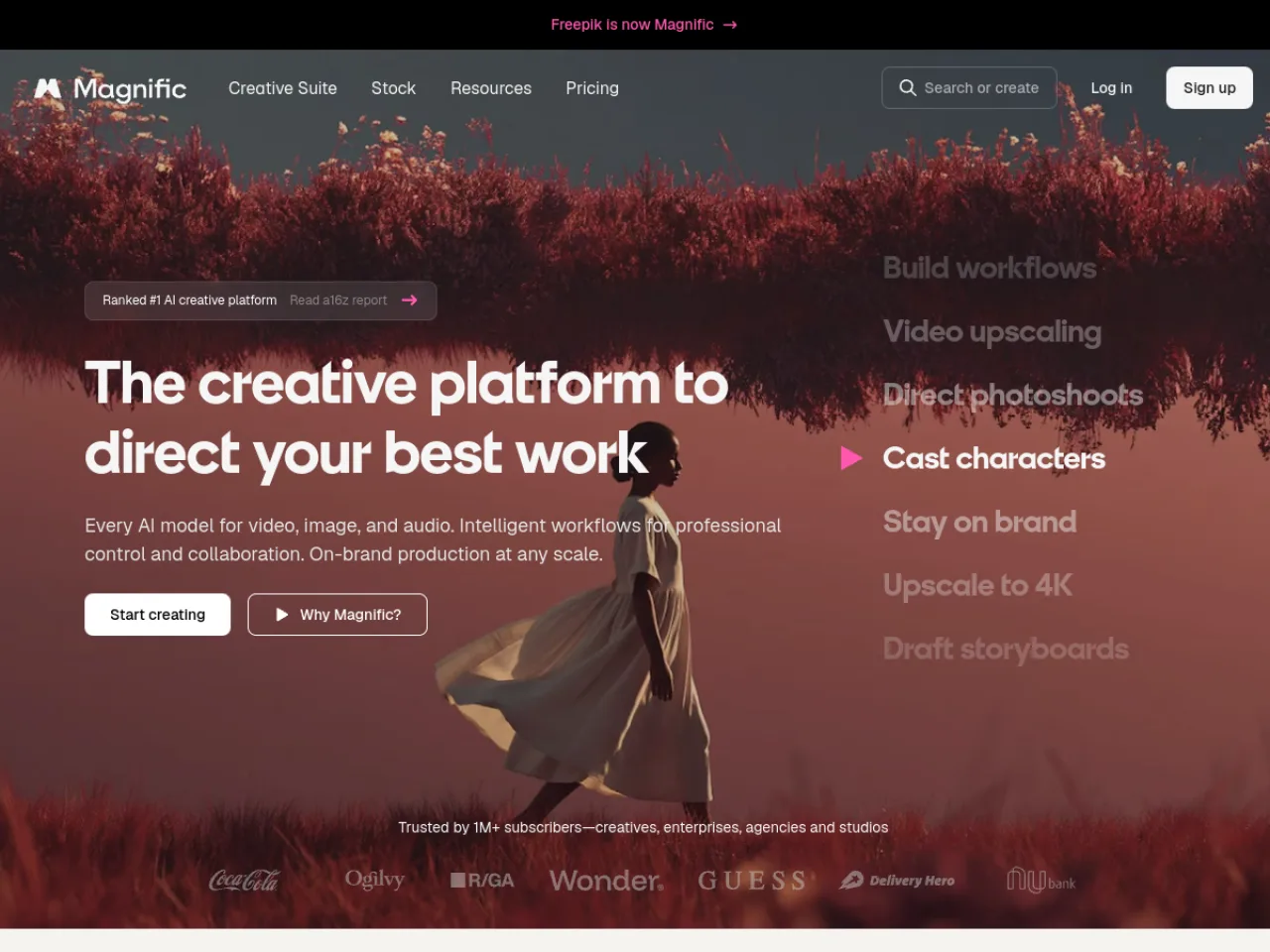
Magnific makes the most sense when your team cares about high-end image creation, upscaling, and creative control in the same visual workflow. It is especially relevant for studios that need polished campaign visuals, concept images, branded assets, and refined creative directions without jumping between separate generation and enhancement tools.
For design and marketing teams, the appeal is speed with finish. Magnific's ai image generator gives teams a direct path from prompt to visual exploration, while its broader creative suite supports workflows like upscaling, brand-aligned production, and visual iteration.
Best for high-end image generation and enhancement
Magnific is a practical choice for creative teams that need image quality to hold up past the mood-board stage. If your marketers, designers, or art directors are producing hero visuals, social concepts, product scenes, or brand campaigns, the combination of generation and enhancement can reduce the time between direction and reviewable asset.
That matters because the bottleneck in AI content creation often is not ideation. It is getting the first useful visual to a level where stakeholders can actually judge it. Industry coverage from Logical Position notes that AI can help automate early-stage reviews and flag guideline issues, while human review and fact-checking still remain necessary.
Magnific works best when teams treat image generation as part of a production pipeline, not just a prompt sandbox.
The trade-off is focus. Magnific is strongest around visual creation and enhancement, so teams that need text, video, audio, and architecture-specific orchestration will still want a broader creative workspace around it. I'd recommend it when image quality, refinement, and visual impact are the priority.
Visit Magnific.
3. OpenAI ChatGPT
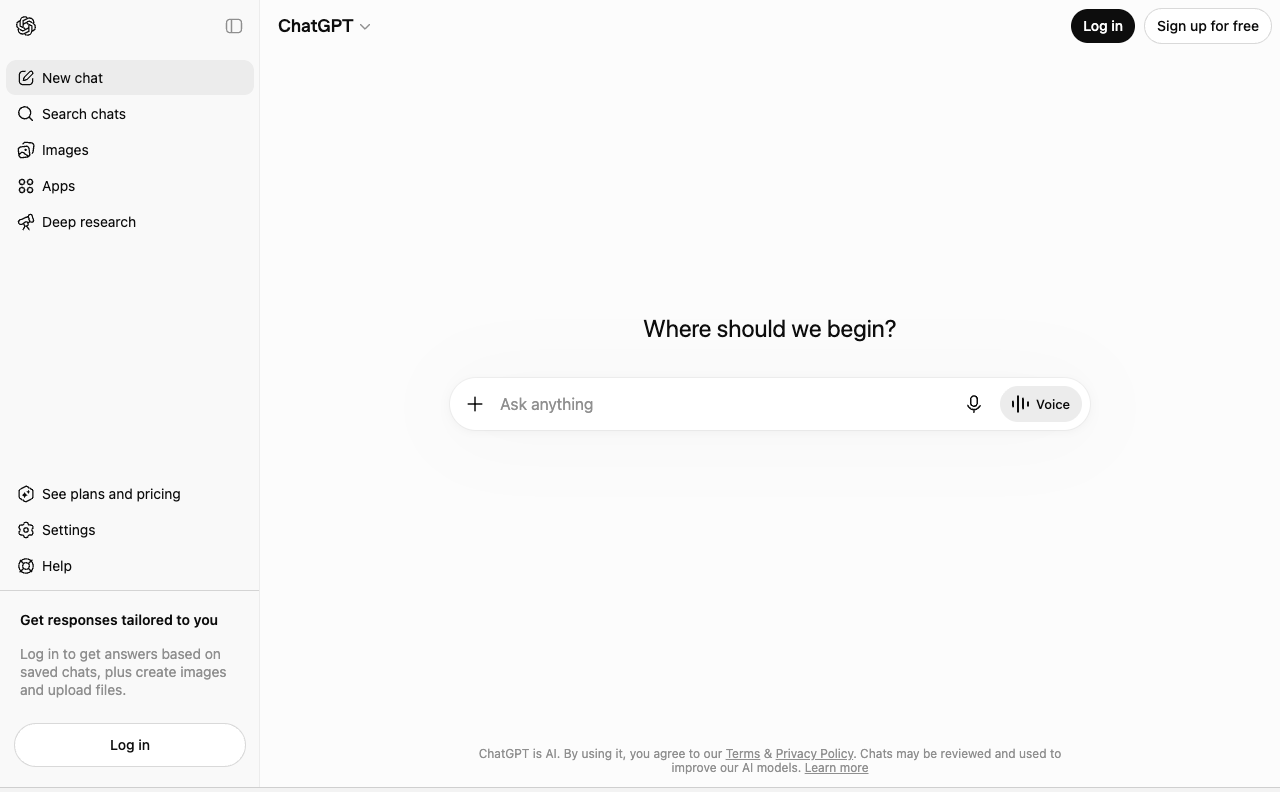
A typical production problem looks like this. The architect has concept notes in a PDF, the designer has material references in a spreadsheet, the marketer has a campaign brief in comments, and nobody has turned any of it into a clear working document. ChatGPT is useful because it organizes that mess fast.
Its real value is operational. Teams use it to turn scattered inputs into briefs, meeting summaries, messaging frameworks, presentation copy, prompt drafts, and revision options that can move into the next tool. OpenAI also positions ChatGPT as a general-purpose assistant for writing, analysis, and workflow support across business tasks, which matches how many teams use it in production rather than as a one-click publishing engine on its product page.
Best at briefs, drafts, and synthesis
For architects and interior teams, ChatGPT fits early and midstream work better than final asset creation. It can turn a Revit scope description into client-facing language, summarize design workshop notes, draft presentation boards, and translate design intent into cleaner prompts for image tools used alongside SketchUp, Blender, or rendering workflows. That makes it a strong coordination layer, especially when the same project needs input from design, visualization, and marketing.
For marketers, the value is speed with structure. Campaign teams can go from raw brief to testable headlines, landing page outlines, email variants, and video script options in one session. The trade-off is that the first draft often sounds generic unless the team brings a real voice guide, approved references, and clear constraints.
Where it works
- Brief development: Convert fragmented notes into a usable production brief.
- Research synthesis: Condense transcripts, workshop notes, and long documents into clear direction.
- Cross-team translation: Rewrite technical or design-heavy material for clients, sales teams, or campaign stakeholders.
- Prompt preparation: Create cleaner inputs for downstream visual tools in a multi-step pipeline.
Where it falls short
- Final factual authority: Claims still need review against source material.
- Brand voice consistency: Good output depends on examples, guardrails, and editing.
- Production-specific integrations: It supports the workflow, but it does not replace the specialized controls inside design and visualization software.
I recommend ChatGPT for teams that need a shared thinking tool more than a single-purpose generator. It scales well when the job is clarification, documentation, and iteration. It is less reliable when the job requires strict source fidelity, exact visual control, or approval-ready copy with no human pass.
Visit OpenAI ChatGPT.
4. Midjourney

Midjourney remains one of the best tools for visual direction. If you need a mood board to feel expensive, cinematic, atmospheric, or stylistically sharp, it's still one of the fastest ways to get there. Brand teams, creative directors, and architects use it heavily at the exploration stage because it can establish a visual lane very quickly.
Its strength is taste. Not precision.
Best for visual direction and mood exploration
That distinction matters. Midjourney is excellent at finding aesthetic territory for campaigns, spaces, packaging concepts, spatial mood references, and early-stage storytelling frames. It's less dependable when you need strict production control, exact object placement, or outputs that must map tightly to a CAD or BIM-driven workflow.
For architects and interior teams, I see Midjourney as a front-end ideation tool, not the core production environment. Use it to explore materials, lighting direction, atmosphere, hospitality moods, retail concepts, or branded environments. Then move the approved direction into tools that are better at repeatability and integration.
A lot of buyers still choose AI tools by popularity instead of workflow fit. That's backward. Marketing AI Institute highlights that the market is fragmenting across research, narrative generation, social copy, compliance, video creation, and tools that synthesize sources with citations. Midjourney sits very clearly in the visual ideation lane.
For teams comparing visual generators, this broader AI image generator comparison is a useful companion.
You should also expect some workflow friction. Discord-native habits don't suit every studio, and privacy or concurrency options can depend on plan tier. If your team values community-driven prompt culture and fast visual experimentation, that's fine. If you need rigid production governance, it's not the cleanest fit.
For a wider context on how fast this category is moving, it's worth exploring generative AI advancements.
Visit Midjourney.
5. Leonardo.Ai

Leonardo.Ai sits in a useful middle ground. It's more workflow-aware than pure art generators, but it still moves fast enough for concepting and campaign production. I like it for teams that need visual variety without losing control over style consistency.
That makes it a strong option for product visuals, campaign mockups, look development, and repeatable branded imagery.
Best for repeatable visual systems
Its custom model and team-oriented features are the main draw. If your design team needs outputs that feel closer to a house style, Leonardo.Ai gives you a better path toward consistency than tools that rely mostly on prompt craft and luck.
Many AI content generation tools separate into two camps. Some are great at one-off inspiration. Others help teams build repeatable systems. Leonardo.Ai leans toward the second category, especially when collections, private generations, and bespoke model work matter.
A tool becomes production-ready when a second designer can reproduce the look without copying the first designer's exact prompt history.
That said, token logic can take some getting used to. Shared versus fast usage, third-party model behavior, and relaxed generation rules aren't always obvious on day one. Teams that don't document settings and workflows can lose the consistency they came for.
If your use case is branded visuals at moderate scale, Leonardo.Ai deserves a serious test. If your work spans architecture apps, text generation, video, and team-wide orchestration, you'll probably need something broader around it.
Visit Leonardo.Ai.
6. Runway

A campaign team has 48 hours to turn a static concept into something a client can react to. The architect needs a moving walkthrough, the marketer needs social cutdowns, and the designer needs to test pacing before sending anything to Blender or Premiere. Runway is built for that kind of pressure.
Best for browser-based video workflows
Runway works well when speed matters, but its primary advantage is operational. Creative teams can generate clips, test motion directions, edit in the browser, and review iterations without passing files across five different tools. For marketers, that shortens approval cycles. For architecture and design teams, it creates a practical bridge between still concepts from tools like SketchUp, Revit, or Blender and rough motion pieces that help clients understand space, sequence, and mood.
I would not treat it as a replacement for a full finishing pipeline. I would use it as the fastest way to get from idea to reviewable motion.
That distinction matters in production. A lot of AI video tools can produce an impressive sample clip. Fewer hold up when a team needs versioning, shared access, asset continuity, and enough editing control to keep a project moving without constant exports. Runway is stronger as a working environment than as a single-feature generator, which is why it fits agencies, in-house brand teams, and multidisciplinary studios better than many standalone video models.
If your team is building repeatable campaign workflows, this guide on creating marketing videos with AI in a structured production process pairs well with what Runway does best.
What Runway does well
- Fast motion prototyping: Useful for pitch films, social ads, storyboard animatics, and environmental concept videos.
- Shared browser workflow: Easier for distributed teams to review and iterate without a heavy local setup.
- Good handoff point: Strong for early and mid-pipeline work before finishing in Premiere, After Effects, or a 3D stack.
Where to be careful
- Credit usage adds up quickly: Exploratory work gets expensive when teams test multiple prompts, references, and variations.
- Control is good, not absolute: If a project needs frame-specific precision or strict brand motion rules, expect some cleanup elsewhere.
- Integration still needs planning: Teams using Revit, SketchUp, or Blender should define who owns exports, edits, and approvals before work starts.
Runway is a solid fit for teams that need motion content without building a complicated toolchain on day one. It is less compelling if your process already depends on high-end editing, VFX, and tightly managed post workflows.
Visit Runway.
7. Luma AI Dream Machine

Luma AI Dream Machine is the tool I'd reach for when motion quality matters more than tool breadth. It's especially good for animated mood boards, concept films, and visual storytelling tests where the goal is to sell a direction, not finish a broadcast-grade edit inside one app.
That makes it useful for marketers pitching campaign concepts and for architects presenting space, sequence, and atmosphere with movement.
Best for animated concept visuals
Its appeal is motion coherence. When a concept falls apart frame to frame, nobody on the client side cares how impressive the prompt looked. Luma's outputs tend to hold together better for cinematic motion studies and visual direction pieces than many tools built around static-image DNA.
I wouldn't position it as the central hub for a full production team. It's more of a specialist. Use it when you need moving concept work that feels fluid and persuasive, then pass approved material into your main edit pipeline.
Often, buyers overspend. They choose the most flexible tool when they really need the best specialist for one stage of the pipeline. Luma AI works best when your workflow already has a place for generated motion studies, look-dev clips, and storyboard alternatives.
The main caution is operational clarity. Product surfaces, credits, and access paths can vary, so teams should map usage before rolling it out widely. If your creative process depends on quick stakeholder buy-in through motion, that planning is worth it.
Visit Luma AI Dream Machine.
8. Synthesia
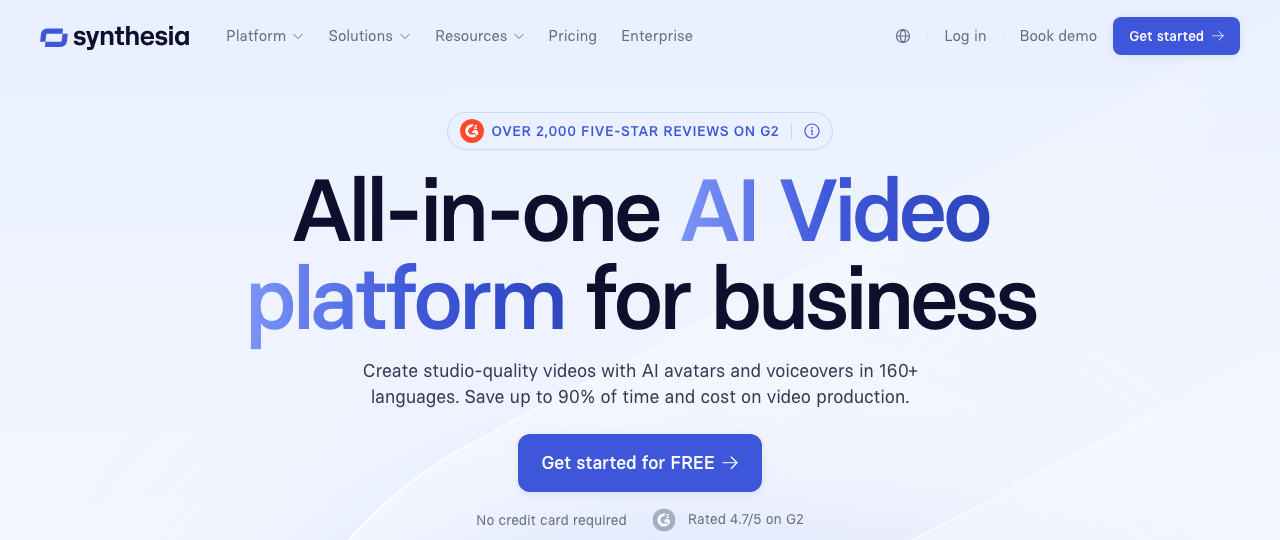
A regional product launch slips by three days because legal updated the script, the presenter is unavailable, and the team now needs six language versions. That is the production gap Synthesia is built to close.
Synthesia handles repeatable, presenter-led video faster than a conventional shoot. For training, onboarding, software walkthroughs, and multilingual explainers, speed matters more than cinematic range. Teams can revise copy, swap languages, and publish updated versions without rebooking talent or restarting the edit from scratch.
Best for multilingual presenter-led video
I'd put it in the operational video category, not the brand film category. That distinction matters for architects, designers, and marketers who already juggle different asset types across a production stack.
For marketing teams, Synthesia is useful for product education, regional campaign variants, sales enablement, and customer support videos. For architecture and design firms, it fits narrated proposal overviews, stakeholder updates, internal training, and software walkthroughs tied to tools like Revit, SketchUp, or Blender. If a team needs a polished human presenter to explain a model review process, standards update, or design package without organizing a shoot, Synthesia can save real time.
The trade-off is format. Avatar delivery is clear and consistent, but it can flatten tone when the brief depends on materiality, emotion, or a premium brand feel. I would not use it for a flagship campaign, a hospitality teaser, or anything where subtle performance carries the message. I would use it for the 40 videos around the flagship campaign that still need to ship on time.
It also works best when teams judge it like a production system, not a novelty tool. Check template control, approval flow, localization workflow, brand governance, and handoff into the rest of the stack. A solo user can get value quickly. A design or marketing team needs versioning discipline, script review, and clear ownership of who updates what.
If the message changes every week, filming becomes the bottleneck. Avatar platforms remove that bottleneck, but they still depend on sharp scripting and tight review.
Visit Synthesia.
9. ElevenLabs

A client review is at 4 p.m., the Revit walk-through is rendered, and the narration still is not recorded. That is the kind of gap ElevenLabs closes fast.
ElevenLabs earns its place because voice is one of the first places audiences notice low production quality. A decent image can survive a rough edge. Flat pacing, awkward emphasis, or synthetic cadence in a voiceover usually fails in seconds. ElevenLabs is better than many text-to-speech tools at handling rhythm, pauses, and tonal variation, which makes it useful in production, not just in demos.
Best for voiceovers and dubbing
The strongest fit is teams that already have scripts, slides, animations, or model exports and need polished narration at scale. That includes product videos, social ads, training modules, multilingual explainers, and dubbed updates for regional campaigns. For architects and designers, it is especially practical for proposal films, design option reviews, SketchUp flythroughs, Blender animations, and internal onboarding around Revit standards. The gain is not novelty. It is speed, consistency, and the ability to revise late without reopening a full recording process.
I would judge ElevenLabs on workflow discipline more than raw voice quality. Check pronunciation controls, speaker consistency, approval flow, language coverage, and how easily audio moves into Descript, Runway, Premiere, or your DAM. Team use changes the buying decision. A solo creator can tolerate a little cleanup. A marketing or design team producing weekly variants needs predictable naming, version control, and fewer manual fixes.
The trade-off is cost management. Audio volume grows quickly once teams start versioning by audience, region, project stage, or presenter style. Dubbing a few hero assets is manageable. Dubbing every sales clip, stakeholder update, and training video across multiple languages can push usage faster than expected.
Visit ElevenLabs.
10. Descript

Descript is still one of the easiest ways to get non-editors producing usable audio and video. That's its edge. It lowers the barrier to editing by making the transcript the interface, which is a much better fit for script-driven teams than a traditional timeline-first editor.
If your workflow is built around podcasts, webinars, explainers, interviews, and social clips, that simplicity saves time.
Best for script-driven editing
Descript works especially well for marketers and content teams that need speed more than cinematic control. Edit the words, update the media. Remove filler words, clean transcripts, generate captions, produce short cuts, and keep the process accessible to people who don't want to live inside a full NLE.
It also matches how many AI content generation tools are being used in practice. The strongest implementations aren't isolated generators. They're workflow components. Tools that draft, clean, synthesize, and package content inside a team process tend to last longer than one-click novelty apps.
I wouldn't use Descript as the final home for heavy multi-track finishing or complex visual polish. At some point, advanced edits still belong in a dedicated post-production environment. But for script-centered production, stakeholder review, and rapid turnaround, it does exactly what many teams need.
A lot of organizations fail here because they chase generation instead of throughput. Descript improves throughput. That's why it keeps earning a place in real stacks.
Visit Descript.
Top 10 AI Content Generation Tools, Quick Comparison
| Product | Core capabilities | 👥 Target | ✨ Unique / USP | ★ Experience | 💰 Pricing / Value |
|---|---|---|---|---|---|
| Armox AI 🏆 | Node-based canvas for text, image, video, audio; 50+ models (Flux, Sora 2, SD, Runway) | 👥 Architects, designers, marketers, creative teams | ✨ Multi-model workflows + architecture hubs; tight SketchUp/Revit/Blender integrations | ★★★★★ Fast photoreal renders, iterations to production | 💰 Generous free tier (2,000 credits); single sub for 50+ engines; enterprise |
| Magnific | AI image generation, upscaling, enhancement, brand-aware creative workflows | 👥 Designers, marketers, art directors, creative teams | ✨ High-end visual generation plus refinement in one creative suite | ★★★★ Polished image outputs and strong enhancement workflows | 💰 Subscription-based creative suite; plan fit depends on image volume |
| OpenAI ChatGPT | Multimodal text, image tools, voice, Projects/Canvas collaboration | 👥 Writers, product teams, cross-functional orgs | ✨ Strong long-form reasoning; broad tooling ecosystem | ★★★★ Versatile for copy/briefs & ideation | 💰 Plus/Team/Enterprise tiers; org controls vary |
| Midjourney | High-quality text-to-image with stylistic variety, upscalers | 👥 Art directors, moodboard creators, stylists | ✨ Consistently strong aesthetics; active community prompts | ★★★★★ Fast, highly stylized visuals | 💰 Tiered subscriptions (GPU/queue options); community-driven value |
| Leonardo.Ai | Image & video gen, token banking, trainable custom models | 👥 Product designers, studios wanting brand fidelity | ✨ Train bespoke models; Relaxed mode for first-party models | ★★★★ Good repeatability for brand styles | 💰 Token-based (banking/rollover); team plans |
| Runway | Text/image→video, web editor, motion tools, asset mgmt | 👥 Video creators, teams, marketing studios | ✨ End-to-end browser video workflows; frequent model updates | ★★★★ Solid for previz & social spots | 💰 Credit-based plans; API vs app distinctions |
| Luma AI, Dream Machine | Prompt/reference→video with temporal coherence | 👥 Filmmakers, look-dev artists, concept teams | ✨ Cinematic motion consistency for animated moodboards | ★★★★ Strong motion realism, concept-ready | 💰 Credit/subscription mix; plans vary by product surface |
| Synthesia | Avatar-based video, AI script assistant, multilingual dubbing | 👥 Training, explainers, global marketing teams | ✨ Fast people-presented videos in 120+ languages | ★★★★ Efficient for language-scaled video | 💰 Subscription; custom avatars & enterprise add-ons |
| ElevenLabs | High-quality TTS, voice cloning, AI dubbing/localization | 👥 Voiceover artists, video producers, localization teams | ✨ Natural prosody & emotional TTS; voice cloning library | ★★★★★ Industry-leading voice quality | 💰 Subscription + usage billing; careful cost modeling |
| Descript | Text-based audio/video editing, Overdub voice cloning, captions | 👥 Podcasters, social editors, content teams | ✨ Edit media by editing transcript; fast social exports | ★★★★ Speeds scripting-to-publish workflows | 💰 Tiered subscriptions; usage limits per tier |
Building Your Modern Creative Stack A Final Checklist
The biggest mistake teams make with AI content generation tools is trying to find one platform that does everything perfectly. That usually ends in disappointment. What works in practice is a stack. One tool for orchestration, one for copy and synthesis, one for image direction, one for motion, one for voice, and one for editing or finishing. The exact mix depends on your workflow, not on hype.
Start with the core task. If you're an architect, that might be render ideation, virtual staging, presentation visuals, or animated walkthrough concepts. If you're a designer, it might be concept exploration, campaign assets, or multi-format production. If you're a marketer, it's usually briefs, scripts, social variants, explainers, and localization. The tool that wins for one job often isn't the one you want for the rest of the pipeline.
Then test with a real project. Not a prompt sandbox. Use an actual client deck, an active campaign, a staging concept, or a product launch asset set. You'll learn very quickly whether the tool supports handoffs, revisions, approvals, and team use. Plenty of AI tools look impressive in solo demos and collapse once three people need to collaborate inside them.
Integration should be your next filter. If a platform can't sit next to SketchUp, Revit, Blender, Adobe apps, or your existing content workflow, it adds hidden friction. That friction often costs more than the software. A faster generator that creates export headaches, version drift, or rework isn't faster.
Collaboration is where the serious differences appear. Team permissions, shared templates, asset organization, and reusable workflows matter far more than one standout output. The teams getting the most from AI aren't just prompting better. They're standardizing better.
Cost needs a longer view too. A tool that feels cheap in trial mode can become expensive once the team starts generating variations, revisions, alternate cuts, and localizations. Credit systems, usage ceilings, and plan boundaries matter more under real load than they do during evaluation.
The simplest way to approach the stack is this:
- Use Armox AI when you need a multi-model visual workspace that can connect architecture, design, and marketing workflows.
- Use Magnific when high-end image generation and enhancement are the priority.
- Use ChatGPT for briefs, synthesis, scripts, and first-pass writing support.
- Use Midjourney or Leonardo.Ai for visual exploration and style development.
- Use Runway or Luma AI when motion becomes part of the pitch or campaign.
- Use Synthesia or ElevenLabs when voice, presenters, or localization matter.
- Use Descript when transcript-led editing will save your team time.
AI works best when it accelerates a disciplined process. It works worst when teams use it to bypass one. If you treat these tools as workflow components instead of magic machines, you'll make better buying decisions and get far more usable output.
If you want one platform that can anchor that stack, Armox AI is the strongest place to start. It brings text, image, video, and audio generation into one visual workspace, supports production-oriented integrations like SketchUp, Revit, Rhino, AutoCAD, and Blender, and gives teams a practical way to standardize AI workflows instead of improvising them project by project.