Imagine a design world where your ideas flow endlessly, your team’s knowledge is always at your fingertips, and you never have to switch tools to keep momentum. That’s not a distant dream—it’s the reality shaping up right now. The future of AI design: How an Infinite Canvas Transform your workflow is more than a trend; it’s a revolution quietly rewriting the rules of creativity and collaboration. Let’s dive into how this infinite canvas is transforming the way designers think, create, and deliver.
1. From Static Artboards to Boundless Spaces: Why Designers Are Leaving Frames Behind
The limits of traditional screens
For decades, designers have worked within the constraints of fixed-size artboards and screens. Whether in Photoshop, Sketch, or early Figma, these frames defined the boundaries of what could be visualized at any moment. While helpful for print layouts or mobile screens, these static spaces forced creative minds to chop big ideas into small, disconnected pieces.
Early experiments with zoomable user interfaces
Visionaries saw the limitations early on. Concepts like zoomable user interfaces (ZUIs) let users pan and zoom across vast digital spaces, but the technology lagged behind the vision. Early tools felt clunky, and most teams stuck to their rectangles.
How infinite canvases mirror human thought maps
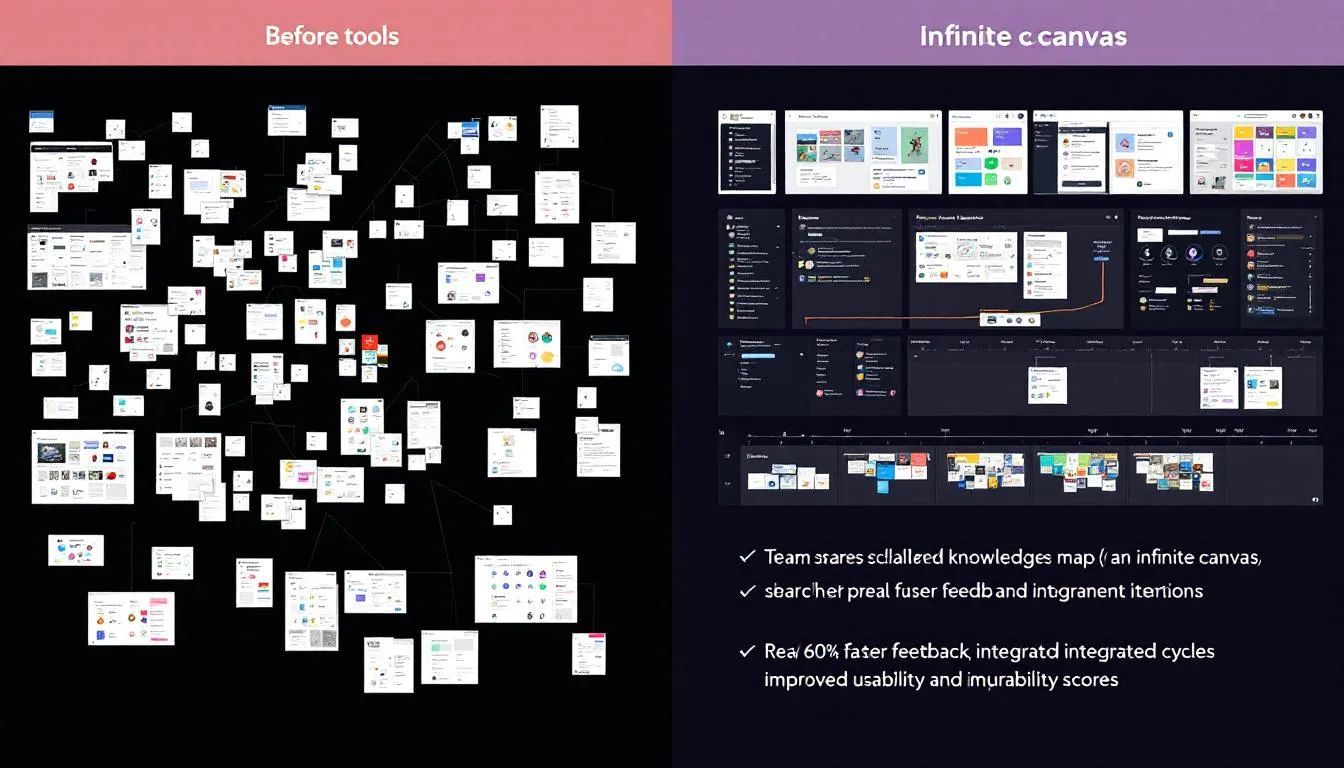
The breakthrough? Infinite canvases. These digital spaces expand endlessly in every direction, letting you map ideas, flows, and visuals as your mind works—nonlinear, branching, and interconnected. This mirrors how humans actually think: not in lists, but in sprawling webs. The future of AI design: How an Infinite Canvas Transform your workflow is about matching technology to the way your brain already works.
“My workflow has become faster, more collaborative, and less precious. I spend less time guessing and more time testing real ideas.”
— Kazden Cattapan, Product Designer at Shopify
2. The AI Engines Under the Hood: Vectors, Tokens and Generative Models

Real-time vector generation vs. pixel rendering
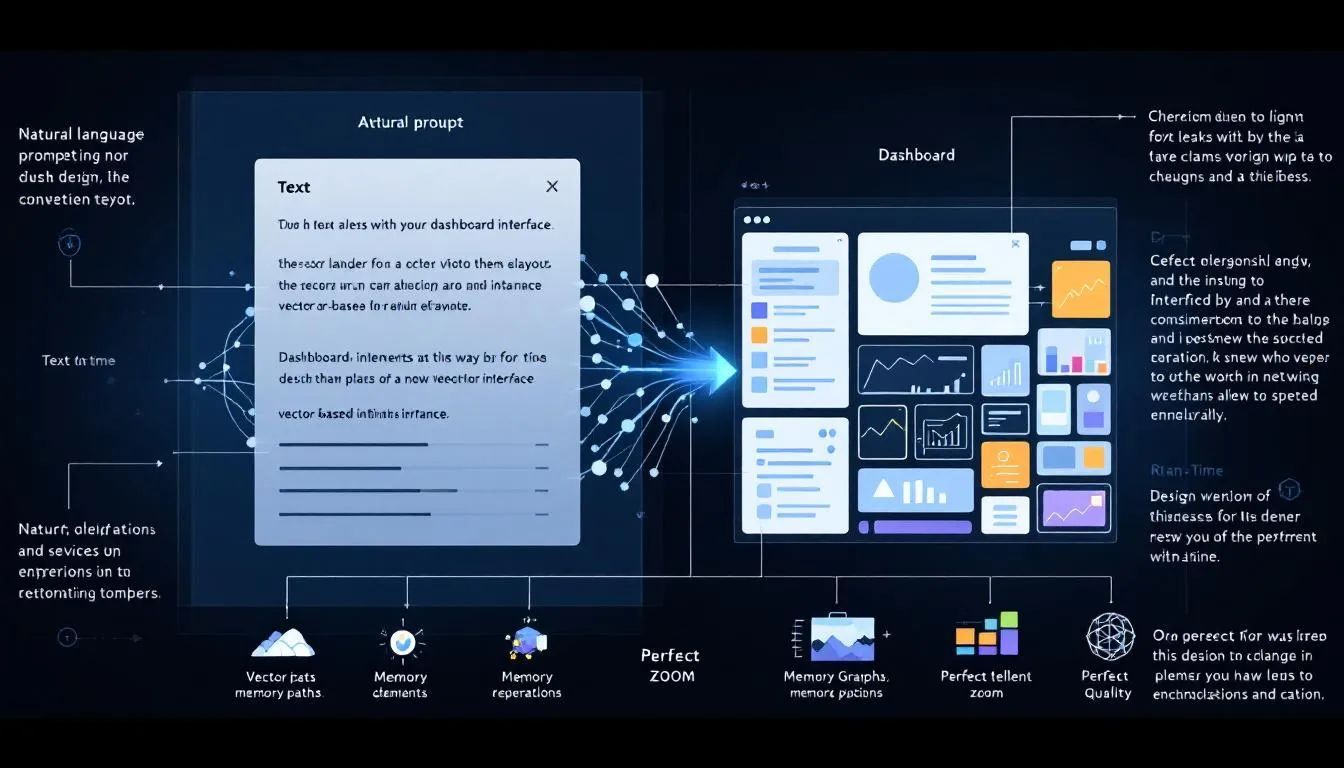
Traditional design tools render pixels—tiny colored blocks that form images. Infinite canvases, especially those powered by AI, use vectors: mathematical instructions for shapes, lines, and curves. This means designs scale perfectly at any zoom level, and AI can generate or modify elements in real time without losing quality.
Prompt-to-layout: large language models for structure
Generative AI models now go beyond image creation. With prompt-to-layout capabilities, you can describe a user flow or dashboard, and the AI instantly drafts a structured layout. Large language models (LLMs) interpret your intent and translate it into design elements, saving hours of manual work.
Memory graphs that keep context as you zoom
Infinite canvases powered by AI don’t just store visuals—they remember context. As you zoom in and out, memory graphs track relationships between elements, user feedback, and past iterations. This persistent context ensures you never lose sight of the big picture, even as you focus on the smallest details.
“It’s not just about the tools, but also how we integrate them ethically and transparently within our workflows.”
— Damien Correll, Creative Director, Figma
3. The Future of AI Design: How an Infinite Canvas Transform Your Workflow (Step-by-Step)
Map the problem space with multimodal research agents
Start by gathering research: user needs, competitor analyses, and social sentiment. AI agents can now pull in documents, transcripts, and even videos, organizing them on the canvas for instant reference. This multimodal approach helps you see the entire problem space at once.
Build a shared team brain that stays searchable
Next, centralize your team’s collective knowledge. Every insight, sketch, or feedback point is stored on the canvas, making it instantly searchable and reusable. No more lost notes or forgotten Slack threads—your team’s “second brain” is always up to date.
Draft, remix and iterate without ever switching tools
With everything in one place, you can draft new concepts, remix existing ones, and iterate rapidly. AI-powered canvases let you generate, edit, and test ideas in real time. Need a new user flow? Just describe it, and the AI drafts it. Want to remix a visual? Highlight it and prompt the AI for a new style or variation.
Step-by-Step Workflow Table
4. Collaboration on an Endless Board: New Rules for Teams and Clients
Live cursors, version trails and approval layers
Infinite canvases are built for teams. Multiple collaborators can work simultaneously, each with their own live cursor. Version trails allow you to rewind or replay any part of the project, while approval layers keep feedback clearly organized.
Controlled stakeholder views to tame feedback chaos
Stakeholder feedback can derail projects, but controlled views let you share only what’s relevant. Clients see a simplified, mobile-friendly version, while your team keeps the complex details private. This keeps everyone focused and reduces confusion.
Reusable trajectories for faster estimates and scopes
With every project, the AI canvas learns. You can save entire workflows—called trajectories—and reuse them for new projects. This not only speeds up estimates and scoping, but also ensures best practices are built in from the start.
“AI is fundamentally changing how we work. It’s not a trend but a tool that augments our capabilities, making us more efficient and impactful.”
— James Bull, Principal Design Operations Program Manager, Microsoft
5. Case Studies in Action: Shopify, Vivify and Superside’s Infinite Canvas Pilots
Speed gains measured after six months
Shopify’s design team reported that, after adopting an infinite AI canvas, their prototype cycles accelerated by 60%. Tasks that previously took days—like mapping user journeys or iterating on flows—now happen in hours.
Quality improvements in prototype testing
Vivify’s pilot saw not just faster delivery, but higher quality. Their infinite design canvas tracked every decision and feedback loop, making it easy to revisit and refine ideas. Early user testing showed a 30% improvement in prototype usability scores.
Lessons learned from AI “hallucinations” and fixes
Superside’s creative teams learned that while AI speeds up ideation, it can sometimes generate “hallucinations”—unrealistic or off-brand elements. Teams addressed this by staying hyper-critical of outputs and refining prompts, treating the AI as a junior collaborator that needs guidance.
“The benefit of AI is not really in making things faster. It's just creating more with the same amount of time.”
— Kae Neskovic, Creative Director, Superside
6. Getting Started Today: Tools, Skills and On-Ramp Strategies
Choosing the right AI-native canvas platform
Not all infinite canvases are created equal. Look for platforms that offer real-time AI generation, context-aware memory, and seamless integration with your current workflows. Armox, for example, enables teams to connect text, images, video, audio, and tools—all on a single, AI-powered canvas.
Crafting prompts that drive usable layouts
To get the most from AI, learn to write clear, actionable prompts. Describe not just what you want, but why—context helps the AI generate better layouts. Practice by iterating: review outputs, refine your prompts, and repeat.
Phased rollout plan for design teams of any size
Rolling out an infinite canvas doesn’t have to be overwhelming. Here’s a simple plan:
- Pilot with a small project: Choose a low-risk, high-impact project to test the infinite canvas.
- Train your team: Offer workshops on prompt writing and AI collaboration.
- Integrate with existing workflows: Connect your new canvas to tools your team already uses.
- Gather feedback and iterate: Adjust your approach based on real team experiences.
- Scale up: Expand usage to more projects and departments as confidence grows.
7. Looking Ahead: Ethics, Data Security and the Next Wave of Canvas Innovation

Ownership of AI-generated artifacts
As AI creates more of your design assets, questions arise: Who owns the output? Most platforms assign rights to the user, but always check your terms. Be transparent with clients about what’s AI-generated and how it’s used.
Securing client data in shared brains
Infinite canvases store vast amounts of project data. Choose platforms with strong encryption, access controls, and audit trails. Armox, for instance, prioritizes data security, ensuring only authorized users can access sensitive client information.
What’s coming: 3D canvases and spatial computing
The next frontier? 3D infinite canvases and spatial computing. Imagine mapping user flows not just across a flat surface, but through a virtual 3D space, with AI helping you visualize interactions, environments, and even physical products in real time.
“The future of marketing and creativity is an infinite canvas, and AI is just another brush with which to paint. Start experimenting, stay transparent, and keep pushing the boundaries of what’s possible with AI.”
— Superside Infinite Canvas Summit
Bullet List: Key Benefits of Infinite AI Canvases
- Map entire projects in a single, scrollable space
- Centralize knowledge for instant team access
- Generate and remix designs without tool-switching
- Streamline stakeholder feedback and approvals
- Accelerate prototyping and reduce time-to-market
Bullet List: Common Pitfalls and How to Avoid Them
- Over-relying on AI outputs without review
- Letting feedback get lost in sprawling canvases
- Neglecting data security best practices
- Failing to train teams on prompt writing
- Forgetting to set clear rules for collaboration
Ordered List: How to Upgrade Your Workflow for the Infinite Canvas Era
- Assess your current design process for bottlenecks.
- Select an AI-native infinite canvas platform like Armox.
- Train your team on prompt writing and AI collaboration.
- Pilot the canvas on a real project and gather feedback.
- Scale adoption and continuously refine your approach.
Conclusion: The Infinite Canvas Is Here—Are You Ready?
The future of AI design: How an Infinite Canvas Transform your workflow is no longer a futuristic pitch—it’s a practical, game-changing upgrade available today. Teams using platforms like Armox are already seeing faster delivery, higher quality, and better collaboration. The shift from static artboards to boundless canvases is not just about new tools—it’s about unleashing creativity, capturing collective intelligence, and working the way your mind naturally wants to.
As AI-powered canvases evolve, the only real limit is your imagination. Start exploring now, and you’ll find the future of design is already at your fingertips—with Armox leading the way to endless creative possibilities.