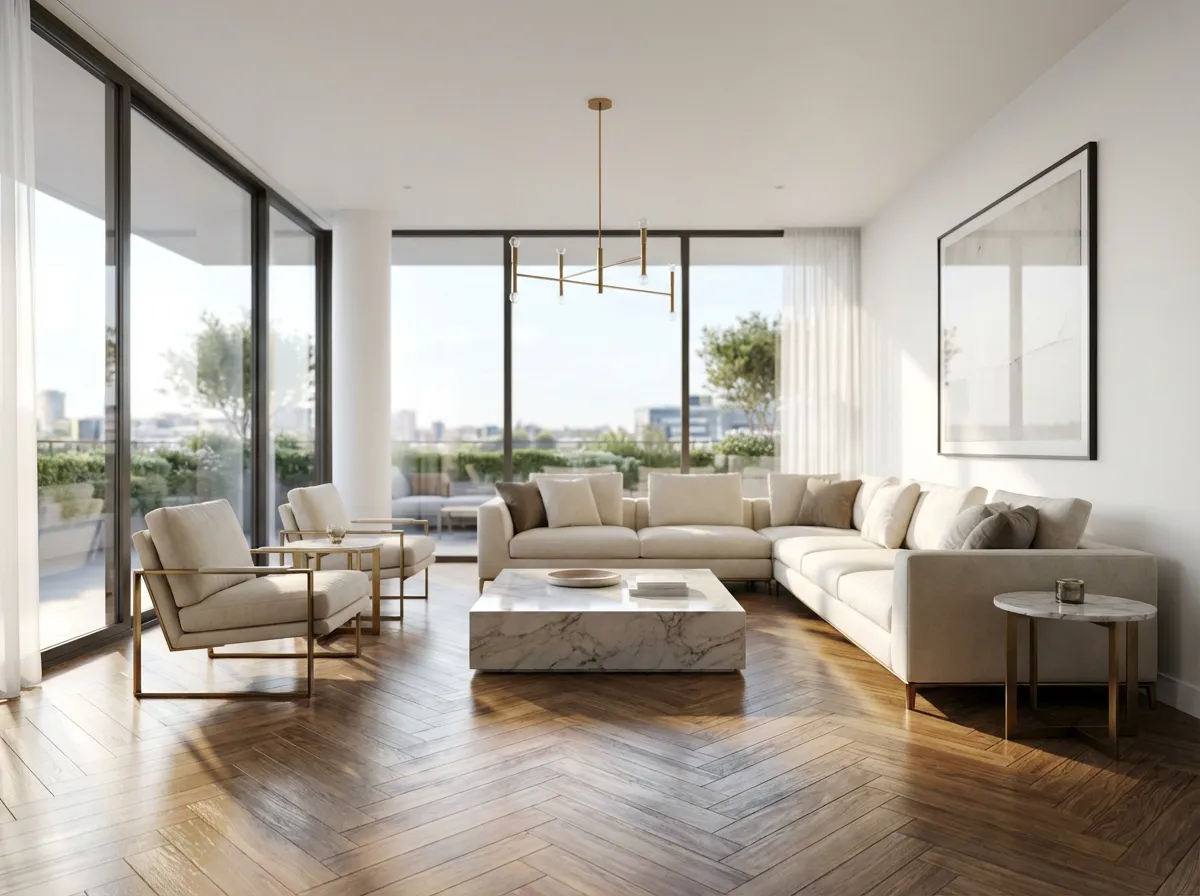
Why Architects Look for Alternatives to V-Ray
V-Ray is the gold standard for photorealistic rendering, but its power comes at a cost that many architecture studios struggle to justify.
- 1Render times of 30 minutes to several hours per image, even on high-end hardware
- 2Requires expensive GPU workstations or render farm subscriptions
- 3Complex material and lighting setup demands specialized V-Ray knowledge
- 4Plugin compatibility issues between V-Ray versions and host software updates
How Armox Compares to V-Ray
Criteria
Armox AI
V-Ray
Render Time
10–30 seconds
30 min — 4+ hours
Hardware Required
Any device with a browser
High-end GPU workstation
Learning Curve
Upload and render — instant
Weeks to months of training
Cost
Pay-per-render from $0.02
$350–800/year license + hardware
Material Setup
AI handles materials automatically
Manual material editing required
Output Quality
Photorealistic, AI-enhanced
Photorealistic, physically-based
Batch Rendering
Unlimited parallel renders
Limited by hardware capacity
Plugin Installation
None — browser-based
Required for each host app
Architectural Renders That Match V-Ray Quality
See real examples of Armox AI renders across different architectural scenarios.

Product Visualization

Furniture and fixture renders with studio-quality lighting and material accuracy.
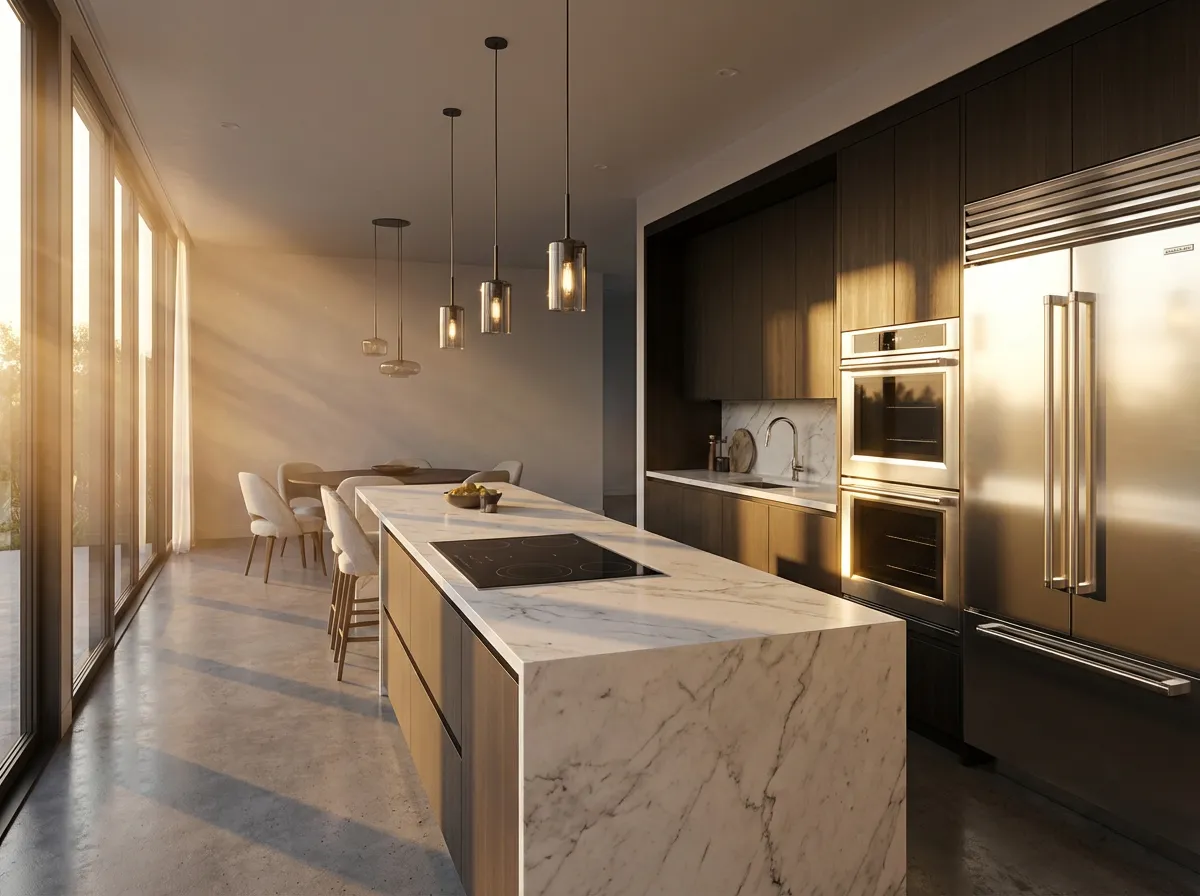
Luxury Kitchen Interior

Complex interior lighting with realistic material reflections and global illumination.
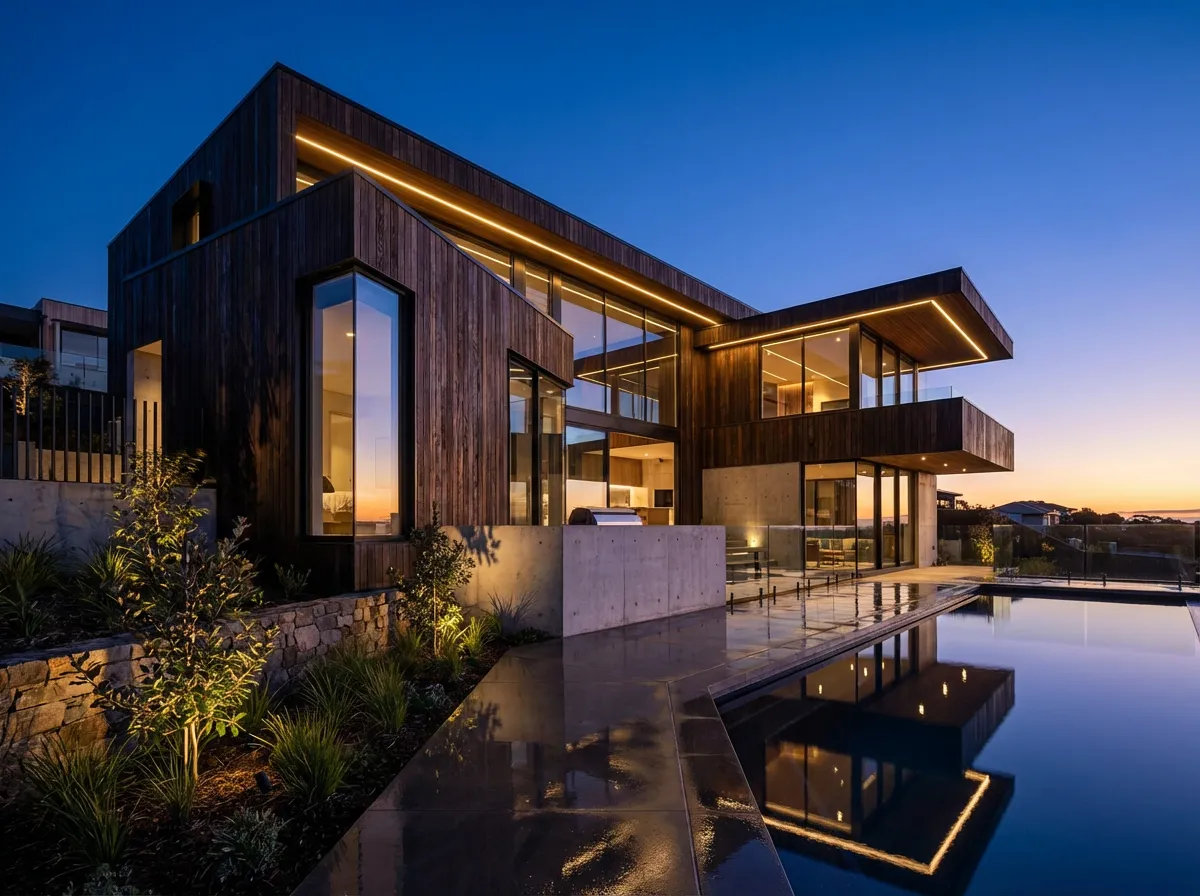
Exterior Twilight Scene

Dramatic exterior rendering with cinematic lighting and atmospheric effects.
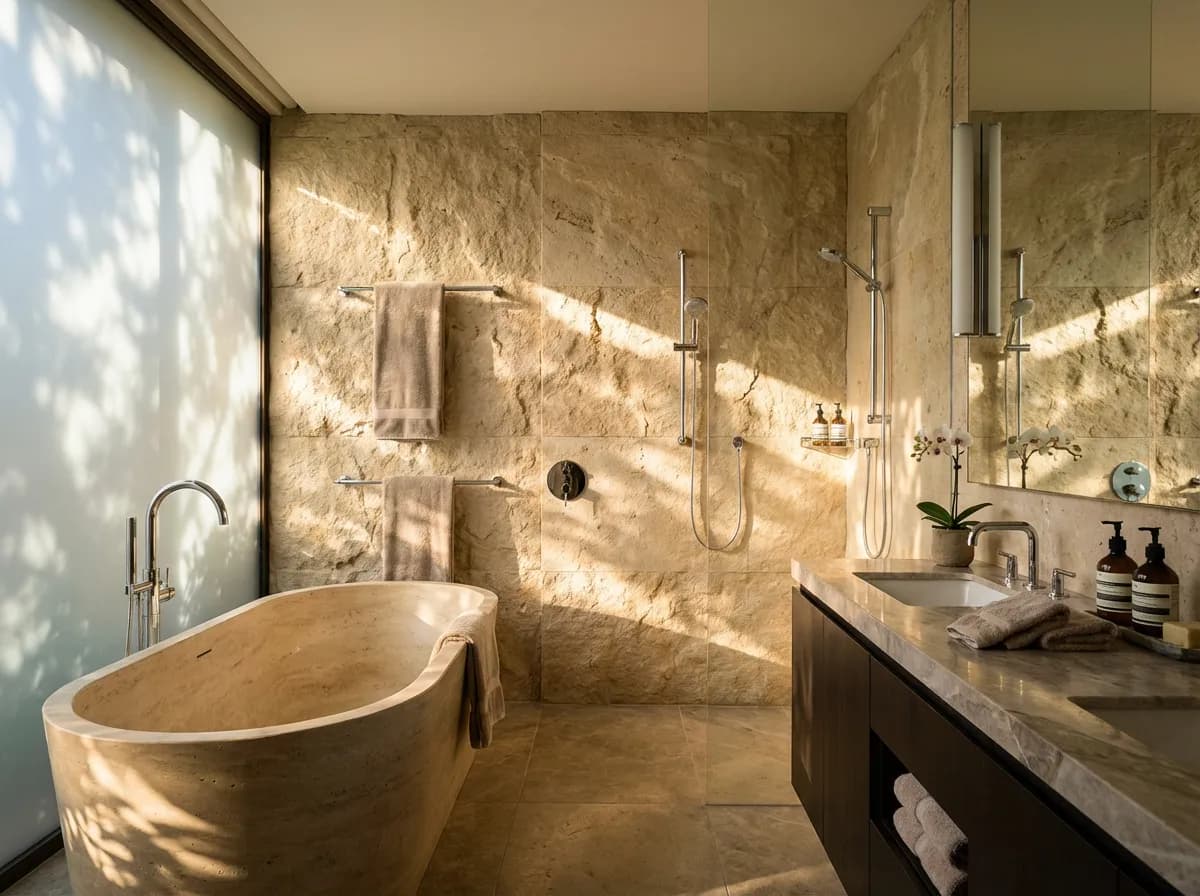
Bathroom Detail Render

Close-up material renders showing marble, glass, and metal with photorealistic fidelity.
Save Thousands on Rendering Costs
V-Ray
$350–800/year license + $2,000–5,000 GPU hardware
Traditional licensing with annual subscription. Requires dedicated hardware for rendering.
Complete Your Workflow
V-Ray Alternative
Common questions about switching from V-Ray to Armox AI
Armox AI produces photorealistic renders comparable to V-Ray for architectural visualization. While V-Ray offers more granular control, Armox achieves similar visual quality automatically — ideal for studios needing fast, high-quality results.
No. Armox is standalone and cloud-based. Many studios use Armox for quick concept renders while keeping V-Ray for final production renders requiring specific control.
Armox works with screenshots and exports from any 3D software. Export a view from your V-Ray-compatible host app as PNG or JPEG and upload it.
Yes. For large projects, the speed advantage is even greater — dozens of views in minutes instead of queuing overnight renders.
Armox AI analyzes your scene and applies realistic lighting automatically. Select presets or describe the mood in your prompt for specific conditions.
Yes. Most teams start with Armox for concept and iteration work, then expand usage across production once they validate speed and quality gains.




