Armox Logo
    PreiseAcademyKontakt
    1. AI Architecture
    2. Solutions
    3. Render for SketchUp

    AI Rendering for SketchUp

    Turn SketchUp concepts into photorealistic visualizations instantly. No extension needed.

    Keine Kreditkarte erforderlich2000 kostenlose Credits

    AI Rendering for SketchUp

    The Challenge With SketchUp Rendering

    SketchUp is simple and beloved, but photorealistic renders require extensions that add complexity and cost.

    • 1No native rendering — need V-Ray, Enscape, or Lumion
    • 2Extensions cost $350–800/year per seat
    • 3Extensions slow SketchUp and add a separate interface
    • 4SketchUp's simplicity is lost with render engine complexity

    How to Render Your SketchUp Project with Armox

    Keep SketchUp simple — render without extensions.

    01
    Export from SketchUp

    File > Export > 2D Graphic or take a screenshot. Clean SketchUp style translates perfectly.

    02
    Upload & Customize

    Describe materials and mood — 'warm timber, lush garden, golden hour' — AI handles the rest.

    03
    Instant Photorealism

    Photorealistic render in 10–30 seconds. SketchUp's clean geometry produces great results.

    SketchUp Models in Stunning Detail

    Simple concepts to photorealistic presentations.

    Dream Kitchen
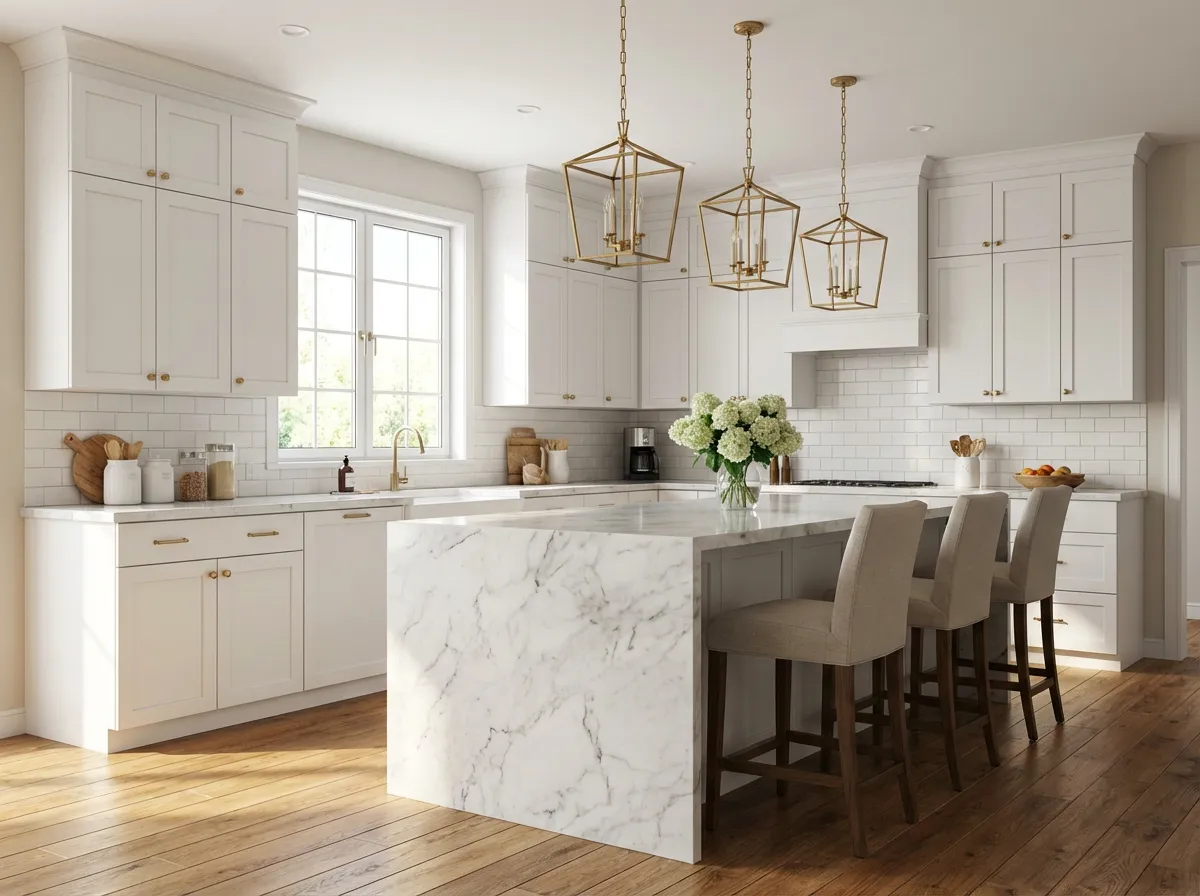
    Dream Kitchen

    Marble island, warm lighting, premium appliances.

    Backyard Design
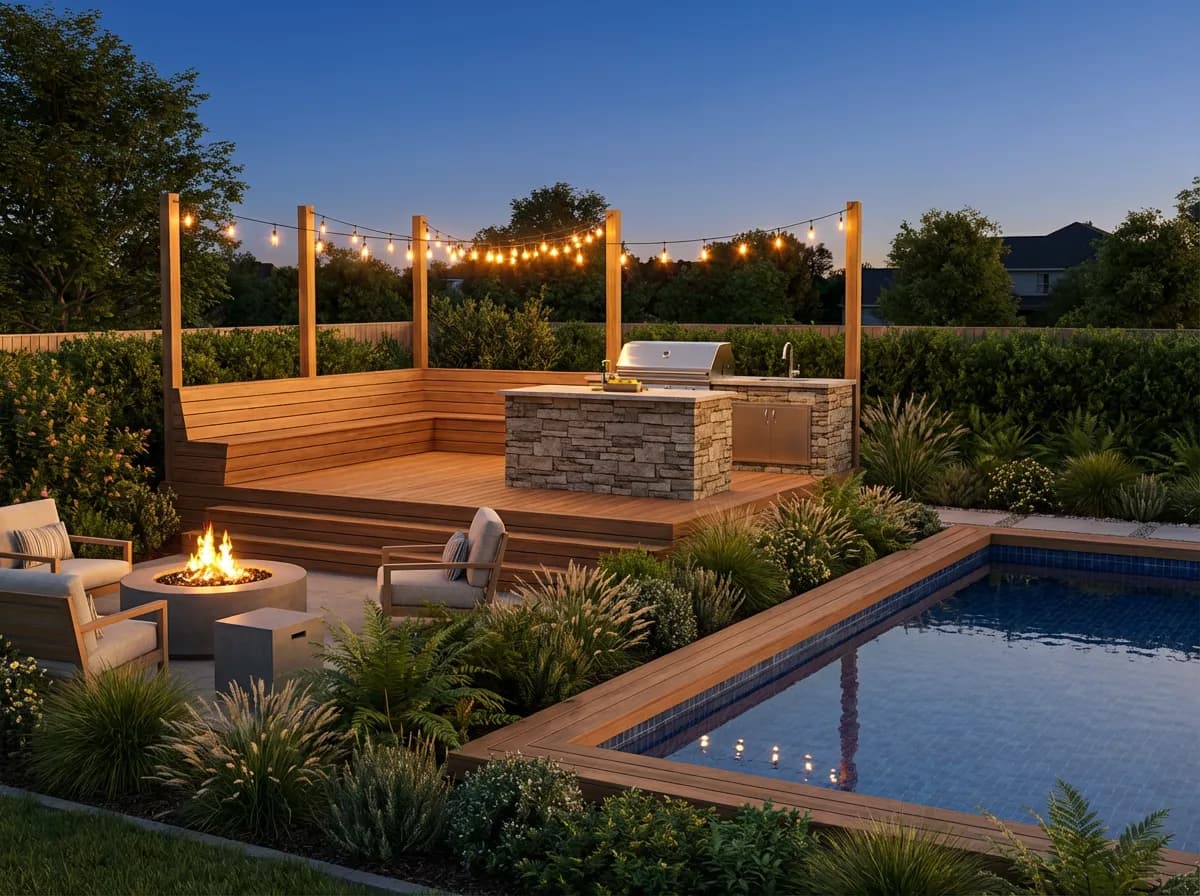
    Backyard Design

    Deck, pool, and landscaping rendered photorealistically.

    Spa Bathroom
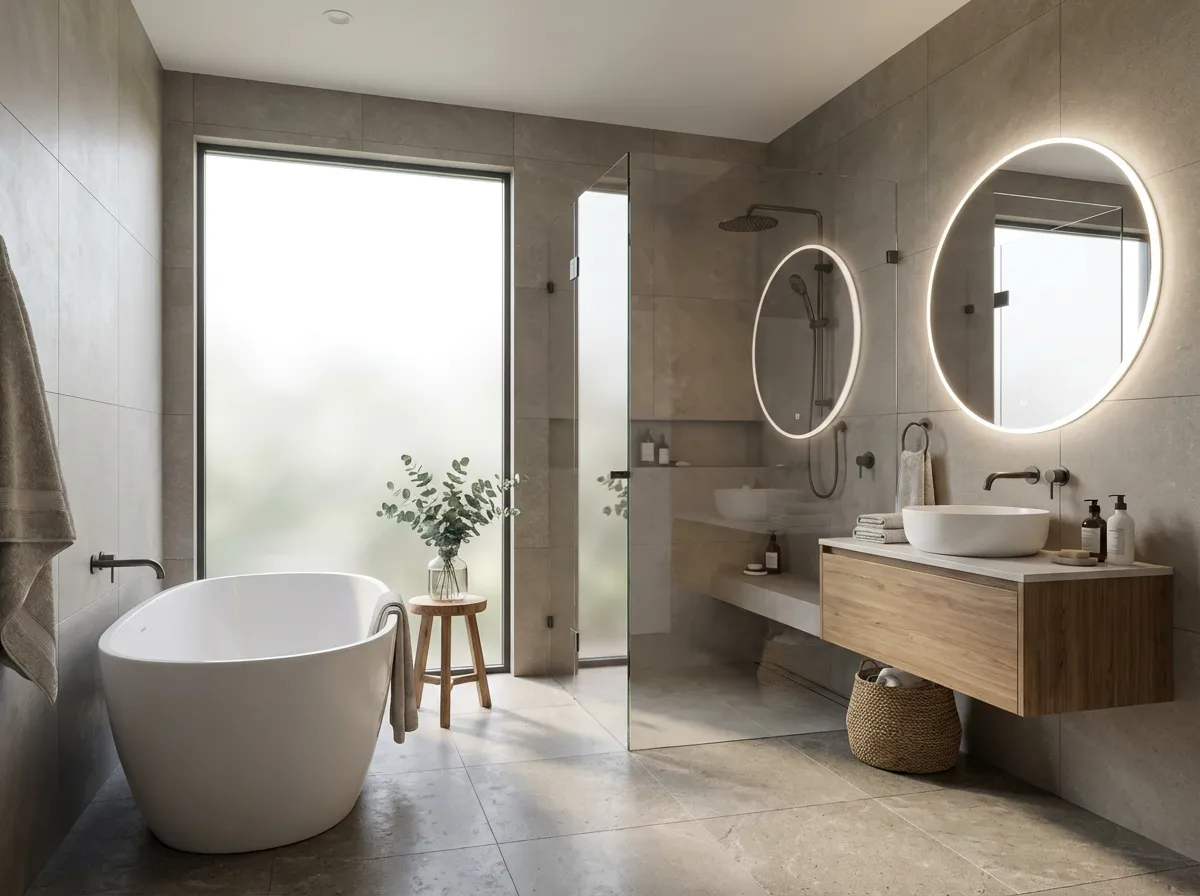
    Spa Bathroom

    Freestanding tub, large tiles, soft natural light.

    Neighborhood Cafe
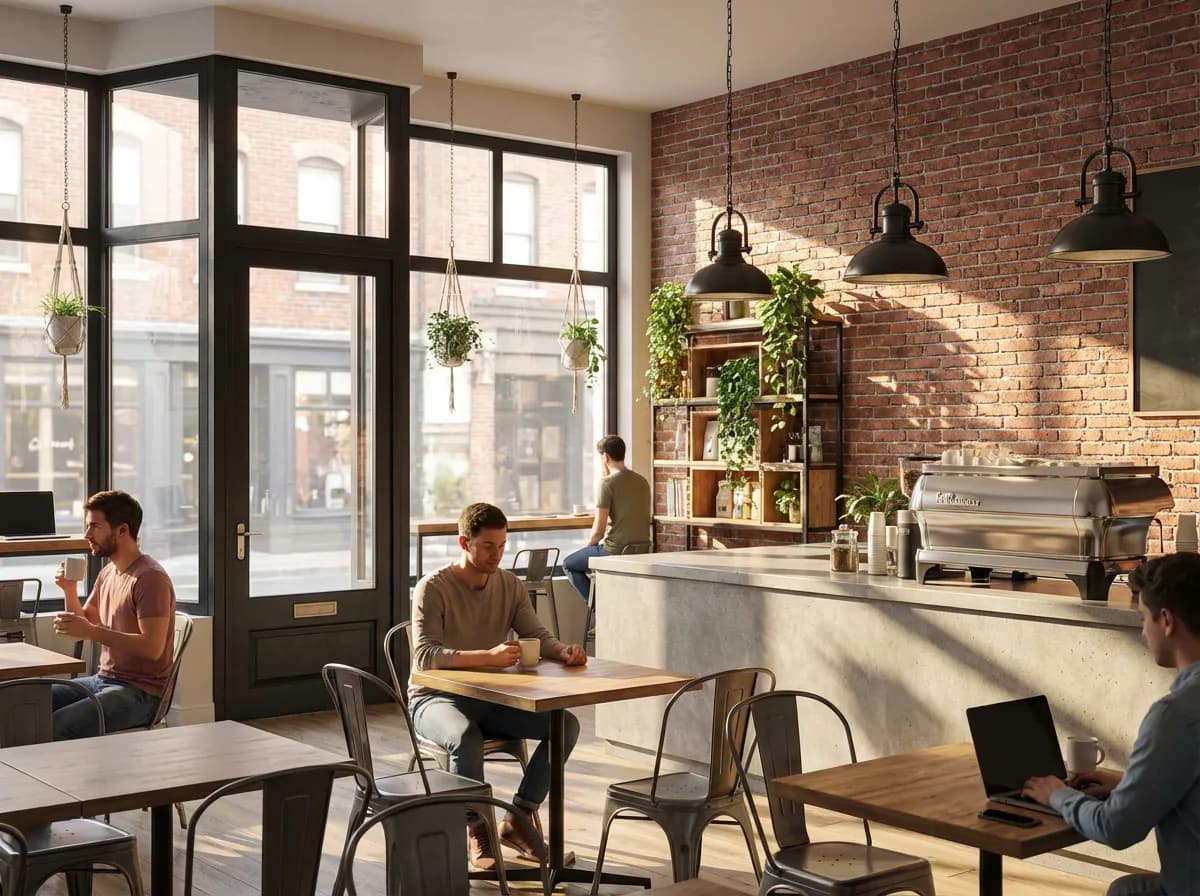
    Neighborhood Cafe

    Exposed brick, industrial lighting, warm atmosphere.

    Armox vs SketchUp Extensions

    Criteria
    Armox AI
    V-Ray / Enscape for SketchUp
    Render Time
    10–30 seconds
    5–60+ minutes
    Extension Install
    None — web-based
    Required
    Cost
    Free tier available
    $350–800/year
    SketchUp Performance
    No impact
    Slower with extension
    Learning Curve
    Upload and describe
    Separate interface
    Hardware
    Any device
    GPU recommended

    Complete Your SketchUp Workflow

    Exterior RenderingAI Home Exterior DesignAI 3D Rendering

    SketchUp Rendering

    AI rendering with SketchUp

    Yes. Compatible with Free, Go, Pro, and Make. Screenshot or export and upload.
    Clean geometry with clear material zones is ideal for AI interpretation.
    Yes. Armox doesn't interfere. Many users drop rendering extensions after trying it.
    Yes. Colors guide the AI. Plain white models work too with prompt guidance.
    Both work excellently. Kitchens, bathrooms, and exteriors with gardens are popular.

    Keep SketchUp Simple, Render Beautifully

    No extensions, no complexity. Export, upload, photorealism.

    Keine Kreditkarte erforderlich2000 kostenlose Credits

    Armox Labs OÜ

    The best AI Creative Suite!

    Unternehmen

    • Preise
    • Kontakt
    • Partnerprogramm
    • Blog
    • Datenschutz
    • Nutzungsbedingungen

    Ressourcen

    • Academy
    • Blog
    • Modelle
    • Anwendungsfälle

    Anwendungsfälle

    • KI Architektur
    • KI Tattoo
    • KI Mode
    • KI für Agenturen
    • Bildgenerierung
    • Videogenerierung

    Architektur-Hubs

    • Rendering & Visualisierung
    • Neugestaltung & Transformation
    • Umwelteffekte
    • Virtuelles Staging
    • Bearbeitung & Optimierung
    • Video & Animation
    • Spezialansichten & Formate
    • Lösungen
    • Alternativen

    Funktionen

    • KI-Rendering-Generator
    • KI-Stiltransfer
    • Render-Enhancer
    • KI-Render-Enhancer
    • 3D-Rendering mit KI

    Konzeptgeneratoren

    • KI-Architektur-Generator
    • KI-Raumgenerator
    • KI-Küchendesign
    • KI-Hausfassaden-Design
    • Generator für Innenraum-Farbpaletten
    • KI-Texturgenerator

    Kompatibilität

    • Render für SketchUp
    • Rendering für ArchiCAD
    • Rendering für Revit
    • Render für Rhino
    • Rendering für AutoCAD
    • Render für Blender
    Ask your AI about Armox
    ChatGPTClaudeGrokPerplexity

    © 2026 Armox Labs OÜ Alle Rechte vorbehalten.




