Armox Logo
    PreiseAcademyKontakt
    1. AI Architecture
    2. Video & Animation
    3. 3D Interior Walkthrough

    AI 3D Interior Walkthrough Videos

    Turn interior renders into smooth, cinematic walkthrough videos. Let clients move through living rooms, kitchens, and offices before a single wall is built.

    Keine Kreditkarte erforderlich2000 kostenlose Credits

    Upload - Image
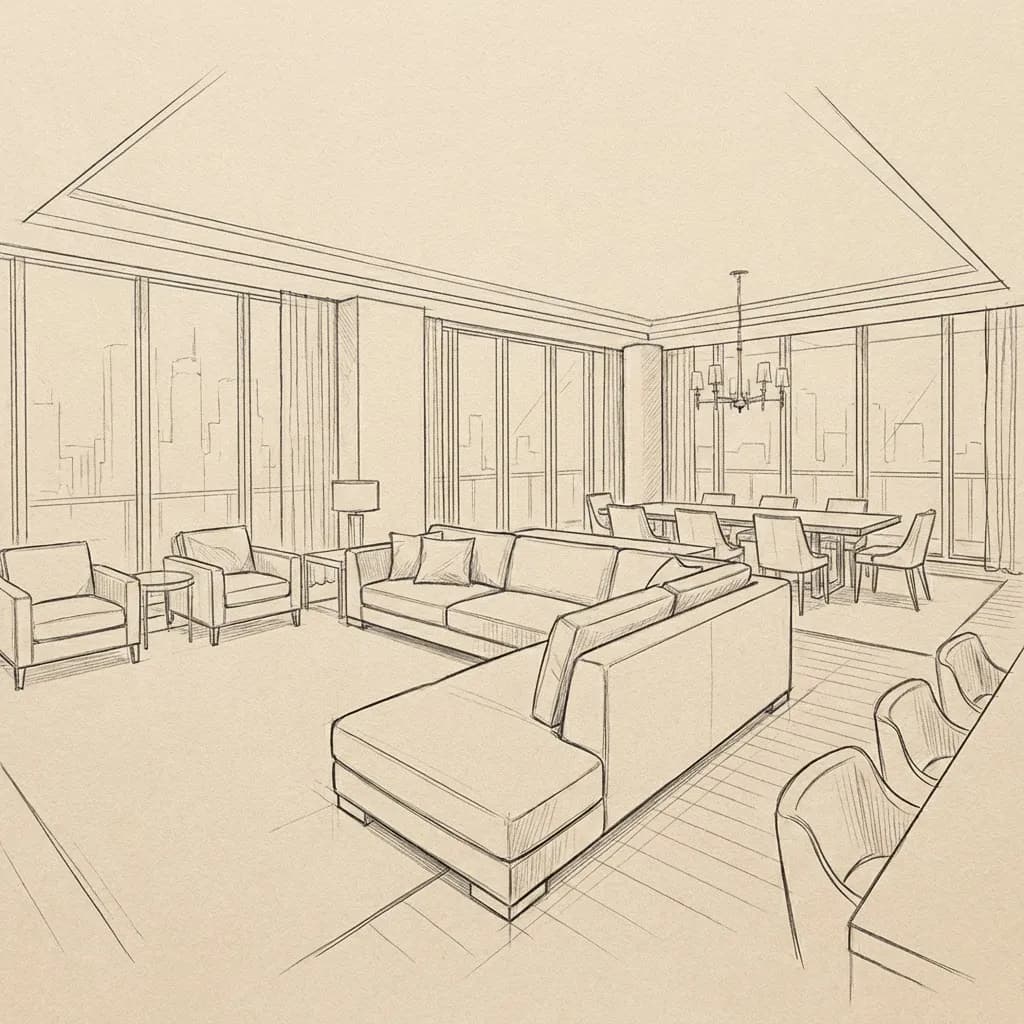
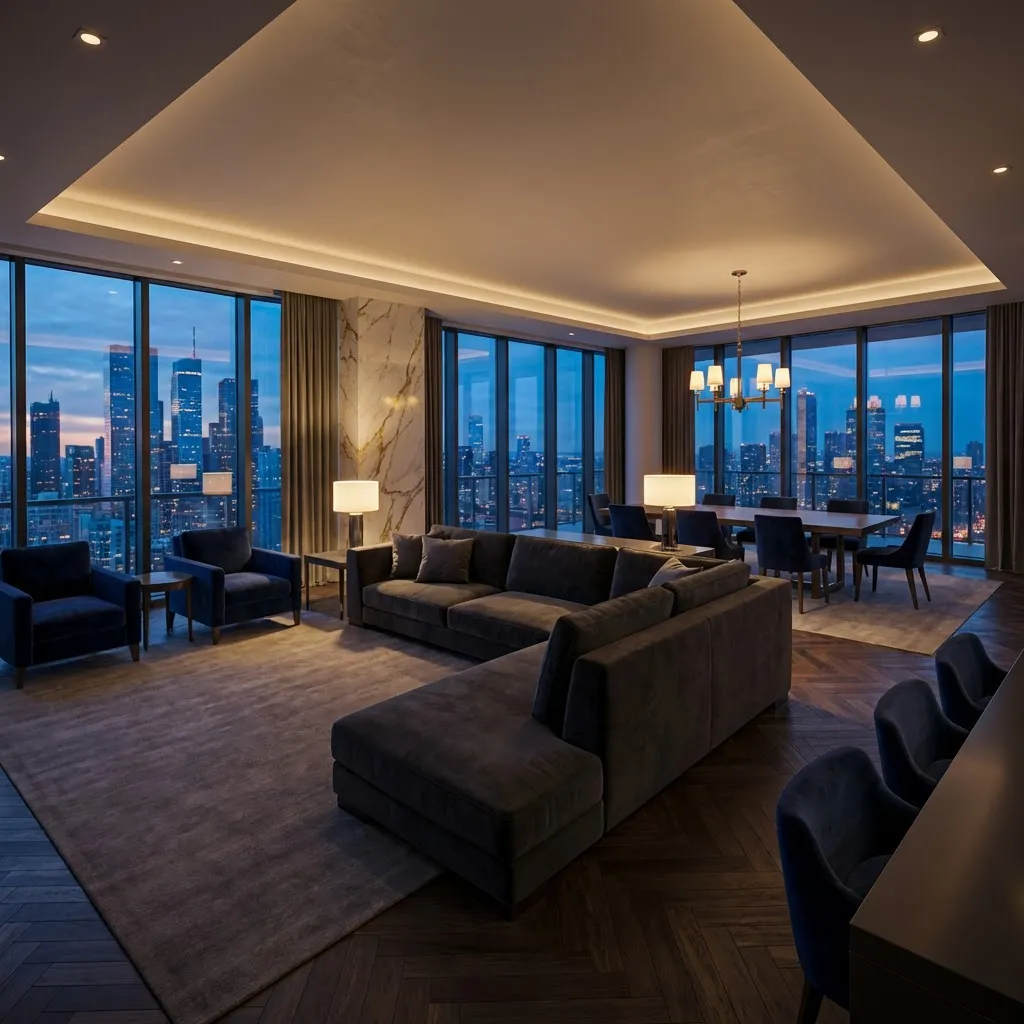
    AI 3D Interior Walkthrough Videos - input
    Google
    Nano Banana Pro
    AI 3D Interior Walkthrough Videos - result
    Prompt

    Photorealistic render with perfect lighting, realistic materials and cinematic composition...

    Run Node
    Upload - Image
    AI 3D Interior Walkthrough Videos - input
    Google
    Nano Banana Pro
    AI 3D Interior Walkthrough Videos - result
    Prompt

    Photorealistic render with perfect lighting, realistic materials and cinematic composition...

    Run Node

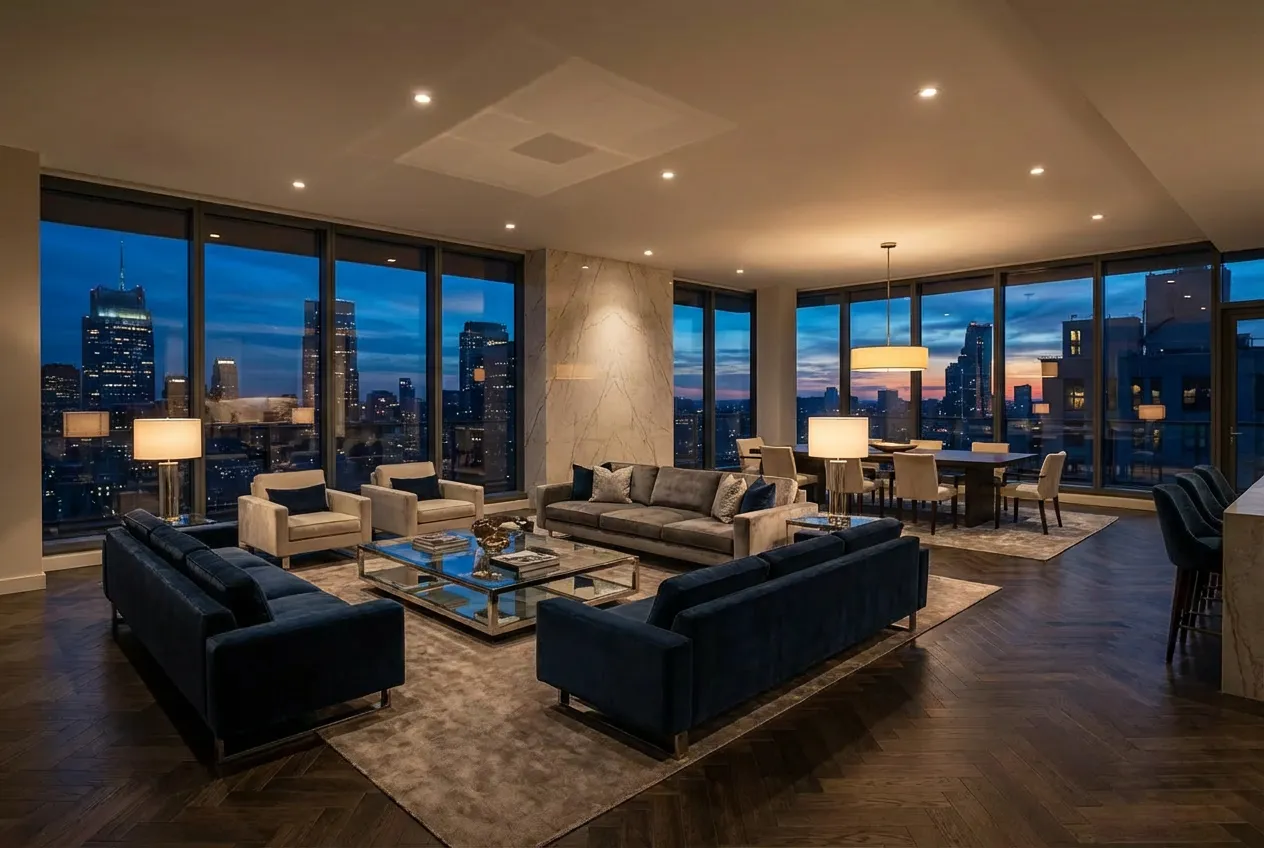
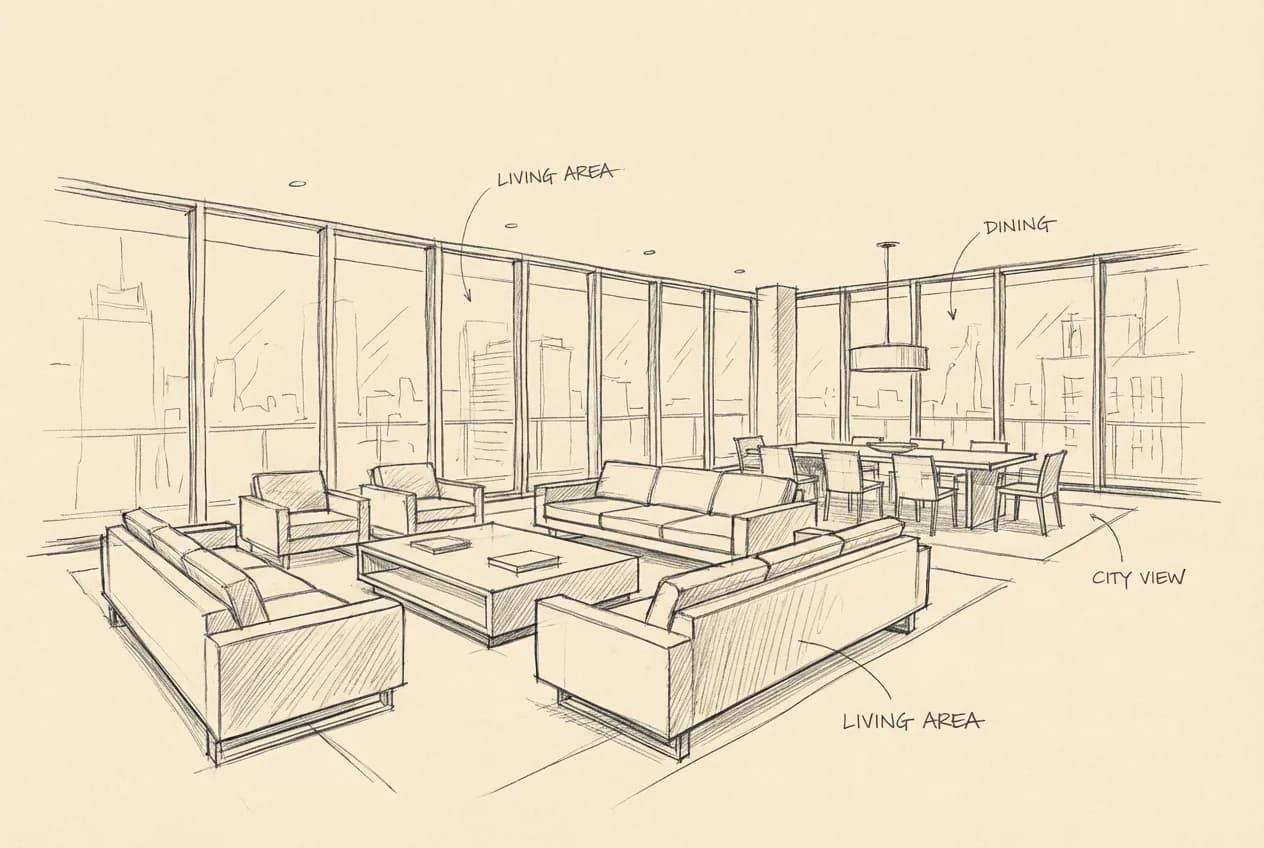
    From Still Image to Moving Tour

    See how a single interior render is transformed into a flowing walkthrough video that guides viewers through the entire space.
    AI 3D Interior Walkthrough - after
    AI 3D Interior Walkthrough - before
    VorherNachher

    How It Works

    01
    Upload Interior Renders

    Upload one or more photorealistic interior renders — a living room, bedroom, kitchen, or any interior space. Higher resolution inputs produce smoother video output.

    02
    Set Camera Motion

    Choose the walkthrough style — smooth forward dolly, slow pan, or orbital reveal. The AI creates natural camera movement that mimics professional Steadicam footage.

    03
    Download Your Video

    Get a cinematic interior walkthrough video in MP4 format. Ready for client presentations, website embedding, social media, or VR playback.

    Interior Walkthroughs for Every Space

    From residential living rooms to commercial lobbies, AI walkthrough videos bring any interior to life.
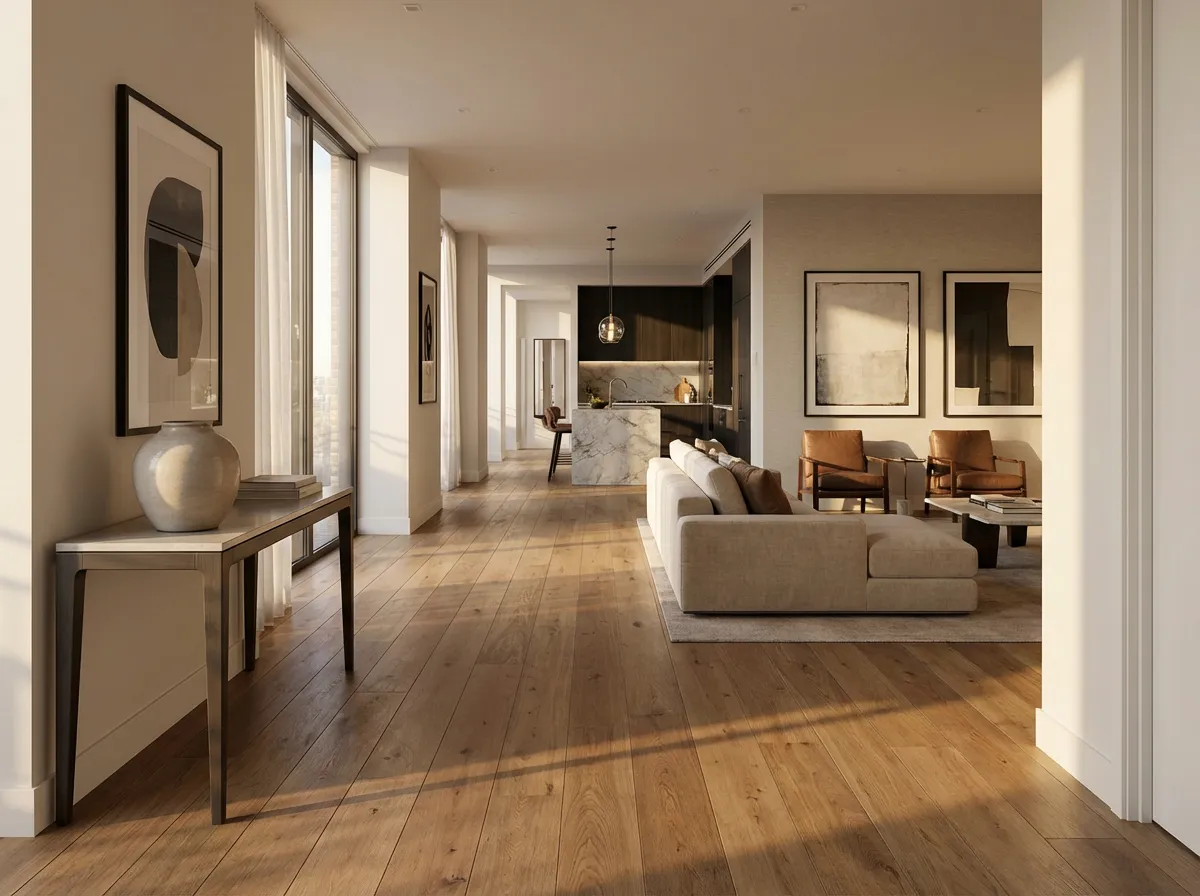
    Luxury Apartment Tour
    Luxury Apartment Tour

    Guide prospective buyers through a premium apartment — flowing from the entrance, through the living area, past the kitchen, and into the master suite.
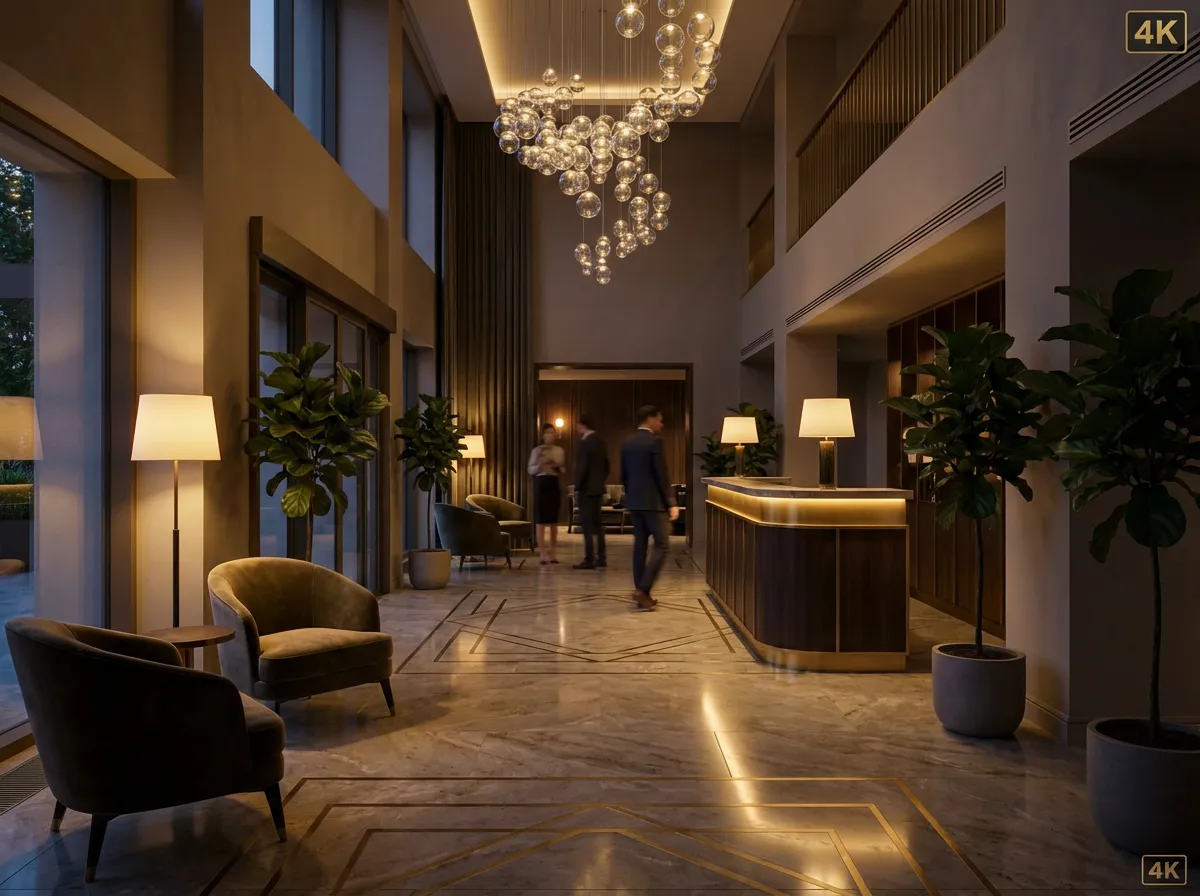
    Hotel Lobby & Suite
    Hotel Lobby & Suite

    Create marketing videos for hospitality projects showing guests arriving through the lobby, riding the elevator, and exploring a suite.
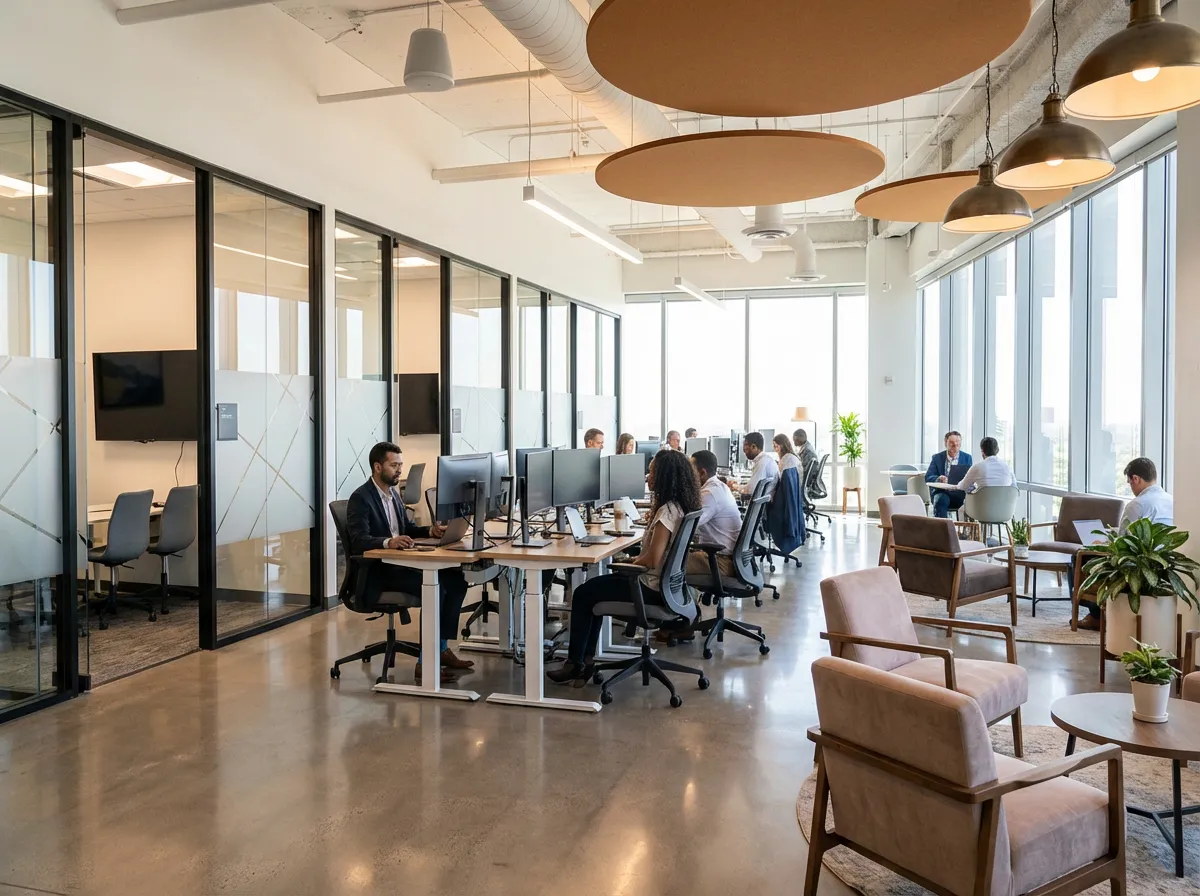
    Office Space Reveal
    Office Space Reveal

    Walk clients through a proposed office layout — reception, open plan, meeting rooms, and breakout areas — all before construction begins.
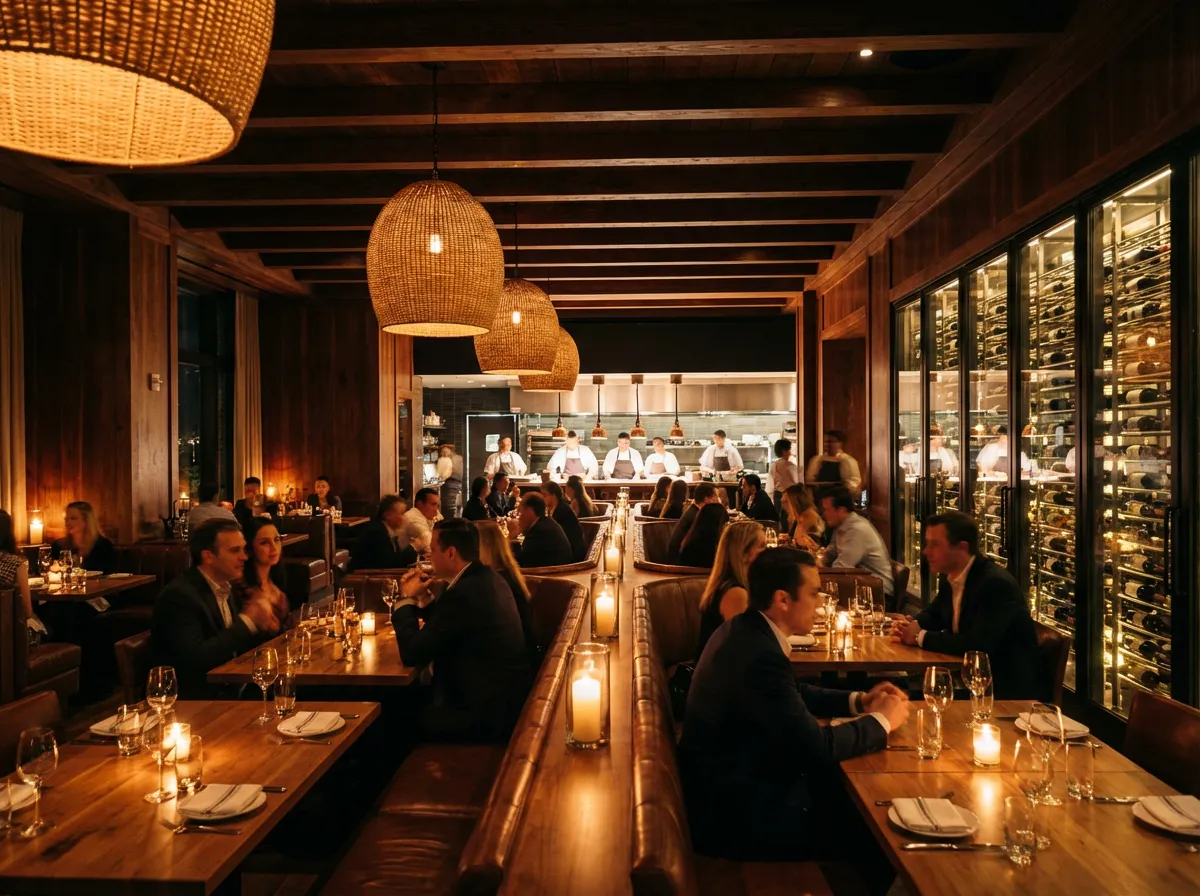
    Restaurant Interior
    Restaurant Interior

    Showcase a restaurant design with a cinematic walkthrough — entrance, bar area, main dining room, and private dining, capturing the atmosphere and mood.

    Why Architects Choose AI Walkthroughs

    Natural Camera Motion

    AI generates smooth, stabilized camera movement that mimics professional Steadicam footage — no jitter, no unnatural speed changes, just cinematic flow.

    Spatial Understanding

    The AI understands architectural space — it generates motion that respects room boundaries, furniture placement, and sight lines for a realistic tour experience.

    Consistent Lighting

    Interior lighting remains consistent throughout the walkthrough — no flickering, no sudden exposure changes, maintaining the atmosphere you designed.

    Multiple Output Formats

    Download in MP4 for presentations, optimized for web embedding, or in formats compatible with VR headsets for immersive virtual property tours.

    Explore More Video Tools

    Exterior WalkthroughInterior Design RenderArchitectural Visualization

    Häufig Gestellte Fragen

    Common questions about AI interior walkthrough videos for architecture.

    A single high-quality interior render is enough to generate a short walkthrough clip (3–5 seconds of smooth camera motion). For longer tours covering multiple rooms, upload several renders from different viewpoints and the AI will create a flowing sequence.
    Individual clips are typically 3–10 seconds of smooth motion. You can generate multiple clips from different rooms and combine them in any basic video editor for a complete property tour of any length.
    Each clip is generated from a single render viewpoint. For multi-room tours, generate clips for each room and edit them together with transitions. The consistent lighting and style across AI renders makes this seamless.
    Videos are generated in HD or 4K resolution depending on your input quality. The output is suitable for client presentations, website embedding, social media, and large-screen display.

    Create Interior Walkthrough Videos in Minutes

    No 3D animation software, no render farm, no video editing expertise. Upload renders and get cinematic walkthroughs.

    Keine Kreditkarte erforderlich2000 kostenlose Credits

    Armox Labs OÜ

    The best AI Creative Suite!

    Unternehmen

    • Preise
    • Kontakt
    • Partnerprogramm
    • Blog
    • Datenschutz
    • Nutzungsbedingungen

    Ressourcen

    • Academy
    • Blog
    • Modelle
    • Anwendungsfälle

    Anwendungsfälle

    • KI Architektur
    • KI Tattoo
    • KI Mode
    • KI für Agenturen
    • Bildgenerierung
    • Videogenerierung

    Architektur-Hubs

    • Rendering & Visualisierung
    • Neugestaltung & Transformation
    • Umwelteffekte
    • Virtuelles Staging
    • Bearbeitung & Optimierung
    • Video & Animation
    • Spezialansichten & Formate
    • Lösungen
    • Alternativen

    Funktionen

    • KI-Rendering-Generator
    • KI-Stiltransfer
    • Render-Enhancer
    • KI-Render-Enhancer
    • 3D-Rendering mit KI

    Konzeptgeneratoren

    • KI-Architektur-Generator
    • KI-Raumgenerator
    • KI-Küchendesign
    • KI-Hausfassaden-Design
    • Generator für Innenraum-Farbpaletten
    • KI-Texturgenerator

    Kompatibilität

    • Render für SketchUp
    • Rendering für ArchiCAD
    • Rendering für Revit
    • Render für Rhino
    • Rendering für AutoCAD
    • Render für Blender
    Ask your AI about Armox
    ChatGPTClaudeGrokPerplexity

    © 2026 Armox Labs OÜ Alle Rechte vorbehalten.