AI Rendering for AutoCAD
Turn technical drawings and 3D models into photorealistic visualizations. No rendering engine needed.
No credit card required1000 free credits
رندر بالذكاء الاصطناعي لـ AutoCAD
موثوق به من قبل أكثر من 25000 مبدع







The Challenge With AutoCAD Visualization
AutoCAD excels at drafting but visualization is limited. Photorealistic results traditionally require exporting to another application.
- 1Built-in rendering rarely produces client-ready results
- 2Exporting to 3ds Max or V-Ray adds cost and complexity
- 3CAD-to-render pipeline requires learning additional software
- 4Converting 2D to 3D visualizations takes hours of manual work
How to Render Your AutoCAD Project with Armox
Technical drawing to photorealistic render in three steps.
Export a 3D view, elevation, or floor plan as PNG/JPEG. Screenshots and 2D drawings also work.
The AI recognizes your drawing. Specify style, materials, and lighting with prompts.
In seconds, CAD drawing becomes a photorealistic visualization. Download for presentations.
AutoCAD Drawings Brought to Life
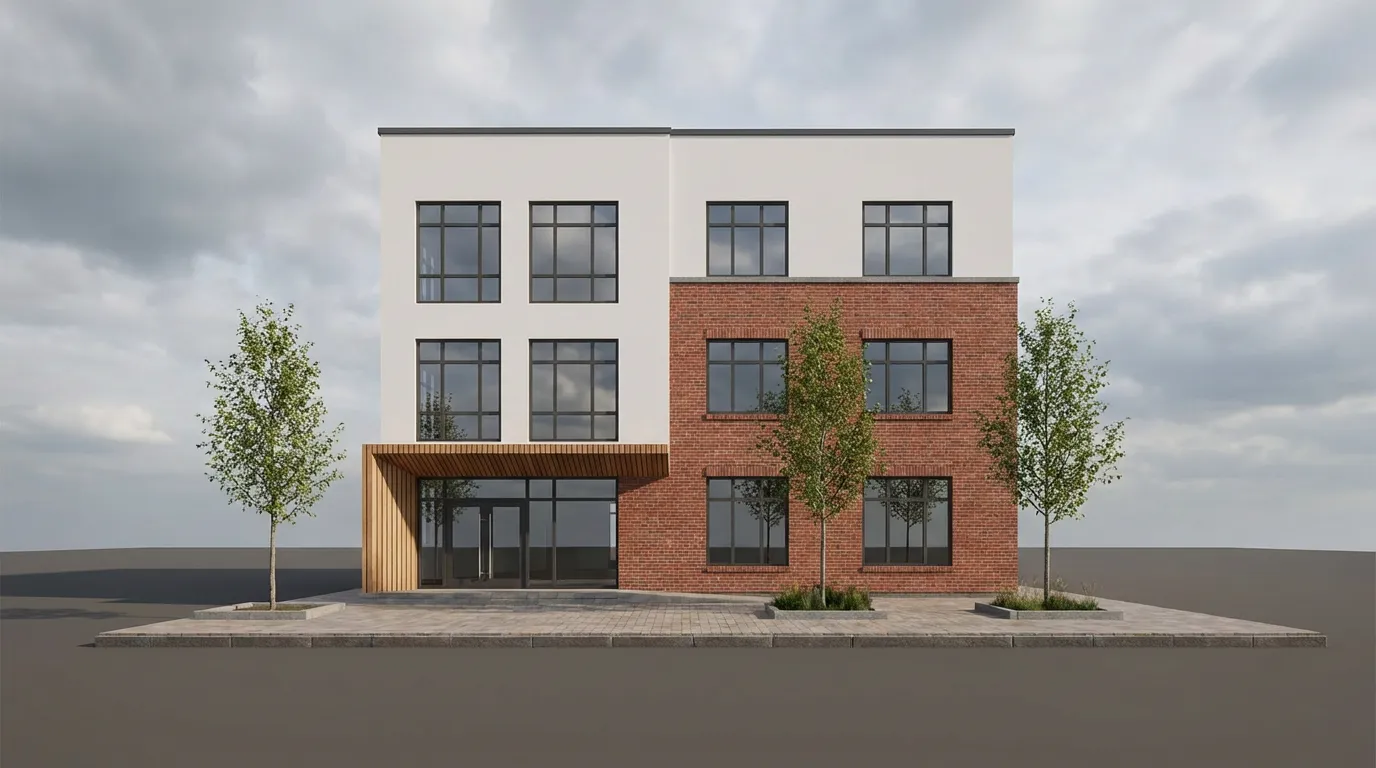
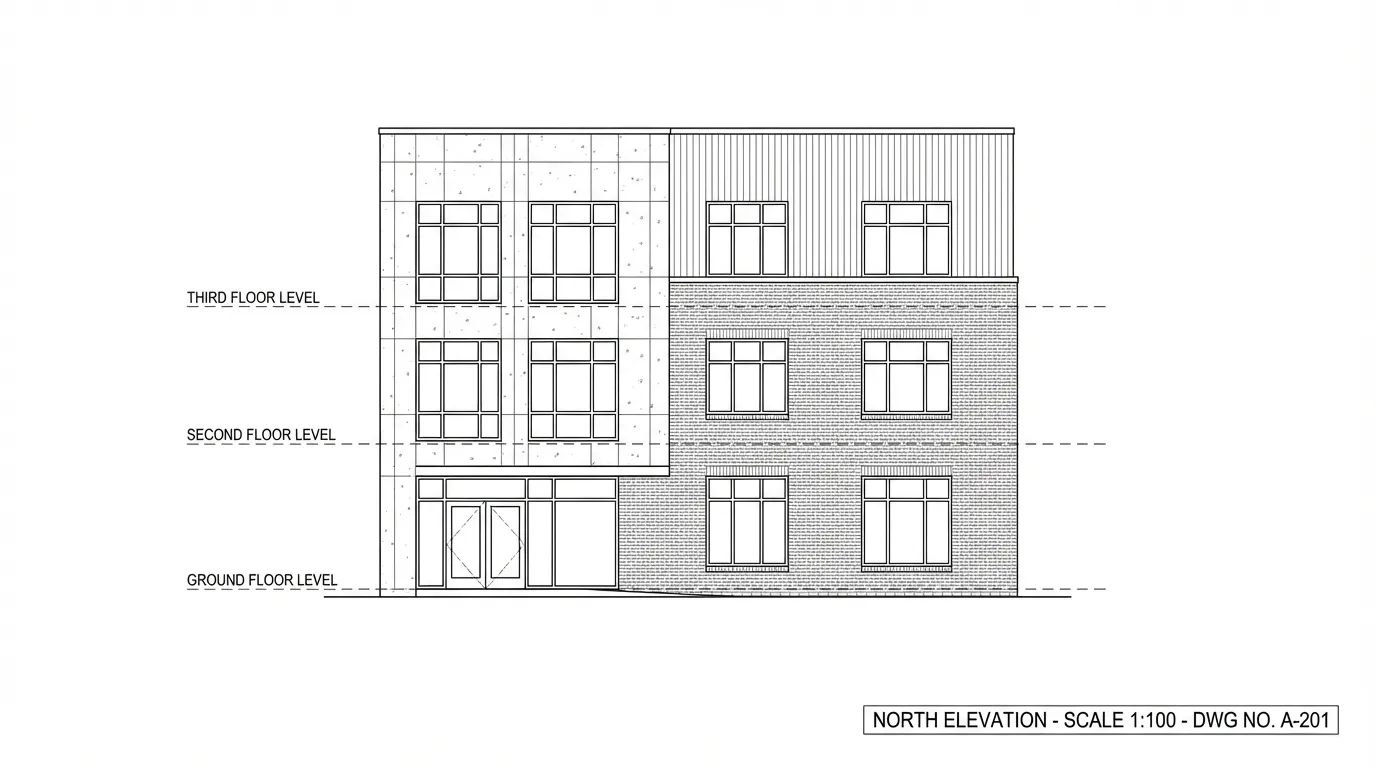
AutoCAD exports transformed into photorealistic renders.
Front elevation transformed into a photorealistic facade.
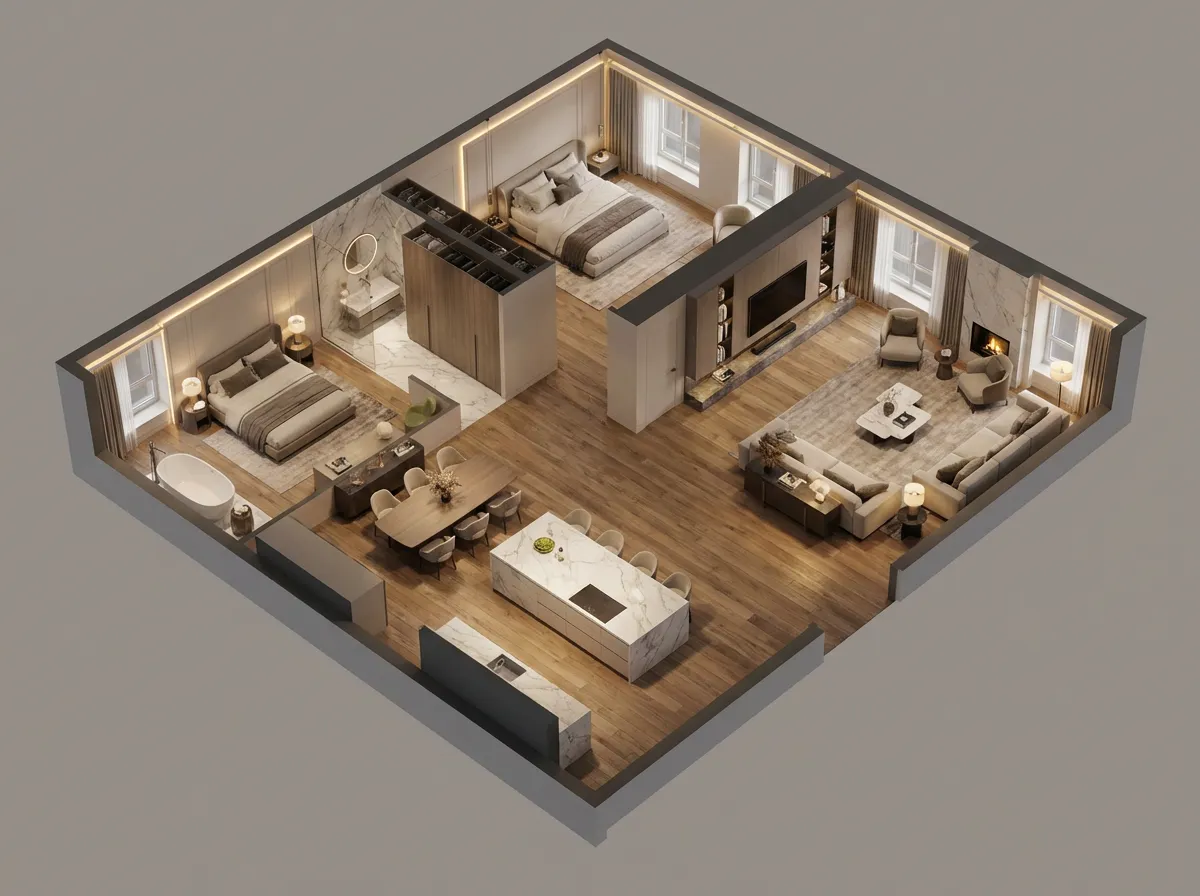
2D plan rendered as bird's-eye 3D view with furniture.

Commercial facade turned into evening render with warm glow.
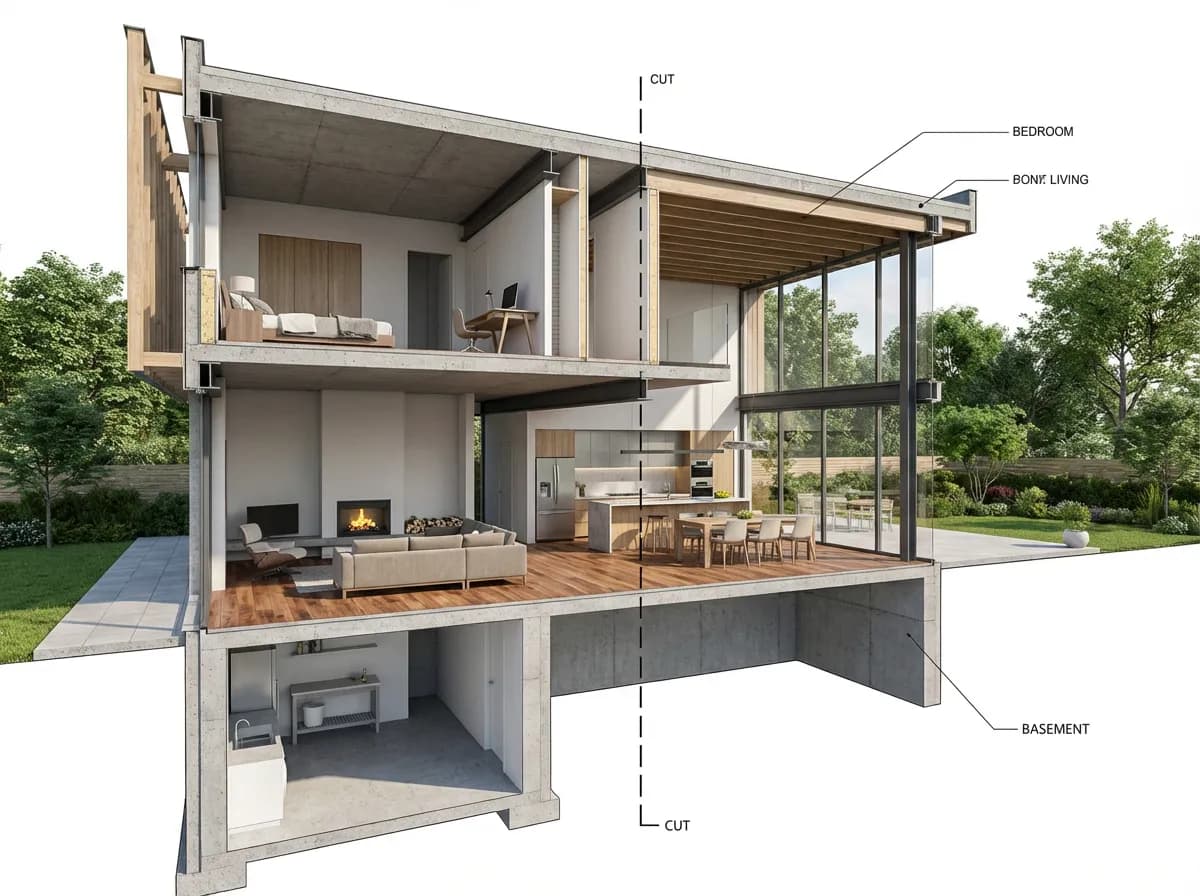
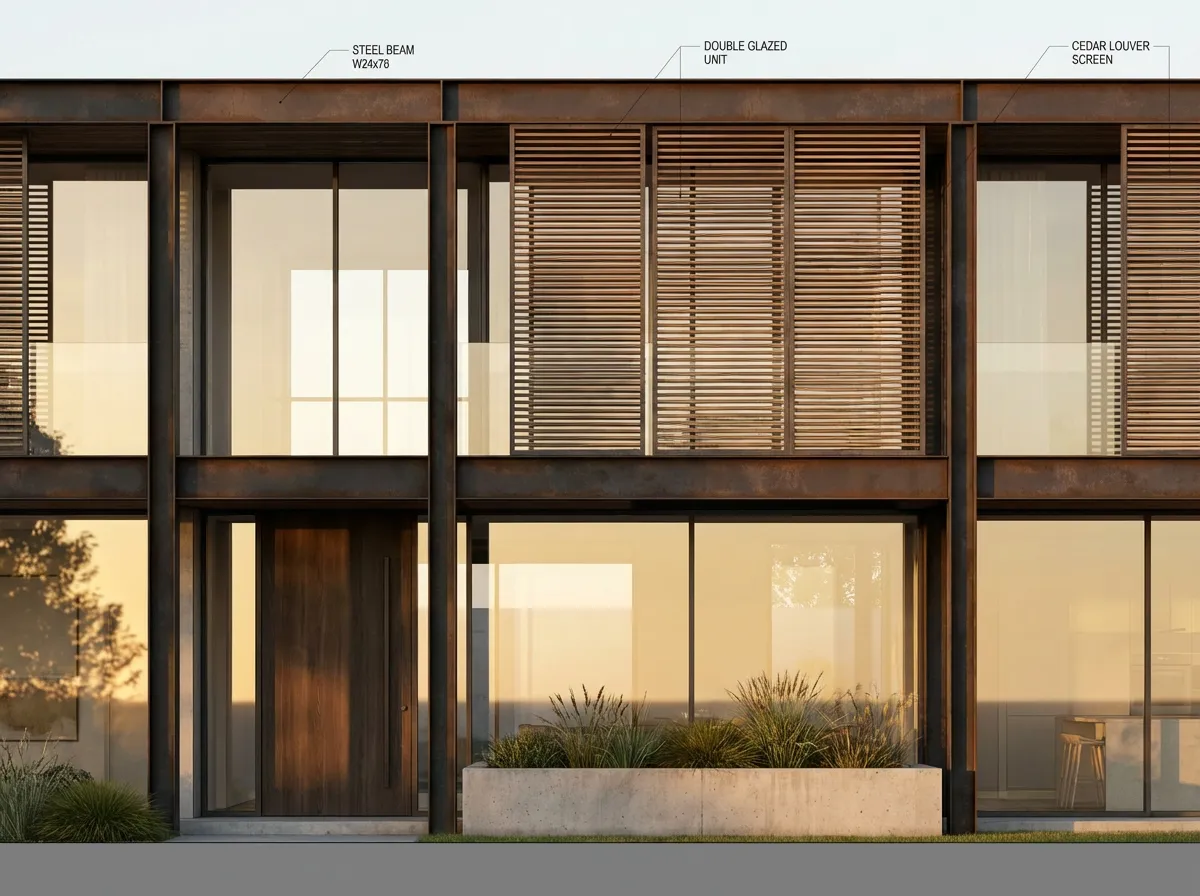
Architectural section with visible interiors and materials.
Armox vs Traditional AutoCAD Pipeline
Complete Your AutoCAD Workflow
Frequently Asked Questions
AI rendering with AutoCAD
From CAD to Photorealism
Upload any AutoCAD drawing. Get a photorealistic render in seconds.
No credit card required1000 free credits