
موثوق به من قبل أكثر من 25000 مبدع







The Challenge With SketchUp Rendering
SketchUp is simple and beloved, but photorealistic renders require extensions that add complexity and cost.
- 1No native rendering — need V-Ray, Enscape, or Lumion
- 2Extensions cost $350–800/year per seat
- 3Extensions slow SketchUp and add a separate interface
- 4SketchUp's simplicity is lost with render engine complexity
How to Render Your SketchUp Project with Armox
Keep SketchUp simple — render without extensions.
01
Export from SketchUpFile > Export > 2D Graphic or take a screenshot. Clean SketchUp style translates perfectly.
02
Upload & CustomizeDescribe materials and mood — 'warm timber, lush garden, golden hour' — AI handles the rest.
03
Instant PhotorealismPhotorealistic render in 10–30 seconds. SketchUp's clean geometry produces great results.
SketchUp Models in Stunning Detail
Simple concepts to photorealistic presentations.
Dream Kitchen
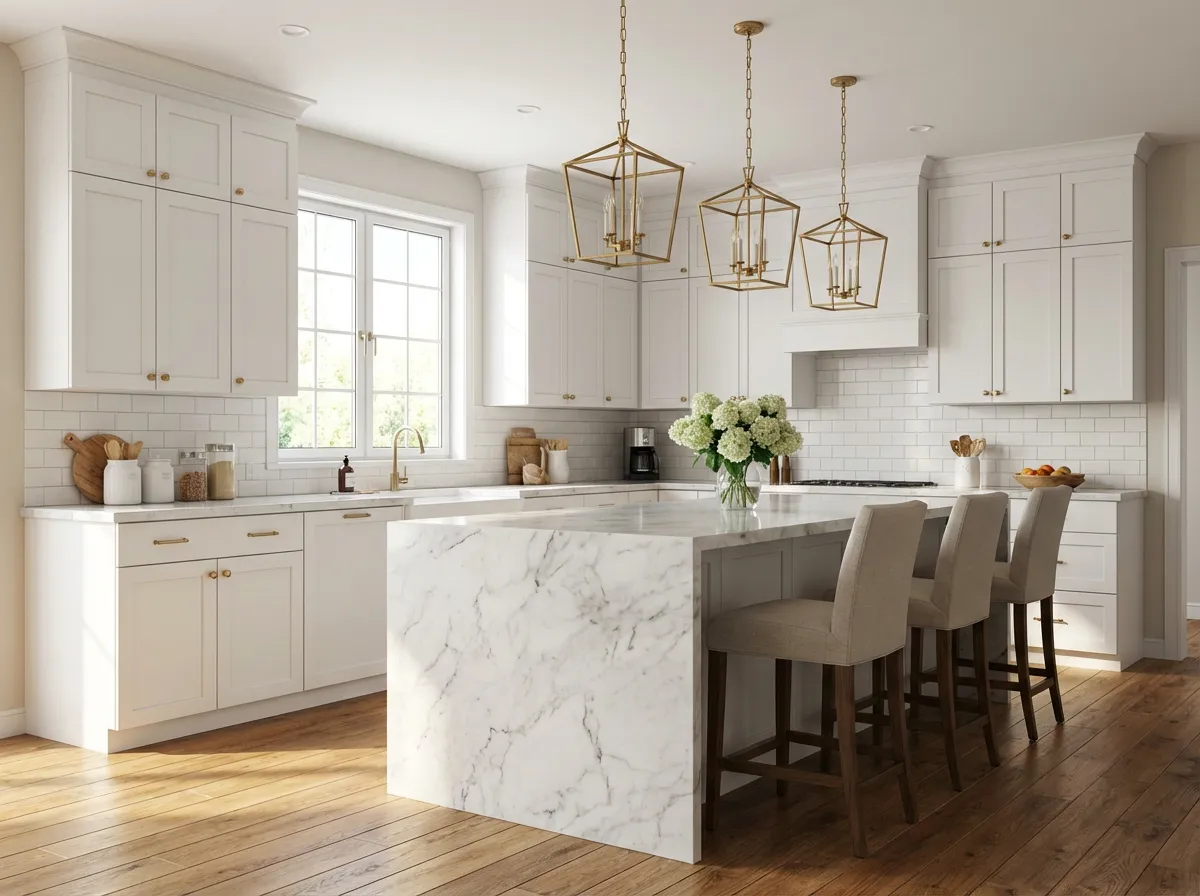
Marble island, warm lighting, premium appliances.
Backyard Design
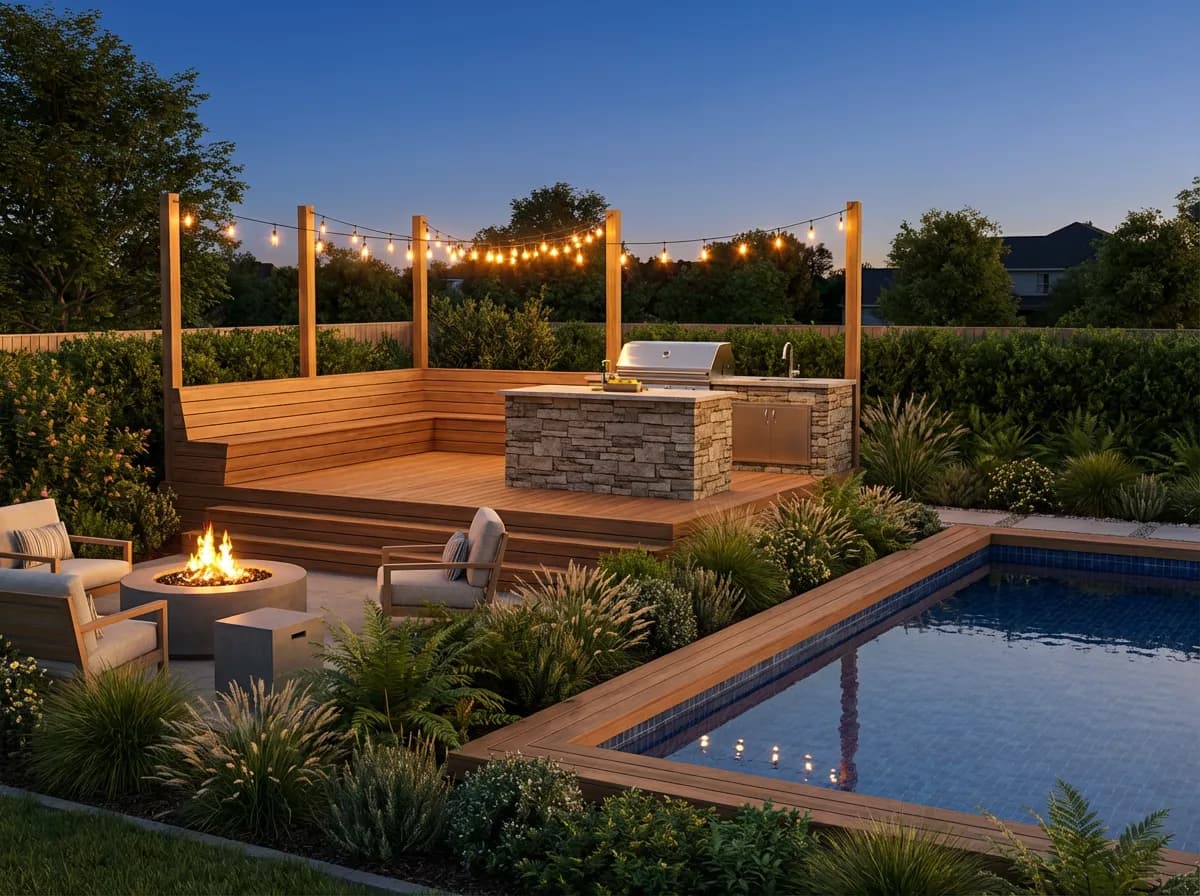
Deck, pool, and landscaping rendered photorealistically.
Spa Bathroom
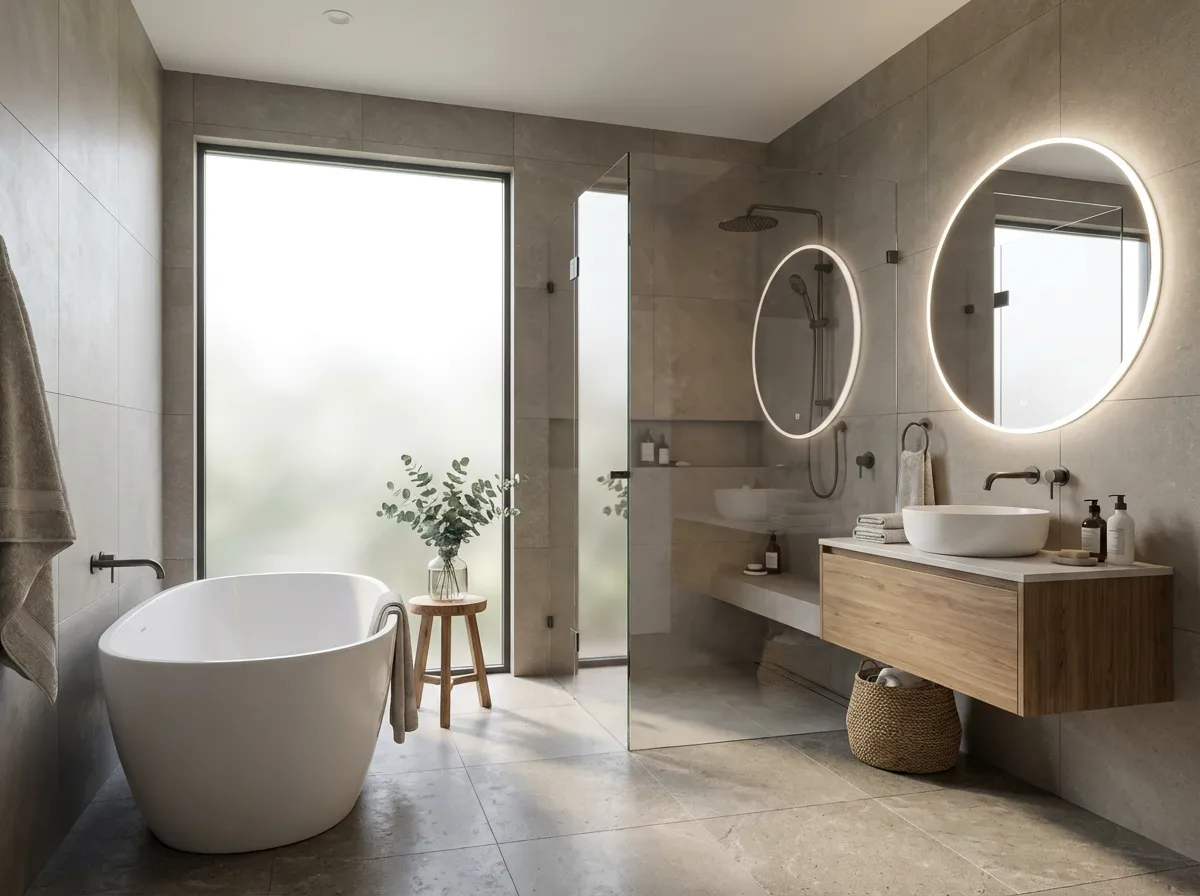
Freestanding tub, large tiles, soft natural light.
Neighborhood Cafe

Exposed brick, industrial lighting, warm atmosphere.
Armox vs SketchUp Extensions
Criteria
Armox AI
V-Ray / Enscape for SketchUp
Render Time
10–30 seconds
5–60+ minutes
Extension Install
None — web-based
Required
Cost
Free tier available
$350–800/year
SketchUp Performance
No impact
Slower with extension
Learning Curve
Upload and describe
Separate interface
Hardware
Any device
GPU recommended
Complete Your SketchUp Workflow
Frequently Asked Questions
AI rendering with SketchUp
Yes. Compatible with Free, Go, Pro, and Make. Screenshot or export and upload.
Clean geometry with clear material zones is ideal for AI interpretation.
Yes. Armox doesn't interfere. Many users drop rendering extensions after trying it.
Yes. Colors guide the AI. Plain white models work too with prompt guidance.
Both work excellently. Kitchens, bathrooms, and exteriors with gardens are popular.
Yes. Even quick concept models work well. Cleaner exports improve consistency, but Armox can generate high-quality renders from early-stage SketchUp views.