AI驱动的纹身可视化
AI纹身 试穿
纹身前先看清最终效果。上传设计、放置区域照片,或仅用文字描述——Tattoo Studio 会带着已加载的文件打开。
无需信用卡1000 免费积分
Tattoo Studio
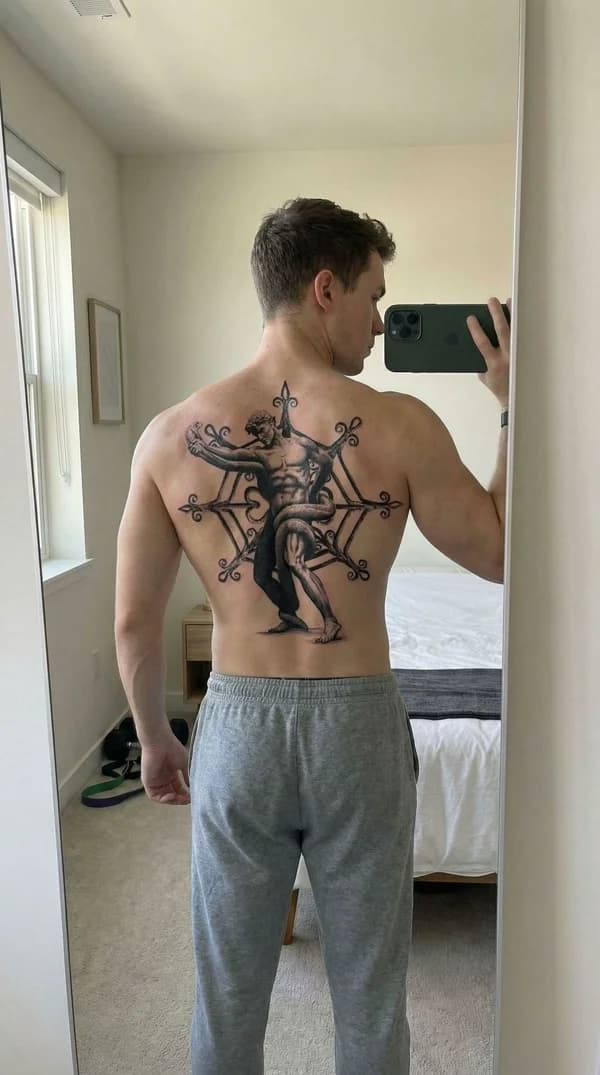
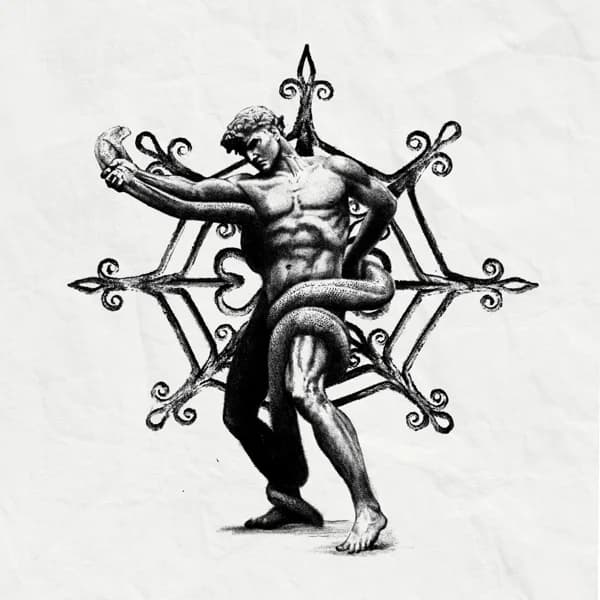
纹身设计
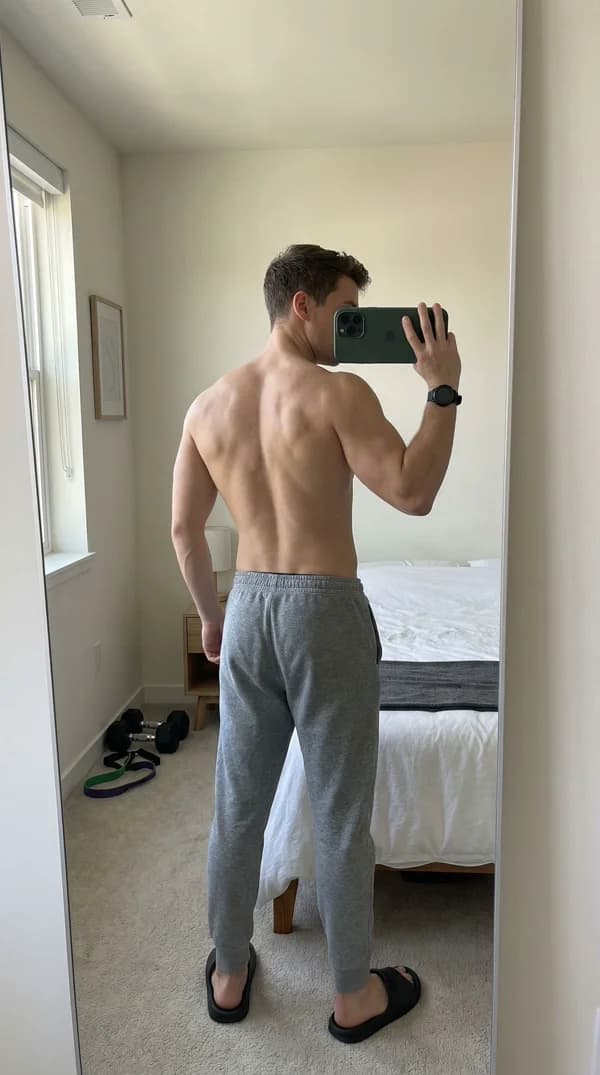
身体照片
工作 原理
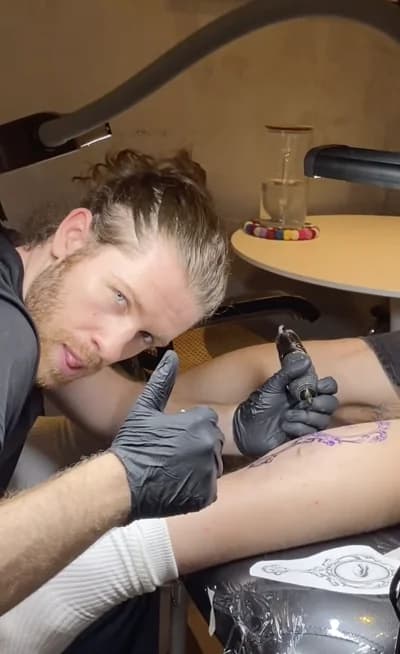
像 @onetrick.ponny 这样的专业纹身师使用 Armox AI,在针触皮肤之前向客户准确展示纹身效果。
上传纹身插画、添加参考图,或用文字描述想法。细线、传统、黑工、水彩、日式、写实、字母等风格均可。
上传您或客户展示纹身放置区域的照片。照片越清晰,效果越逼真。若只需生成身体部位预览,照片可选。
Armox AI 将设计与照片结合,生成纹身在皮肤上的逼真预览,完美匹配光线与肤色。
进一步生成多角度展示纹身的视频,适合客户演示与社交媒体内容。
一个工作室, 四种流程
在同一工作区设计纹身稿、试穿、导出转印线稿,或将草图精修成可用线稿。
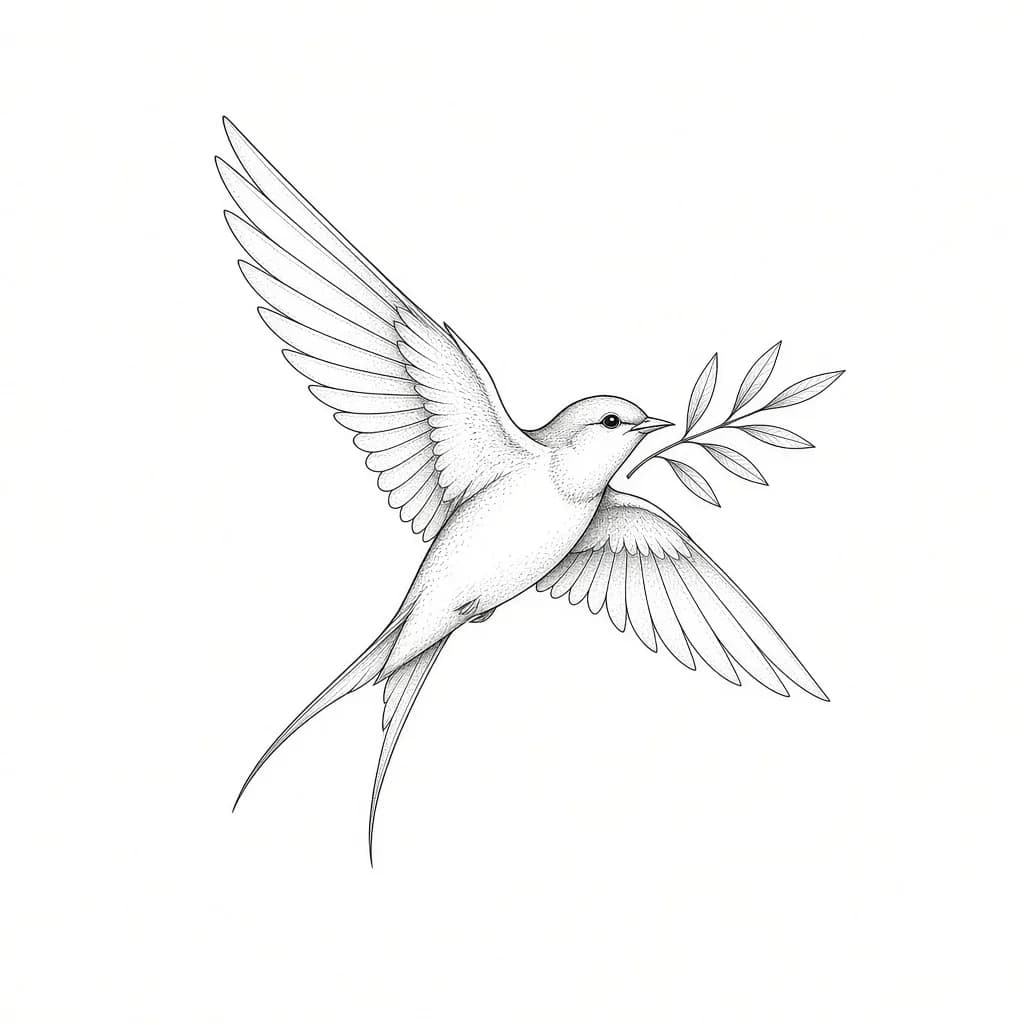
设计
从文字想法或参考图生成适合纹身的作品,居中置于干净白底。
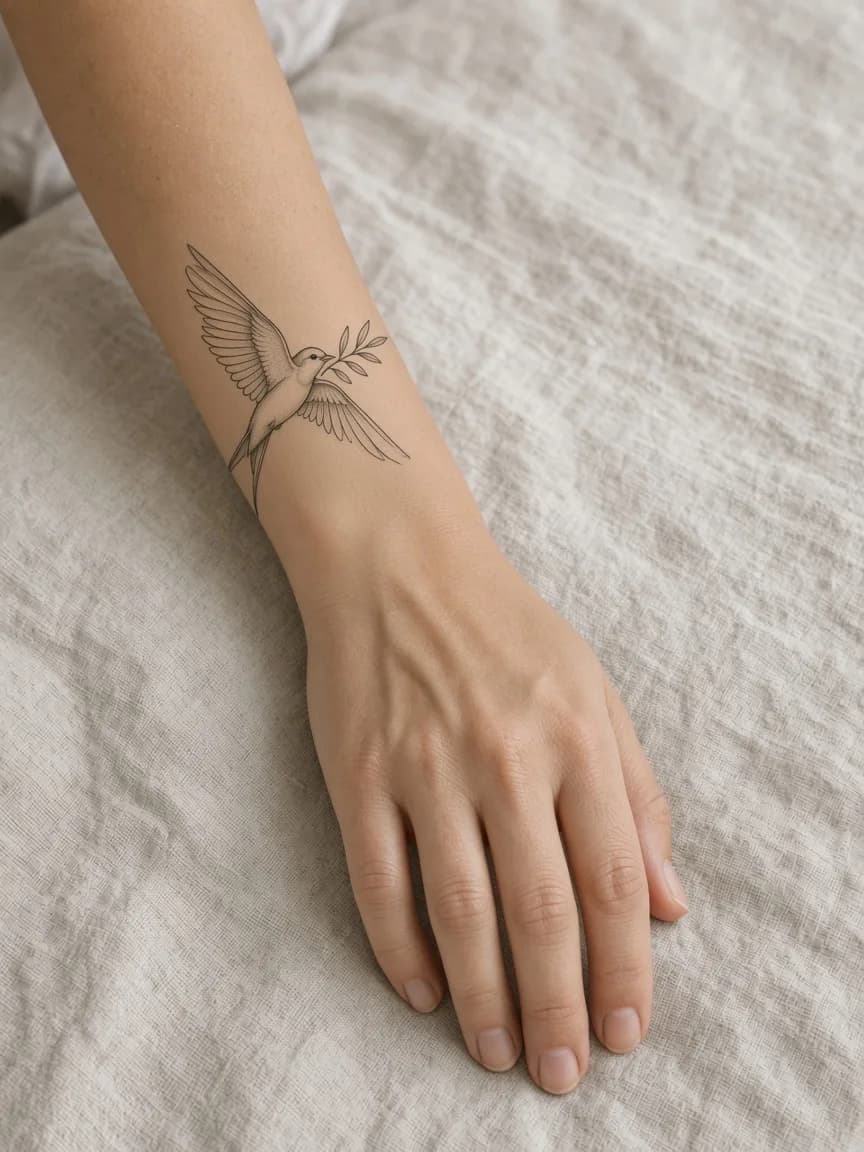
试穿
将设计放到照片上,或生成匹配光线、肤色与比例的身体部位预览。
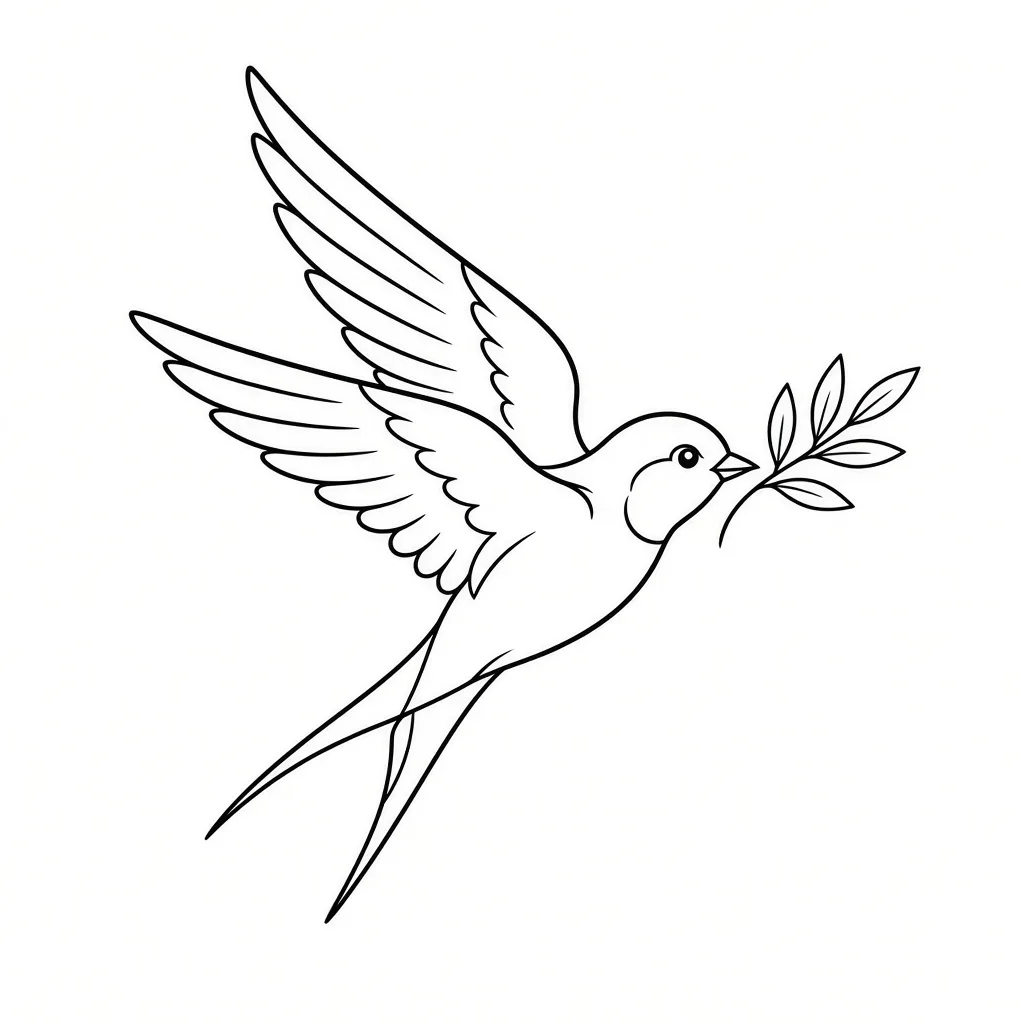
转印线稿
将成品设计转为干净黑色线稿,可直接用于预约时的热转印。
精修
将粗糙草图重绘为精致、可纹身的线稿,同时保留原始创意。
涵盖每一种 纹身风格
预约前先预览细线、黑工、日式刺青、写实、水彩、几何、字母等风格。
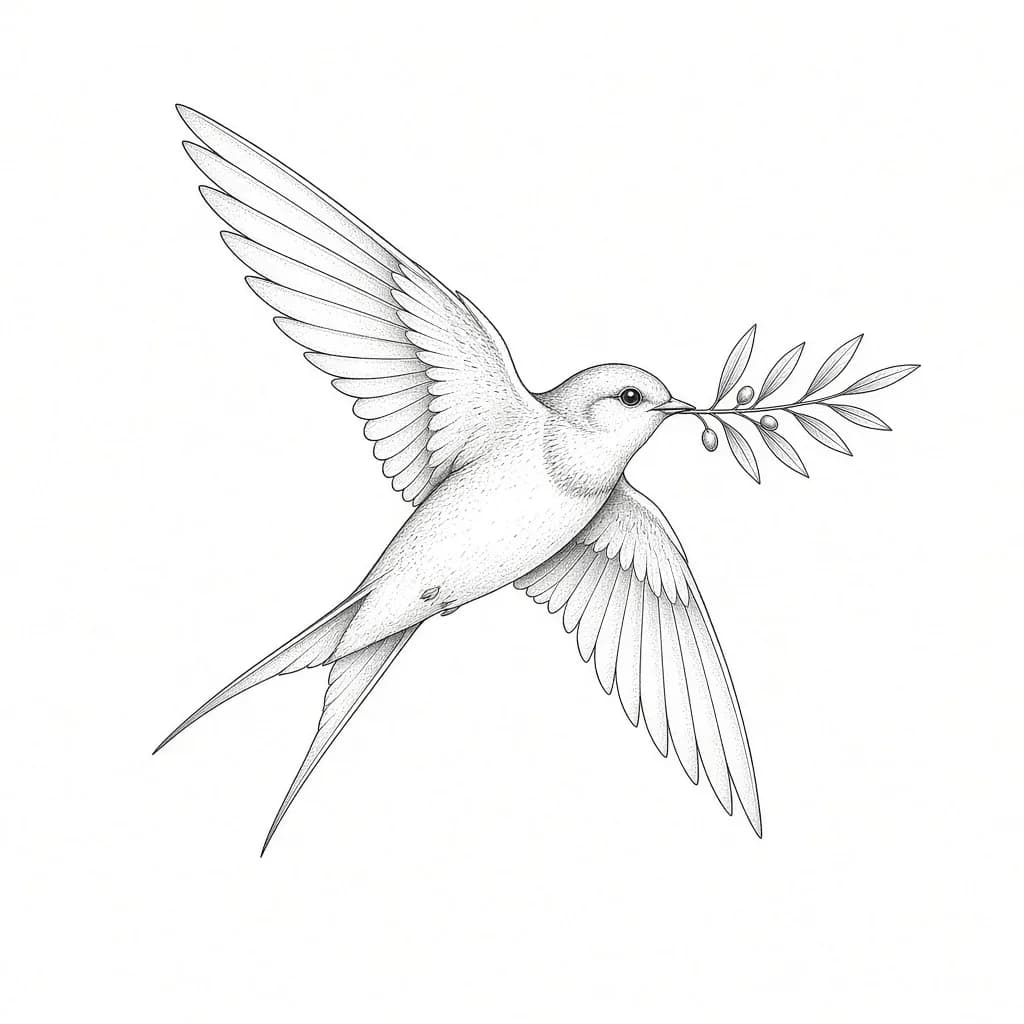
细线
细腻单针轮廓与克制阴影,适合小符号、文字与初次纹身。
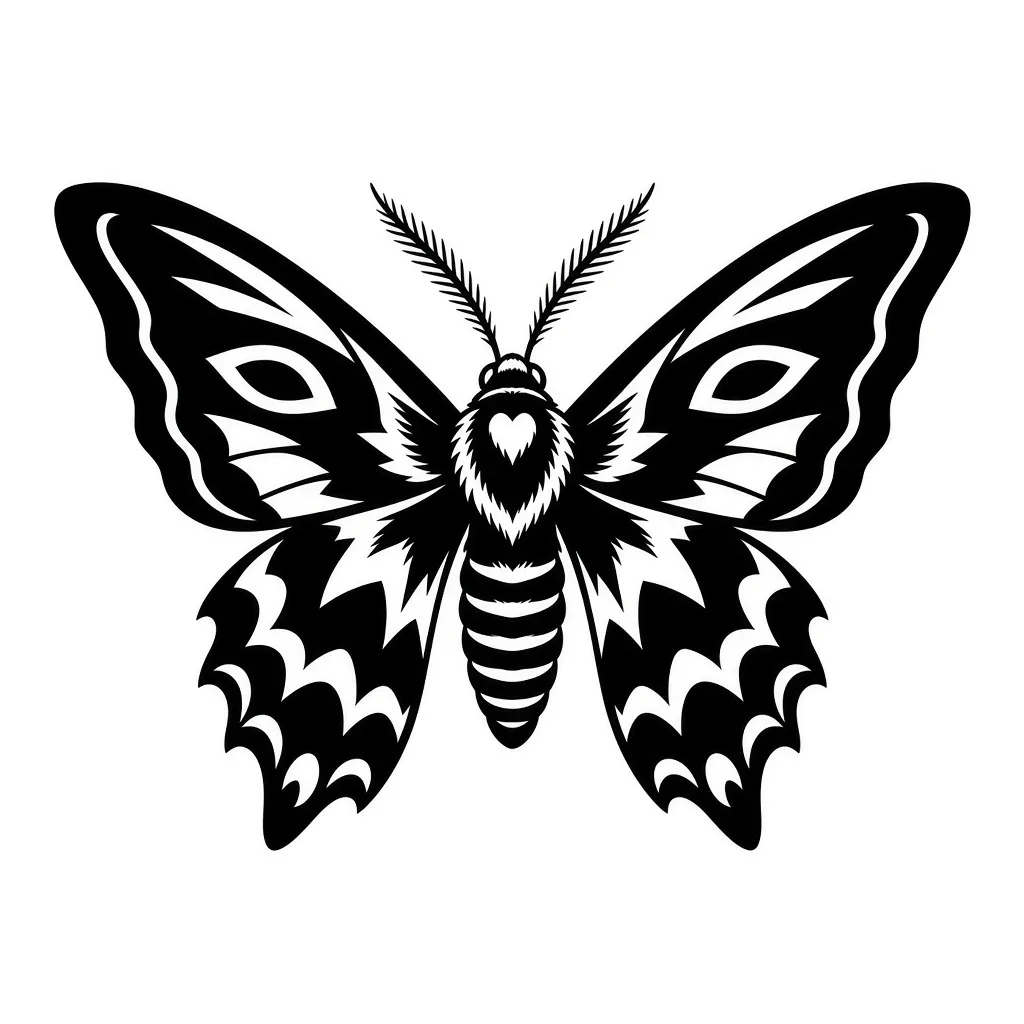
Blackwork
大胆纯黑造型与高对比图形,随时间推移依然清晰可读。
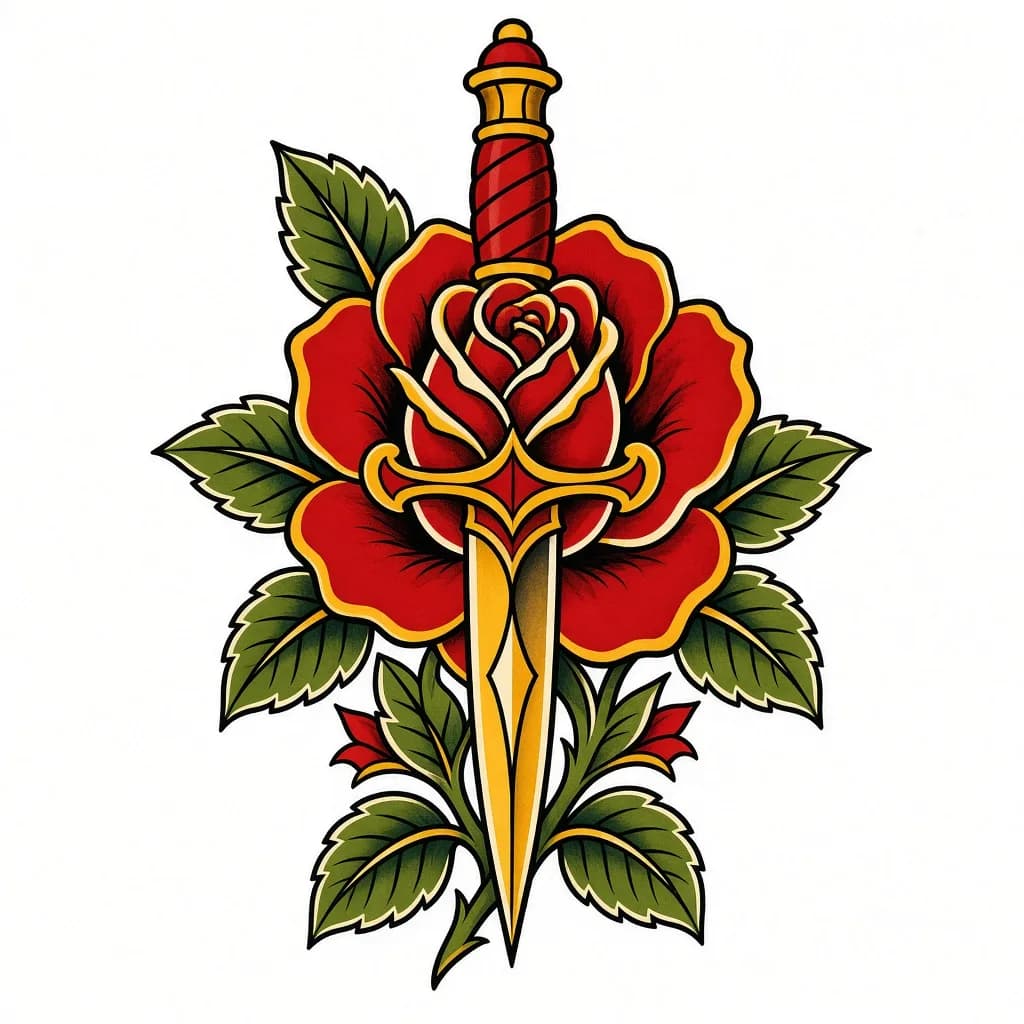
美式传统
经典图稿:粗轮廓、有限配色与 Sailor Jerry 式构图。
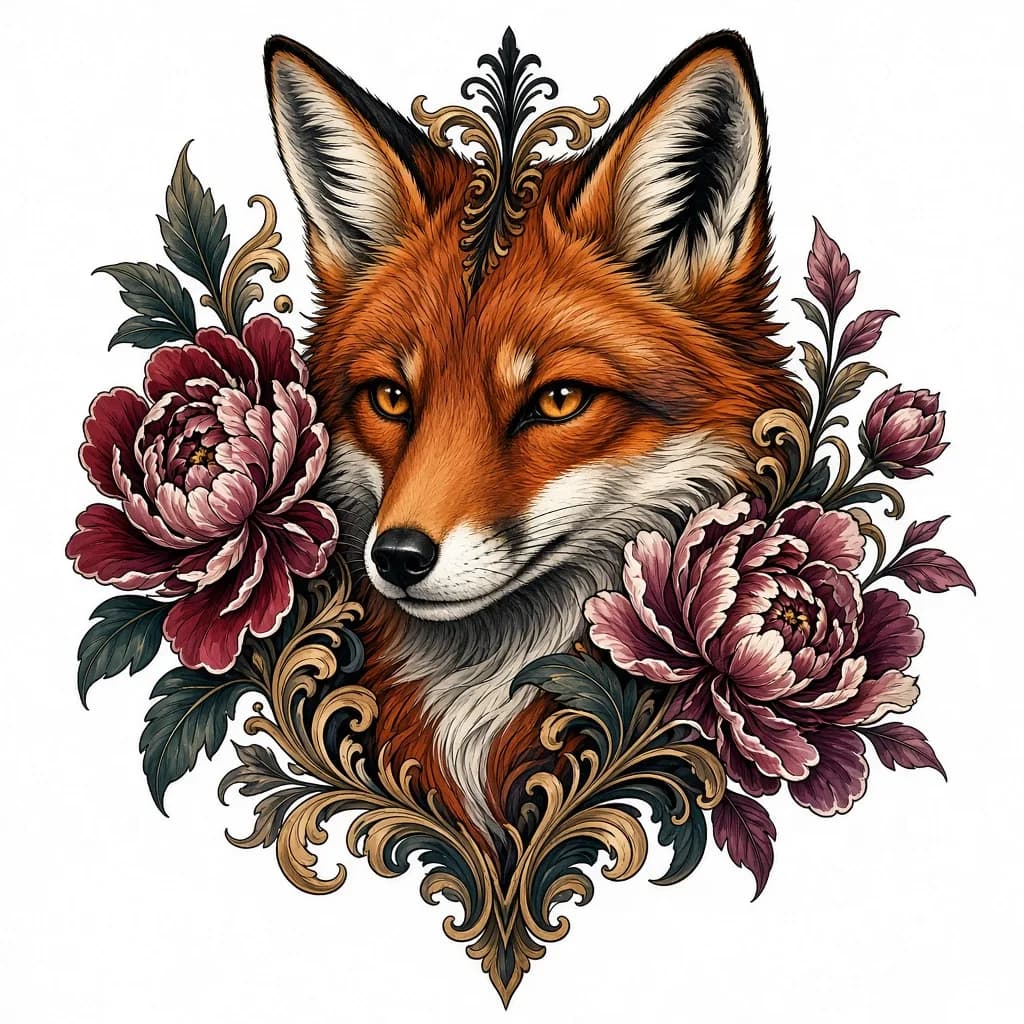
新传统
更丰富的色彩、装饰性线条与现代图稿的插画深度。
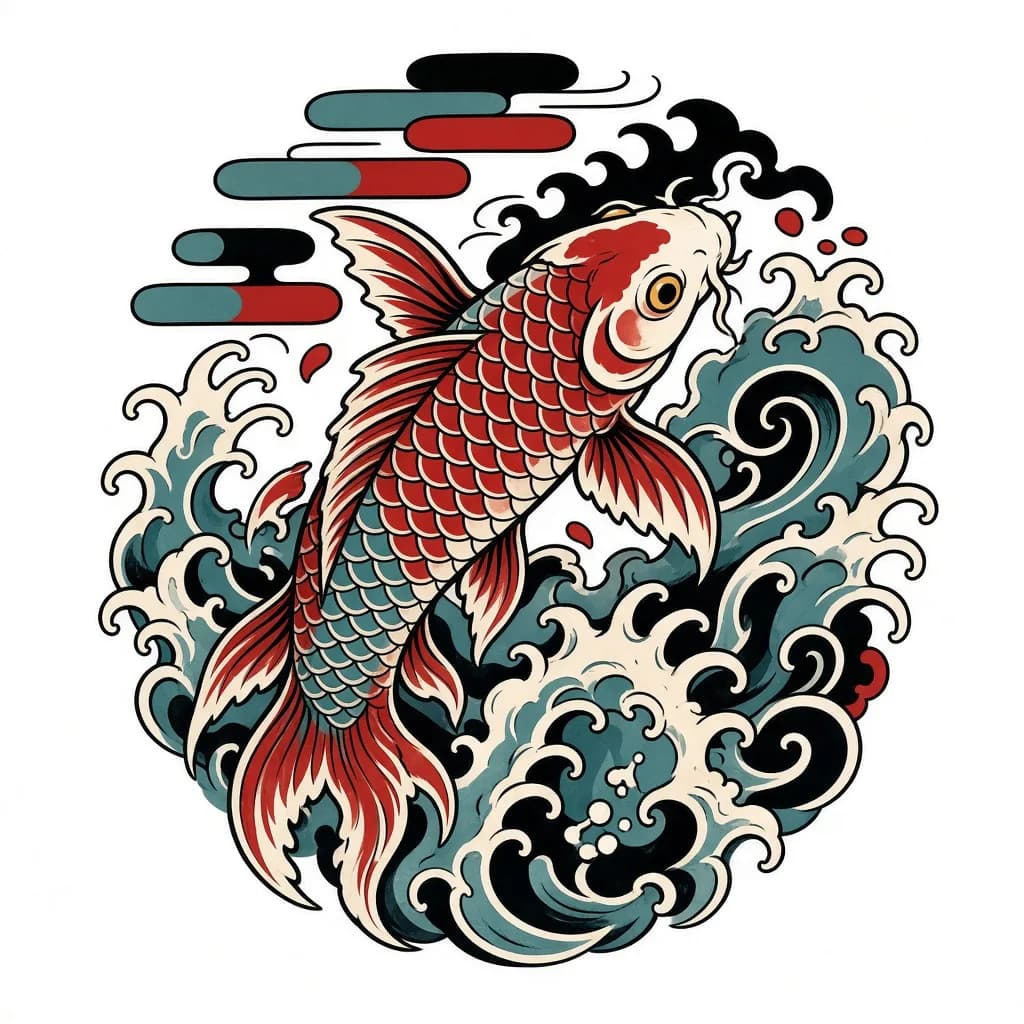
日式刺青(Irezumi)
流动的风条、波浪与大面积图案,专为包裹身体而设计。
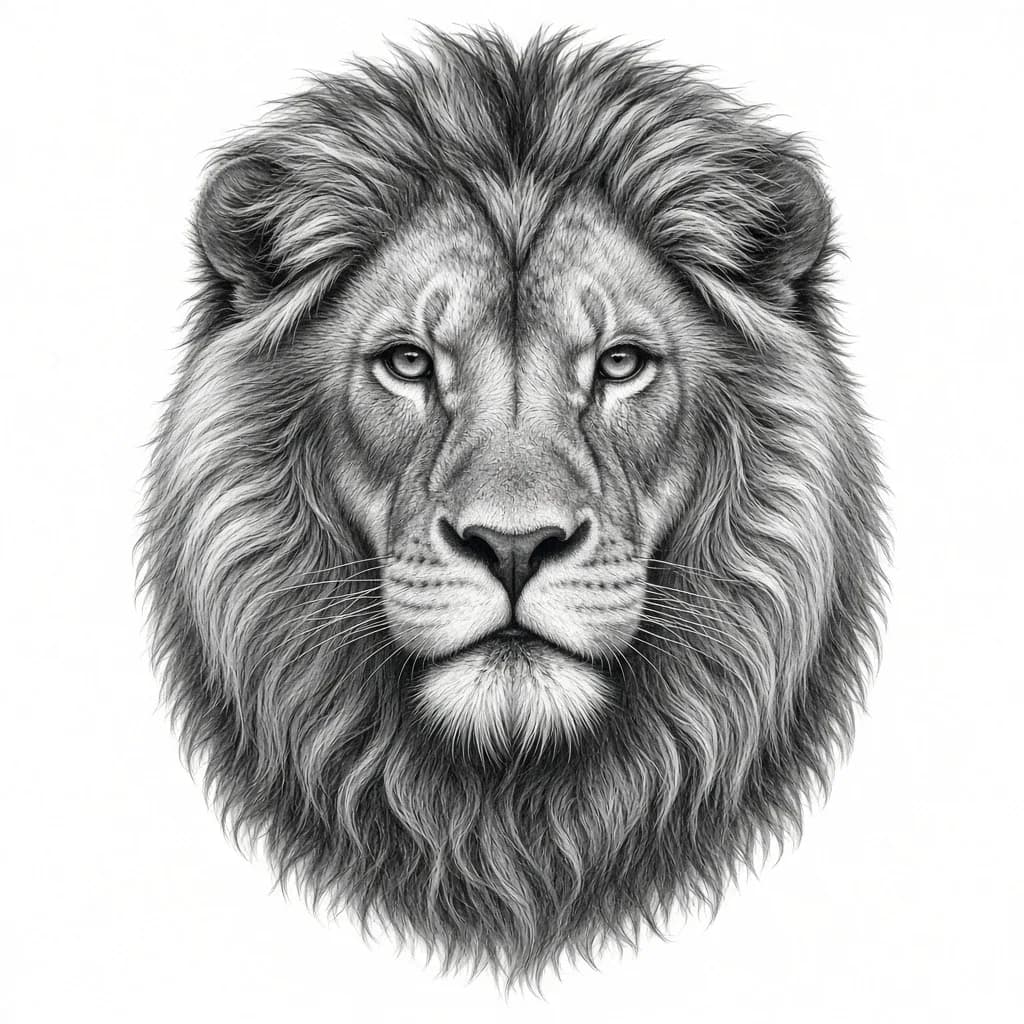
写实
远距离也能在皮肤上清晰呈现的写实明暗与对比。
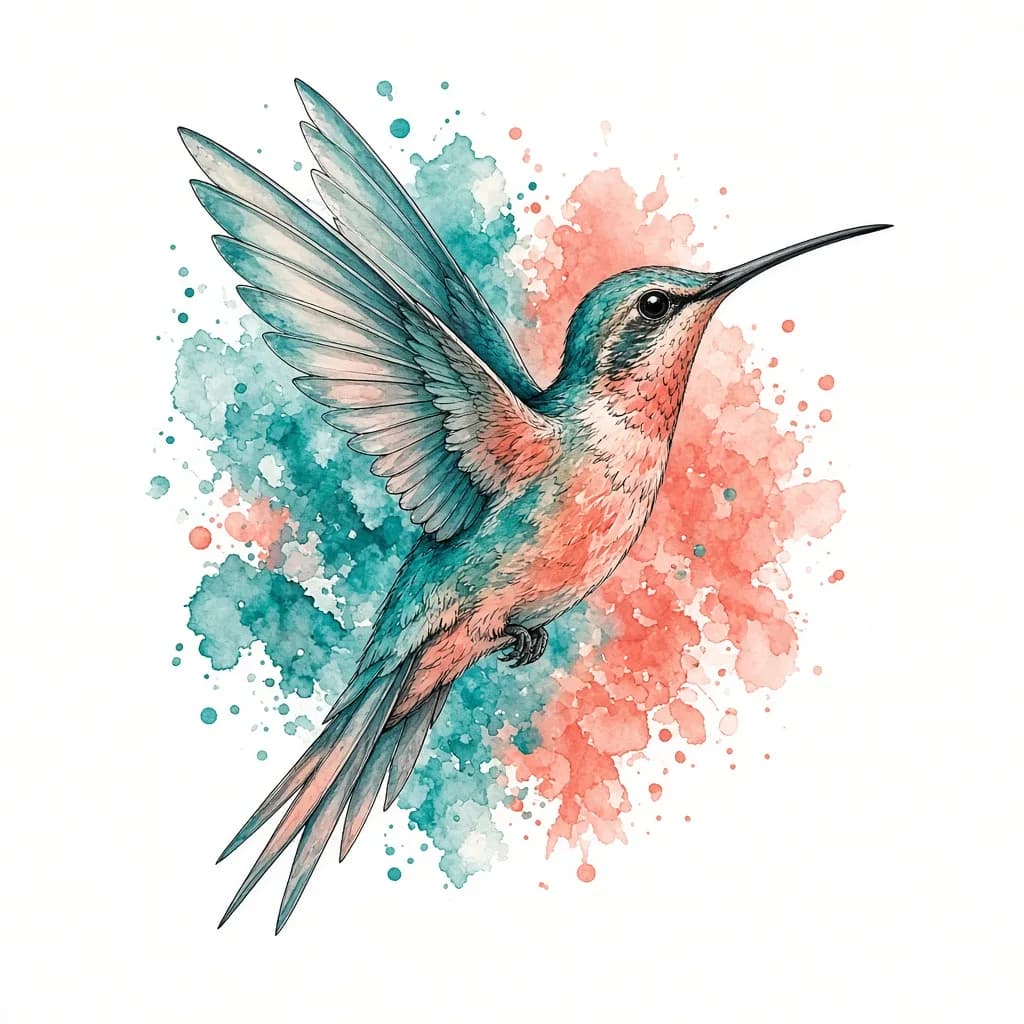
水彩
绘画感色块与支撑线条结构,确保设计依然稳固。

几何
精准的神圣几何造型、干净对称与均衡线宽。
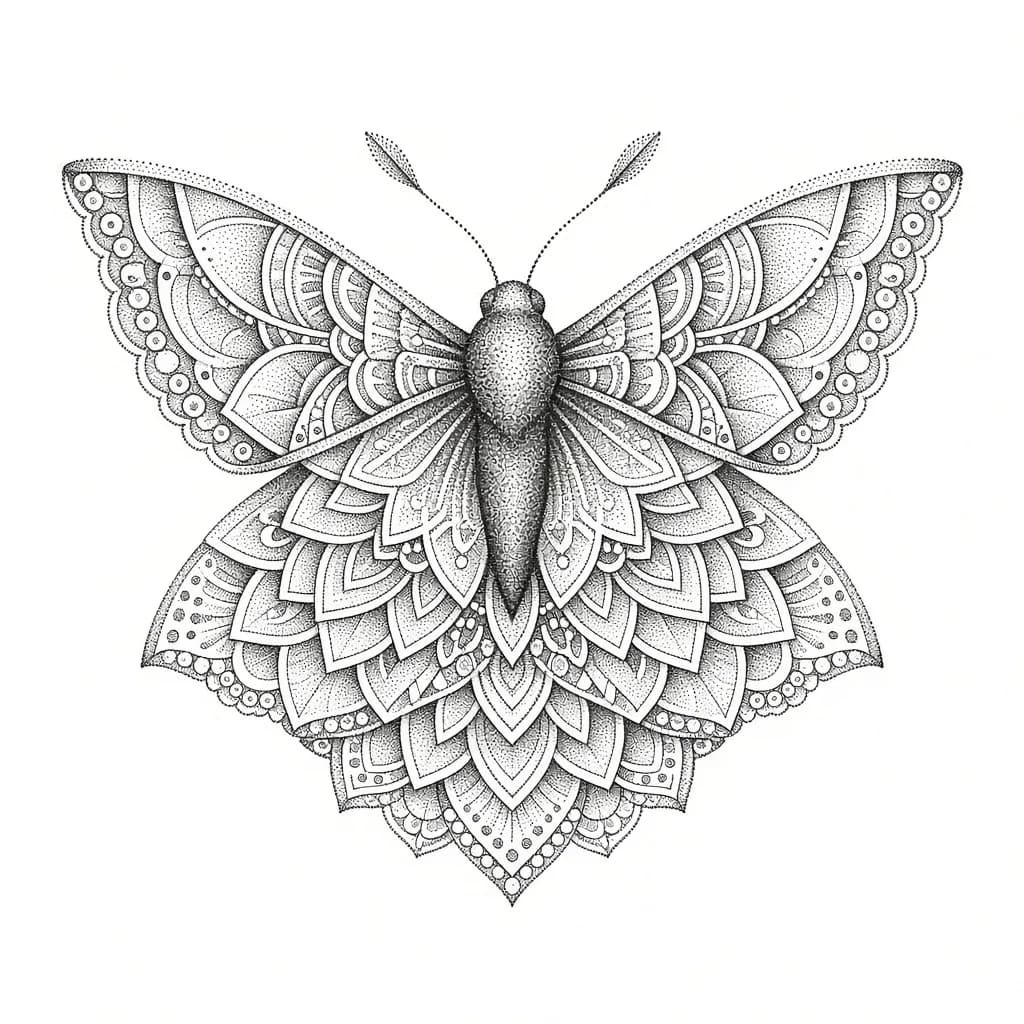
点刺
以点状晕染替代浑浊实填,构建层次明暗。
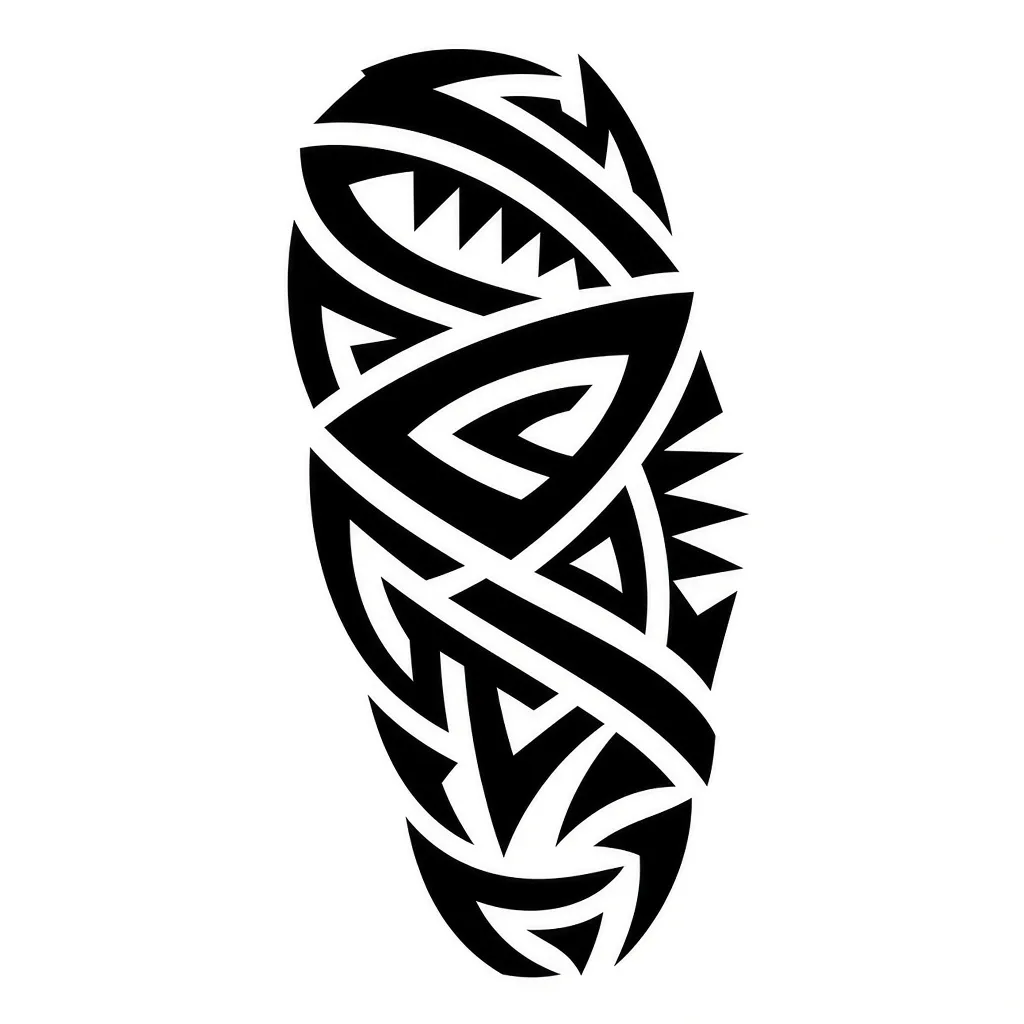
部落
大胆黑带与节奏感留白,随身体曲线流动。

极简
简洁易读的符号,细线与充足留白。
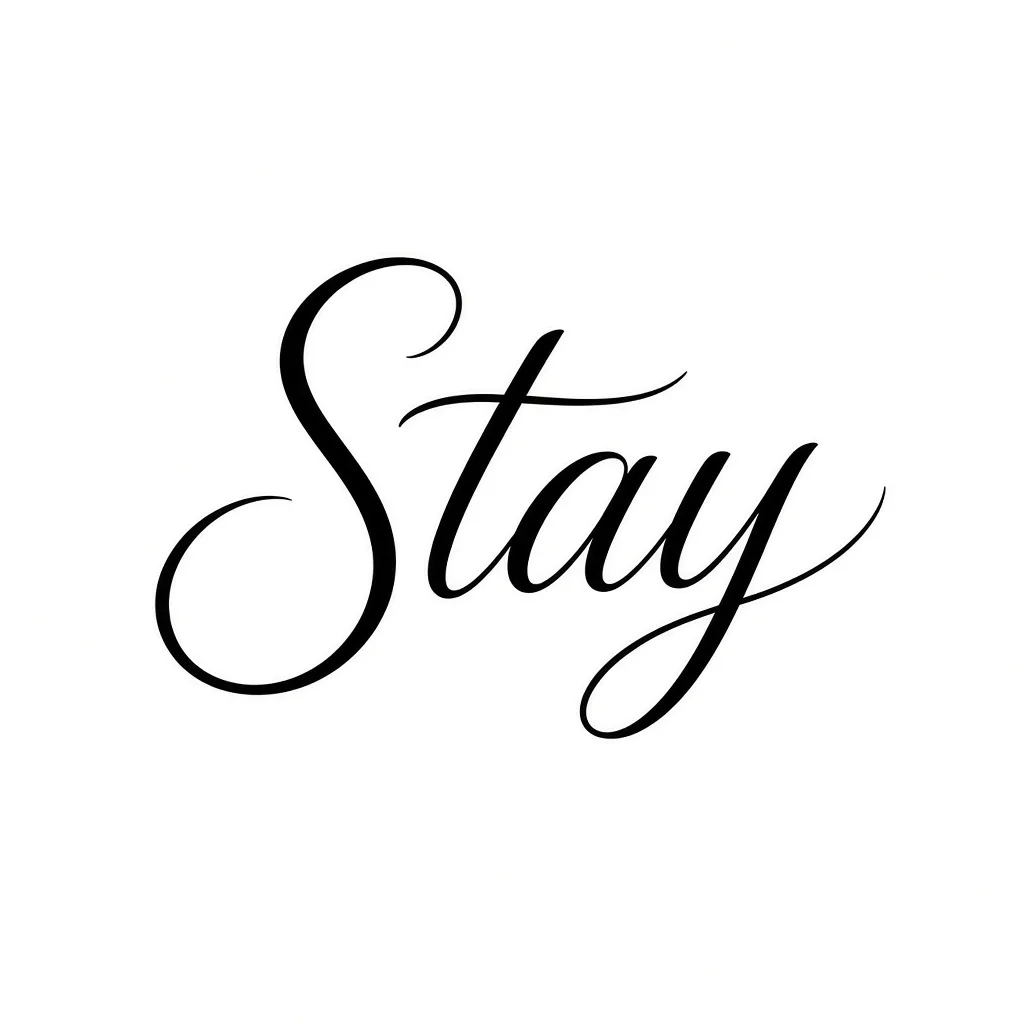
字母
手写体、衬线或哥特体字母作为纹身主体。
你可以 创作什么
纯文字纹身创意
描述主题、尺寸与位置。Tattoo Studio 无需参考图即可生成设计。
设计与身体照片试穿
上传图稿或定制画稿及放置区域照片,查看墨水在真实皮肤上的效果。
纹身师客户预览
预约前向客户展示位置、比例与风格选项,减少返工。
可转印导出
将确认稿转为高对比转印线稿,纹身师可在预约时直接转印。
AI 纹身穿试 详解
AI 纹身穿试让你在决定永久纹身前,先在身体上测试预览效果。上传设计、前臂/上臂/背部等放置区域照片,或从文字描述开始。模型会匹配光线与肤色,让你像转印咨询一样判断尺寸、流动感与对比度。
Tattoo Studio 覆盖最常搜索的风格:细线、Blackwork、美式传统、新传统、日式刺青、写实、水彩、几何、点刺、部落、极简与字母。你可以用一种风格生成新设计,再在预约前用同一想法尝试另一种风格。
确认效果后,可将作品转为干净转印线稿,或将粗糙草图精修为完成线稿。纹身师用同一流程做客户咨询、图稿展示与社交预览;初次纹身者用它比较位置,避免纸上与皮肤效果差异。
为 纹身师与新手而生
纹身师
在客户照片上预览定制图稿,锁定位置,并在预约开始前导出转印线稿。
初次纹身
在自己身体上比较尺寸与位置,让第一件作品更有意图、不仓促。
遮盖与追加
测试新图案与现有纹身或花臂、背幅等大区域的搭配效果。
观看完整教程
了解专业纹身师如何使用 Armox AI 为客户创建惊艳的纹身预览。
常见问题
关于 AI 纹身穿试、风格与转印线稿的一切