нам доверяют более 25000 авторов







The Chвсеenge With SketchUp Рендеринг
SketchUp is simple и beloved, but фотореалистичный рендеры require extensions that добавить complexity и cost.
- 1Без native рендеринг — need V-Ray, Enscape, или Lumion
- 2Extensions cost $350–800/year per seat
- 3Extensions slow SketchUp и добавить a separate interface
- 4SketchUp's simplicity is lost with рендер engine complexity
Как to Render Ваш SketchUp Проект with Armox
Keep SketchUp simple — рендер without extensions.
File > Export > 2D Graphic или take a screenshot. Clean SketchUp стиль translates perfectly.
Describe материалы и настроение — 'warm timber, пышные сад, золотой час' — AI handles the rest.
Фотореалистичный рендер in 10–30 секунды. SketchUp's clean geometry produces великая results.
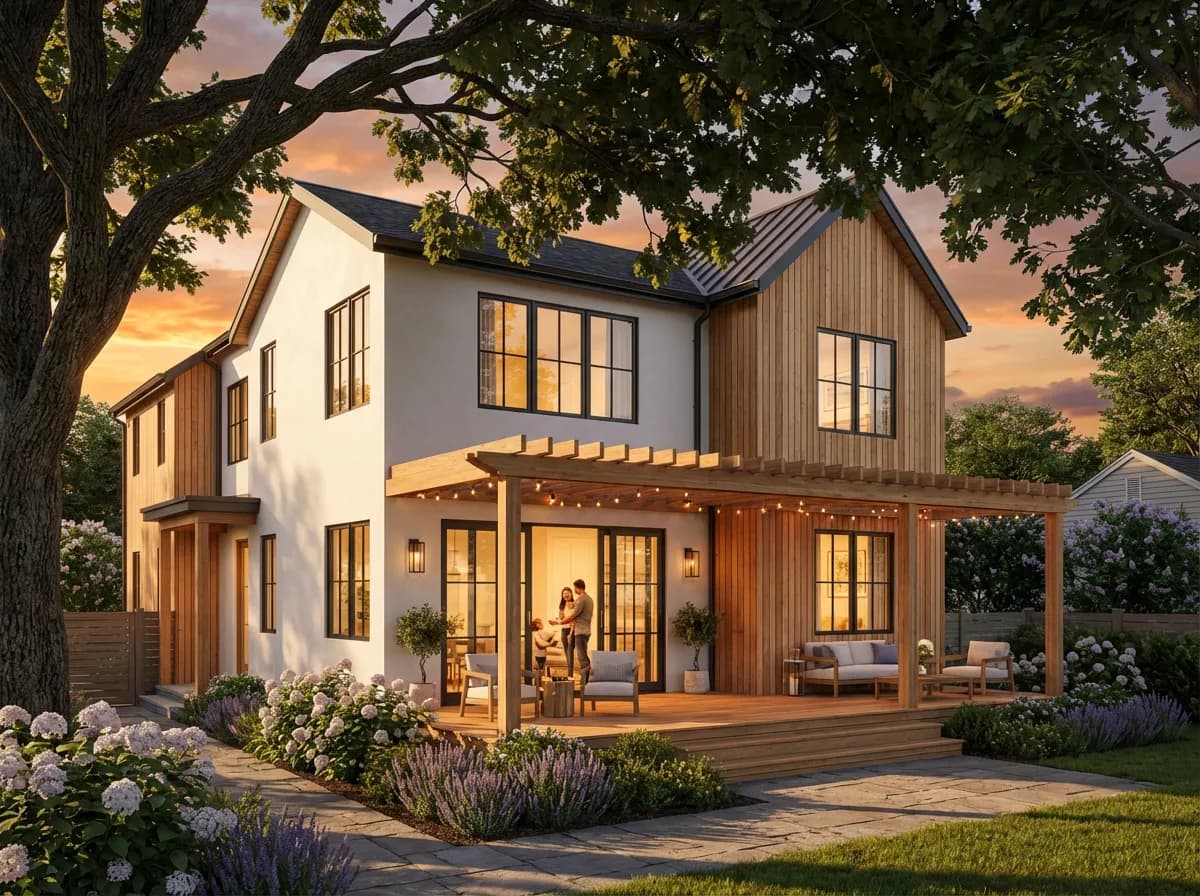
SketchUp Models in Stunning Detail
Simple concepts to фотореалистичный presentations.
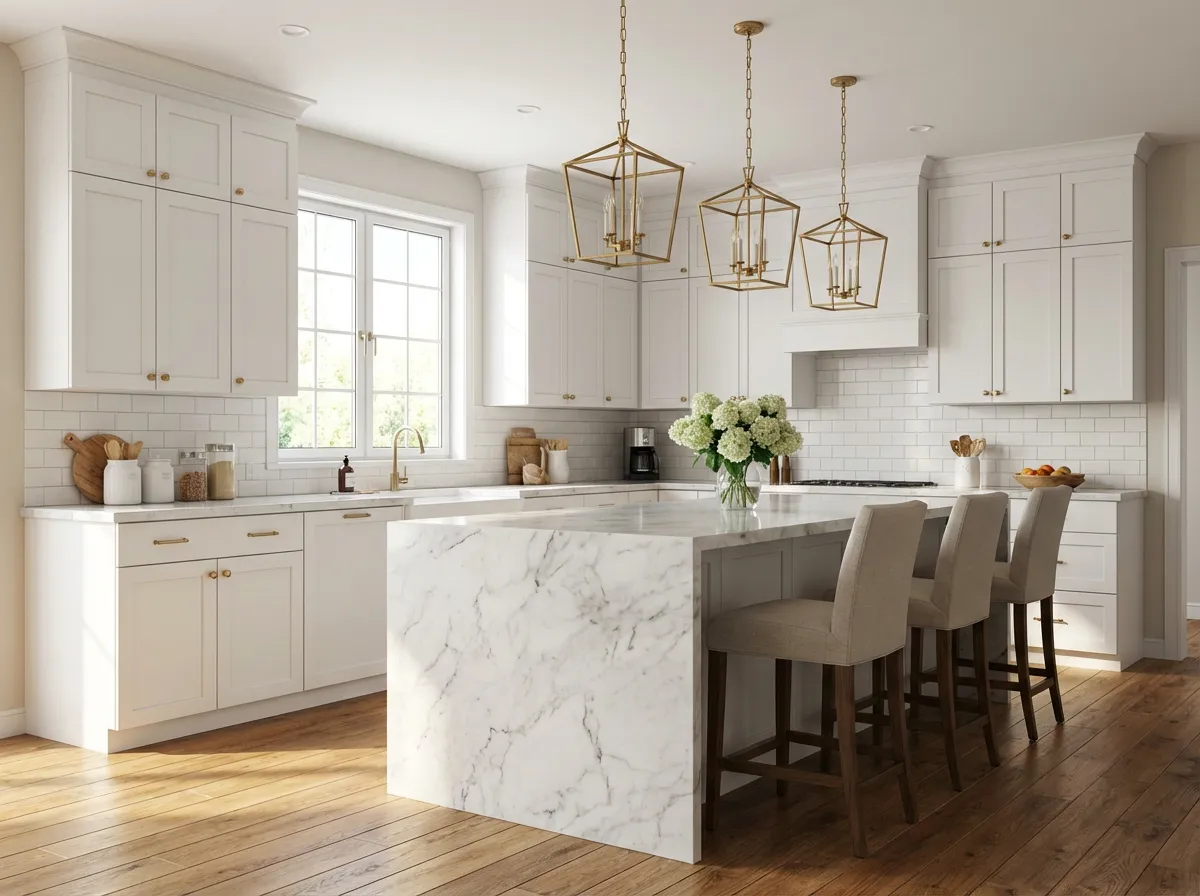
Marble island, warm освещение, premium appliances.
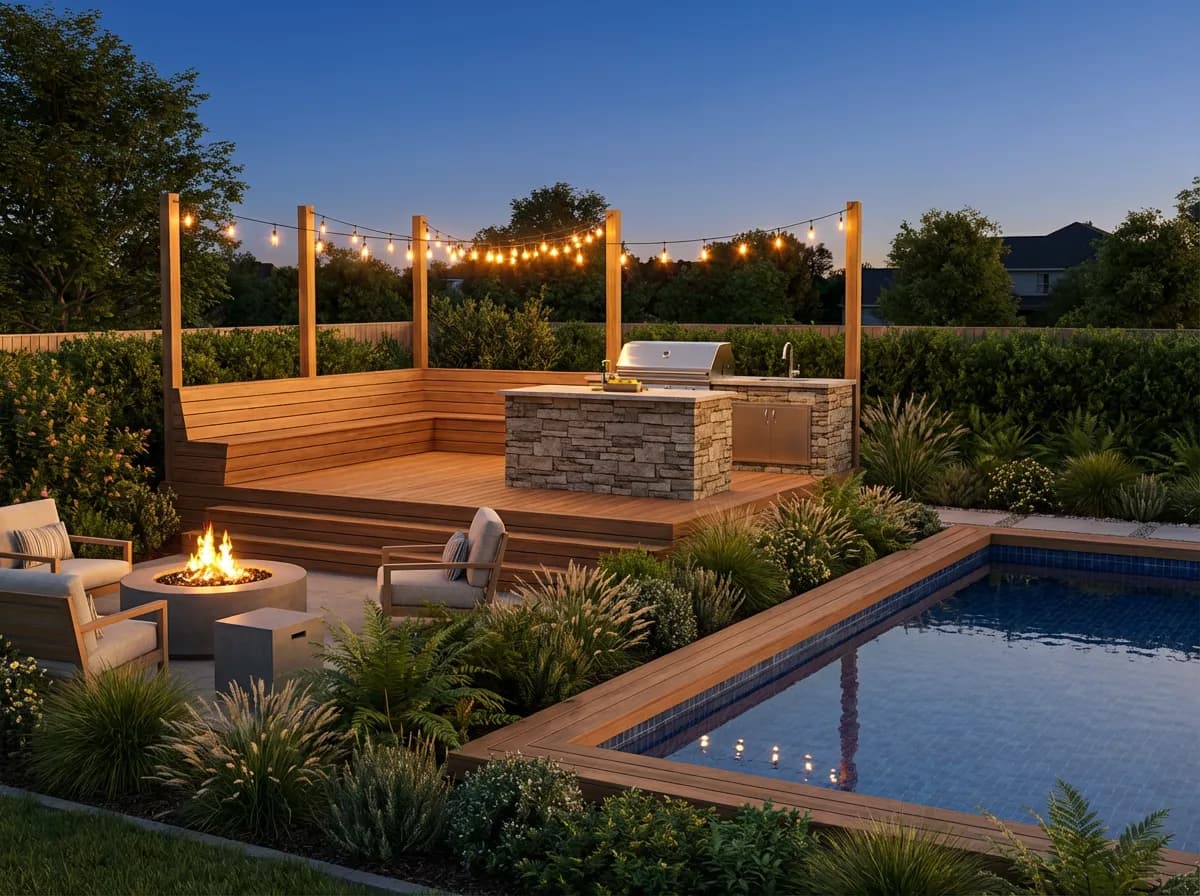
Deck, pool, и ландшафтный дизайн рендерed фотореалистичныйвсеy.
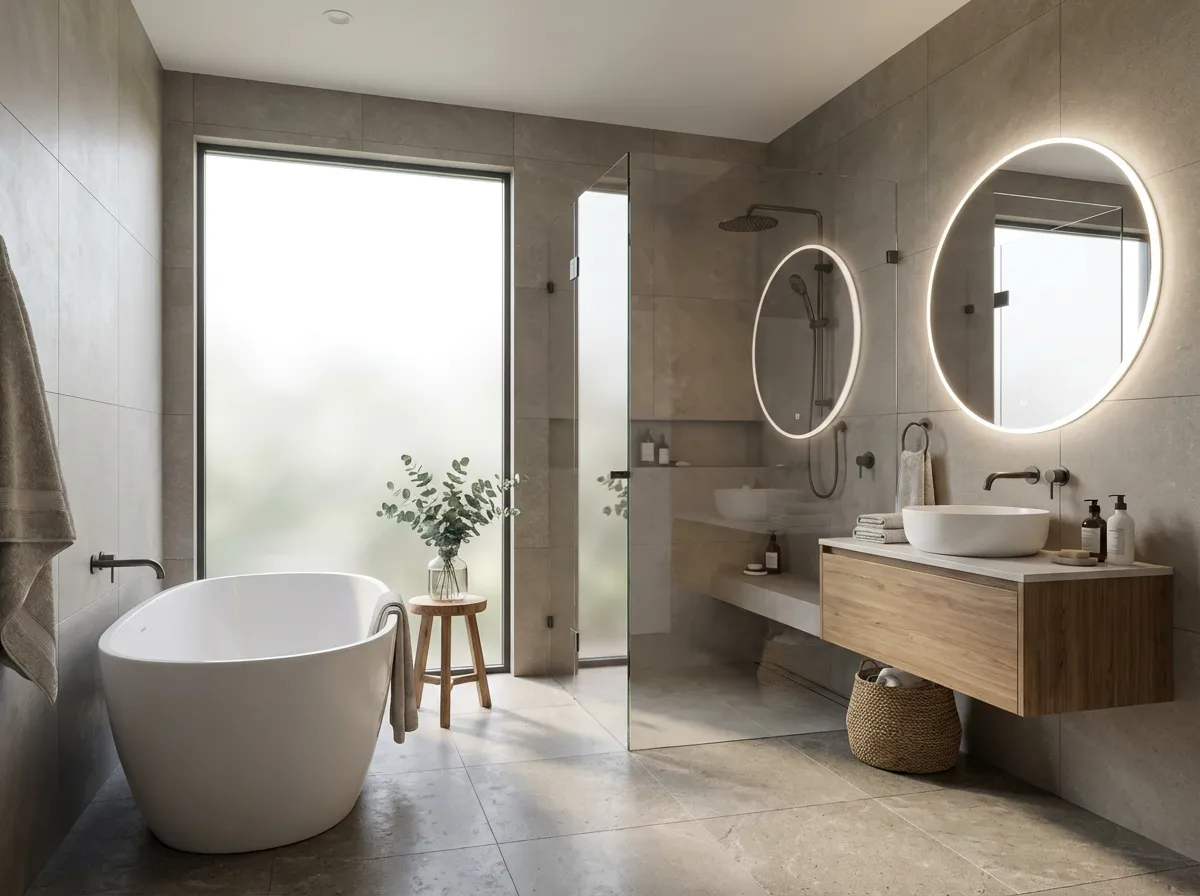
Бесплатноstanding tub, large tiles, soft natural свет.
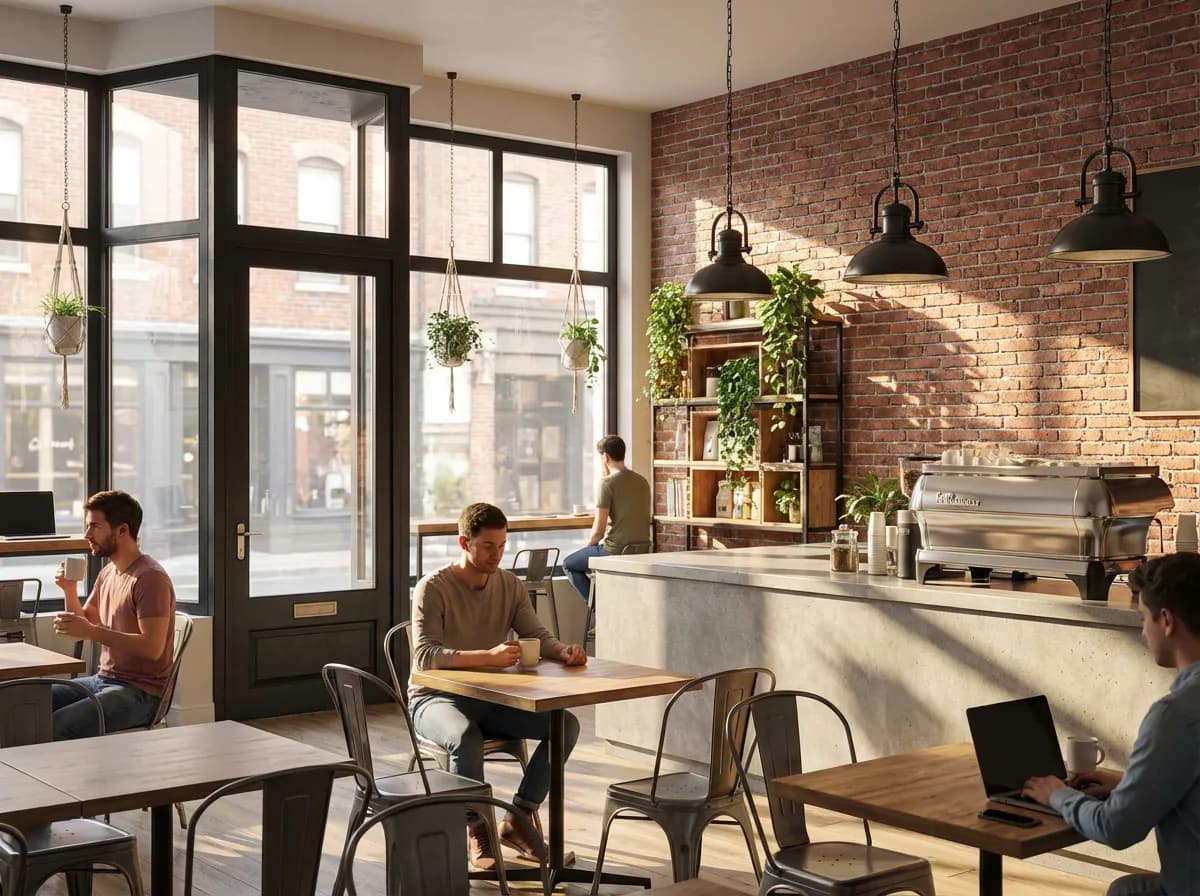
Exposed brick, industrial освещение, warm атмосфера.
Armox vs SketchUp Extensions
Полный Ваш SketchUp Workflow
SketchUp Рендеринг
AI рендеринг with SketchUp