TattooAI.howItWorksTitle TattooAI.howItWorksTitleHighlight
TattooAI.howItWorksSubtitle
01
TattooAI.step1TitleTattooAI.step1Description
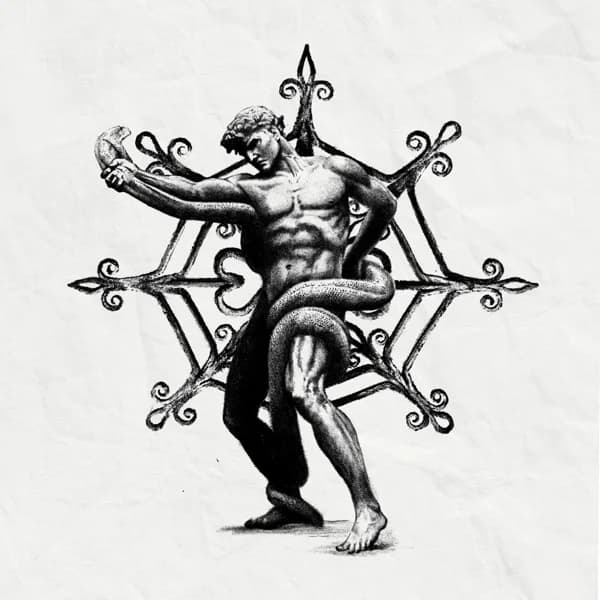
02
TattooAI.step2TitleTattooAI.step2Description
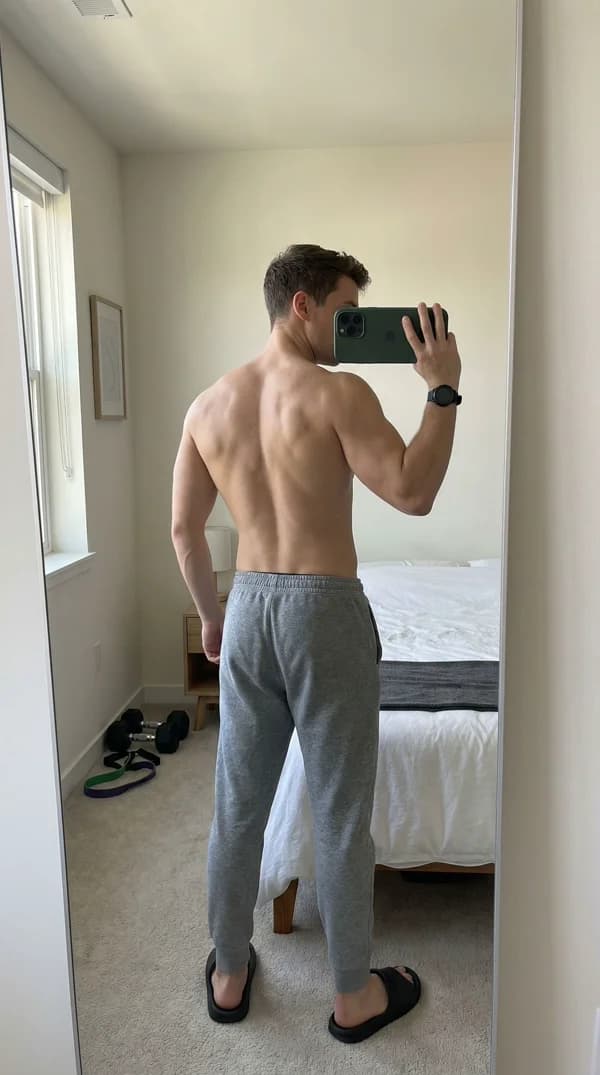
03
TattooAI.step3TitleTattooAI.step3Description
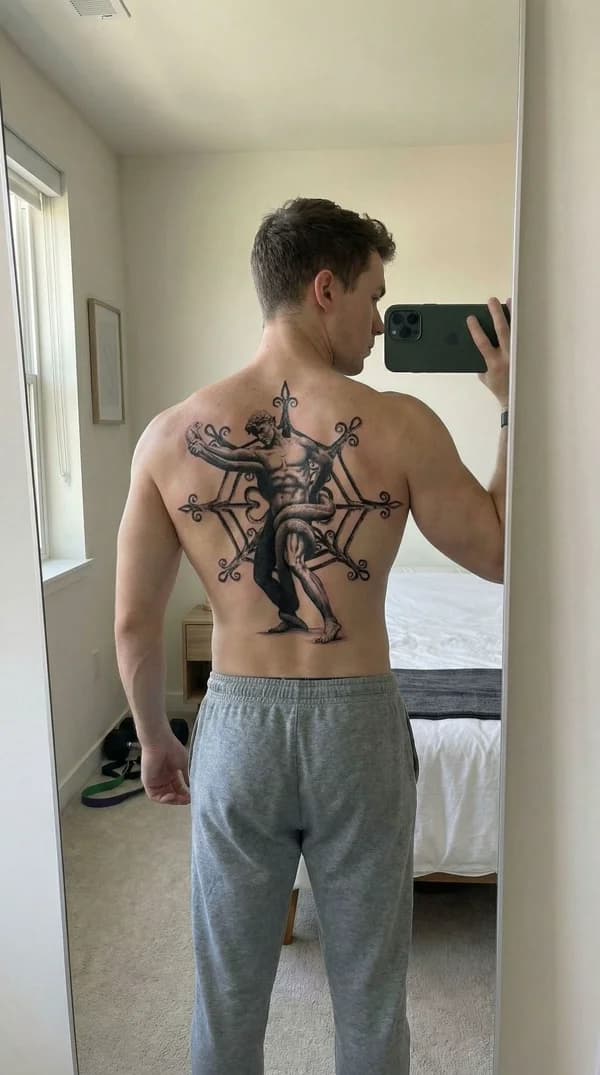
04
TattooAI.step4TitleTattooAI.step4Description
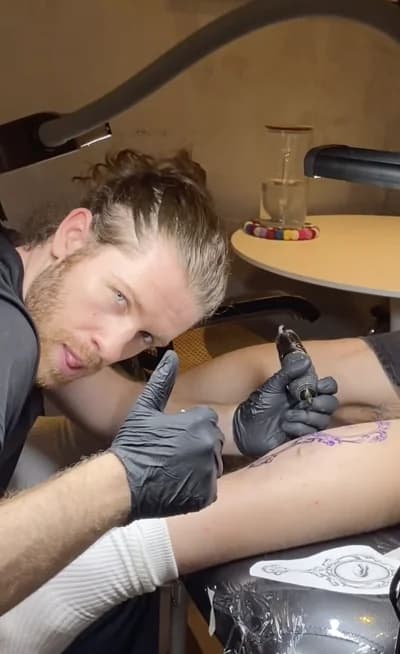
TattooAI.videoTitle
TattooAI.videoSubtitle
Frequently Asked Questions
Everything you need to know about AI tattoo try-on
Our AI tattoo try-on uses advanced image processing to realistically place your tattoo design onto a photo of your body. Simply upload your design and a photo showing the area where you want the tattoo, and the AI generates a photorealistic preview showing exactly how the tattoo will look on your skin, matching lighting and skin tone automatically.
Yes! Our AI creates highly realistic tattoo previews that account for skin tone, lighting conditions, body contours, and the natural way ink sits on skin. Professional tattoo artists use Armox to show clients accurate representations of how their tattoo will actually look before the needle touches skin.
Absolutely! You can upload multiple photos showing different body areas (arm, leg, back, chest, etc.) and preview the same tattoo design in different locations. This helps you find the perfect placement before committing to permanent ink.
Our AI works with all tattoo styles including fine line, traditional, neo-traditional, blackwork, watercolor, geometric, Japanese, tribal, realism, and more. Whether your design is a simple minimalist symbol or a detailed full sleeve, the AI adapts to render it realistically.
Yes! You can start with 1000 free credits - no credit card required. Each tattoo try-on costs a small amount of credits, so you can generate multiple previews to find your perfect look before committing to a design.
Definitely! Many professional tattoo artists use Armox to show clients exactly how their custom designs will look before the appointment. It's perfect for client consultations, reducing revision requests, and creating content for social media portfolios.