만들 수 있는 것들
AI로 이미지를 생성하고 향상시키는 4가지 강력한 방법.
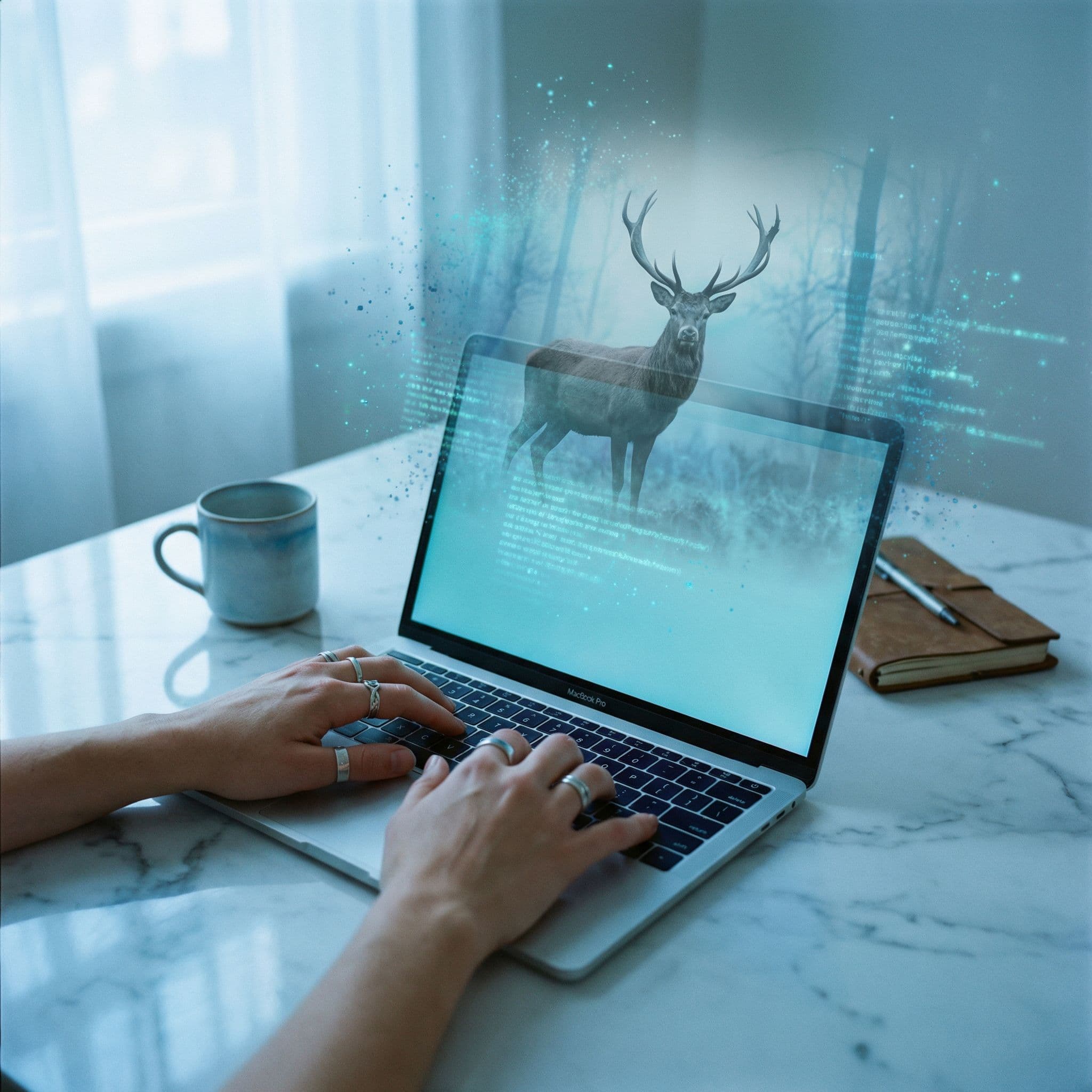
Text to Image
단어로 만들기
어떤 이미지든 설명하고 AI가 생명을 불어넣는 것을 지켜보세요. 사실적인 사진, 일러스트, 아트.
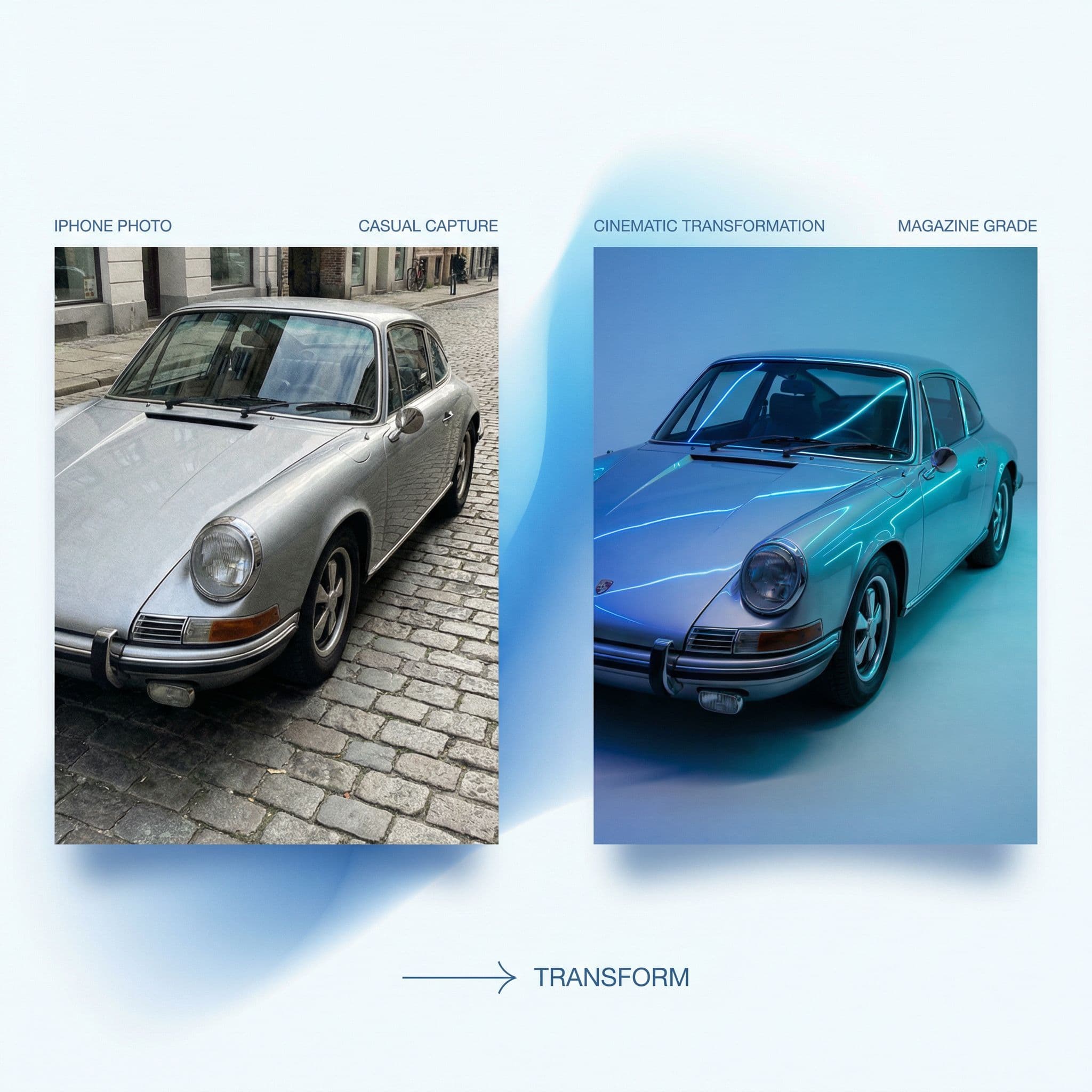
Image to Image
이미지 변환
기존 이미지로 시작해서 수정하세요. 스타일 변경, 요소 추가, 또는 완전히 재상상.
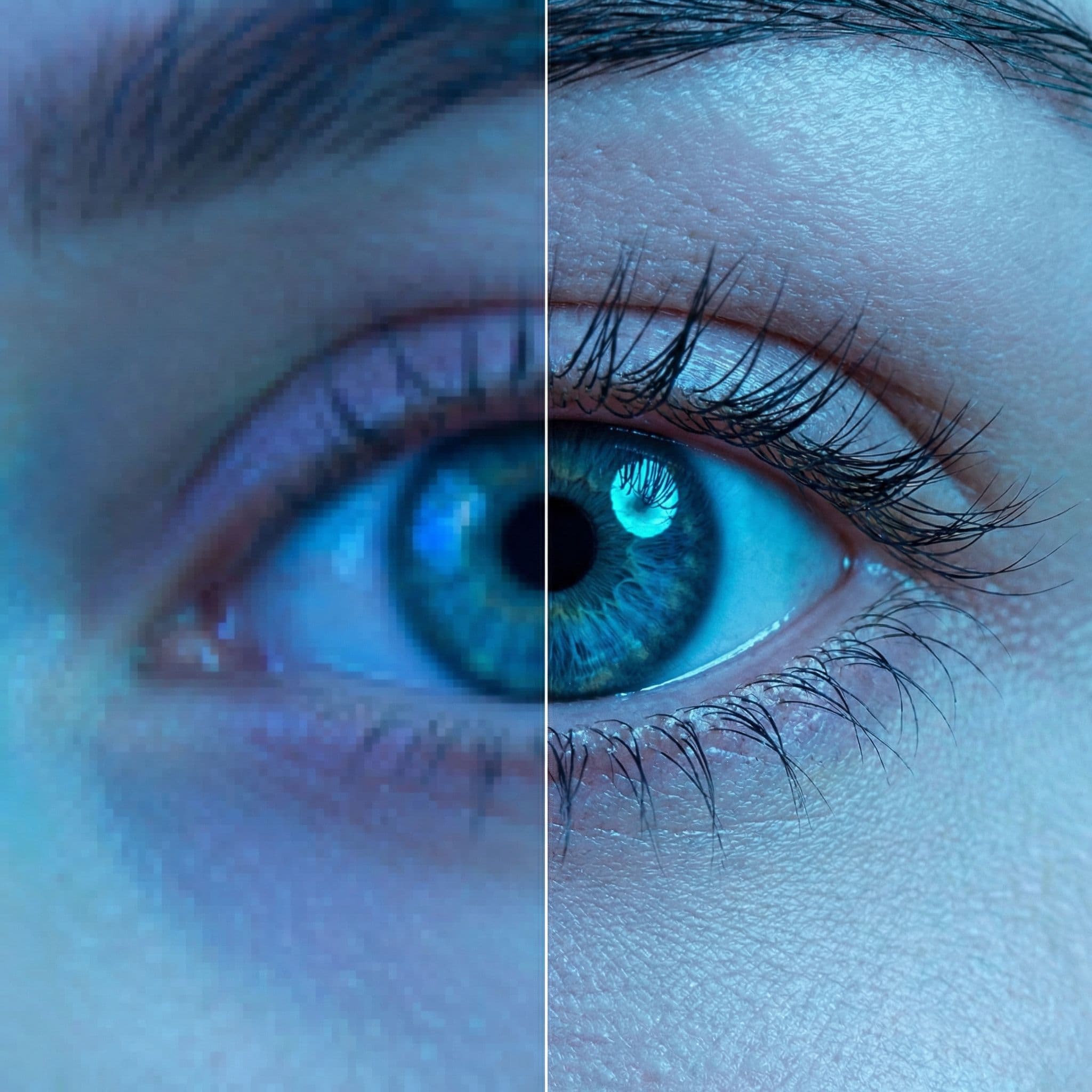
Upscaling
4K+ 업스케일
품질 손실 없이 해상도를 향상시킵니다. 작은 이미지를 인쇄 가능한 걸작으로 만드세요.
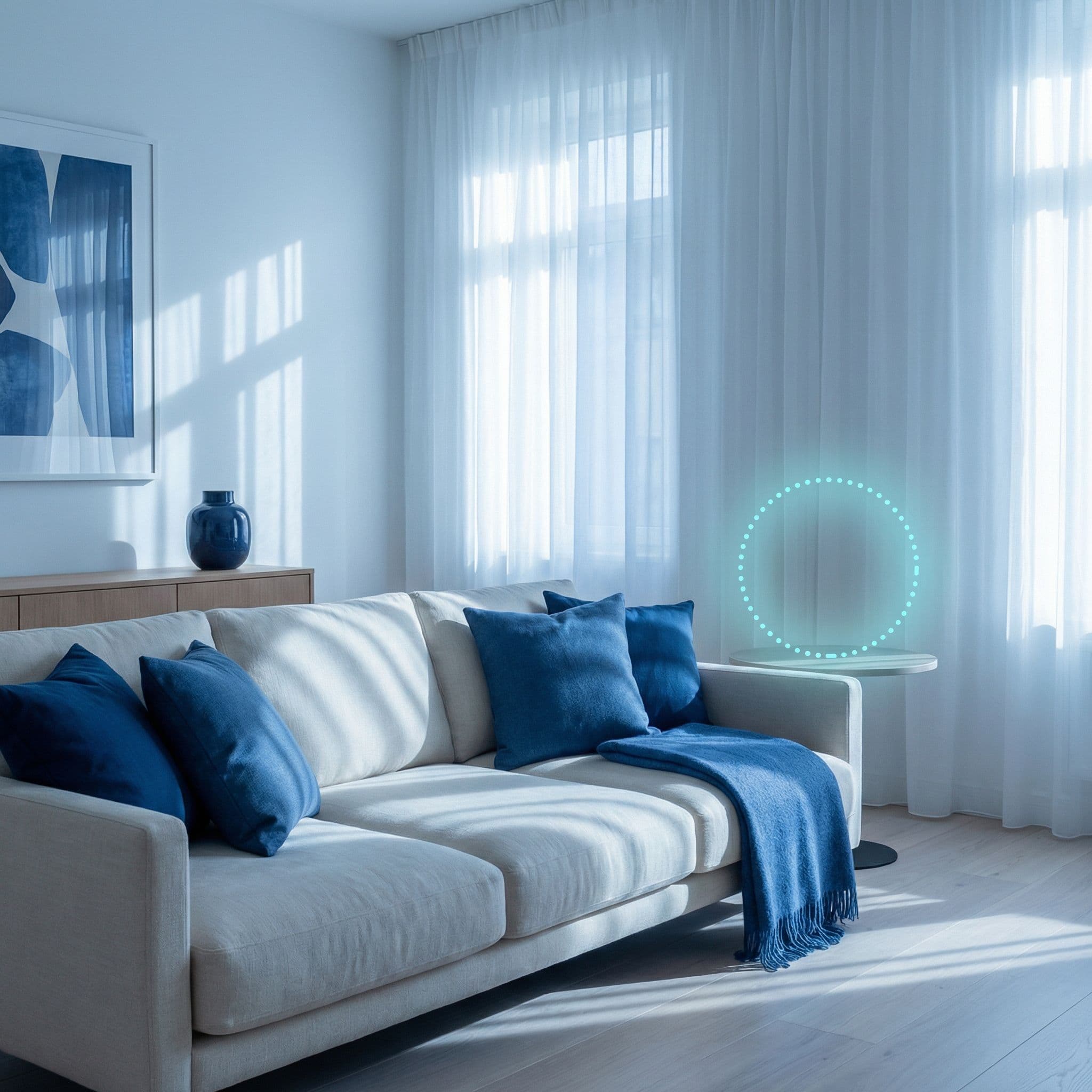
Inpainting
정밀 편집
개체 제거, 배경 채우기, 특정 영역 수정. 인페인팅으로 정밀 제어.
만들기 위한 모든 것
50개 이상의 AI 모델
Flux, SDXL, Nano Banana, Seedream 등에 접근하세요. 당신의 스타일에 맞는 완벽한 모델을 찾으세요.
스타일 제어
참조 이미지, 스타일 프리셋, 상세한 프롬프트로 정밀한 창의적 제어.
배치 생성
한 번에 여러 변형을 생성합니다. 빠르게 옵션을 탐색하고 완벽한 이미지를 찾으세요.
즉각적인 결과
대부분의 이미지가 몇 초 만에 생성됩니다. 기다림 없음, 대기열 없음.
반복적 개선
출력을 입력으로 사용하세요. 여러 세대에 걸쳐 창작물을 다듬고 발전시키세요.
고해상도 내보내기
PNG, JPG 또는 WebP로 다운로드. 어떤 용도로든 준비된 전체 해상도 파일.
최고의 AI 모델 기반
최고의 이미지 생성 모델 중에서 선택하세요.





Frequently Asked Questions
Everything you need to know about AI image generation
AI image generation uses artificial intelligence to create images from text descriptions (text-to-image) or transform existing images (image-to-image). Modern AI models can generate photorealistic photos, artistic illustrations, concept art, and more in seconds, without any design skills required.
Text-to-image (T2I) creates new images from scratch based on your written description. Image-to-image (I2I) transforms an existing image by applying styles, changing elements, or enhancing quality. Both techniques are powerful - T2I for generating new concepts, I2I for editing and refining existing visuals.
It depends on your needs: Flux Pro excels at photorealistic images, SDXL is versatile for many styles, Nano Banana is great for character generation, and Seedream offers exceptional quality. Armox lets you try all models with the same credits, so you can experiment to find what works best for your project.
Yes! Images you generate with Armox are yours to use commercially with no attribution required. You own the output and can use it for websites, marketing materials, products, social media, and more. However, always check that your prompts don't infringe on copyrighted content.
Write detailed prompts including subject, style, lighting, mood, and composition. Use reference images for image-to-image workflows. Start with multiple generations to explore variations, then refine your favorite. Our Academy has comprehensive prompt engineering guides for each model.
Armox supports various aspect ratios (1:1, 16:9, 9:16, 4:3, 3:2, etc.) and can upscale images to 4K or 8K resolution. Exports are available in PNG, JPG, and WebP formats. Most models generate at 1024x1024 base resolution, with upscaling available for higher quality outputs.