Réparez n’importe quelle partie de votre rendu avec Inpainting AI Parfaitement intact
Peignez les zones que vous souhaitez modifier et laissez l'IA les régénérer, tout en gardant tout le reste exactement tel qu'il était. Corrigez les artefacts, supprimez l'encombrement et remplissez les régions incomplètes en quelques secondes.
Aucune carte de crédit requise1000 crédits gratuits
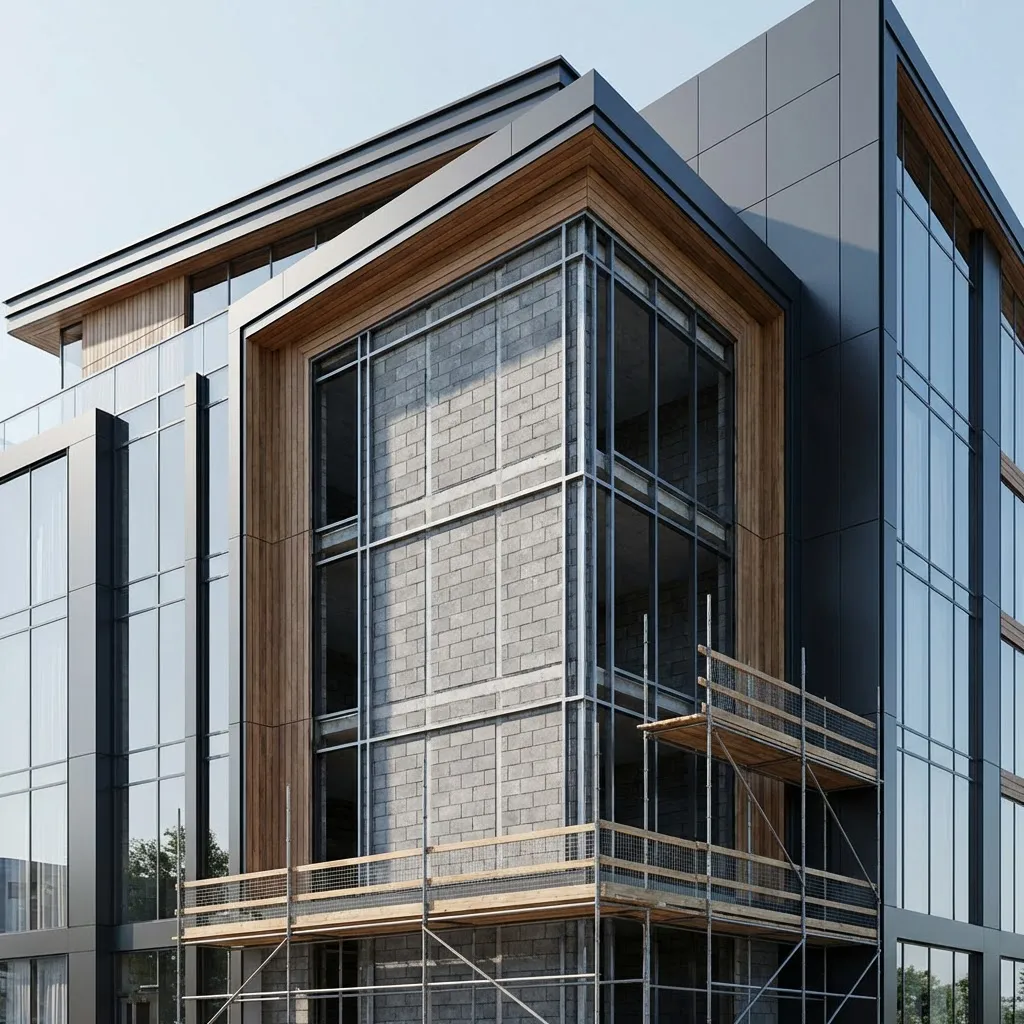
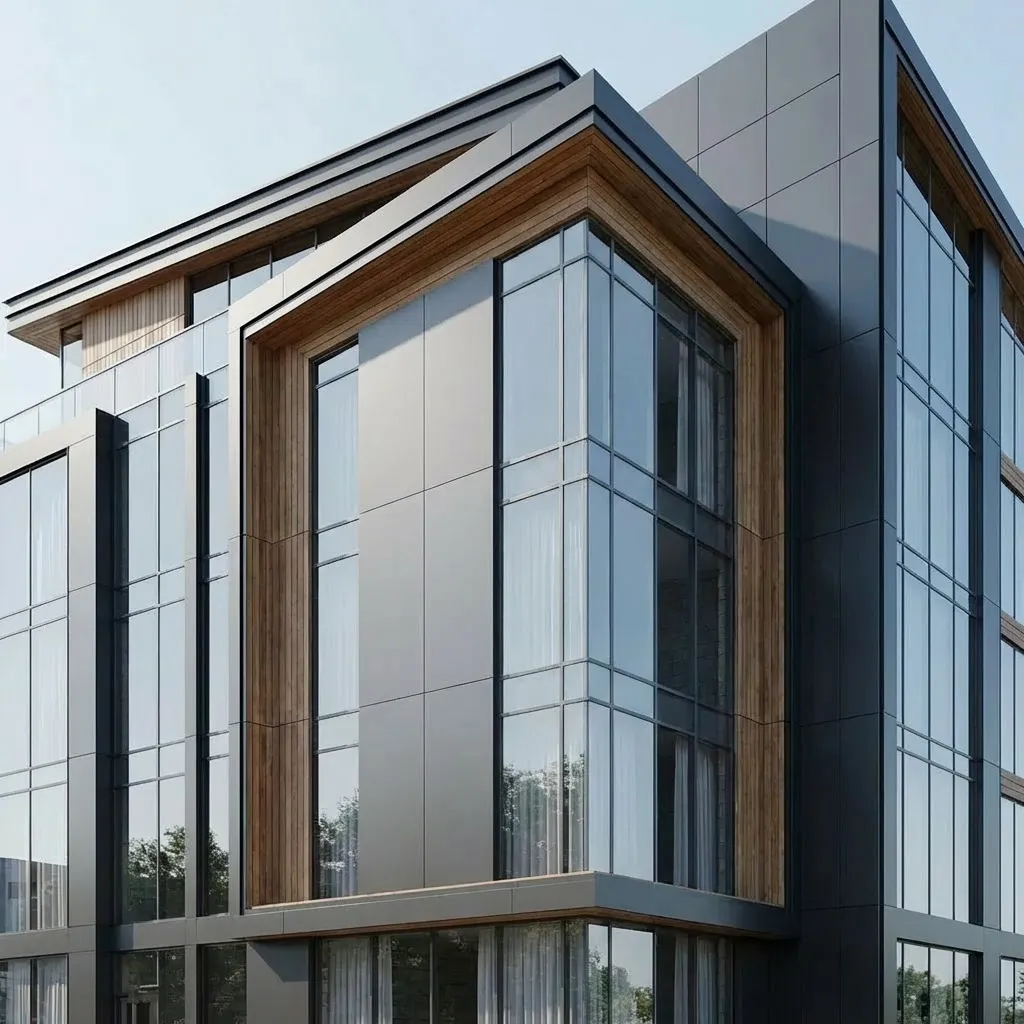

Photorealistic render with perfect lighting, realistic materials and cinematic composition...
Photorealistic render with perfect lighting, realistic materials and cinematic composition...
utilisé par plus de 25000 créateurs







Voir Inpainting AI en action
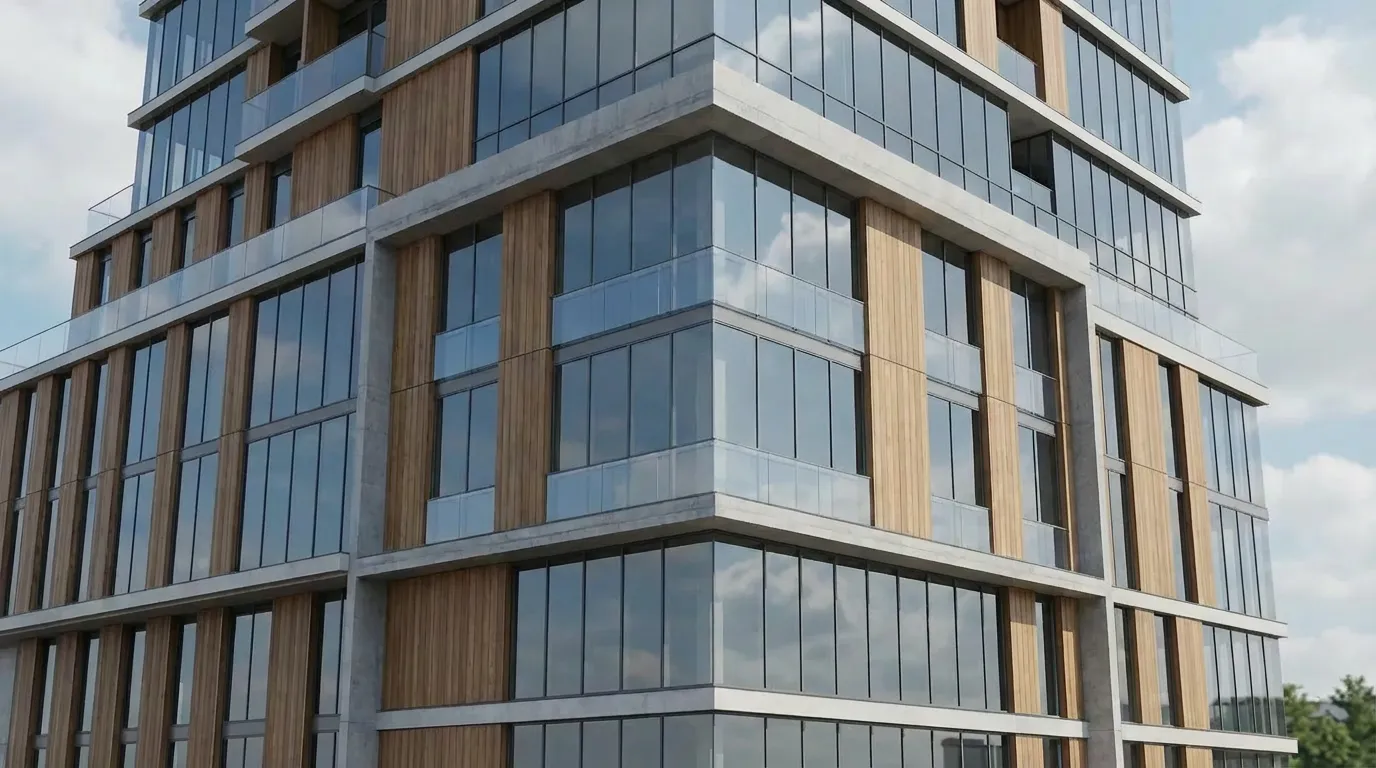
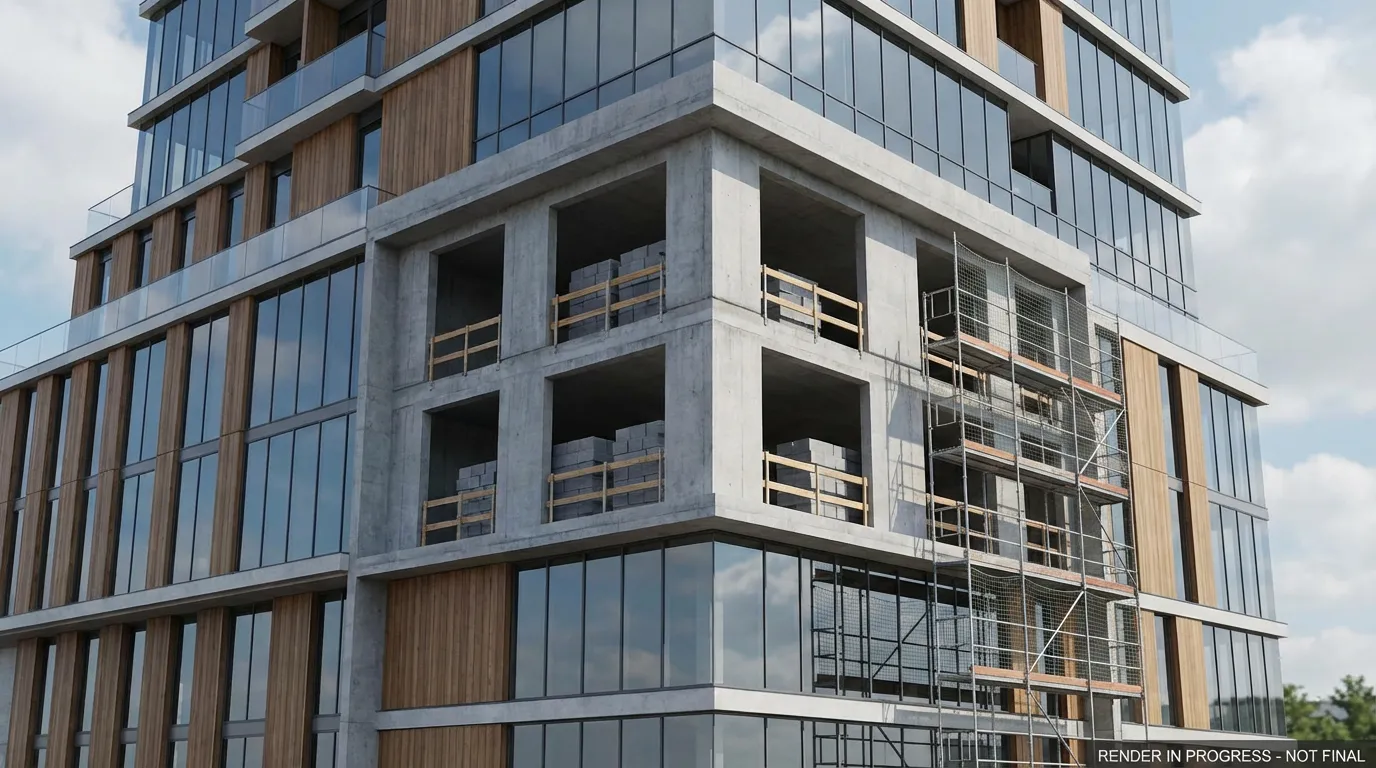
Regardez comment l'IA régénère de manière transparente certaines zones de rendus architecturaux tout en préservant chaque détail environnant.
Comment ça Fonctionne
Téléchargez tout rendu architectural ou photo de bâtiment nécessitant des corrections. Prend en charge les images haute résolution jusqu'à 8K.
Utilisez l'outil Pinceau pour masquer les zones que vous souhaitez modifier. Décrivez ce qui devrait les remplacer ou laissez l’IA prendre le relais naturellement.
L'IA régénère uniquement les zones masquées tout en gardant le reste au pixel près. Téléchargez votre image corrigée en pleine résolution.
Où les architectes utilisent Inpainting AI
Des solutions rapides aux révisions majeures, l'inpainting gère les corrections fastidieuses qui prenaient des heures dans Photoshop.
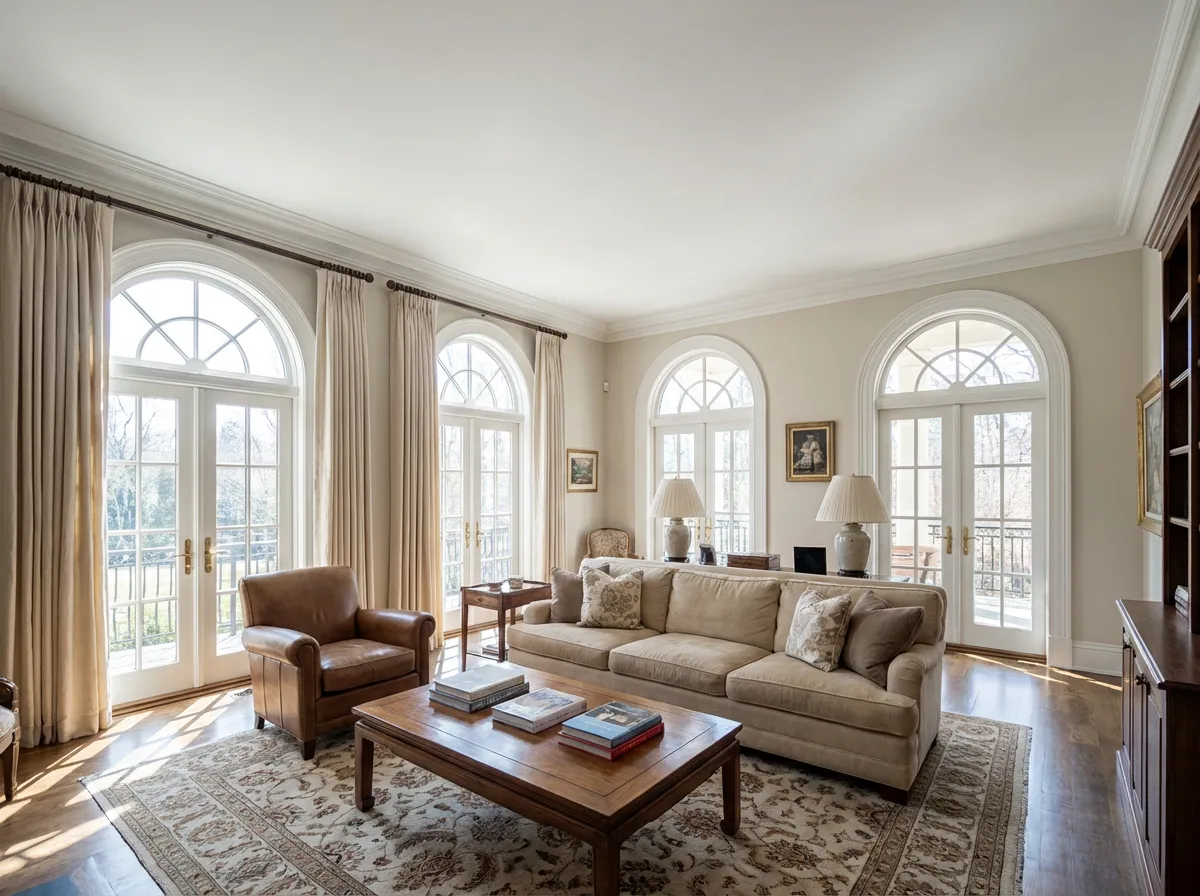
Éliminez les problèmes, le bruit et les artefacts visuels des rendus 3D sans restituer la scène entière. Économisez des heures de temps de calcul.
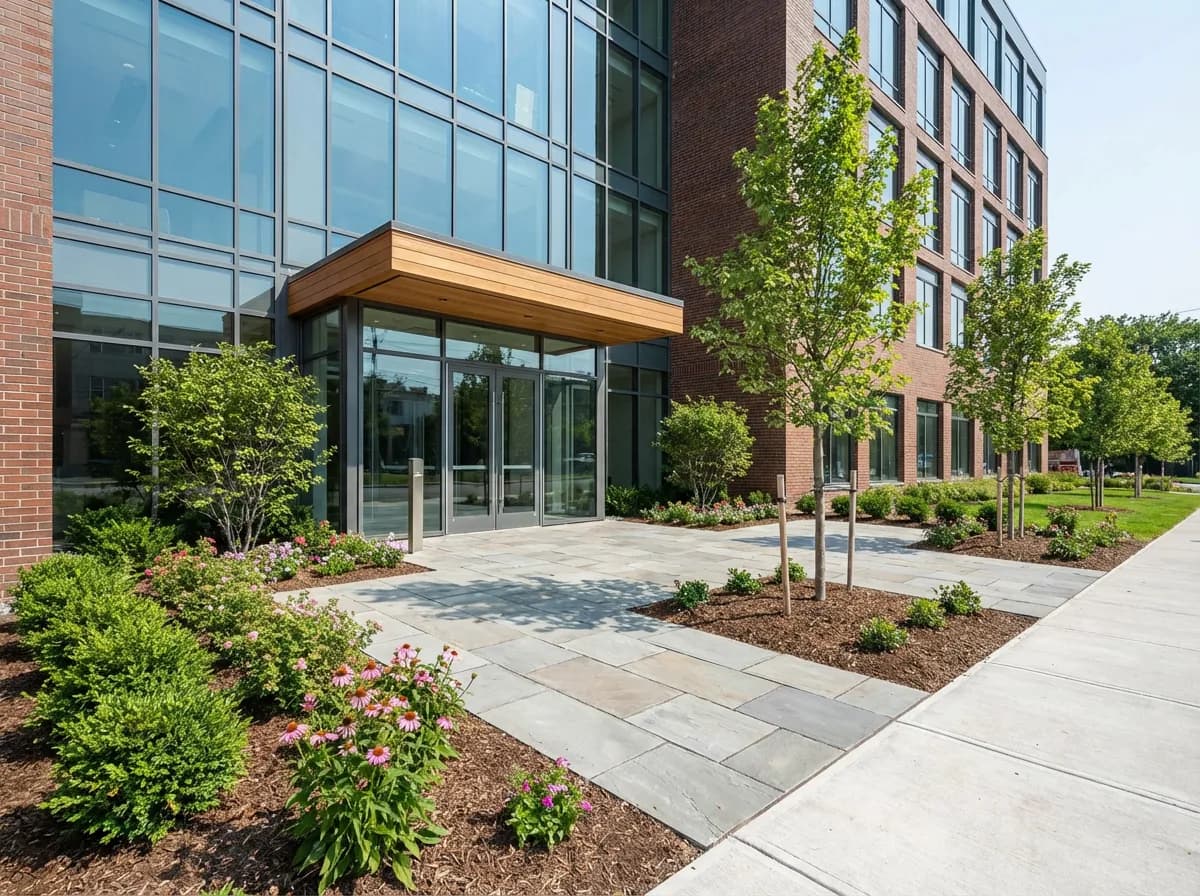
Nettoyez les photos du site en peignant sur les grues, les échafaudages et les machines. L’IA remplit naturellement le bâtiment et l’arrière-plan.
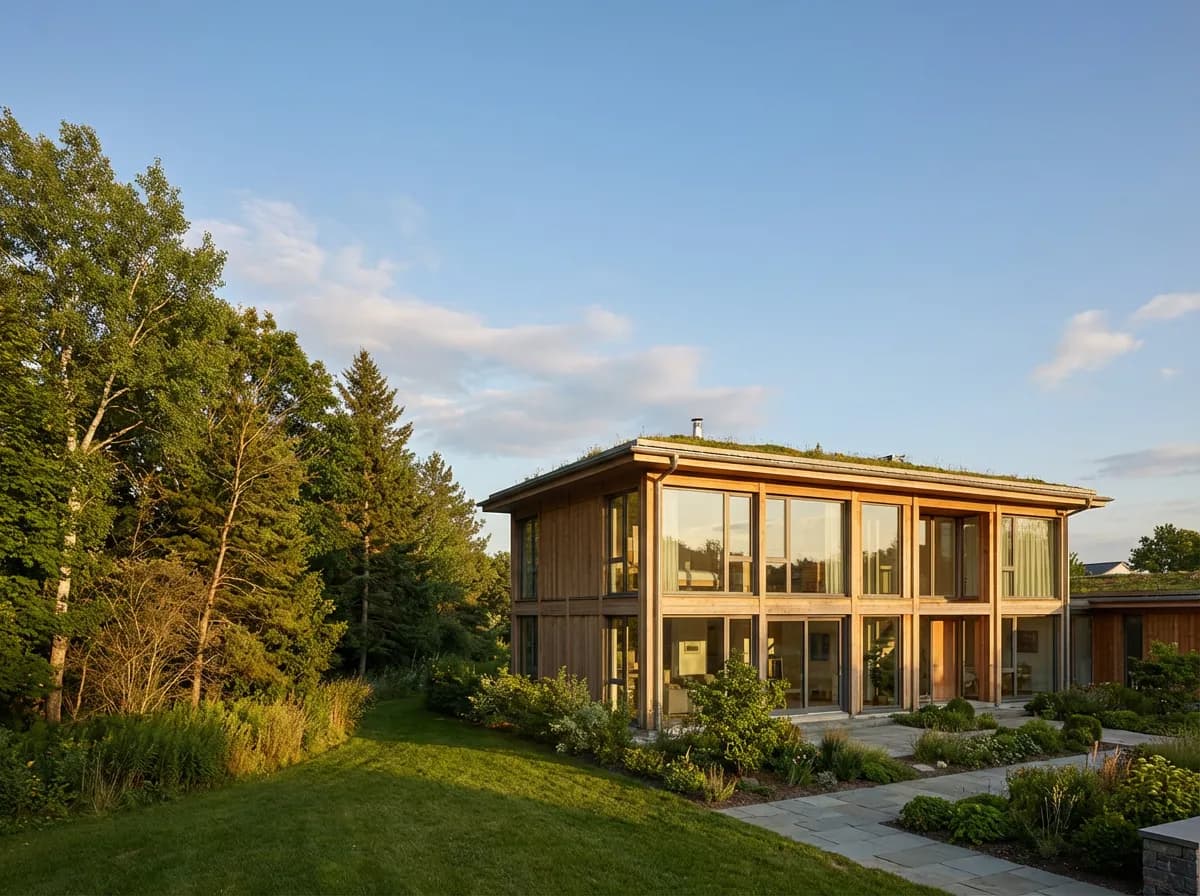
Étendez les rendus au-delà de leurs frontières d'origine ou remplissez les sections manquantes là où la géométrie était incomplète. L'IA génère du contenu correspondant de manière transparente.
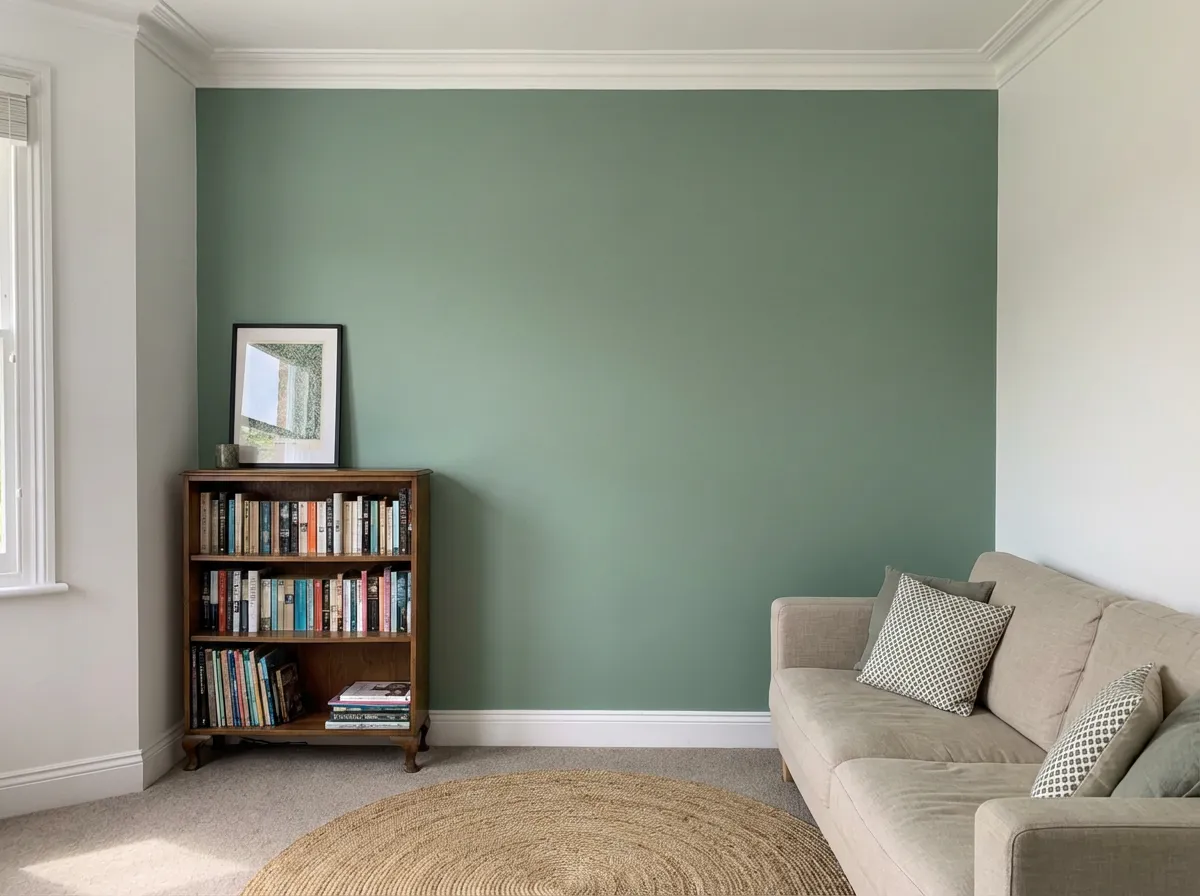
Modifiez la finition d'un seul mur, remplacez un matériau de sol ou mettez à jour un comptoir sans affecter aucune autre partie de votre rendu.
Pourquoi les architectes choisissent Notre peinture
Remplissage contextuel
L'IA comprend le contexte architectural (perspective, matériaux, éclairage) pour générer des remplacements qui se fondent parfaitement dans l'image environnante.
Contrôle de précision des brosses
Les tailles de pinceau variables et l'adoucissement des bords vous permettent de contrôler exactement quels pixels sont régénérés et lesquels restent intacts.
Génération guidée par texte
Décrivez ce que vous voulez dans la zone masquée – « mur-rideau en verre » ou « façade en brique » – et l'IA le génère avec un style et un éclairage assortis.
Traitement par lots
Appliquez les mêmes corrections d’inpainting sur plusieurs vues d’un projet. Corrigez une fois un artefact récurrent et propagez-le partout.
Explorer davantage Outils d'IA
Foire aux questions
Tout ce que vous devez savoir sur l’utilisation de l’IA d’inpainting pour les images architecturales.