
Armox Logo
    PricingAcademyContact
    1. AI Architecture
    2. Editing & Enhancement
    3. Remove Objects AI

    Remove Objects from Photos with AI Built for Architecture Never There

    Erase power lines, trash bins, vehicles, people, and construction equipment from your building photos. AI fills in the background naturally — as if the object was never there.

    No credit card required2000 free credits

    Upload - Image
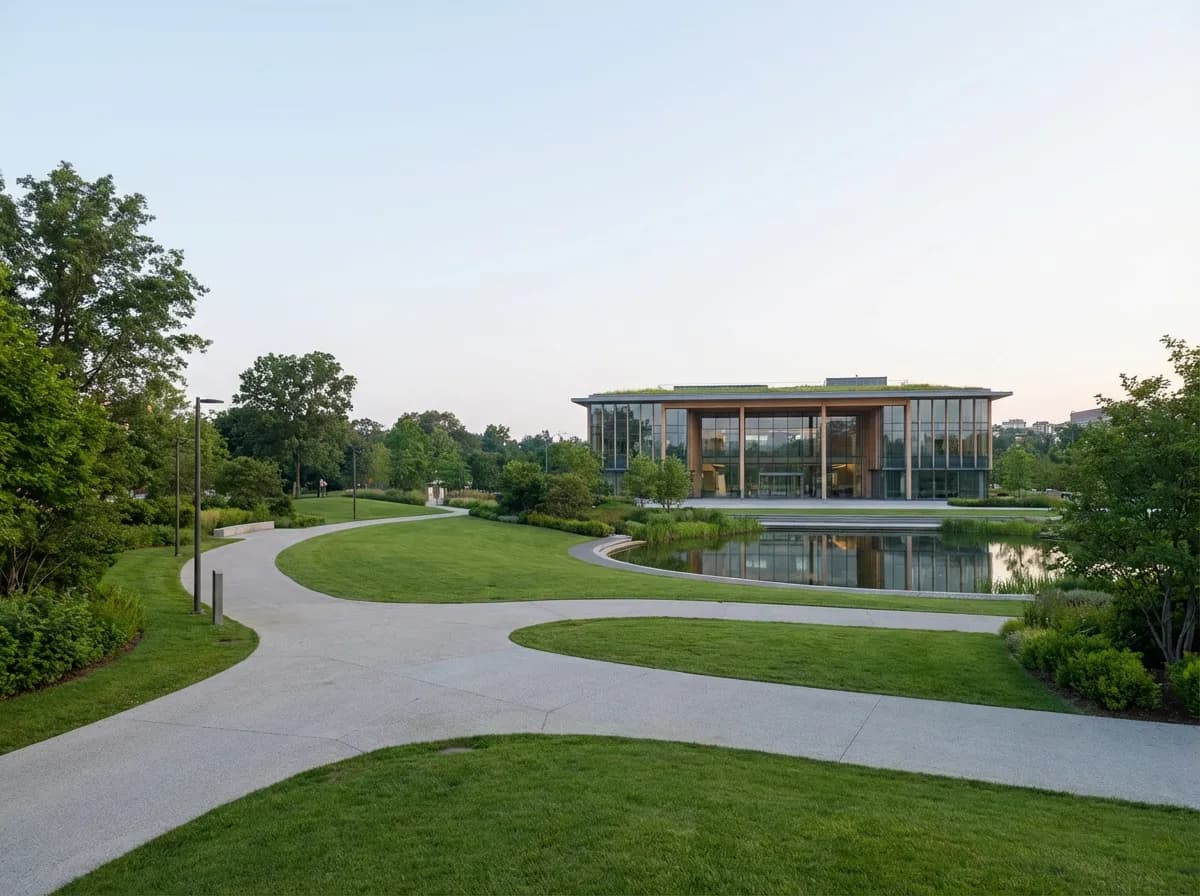
    Remove Objects from Photos with AI Built for Architecture Never There - input
    Google
    Nano Banana Pro
    Remove Objects from Photos with AI Built for Architecture Never There - result
    Prompt

    Photorealistic render with perfect lighting, realistic materials and cinematic composition...

    Run Node
    Upload - Image
    Remove Objects from Photos with AI Built for Architecture Never There - input
    Google
    Nano Banana Pro
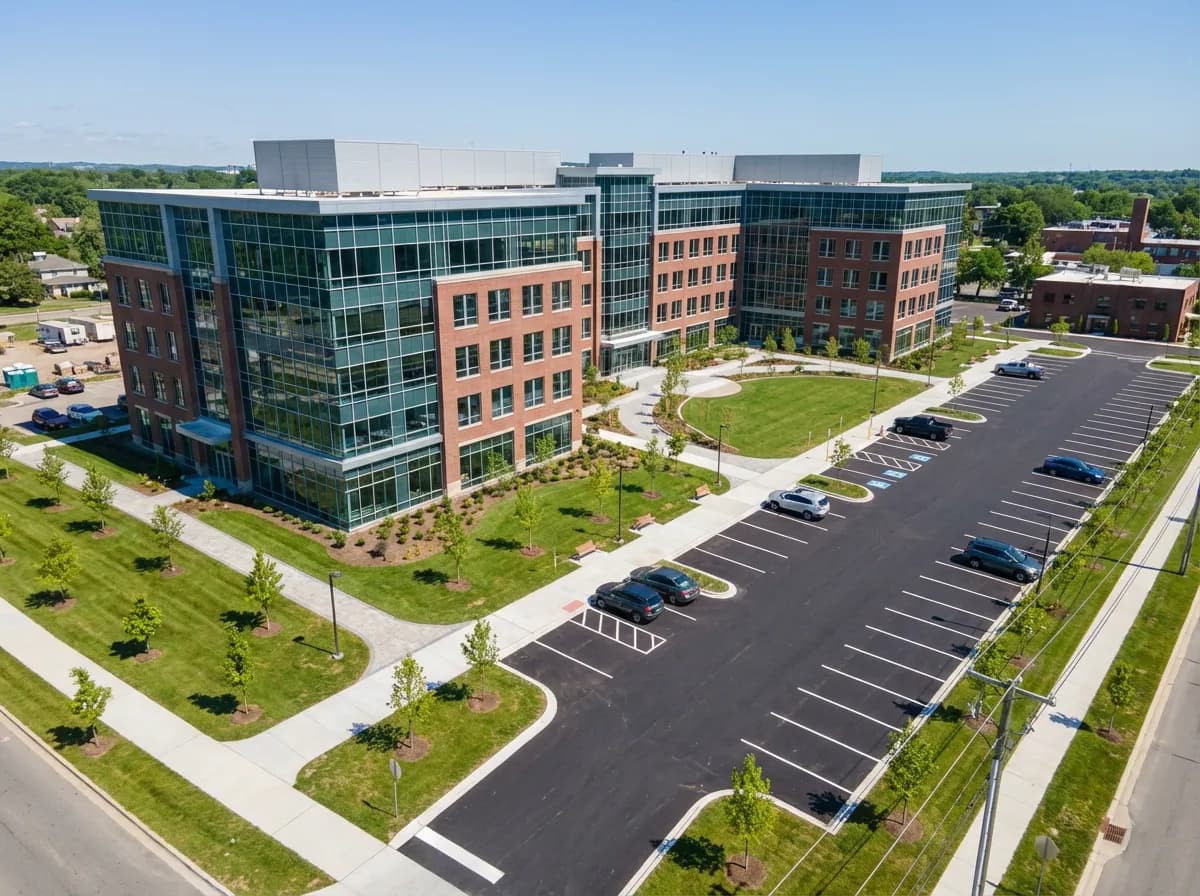
    Remove Objects from Photos with AI Built for Architecture Never There - result
    Prompt

    Photorealistic render with perfect lighting, realistic materials and cinematic composition...

    Run Node

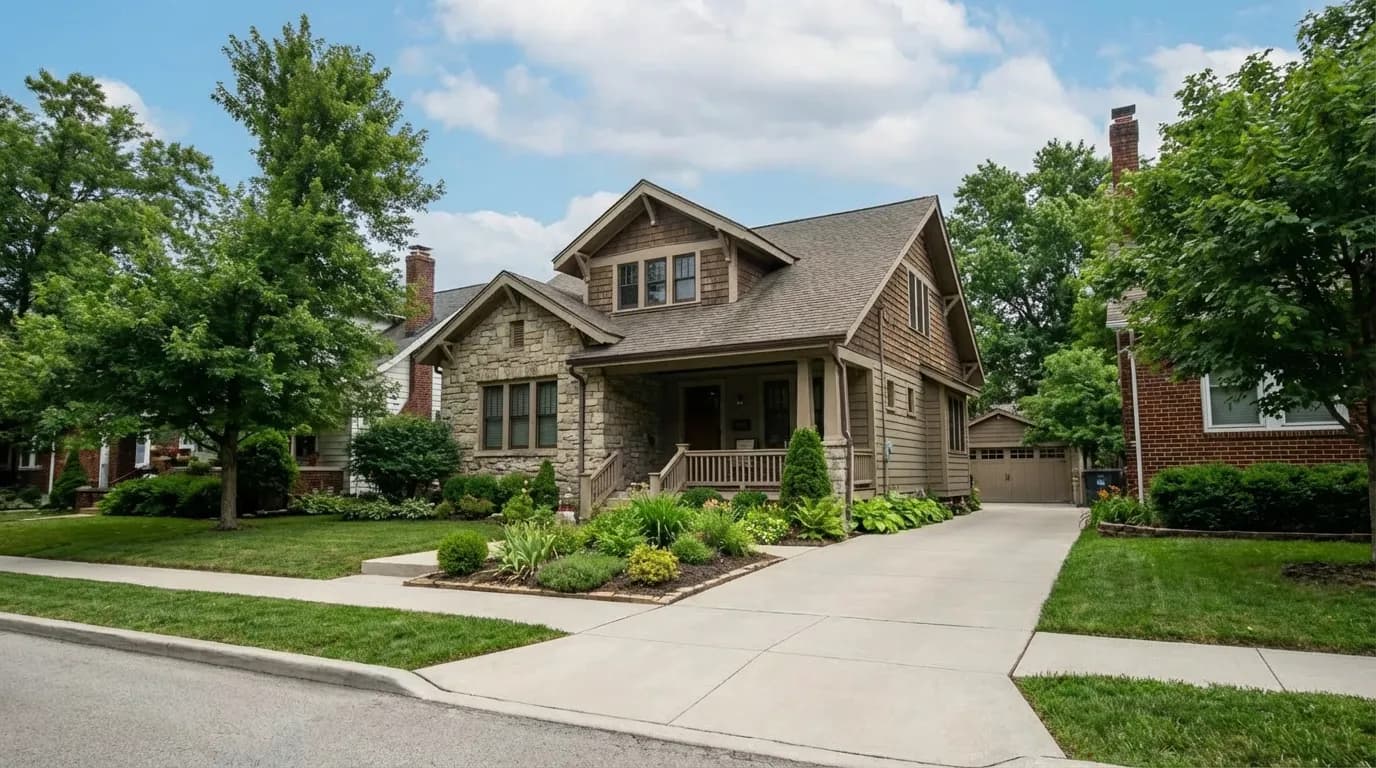
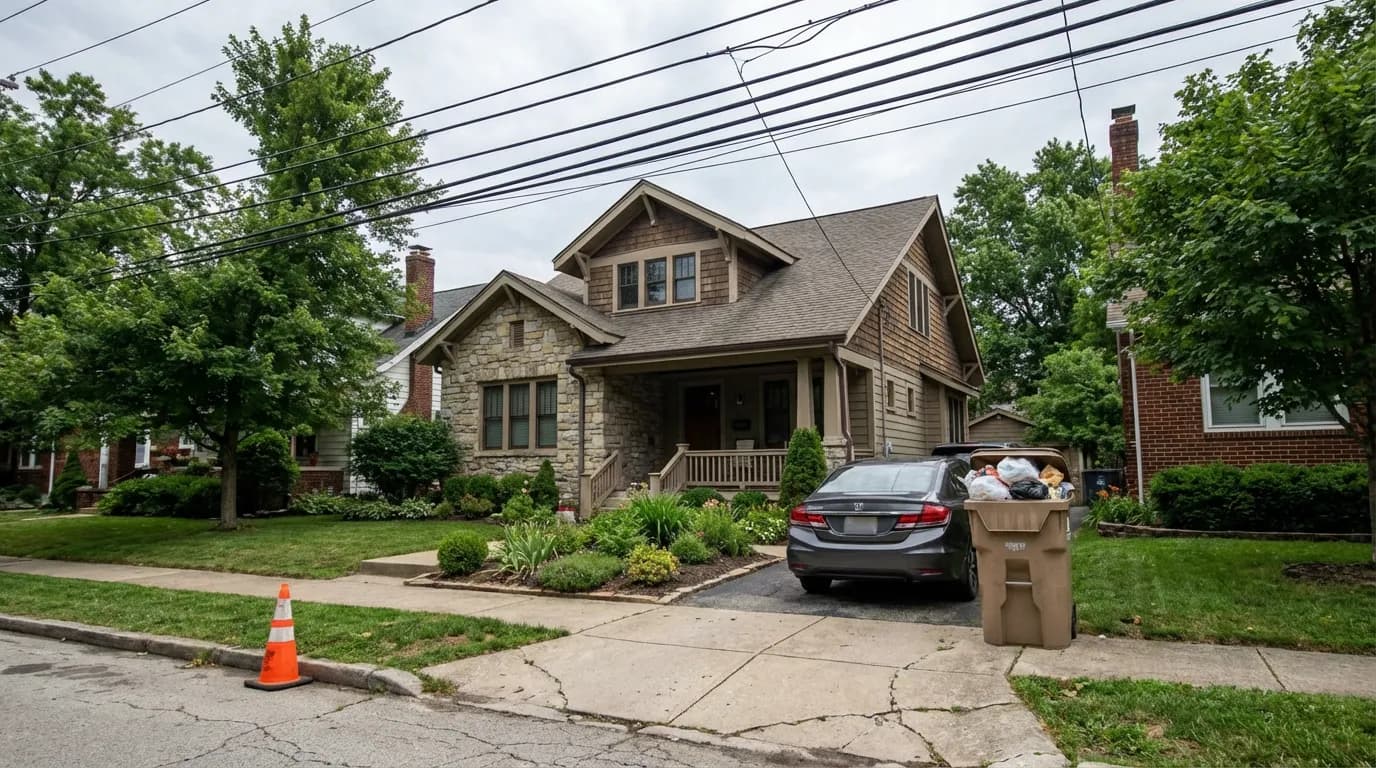
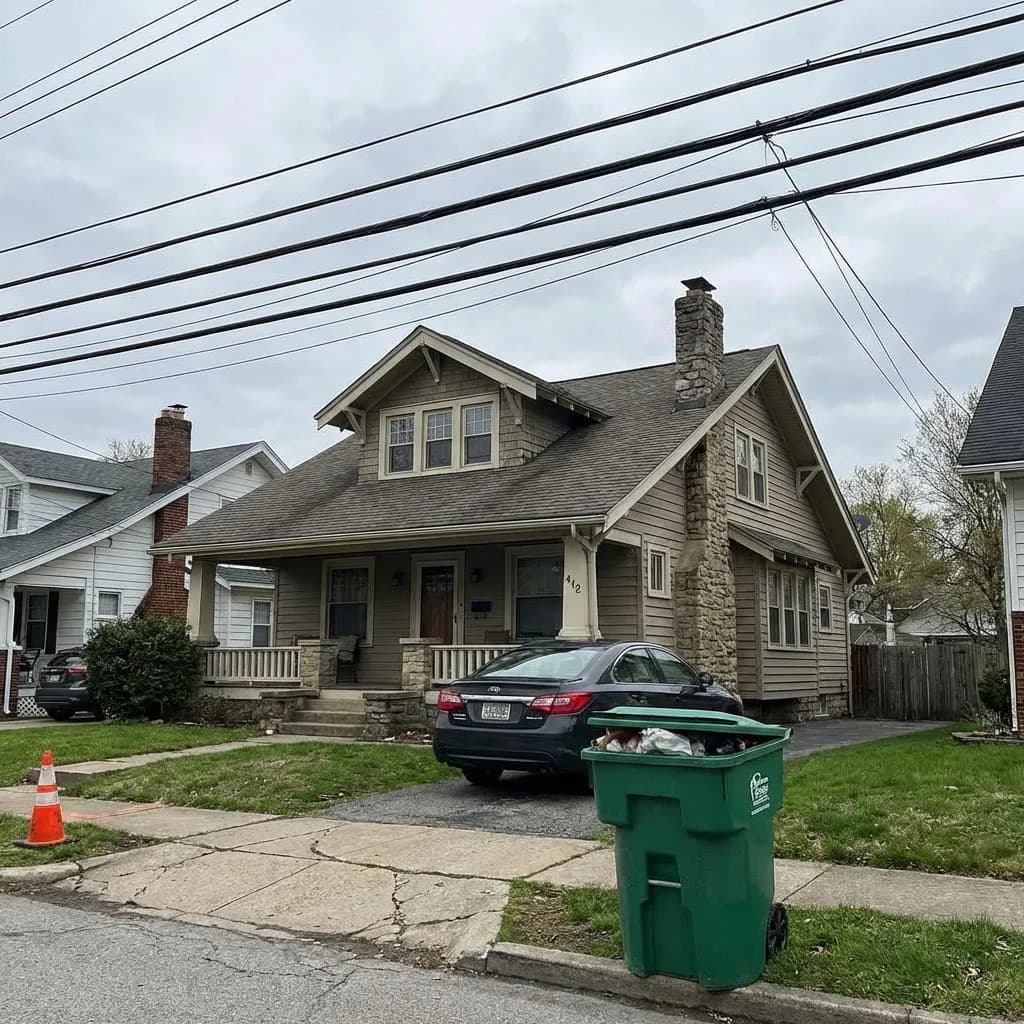
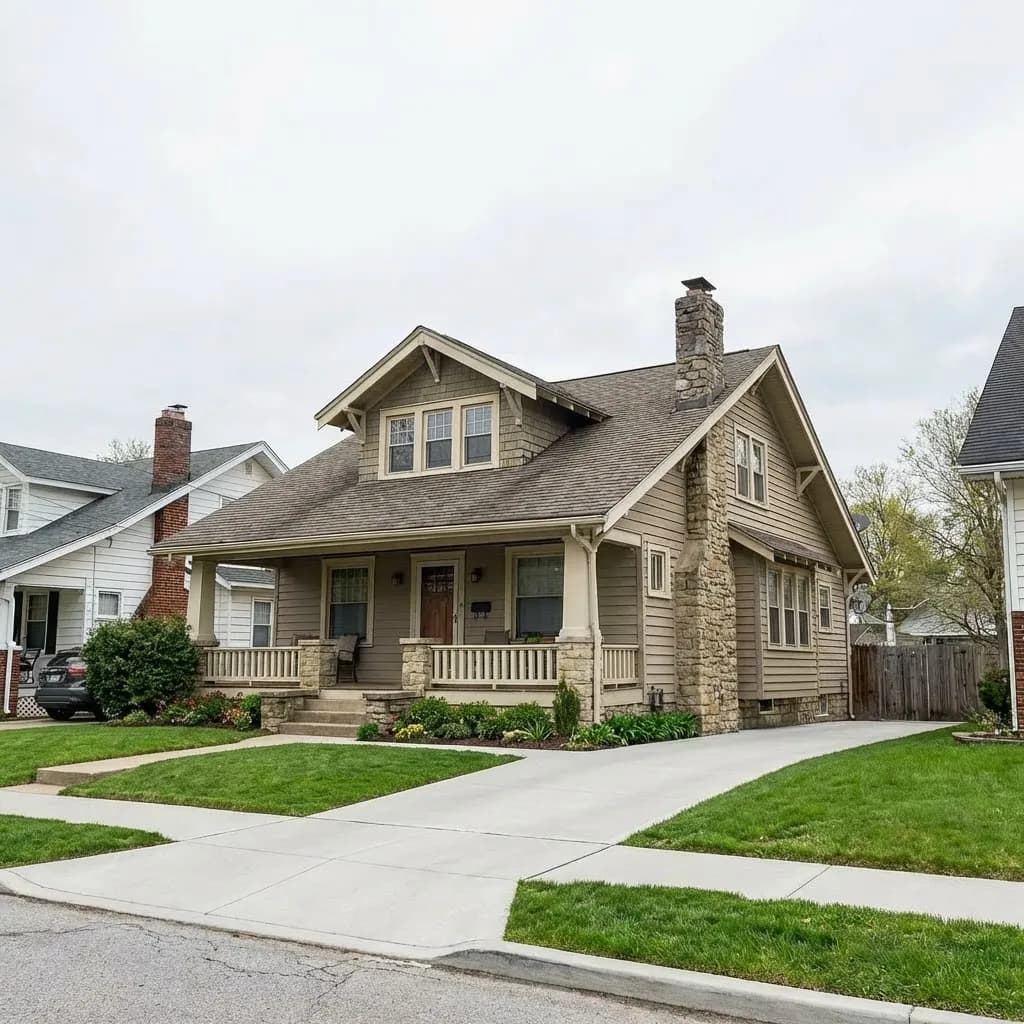
    See Object Removal in Action

    Watch unwanted elements vanish from architectural photos while the background rebuilds itself perfectly.

    Remove Objects from Photos with AI Built for Architecture - after
    Remove Objects from Photos with AI Built for Architecture - before
    BeforeAfter

    How It Works

    01
    Upload Your Photo

    Upload any building photo or architectural render with unwanted objects. Supports JPEG, PNG, and TIFF at any resolution.

    02
    Select Objects to Remove

    Brush over or click on the elements you want erased. Mark power lines, vehicles, people, or any distracting objects in your shot.

    03
    Download Clean Results

    AI removes the selected objects and reconstructs the background with matching textures, perspective, and lighting. Download instantly.

    What Architects Remove

    Every building photo has something that shouldn't be there. AI removes it in seconds instead of hours of manual editing.

    Power Lines & Cables
    Power Lines & Cables

    Eliminate overhead wires, utility cables, and telephone lines that cut across your building facade shots. AI restores the sky and building behind them cleanly.

    Vehicles & Street Clutter
    Vehicles & Street Clutter

    Remove parked cars, delivery trucks, dumpsters, and street furniture that block your building views. Perfect for portfolio-ready exterior shots.

    People & Pedestrians
    People & Pedestrians

    Clear crowds, passersby, and construction workers from your architectural photos while preserving sidewalks, entries, and landscape details behind them.

    Construction Equipment
    Construction Equipment

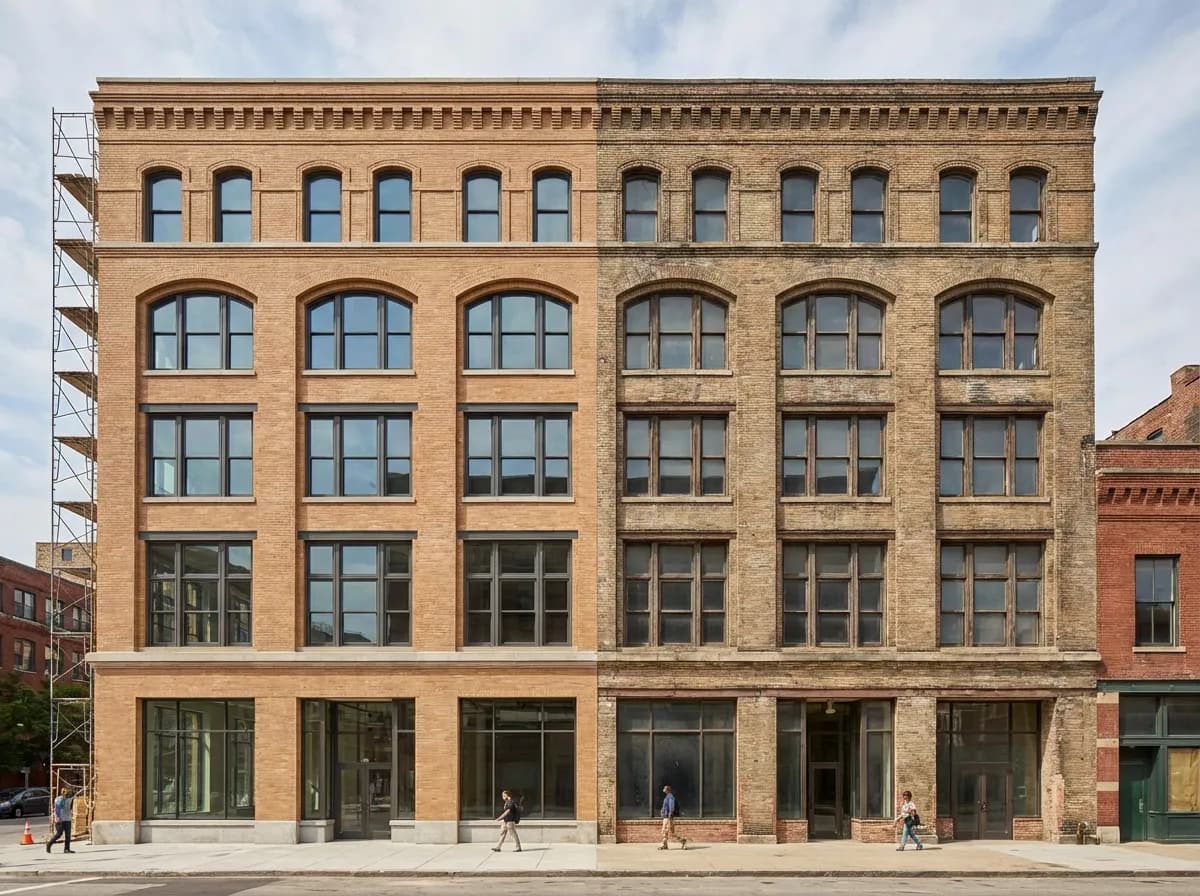
    Erase cranes, scaffolding, barriers, and temporary fencing from progress photos to show the building as it will look when complete.

    Purpose-Built for Architecture

    Architecture-Trained AI

    Our model understands building facades, structural patterns, and urban environments. It reconstructs walls, windows, and details — not just blurry smears.

    Perspective-Aware Fill

    Removed areas are filled with content that respects the vanishing points and perspective lines of your photo. Straight lines stay straight.

    Material Reconstruction

    When objects overlap brick, stone, or glass, AI regenerates the correct material pattern and texture — not a generic blend of nearby colors.

    High-Resolution Output

    Process images up to 8K resolution with no quality degradation. Every reconstructed pixel matches the sharpness and detail of the original photo.

    Explore More AI Tools

    AI InpaintingAI Object ReplaceAI Virtual Staging

    Frequently Asked Questions

    Common questions about removing objects from architectural photos with AI.

    Yes, thin linear objects like power lines and cables are actually among the easiest for AI to remove. The model traces the line across the image and reconstructs the sky, building facade, or foliage behind it with high accuracy. Even intersecting lines at different angles are handled cleanly.
    The AI reconstructs the background based on surrounding context. If a car was in front of a brick wall, you get the correct brick pattern, mortar lines, and lighting. It analyzes the full image to generate architecturally consistent fill content, not just blurred patches.
    Yes. The AI is specifically trained on architectural imagery, so it handles repeating patterns like windows, brick courses, and panel joints well. It understands structural regularity and uses it to reconstruct the hidden areas convincingly.
    Absolutely. Mark as many objects as you need in a single pass — power lines, a parked car, and a trash bin all at once. The AI processes all removals together, which actually produces better results since it can see the full context of what needs reconstruction.

    Clean Up Your Architecture Photos Instantly

    Stop spending hours in Photoshop cloning out distractions. Let AI remove unwanted objects in seconds.

    No credit card required2000 free credits

    Armox, Inc.

    The best AI Creative Suite!

    Company

    • Pricing
    • Contact
    • Affiliate Program
    • Blog
    • Privacy Policy
    • Terms of Service

    Resources

    • Academy
    • Blog
    • Models
    • Use Cases

    Use Cases

    • Architecture AI
    • Tattoo AI
    • Fashion AI
    • AI for Agencies
    • Image Generation
    • Video Generation

    Architecture hubs

    • Rendering & Visualization
    • Redesign & Transformation
    • Environmental Effects
    • Virtual Staging
    • Editing & Enhancement
    • Video & Animation
    • Special Views & Formats
    • Solutions
    • Alternatives

    Features

    • AI rendering generator
    • AI style transfer
    • Render enhancer
    • AI render enhancer
    • 3D rendering AI

    Concept generators

    • AI architecture generator
    • AI room generator
    • AI kitchen design
    • AI home exterior design
    • Interior color palette generator
    • AI texture generator

    Compatibility

    • Render for SketchUp
    • Rendering for ArchiCAD
    • Rendering for Revit
    • Render for Rhino
    • Rendering for AutoCAD
    • Render for Blender

    © 2026 Armox, Inc. All rights reserved.