AI Lighting Adjustments for Architectural Renders Perfect Light
Fine-tune every aspect of lighting in your architectural renders — shift time of day, enhance natural light, add dramatic shadows, and warm up interiors without re-rendering.
No credit card required2000 free credits


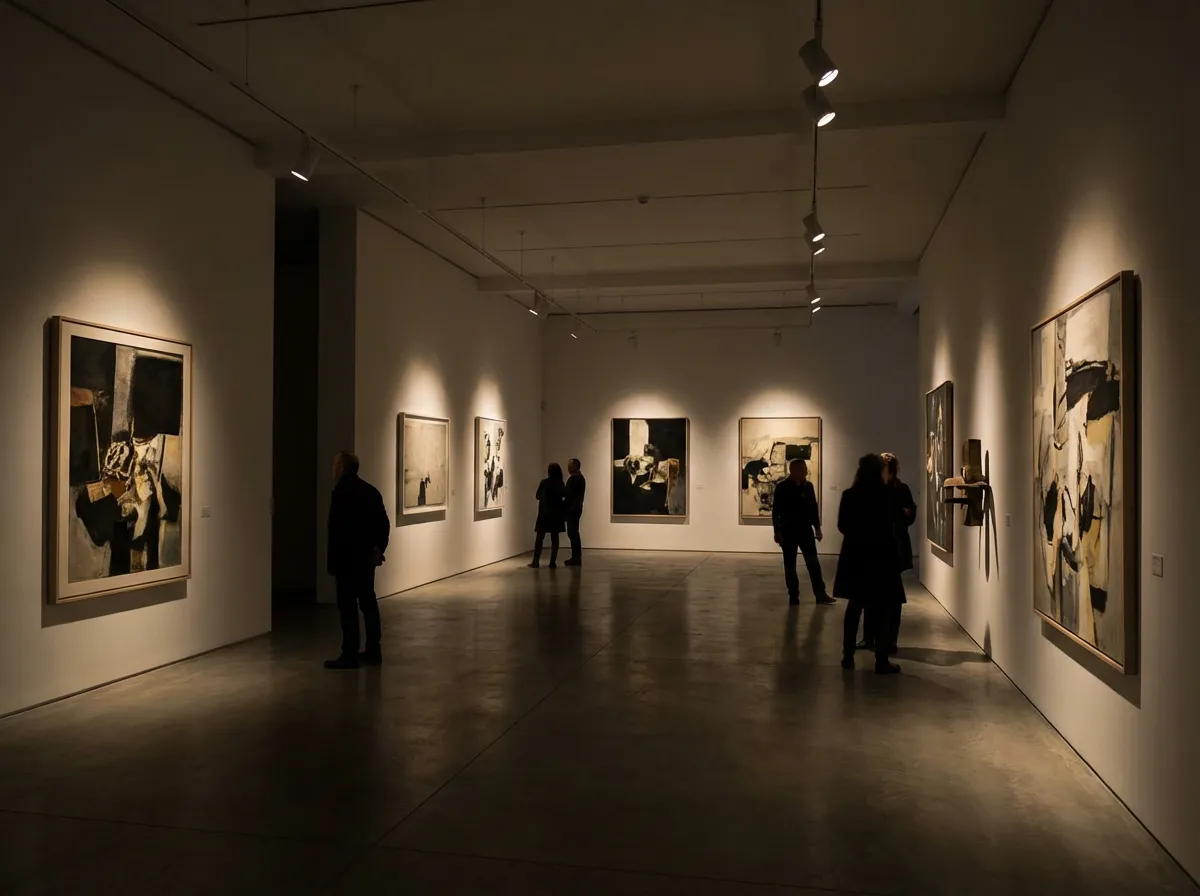
Photorealistic render with perfect lighting, realistic materials and cinematic composition...


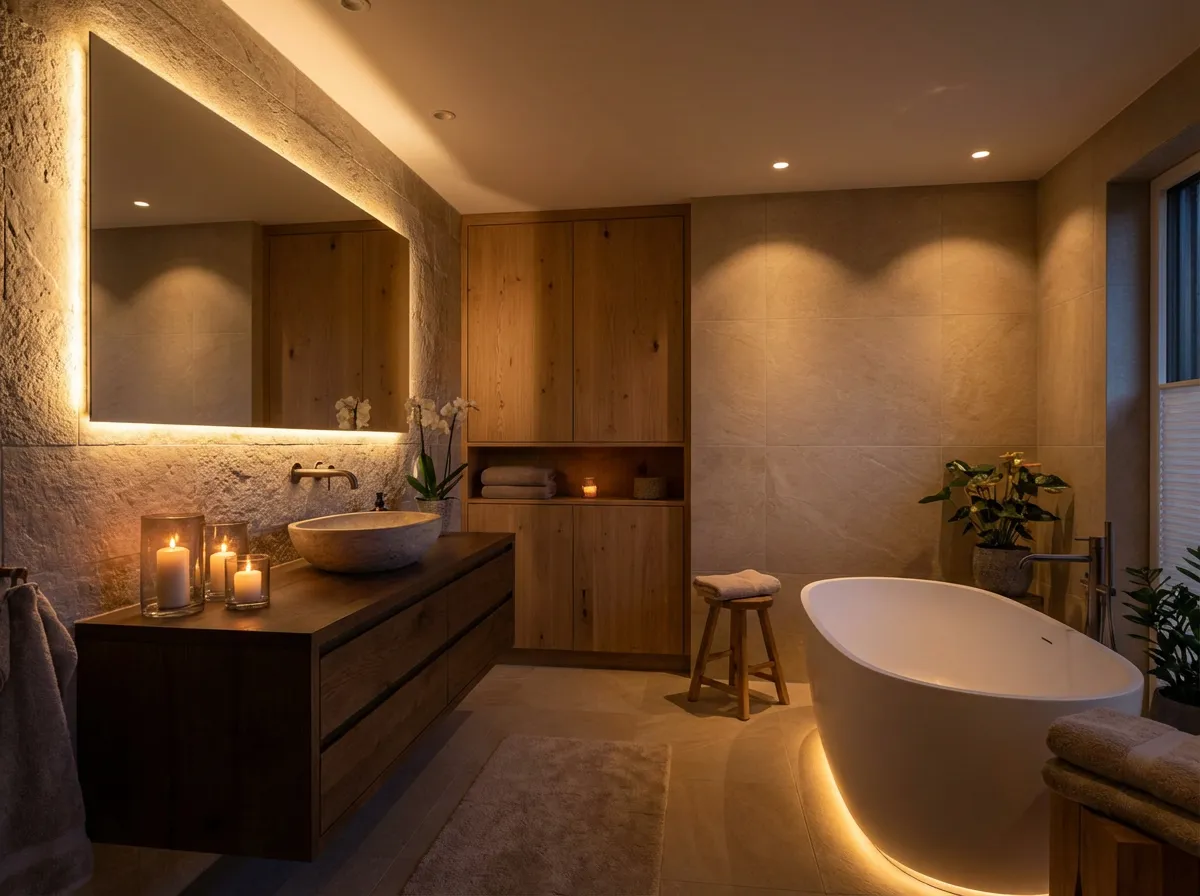
Photorealistic render with perfect lighting, realistic materials and cinematic composition...
Before and After Lighting
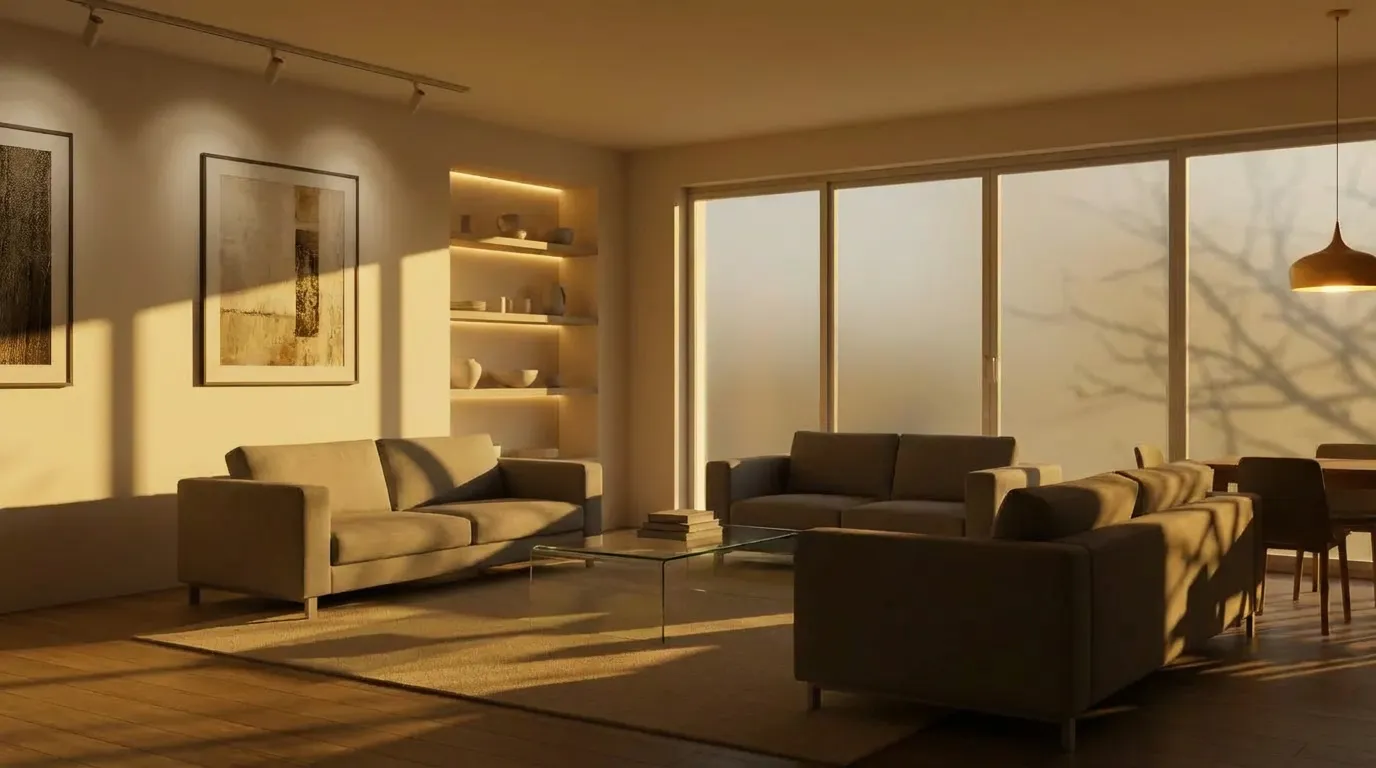
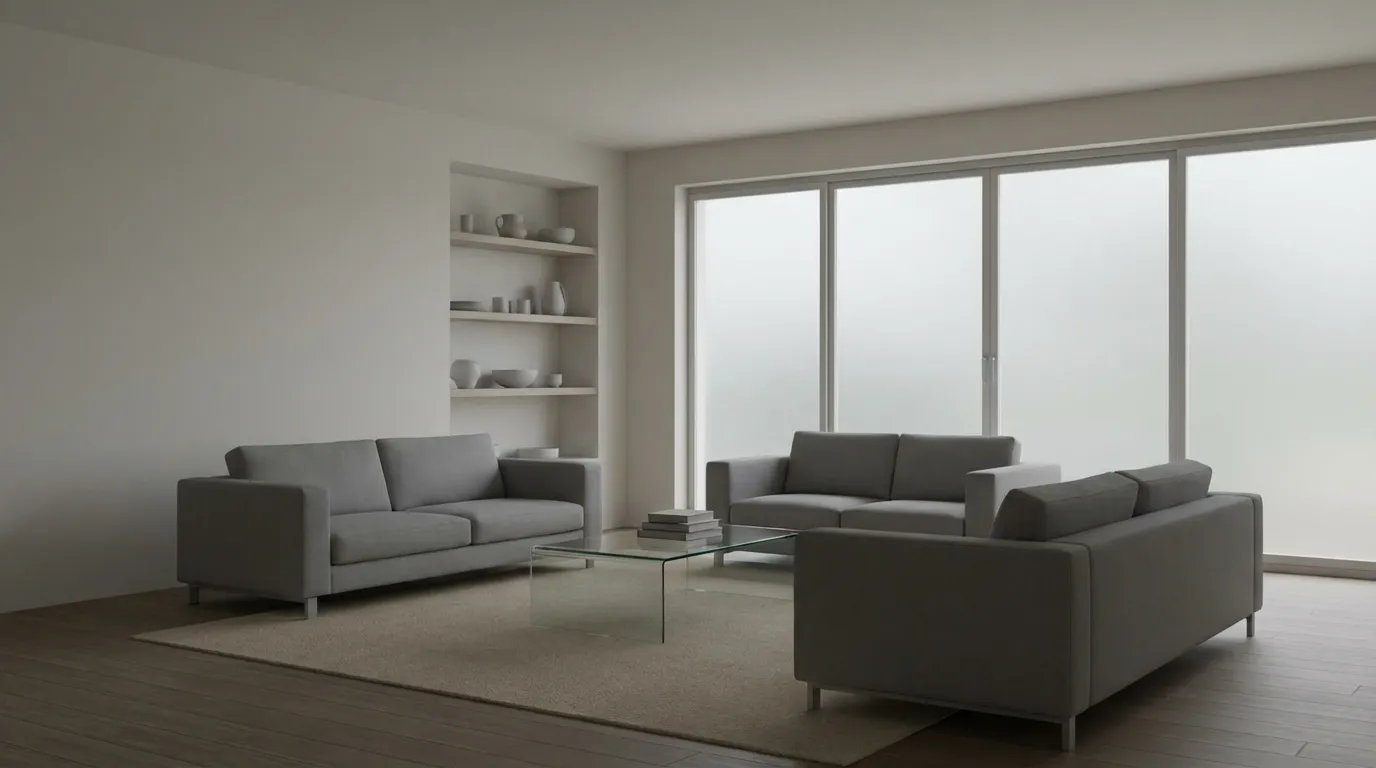
See how AI lighting adjustments transform flat architectural renders into dramatic, mood-rich visualizations with precise control over shadows, warmth, and intensity.


How It Works
Upload any architectural render, interior visualization, or exterior photo. Our AI analyzes light sources, surfaces, and spatial geometry automatically.
Shift the time of day, increase shadow depth, adjust color temperature, enhance natural window light, or add accent lighting to highlight architectural features.
Get your lighting-enhanced render in seconds at full resolution. Compare multiple lighting variations side by side to find the perfect mood for your presentation.
Who Uses AI Lighting Adjustments
Design professionals across disciplines use AI lighting adjustments to elevate their renders without returning to complex 3D software.

Enhance natural light flowing through windows, warm up living spaces with softer tones, and add layered artificial lighting to showcase material selections at their best.

Rescue underexposed or harshly lit architectural photos by rebalancing light across facades, correcting color temperature, and adding depth through shadow enhancement.

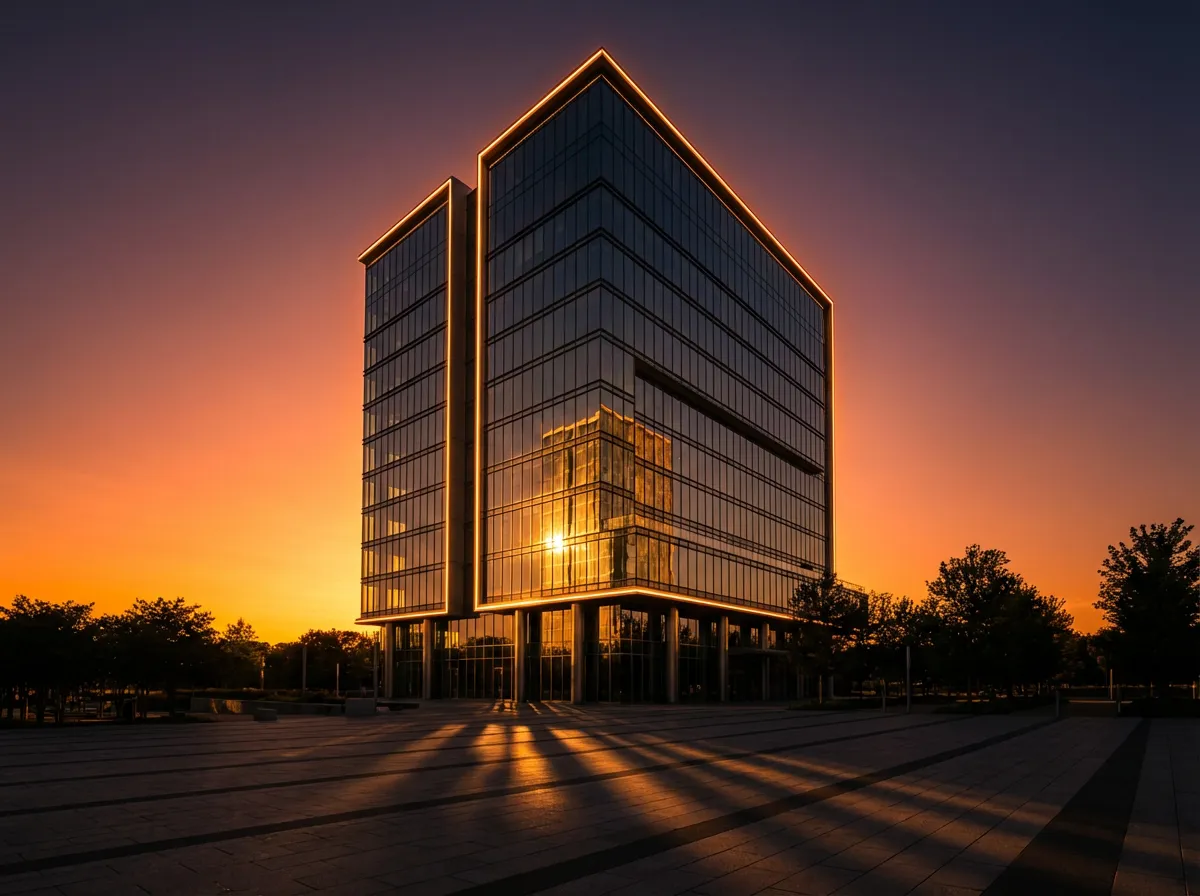
Shift renders from flat midday sun to dramatic golden hour or blue hour lighting that reveals texture, depth, and the sculptural quality of your design.

Quickly create multiple lighting moods from a single render to give clients options — bright and airy for families, moody and dramatic for luxury positioning.
Precision Lighting with AI Control
Time-of-Day Shifting
Move seamlessly from harsh noon to golden hour, twilight, or dawn. The AI recalculates shadows, color temperature, and ambient light for each time setting.
Shadow Depth Control
Add dramatic shadow play or soften harsh contrasts with precise control. Enhance architectural depth by adjusting how light falls across surfaces and recesses.
Interior Warmth Tuning
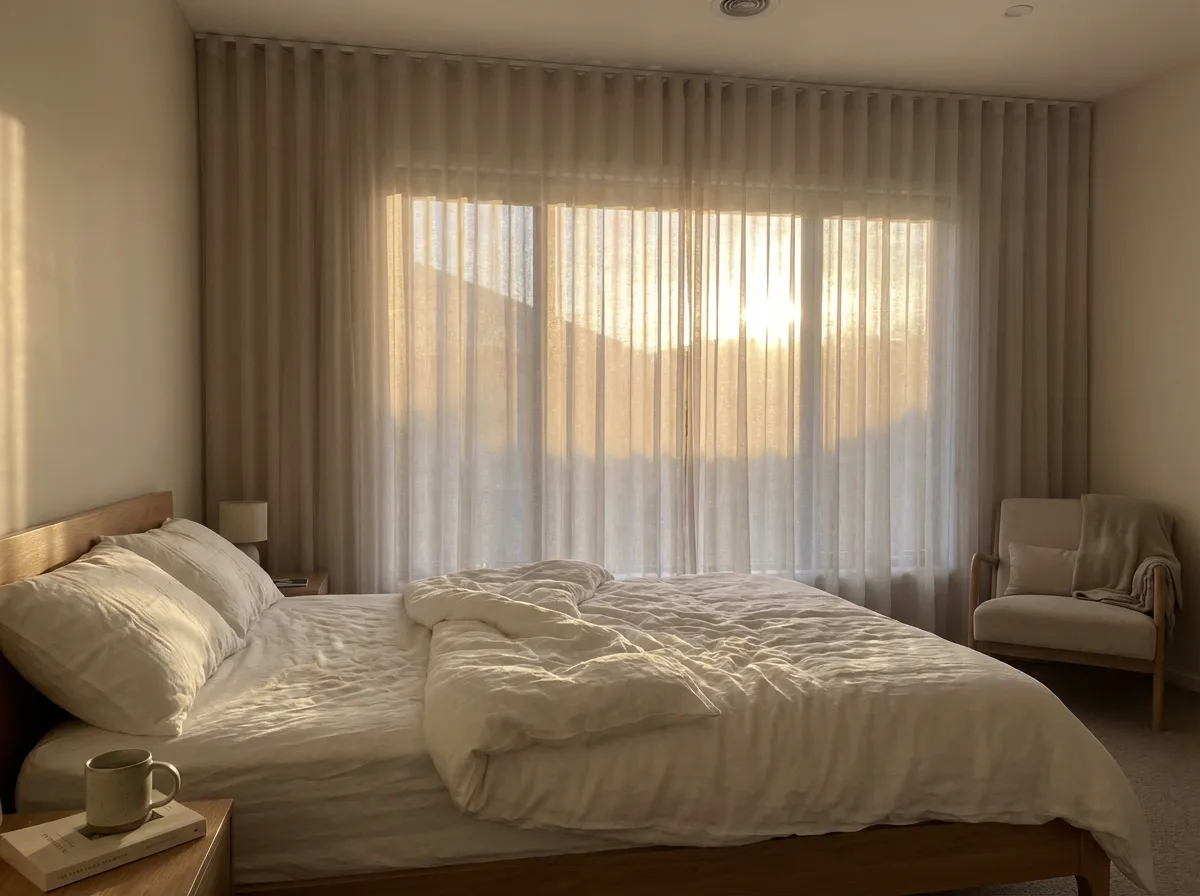
Adjust the color temperature and intensity of interior lighting independently. Create cozy warm tones for residential spaces or crisp cool light for commercial interiors.
Natural Light Enhancement
Boost window light, skylight illumination, and ambient daylight penetration to make interior renders feel bright, open, and naturally inviting without blowing out highlights.
Explore More Architectural AI Tools
Frequently Asked Questions
Everything you need to know about AI-powered lighting adjustments for architectural visualization.