仕組み について
@onetrick.ponnyのようなプロのタトゥーアーティストがArmox AIを使用して、針が肌に触れる前にクライアントにタトゥーがどう見えるかを正確に見せています。
01
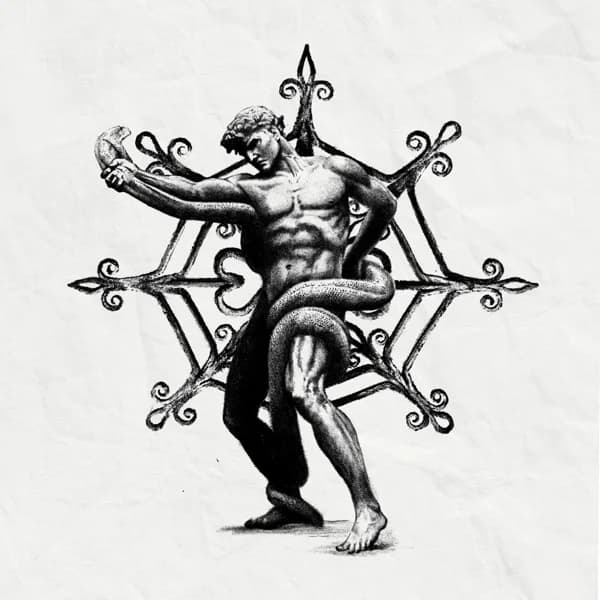
デザインをアップロードまたは作成タトゥーのイラストをアップロードするか、AIイメージ生成ツールで作成してください。ファインライン、トラディショナル、ブラックワーク、水彩など、どんなスタイルでも対応可能です。
02
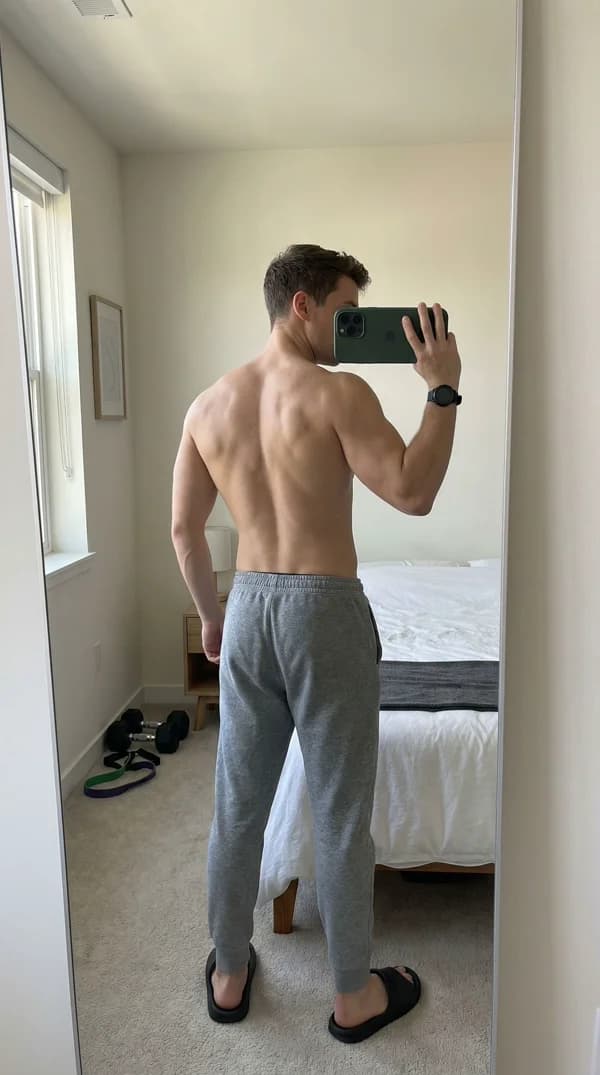
写真を追加タトゥーを配置する体の部位を示す、ご自身またはクライアントの写真をアップロードしてください。写真が鮮明であるほど、結果がよりリアルになります。
03
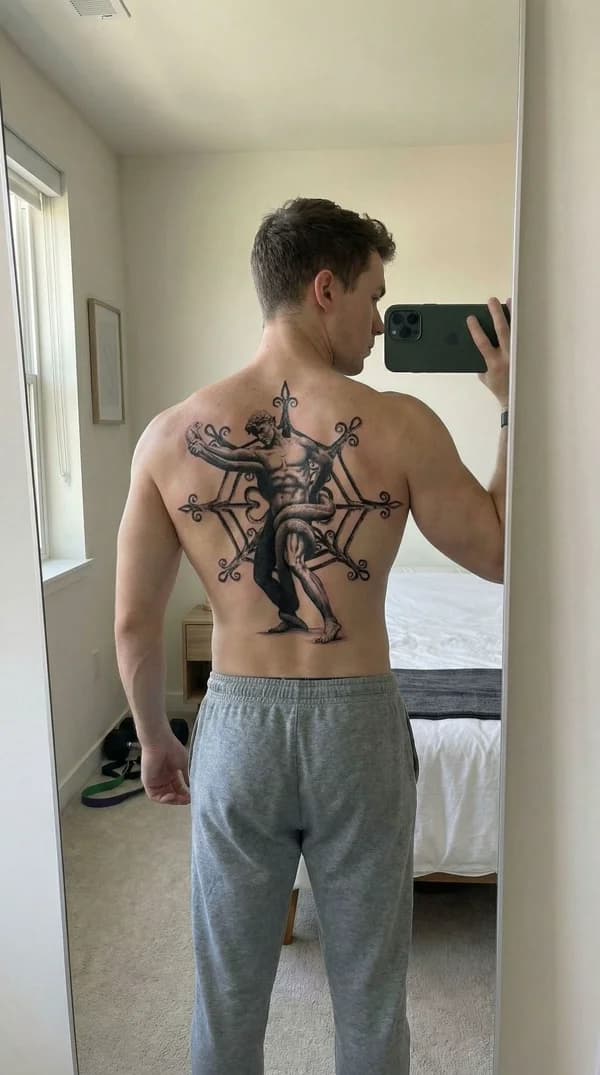
試着を生成Armox AIがデザインと写真を組み合わせて、タトゥーが肌にどう見えるかのリアルなビジュアライゼーションを作成し、照明と肌のトーンを完璧にマッチさせます。
04
動画を作成さらに一歩進んで、さまざまな角度からタトゥーを見せる動画を生成しましょう。クライアントへのプレゼンテーションやソーシャルメディアコンテンツに最適です。
完全チュートリアルを見る
プロのタトゥーアーティストがArmox AIを使用して、クライアント向けの素晴らしいタトゥープレビューを作成する方法を学びましょう。
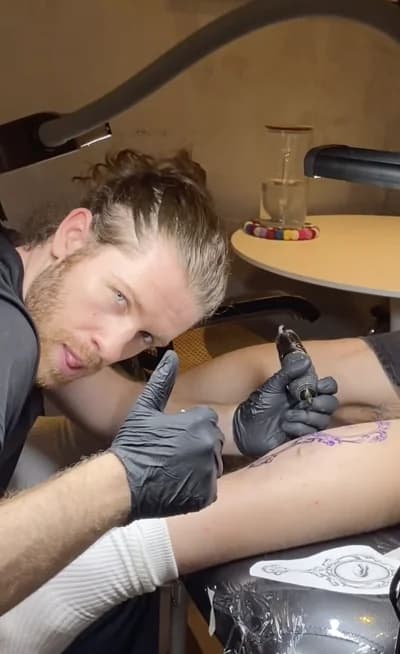
@onetrick.ponny
プロタトゥーアーティスト
素晴らしいタトゥーアートを創作し、Armox AIを使用してクライアントがセッション前に夢のタトゥーを視覚化できるようサポートしています。
InstagramでフォローFrequently Asked Questions
Everything you need to know about AI tattoo try-on
Our AI tattoo try-on uses advanced image processing to realistically place your tattoo design onto a photo of your body. Simply upload your design and a photo showing the area where you want the tattoo, and the AI generates a photorealistic preview showing exactly how the tattoo will look on your skin, matching lighting and skin tone automatically.
Yes! Our AI creates highly realistic tattoo previews that account for skin tone, lighting conditions, body contours, and the natural way ink sits on skin. Professional tattoo artists use Armox to show clients accurate representations of how their tattoo will actually look before the needle touches skin.
Absolutely! You can upload multiple photos showing different body areas (arm, leg, back, chest, etc.) and preview the same tattoo design in different locations. This helps you find the perfect placement before committing to permanent ink.
Our AI works with all tattoo styles including fine line, traditional, neo-traditional, blackwork, watercolor, geometric, Japanese, tribal, realism, and more. Whether your design is a simple minimalist symbol or a detailed full sleeve, the AI adapts to render it realistically.
Yes! You can start with 1000 free credits - no credit card required. Each tattoo try-on costs a small amount of credits, so you can generate multiple previews to find your perfect look before committing to a design.
Definitely! Many professional tattoo artists use Armox to show clients exactly how their custom designs will look before the appointment. It's perfect for client consultations, reducing revision requests, and creating content for social media portfolios.